
AMBOSS Qbank for Medical Exams

Published by: AMBOSS

Description

The AMBOSS Qbank App for USMLE® Step, NBME® Shelf, NBOME® COMLEX-USA, ABIM, ABFM, ABP exams is the ultimate test preparation and study resource for medical students and residents. Dive into thousands of questions to enhance your knowledge and prepare for all of your exams.
The AMBOSS Qbank App will rigorously prepare you for the USMLE Step 1, Step 2 CK, Step 2 CS, Step 3, NBME Subject Board (Shelf) exams, and your clerkships, COMLEX Level 1, Level 2-CE, Level 3 and COMAT — Osteopathic principles and practice along with NEJM Knowledge+ questions for ABIM, ABFM, and ABP Board Review.
AMBOSS Qbank App works online and offline, so you can answer questions and reinforce your knowledge anytime, anywhere. It’s cross-linked with the AMBOSS Knowledge App so you can practice questions in the Qbank while simultaneously looking up relevant terms in the AMBOSS Knowledge Library.

AMBOSS Knowledge and AMBOSS Qbank Apps combine to give you one powerful exam-preparation resource.
With AMBOSS Qbank App, you can:
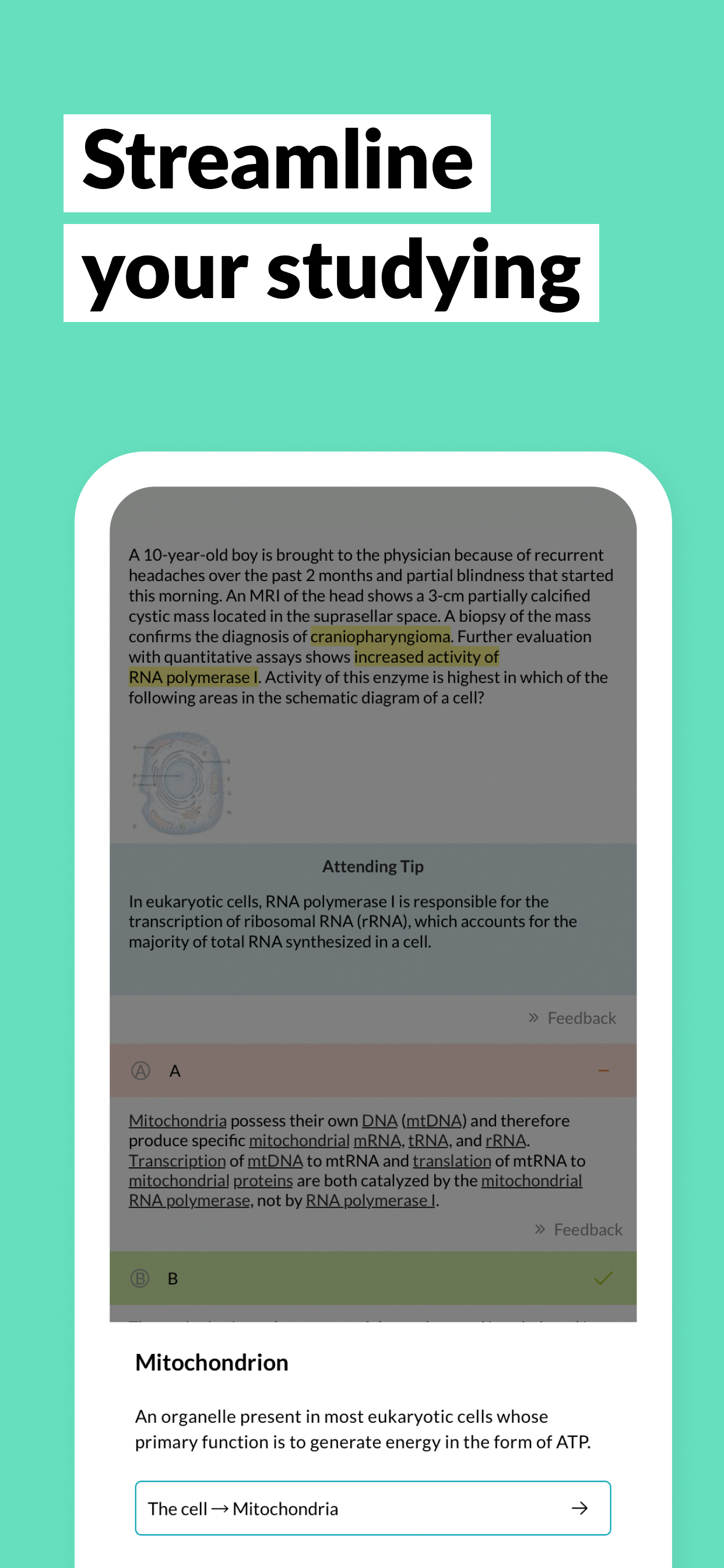
Stay on track: Use Study Mode to guide your learning process. The Key Info and Attending Tip are tools that will help you with challenging questions and nudge you in the right direction when needed.
Bridge any knowledge gaps: After a Qbank session, you’ll get a personal analysis and study recommendations that will show you the areas you need to focus on the most.
Perform under pressure: Test yourself with Exam-Mode and be prepared for USMLE and Shelf exam conditions.
Get more than questions: Dive into interactive image overlays and flowcharts to improve your learning, study smarter, and score higher.
Additionally, the cross-linked AMBOSS Knowledge App will give you easy access to the right information.
Download the app today!
Terms and Conditions: https://www.amboss.com/us/terms
Privacy Policy: https://www.amboss.com/us/privacy
Hide Show More...

In-Apps

AMBOSS Membership
99.90 R$

Screenshots

AMBOSS Qbank for Medical Exams FAQ

  • Is AMBOSS Qbank for Medical Exams free?

    Yes, AMBOSS Qbank for Medical Exams is free to download, however it contains in-app purchases or subscription offerings.

  • Is AMBOSS Qbank for Medical Exams legit?

    🤔 The AMBOSS Qbank for Medical Exams app's quality is mixed. Some users are satisfied, while others report issues. Consider reading individual reviews for more context.

    Thanks for the vote

  • How much does AMBOSS Qbank for Medical Exams cost?

    AMBOSS Qbank for Medical Exams has several in-app purchases/subscriptions, the average in-app price is 99.90 R$.

  • What is AMBOSS Qbank for Medical Exams revenue?

    To get estimated revenue of AMBOSS Qbank for Medical Exams app and other AppStore insights you can sign up to AppTail Mobile Analytics Platform.

User Rating

4.79 out of 5

53 ratings in Brazil

5 star
49
4 star
1
3 star
1
2 star
0
1 star
2
Ratings History

AMBOSS Qbank for Medical Exams Reviews

Disrespectful with students

Gustavo Pelison on

Brazil

I’m paying monthly membership for over 18 months basically to do questions. Now, they limited my membership to only 50 questions/month. This is a total disrespect with my money. I basically payed 18 months to do questions and now I have to pay more 250 dollars to continue studying. Should refund this waste of time and money that I had. That’s a joke


Good but could improve …

Fsjbr on

Brazil

- Users should be able to view and follow their study plans and use the study plans pre-made question blocks. As of now, you have to enter the AMBOSS site, initiate the session and then continue it on the app. - A Text marker option could be included on the app. Maybe even allow Apple Pen usage to do it… - For USMLE preparation, a NBME-like exam mode would be great for adaptation to testing conditions - There could be a sidebar showing the questions numbers which would make it easier to roll among them or maybe a rolling bar at the bottom of the screen with the question numbers (similar to what you guys have now ) - The stats showing how many got the question right could be shown right in front of the alternative after answering the question instead of having to click on the “i” icon at the bottom to know if you got wrong an easy question - The contrast of the white background makes it awkward sometimes to check images with an also white background. Option to change the background color could be added - There could be a night mode I respectfully point and suggest these as I think that would greatly improve your app and make the studying experience better. Hope you consider and implement some of these

Excelente

Lu Veloso on

Brazil

Além de ser um ótimo Qbank a interface é muito amigável.

TLDR: Good app if you accept the user interface

Alexander H. Palacios on

United States

First off AMBOSS is gold tier. They have an incredible, extensive database. This app doesn’t really give AMBOSS though so don’t base buying a membership off this (membership is worth it just do it). This app though is giving unfinished. I think the main issue is just ui, although I appreciate the same consistency in aesthetic across AMBOSS platforms. Don’t get me wrong this is so good for doing practice questions on the fly and making things less boring. Like for example, you can hide the answers and guess before revealing them and rule them out (which the web browser version does not?). Highlighting with an Apple Pencil does not work well - when you finish a question it highlights what you should have highlighted instead of those orange/brown underlines seen in the web browser version. Also, You cannot directly access study plans made by AMBOSS through this app - you have to start a question session on the web browser before doing it on the app. The Anki card download feature thing isn’t on here either. I know this app is just for questions, but it seems like the ui flow/features should be a little more advanced given what AMBOSS has produced product-wise so far.

Great study aid

IntCards on

United States

Nicely structured questions with very detailed answers with nicely made graphs/pictograms/pictures and links to text

Needs improvement

alaony on

United States

There needs to be a dark mode option available. I'm still surprised that AMBOSS has not done this yet. I love the content though. Doing a great job.

Can’t highlight, can’t mark questions

Evan124285829582 on

United States

Needs more features, it’s way too basic rn

No dark mode

Dedicated Step 2 on

United States

Why is there no dark mode? And I can’t start a new block of questions for my study plan on my iPad.

Font is too small

albemname on

United States

Font is too small, can barely read the questions so I haven't been able to use it like I want to.

Try it!

Henrytav on

United States

Great source of study material for USMLE boards! Very practical!

Store Rankings

Ranking History
App Ranking History not available yet
Category Rankings
Chart
Category
Rank
Top Grossing
11
Top Grossing
13
Top Grossing
15
Top Grossing
21
Top Grossing
22

Keywords

AMBOSS Qbank for Medical Exams Competitors

AMBOSS Qbank for Medical Exams Installs

Last 30 days

AMBOSS Qbank for Medical Exams Revenue

Last 30 days

AMBOSS Qbank for Medical Exams Revenue and Downloads

Gain valuable insights into AMBOSS Qbank for Medical Exams performance with our analytics.
Sign up now to access downloads, revenue, and more.
This page includes copyrighted content from third parties, shared solely for commentary and research in accordance with fair use under applicable copyright laws. All trademarks, including product, service, and company names or logos, remain the property of their respective owners. Their use here falls under nominative fair use as outlined by trademark laws and does not suggest any affiliation with or endorsement by the trademark holders.