Apple App Store AloneQuartet icon

AloneQuartet

Create split videos easily

Published by: Naoto Sasaki

Description

This is the prepaid version of the app with the same name. Please use this version if you need prepayment for Apple School Manager, etc.
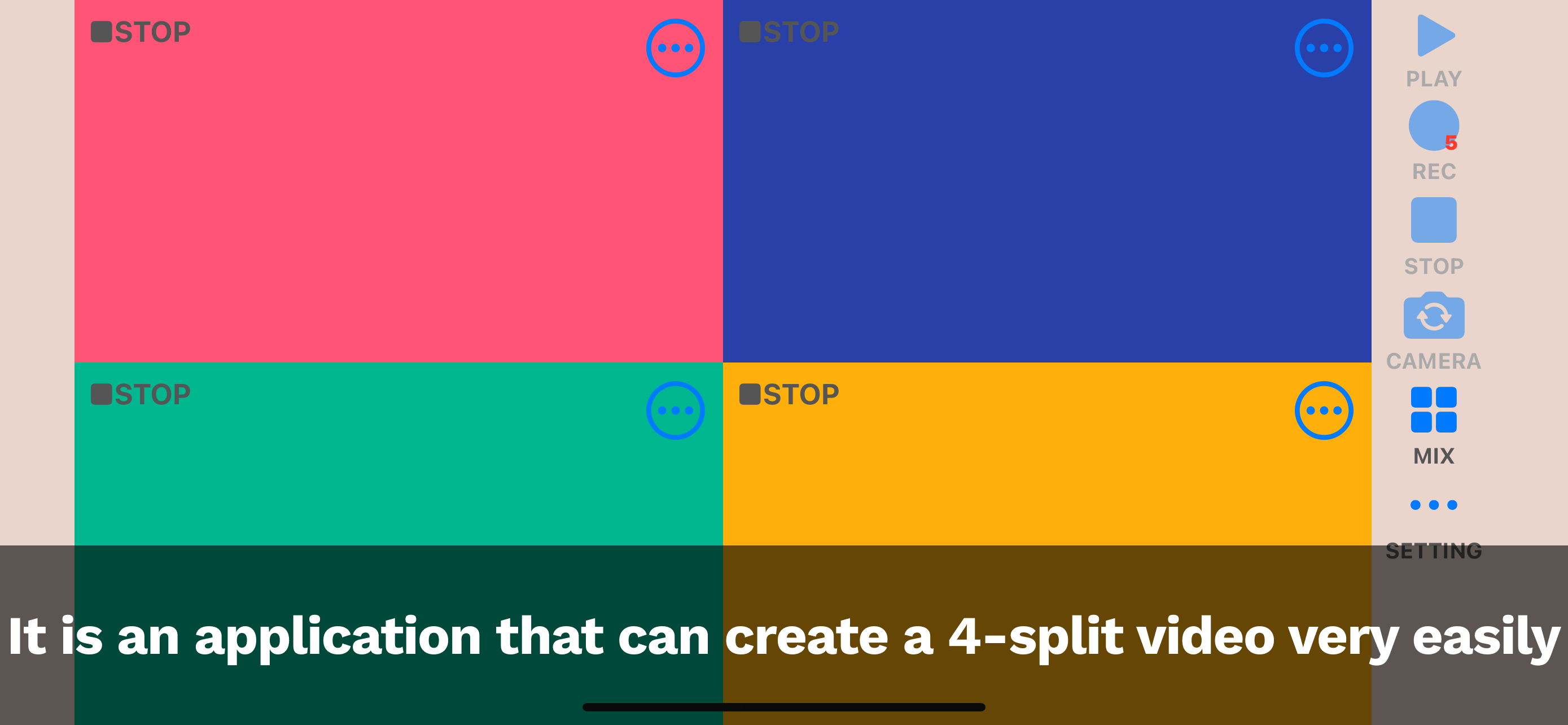
AloneQuartet is an app that makes it super easy to create 4-panel split videos.
◆Features
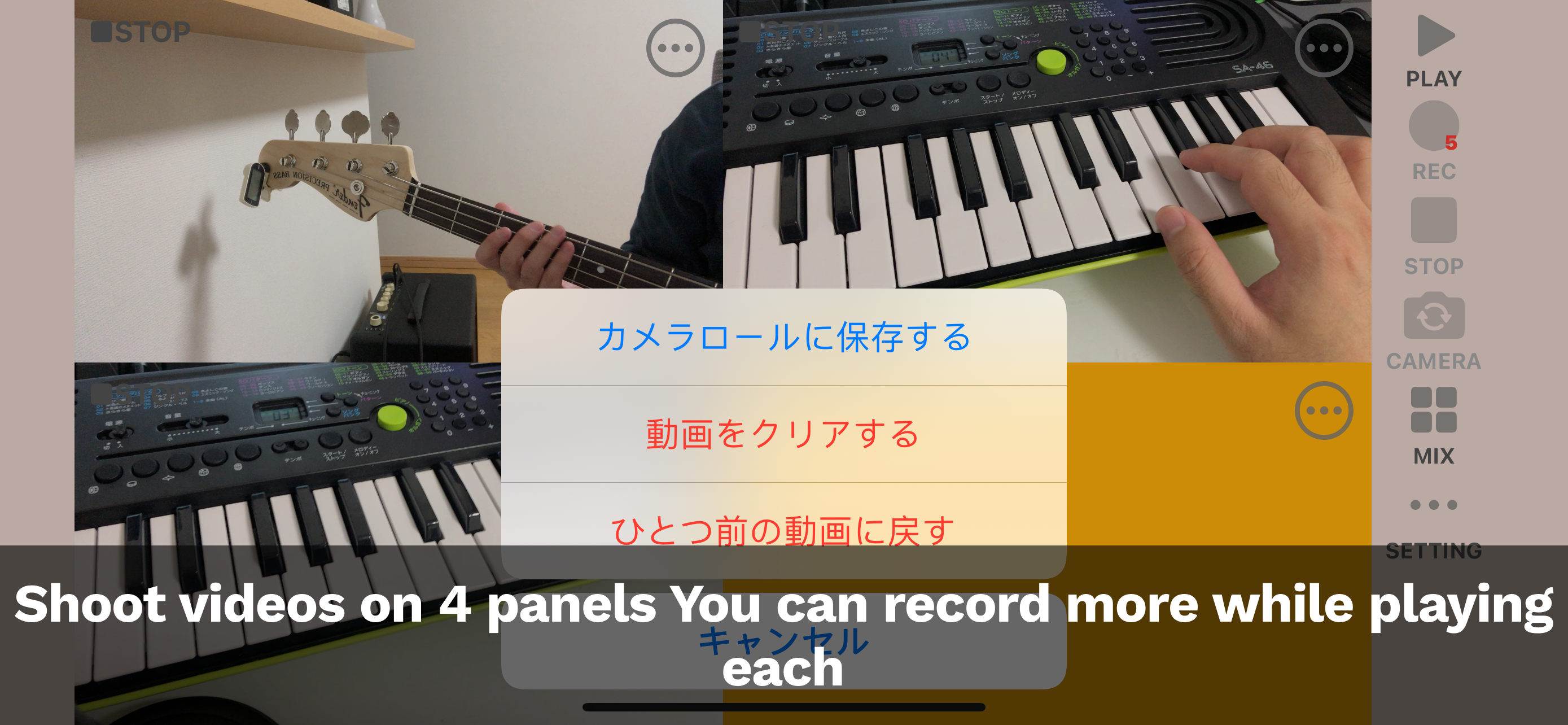
- Record videos in each of the 4 panels using the camera
- Switch between front and rear cameras
- Record new videos while watching previously recorded panels
- Save recorded videos to camera roll
- Import videos from camera roll
- No time limit for long recordings
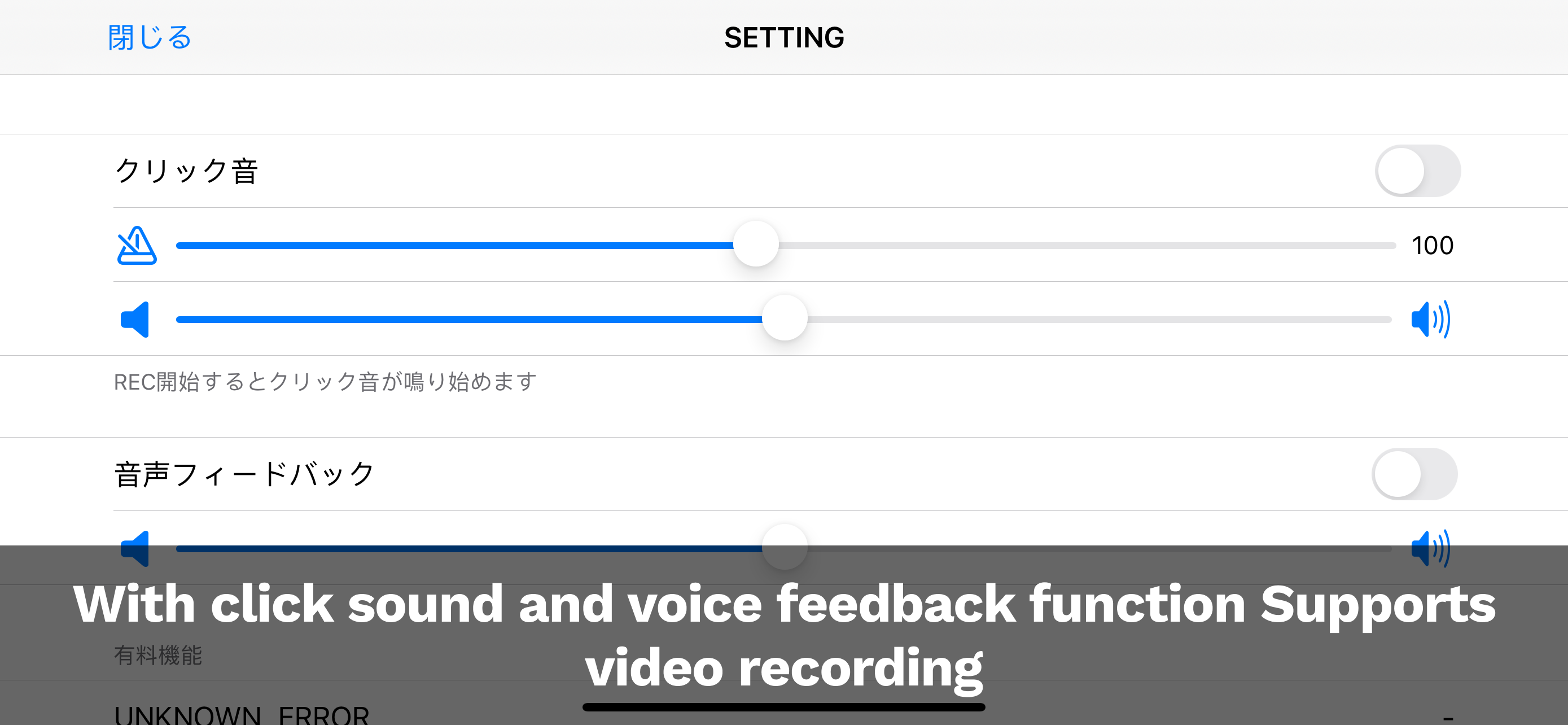
- Real-time microphone feedback during recording
- Bluetooth headphone and speaker support
- AirPlay device compatibility
- Built-in click function (simple metronome)
- iPad large screen support
- Individual volume control for each panel
- Video trim function to set start/end times
◆How to use
◆◆Preview
Tap any of the 4 panels to display camera preview.
◆◆Camera switching
Press CAMERA on the right to switch between front and rear cameras.
◆◆Recording
Press REC on the right while in preview mode to start recording.
◆◆Overlay recording
When you start recording, previously recorded panels will play back while the target panel records.
◆◆Playback
Press PLAY on the right to start playback.
◆◆Stop
Press STOP on the right to stop recording/playback.
◆◆Mix
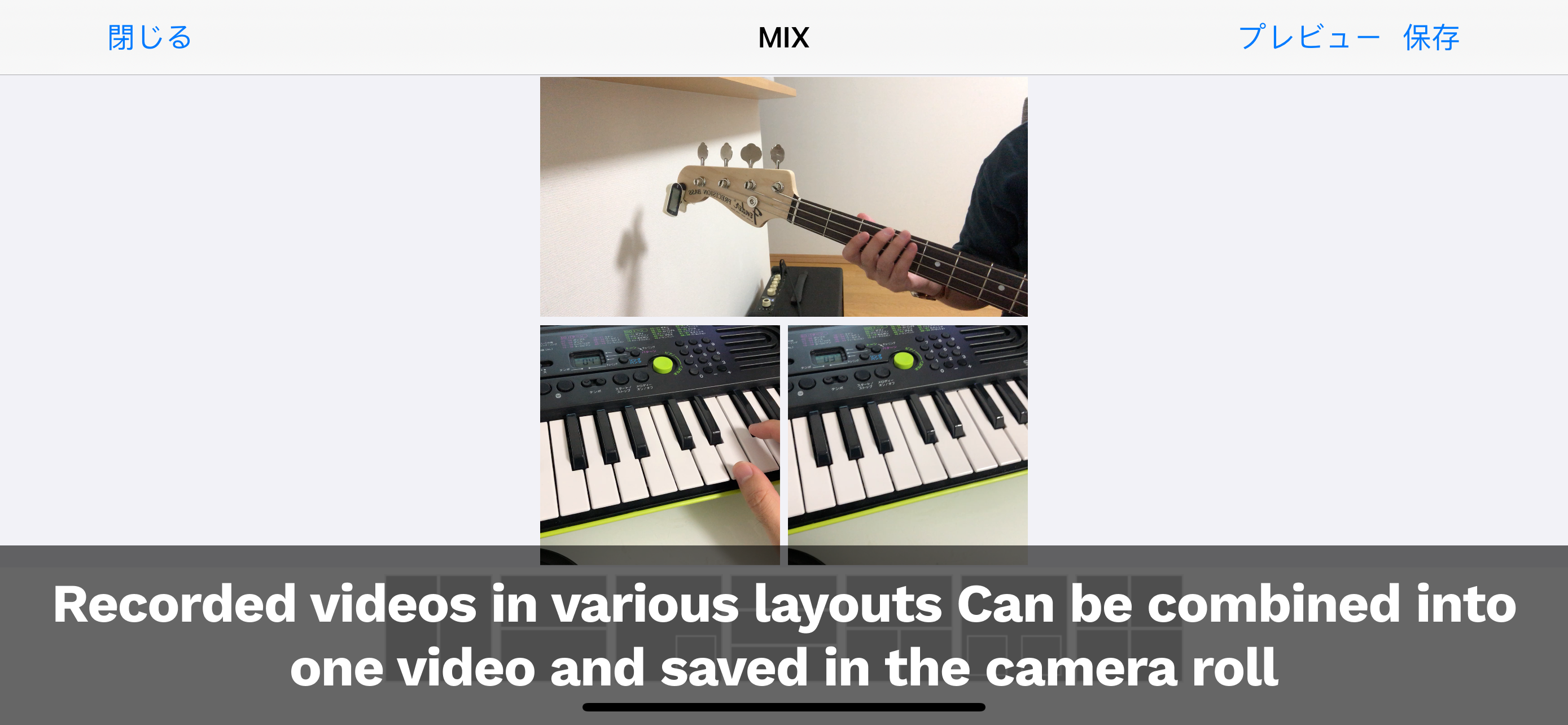
Press MIX on the right to go to the MIX screen. Select the mix format and press preview or save to mix.
◆◆Volume control
Adjust individual volume for each panel with volume sliders. Create balanced audio during mixing.
◆◆Video trim
Set start/end times for recorded videos. Extract only needed parts for precise editing.
◆◆Data saving
Save data to Photos app. Press the button at the top right of a panel and select save to Photos.
◆◆Data loading
From an empty panel, press the top right button and select load from Photos.
◆◆Metronome function
From SETTINGS, turn on click sound and set volume, tempo, etc. Click sound starts when recording begins.
◆◆Audio feedback function
From SETTINGS, turn on audio feedback and set volume, etc. You can hear input audio through headphones.
◆◆iPad support
Supports iPad sizes with wider, more visible screens. Also supports iPad Pro multiple screens.
◆◆Multi-language support
Supports Japanese, English, Chinese (Simplified/Traditional), Korean, French, and Spanish.
Thank you for reading. We plan to add more convenient features in the future, so please look forward to it.
Hide Show More...

Screenshots

AloneQuartet FAQ

  • Is AloneQuartet free?

    Yes, AloneQuartet is completely free and it doesn't have any in-app purchases or subscriptions.

  • Is AloneQuartet legit?

    Not enough reviews to make a reliable assessment. The app needs more user feedback.

    Thanks for the vote

  • How much does AloneQuartet cost?

    AloneQuartet is free.

  • What is AloneQuartet revenue?

    To get estimated revenue of AloneQuartet app and other AppStore insights you can sign up to AppTail Mobile Analytics Platform.

Australia
User Rating

4 out of 5

2 ratings in Australia

5 star
0
4 star
2
3 star
0
2 star
0
1 star
0
Ratings History

AloneQuartet Reviews

使い物にならない

うっかり回し蹴り on

Japan

音がめちゃくちゃズレる上に編集出来ません。 さらに音が大きいとすぐ割れます。 どう頑張っても使い物になりません。

ズレます

rlngoさん on

Japan

簡単操作で分かりやすいのが良いですが、ひとりアンサンブルでは音がズレたり音質も悪くて現状では使えません。改善してもらえると嬉しいです。

Store Rankings

Ranking History
App Ranking History not available yet
Category Rankings
App is not ranked yet

ひとりカルテット(AloneQuartet) Installs

Last 30 days

ひとりカルテット(AloneQuartet) Revenue

Last 30 days

AloneQuartet Revenue and Downloads

Gain valuable insights into ひとりカルテット(AloneQuartet) performance with our analytics.
Sign up now to access downloads, revenue, and more.

App Info

Category
Music
Publisher
Naoto Sasaki
Languages
English, French, German, Japanese, Korean, Chinese, Spanish
Recent release
1.20 (6 months ago )
Released on
Nov 25, 2020 (5 years ago )
Last Updated
2 months ago
This page includes copyrighted content from third parties, shared solely for commentary and research in accordance with fair use under applicable copyright laws. All trademarks, including product, service, and company names or logos, remain the property of their respective owners. Their use here falls under nominative fair use as outlined by trademark laws and does not suggest any affiliation with or endorsement by the trademark holders.