
Amazing but
I’ve owned it for 4-5 days, and suddenly it isn’t wanting to connect to my IPhone. It says the battery is 83% when it connects but immediately disconnects from my phone.

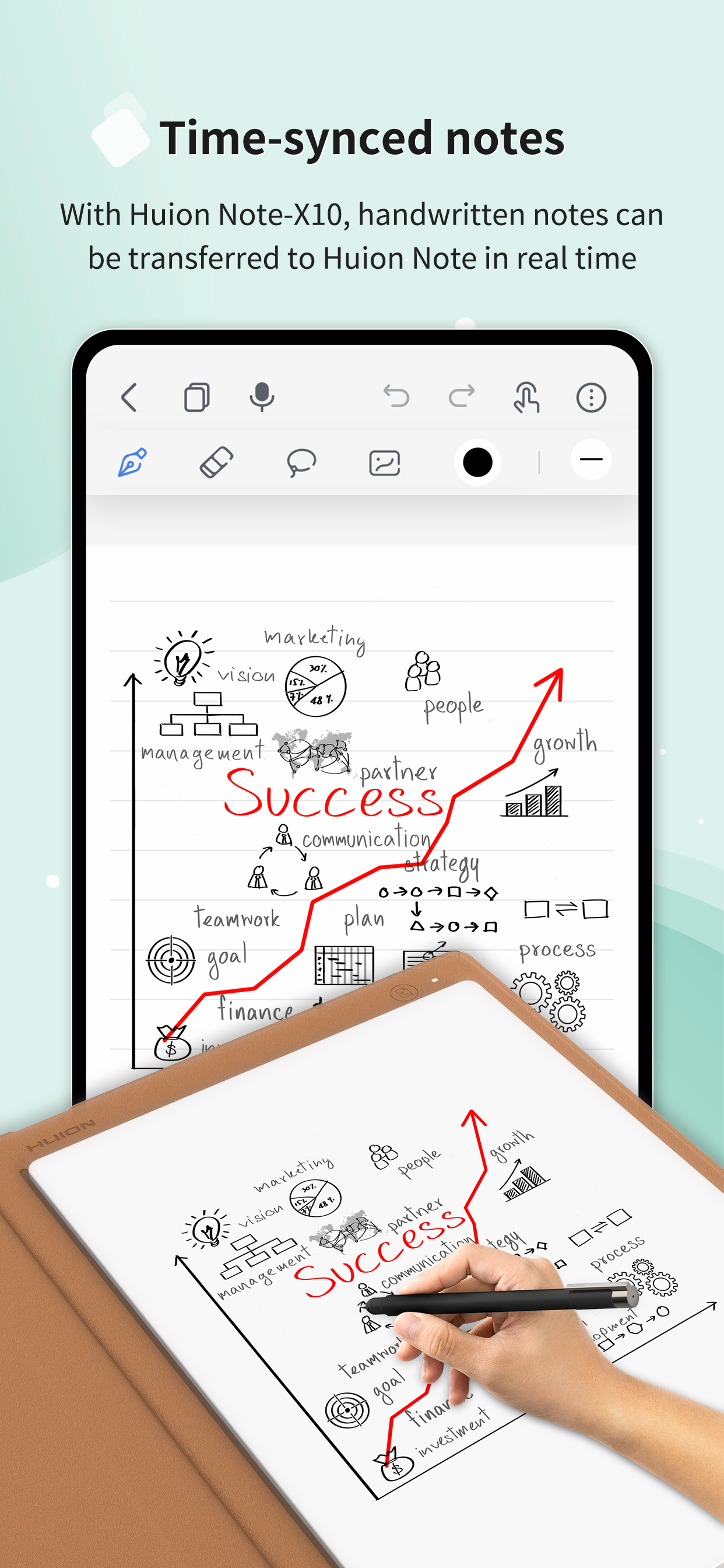
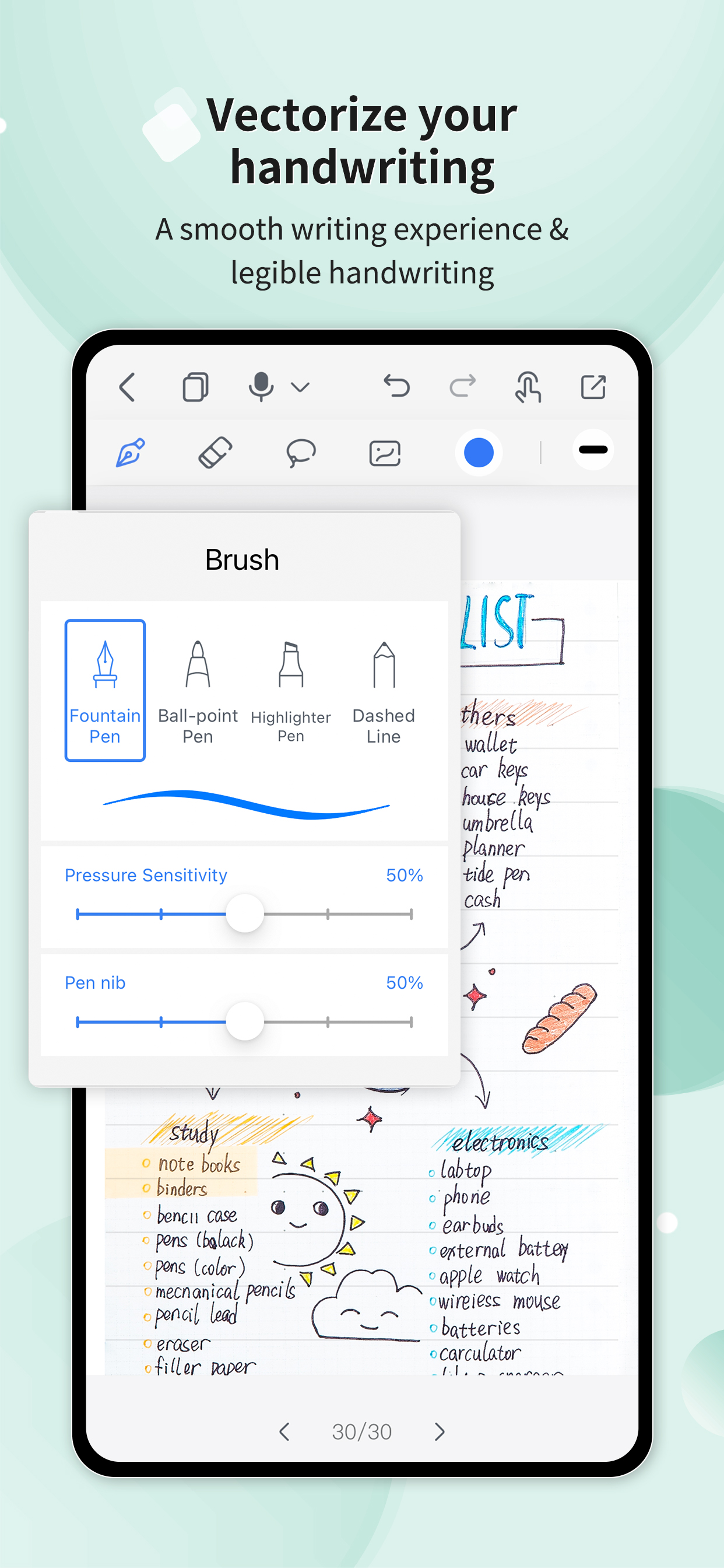
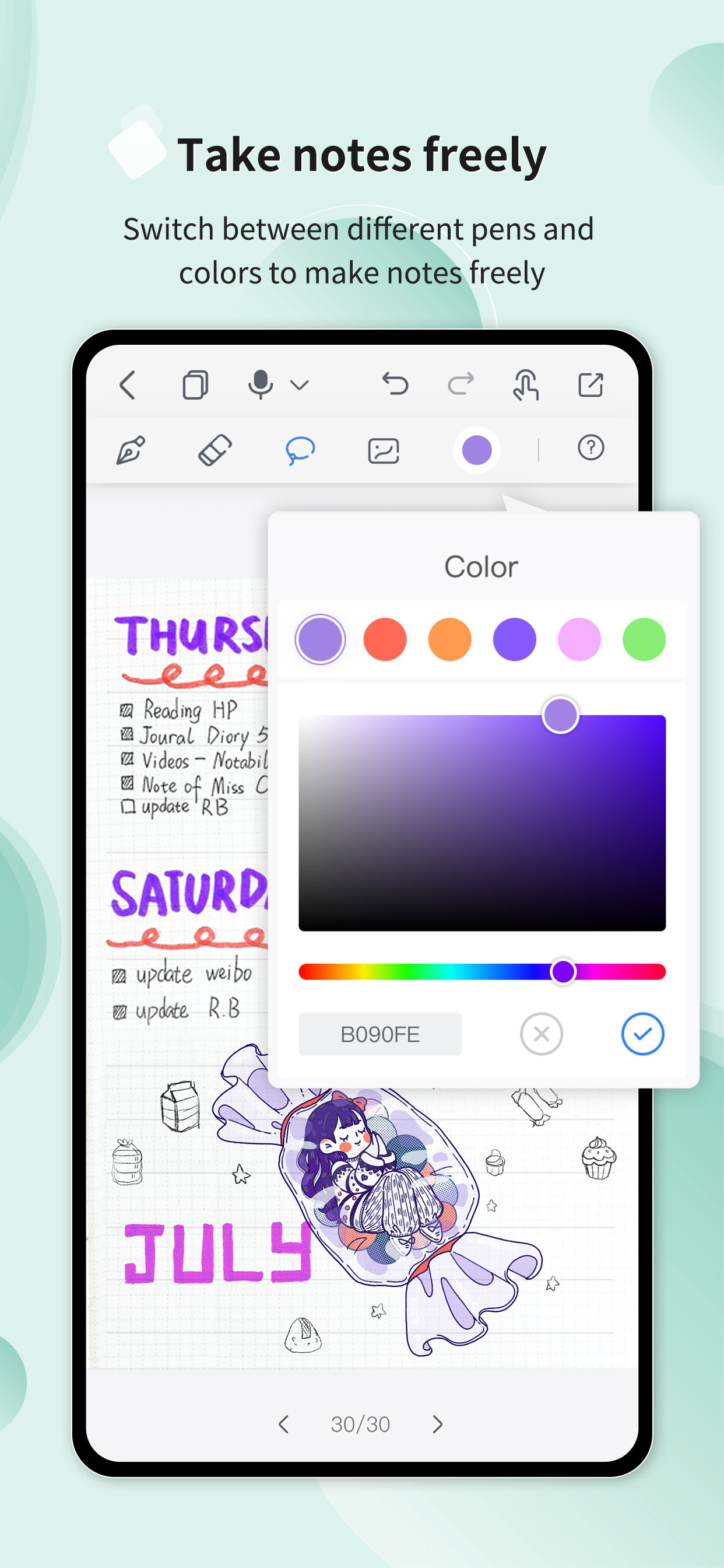
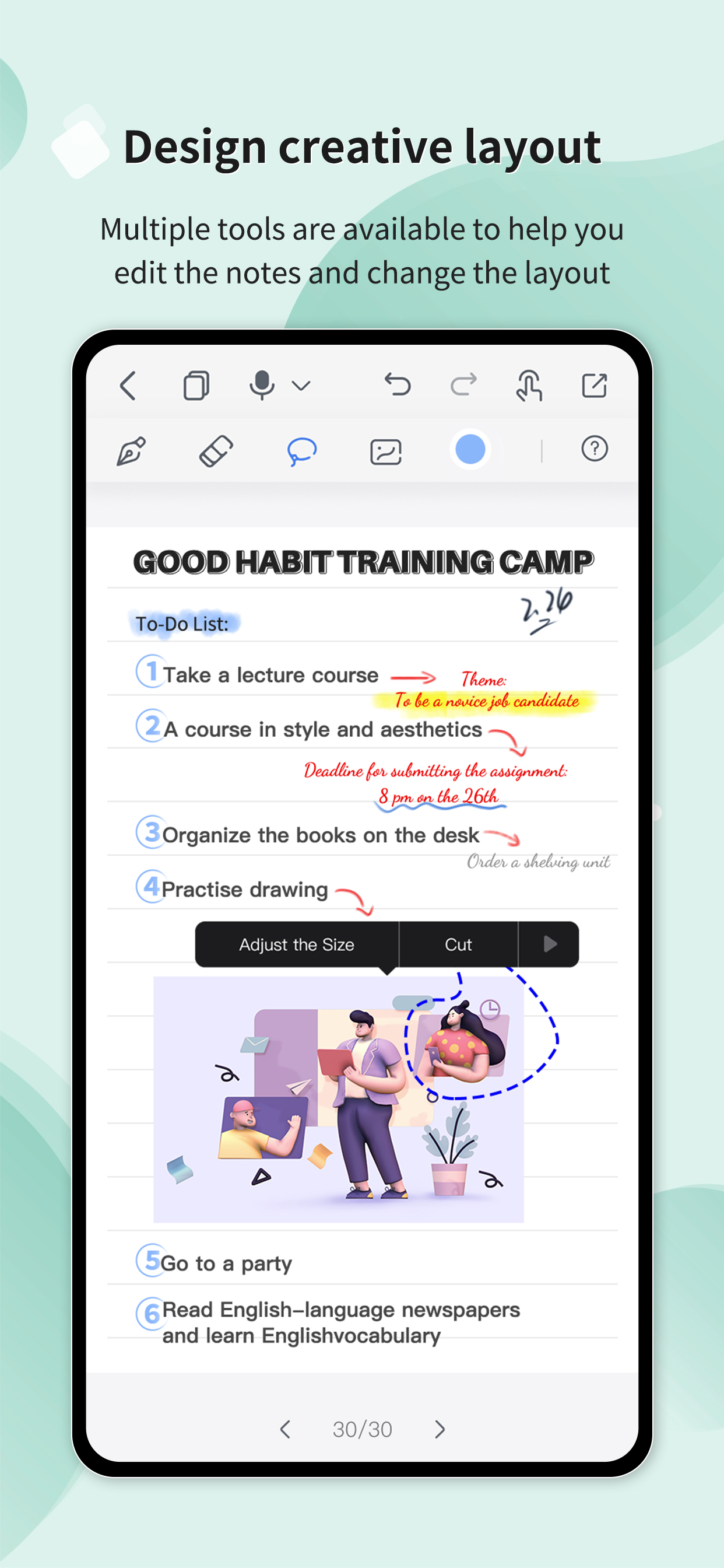
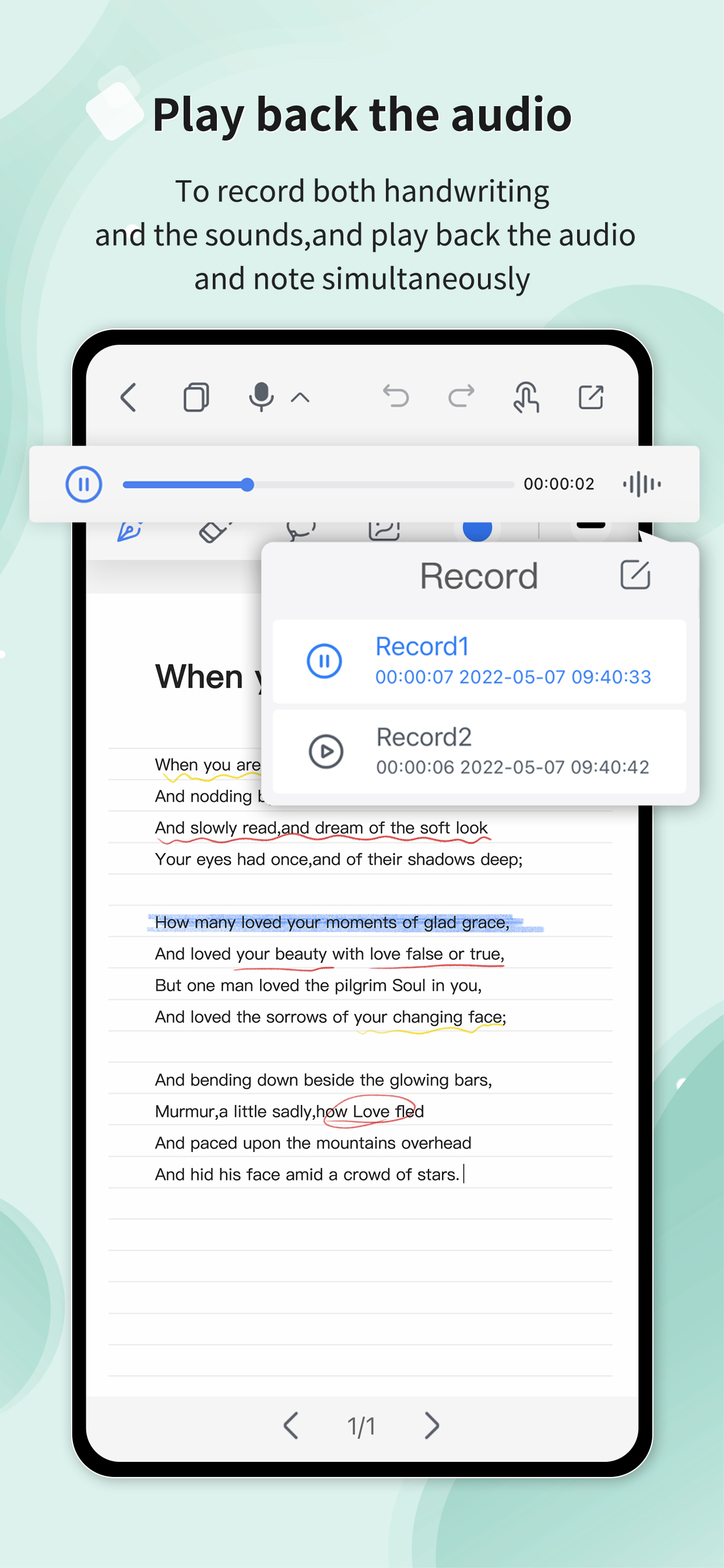
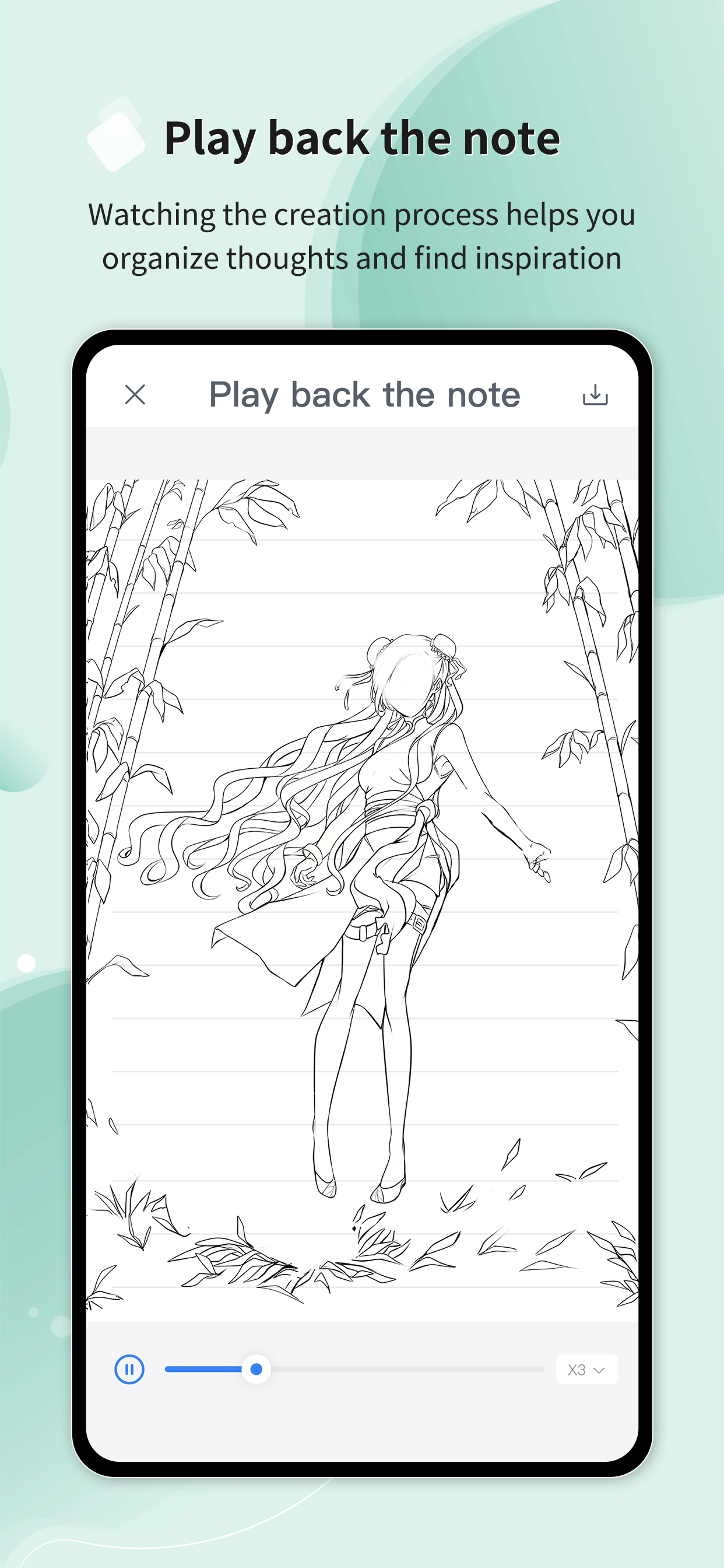
Yes, Huion Note is completely free and it doesn't have any in-app purchases or subscriptions.
Not enough reviews to make a reliable assessment. The app needs more user feedback.
Huion Note is free.
To get estimated revenue of Huion Note app and other AppStore insights you can sign up to AppTail Mobile Analytics Platform.

3.38 out of 5
16 ratings in United States
I’ve owned it for 4-5 days, and suddenly it isn’t wanting to connect to my IPhone. It says the battery is 83% when it connects but immediately disconnects from my phone.
Although, when drawing on the huion note, the lines have a high chance to show up somewhat offset from where I intented to draw/write at. Also, can the developers make the huion note supported on other drawing/animating apps like ibisPaint, Procreate, etc.? Thank you very much!
I’m wondering why i can’t use this same app or software on my computer i want to be able to work on the things that i drew in my notebook on my computer. what’s that about? why?
I have been dying to get this and I finally got i for Christmas!! I had originally saw this on an ad on YouTube, and it finally came back to my mind for Christmas. Reading the Amazon reviews, every bad review was mainly just people not actually understanding how to use it!! For example, the product’s ‘factory smell’ disappeared almost immediately, and just using the app in general was so easy! The ‘loading’ screen isn’t actually a loading screen, it’s just some pages to scroll through but swiping to the left (to scroll right) until you get a start button!! I was a little confused at it at first and I thought it just wasn’t loading like other reviews said, but after tapping/swiping on the screen, I discovered how to use it. It took a few minutes of trial and error, but syncing the tablet was easier than expected. The little pamphlet that comes with the tablet says to ‘change the pen’ out, but you just have to take off the waxy tip, don’t waste the pen!! I personally like the app, and even though this request might be hard to make true, I think if there was a way to tell which page is 1, 2, 3 etc and when you write on the page, it automatically goes to that page if it’s online rather than making a completely separate page for something that is on the same page as what was originally written. Yeah, it’s a bit of a stretch, but it would be nice if it existed. I love the tablet, it’s great, I love the app, it’s great! I would probably add something on the first load screen that says ‘Swipe’ or something with an arrow so customers don’t get confused. Also, maybe add in the instructions *where* to put the stick on drawing pad on the tablet for the drawing bad sheet…? I still haven’t put mine on yet :( also, I would personally point out the drawing pad pen nib to make it easier to define which job is which, because I think I read a review about that, too. Just to make things less confusing!! Another thing I would like to add as recommendations for future designs, maybe have a little attachment or something that can store extra pen-nibs so they don’t get lost or someone can easily use both the drawing pad nib and the regular pen nib? That would be great!! Thanks for reading this!!
Just got this. Worked great for a week. Now When I go to the app and do an offline sync it says it’s synced but the pages no longer show up in the notebook
Purchased the Huion Note X10 and downloaded this app (per the Huion’s instructions) expecting to be able to sync my hand-written notes to my phone, but the app doesn’t load past the initial splash screen. Very disappointing!
|
Chart
|
Category
|
Rank
|
|---|---|---|
|
Top Free
|
|
209
|
|
Top Free
|

|
226
|
|
Top Free
|

|
255
|
|
Top Free
|

|
298
|
|
Top Free
|

|
312
|
