The official app from Spotify that helps creators grow, monetize, and manage their podcast or video show. The Spotify for Creators app (formerly known as Spotify for Podcasters) allows you to host and distribute your podcast for free, use powerful tools to reach and engage new audiences, get paid for your content, and stand out to over 600 million Spotify users. Spotify for Creators is where podcasters and video creators can make meaningful connections with fans and monetize their content. Hosted somewhere else? You can still use our mobile app to manage your show on the go.
Fans come to Spotify to discover new podcasts. Tap into this audience by using Spotify for Creators to upload your episodes, connect with your fans, and check out your Spotify podcast analytics. With Spotify for Creators, podcast and video creators can:
Grow your community and connect with loyal fans
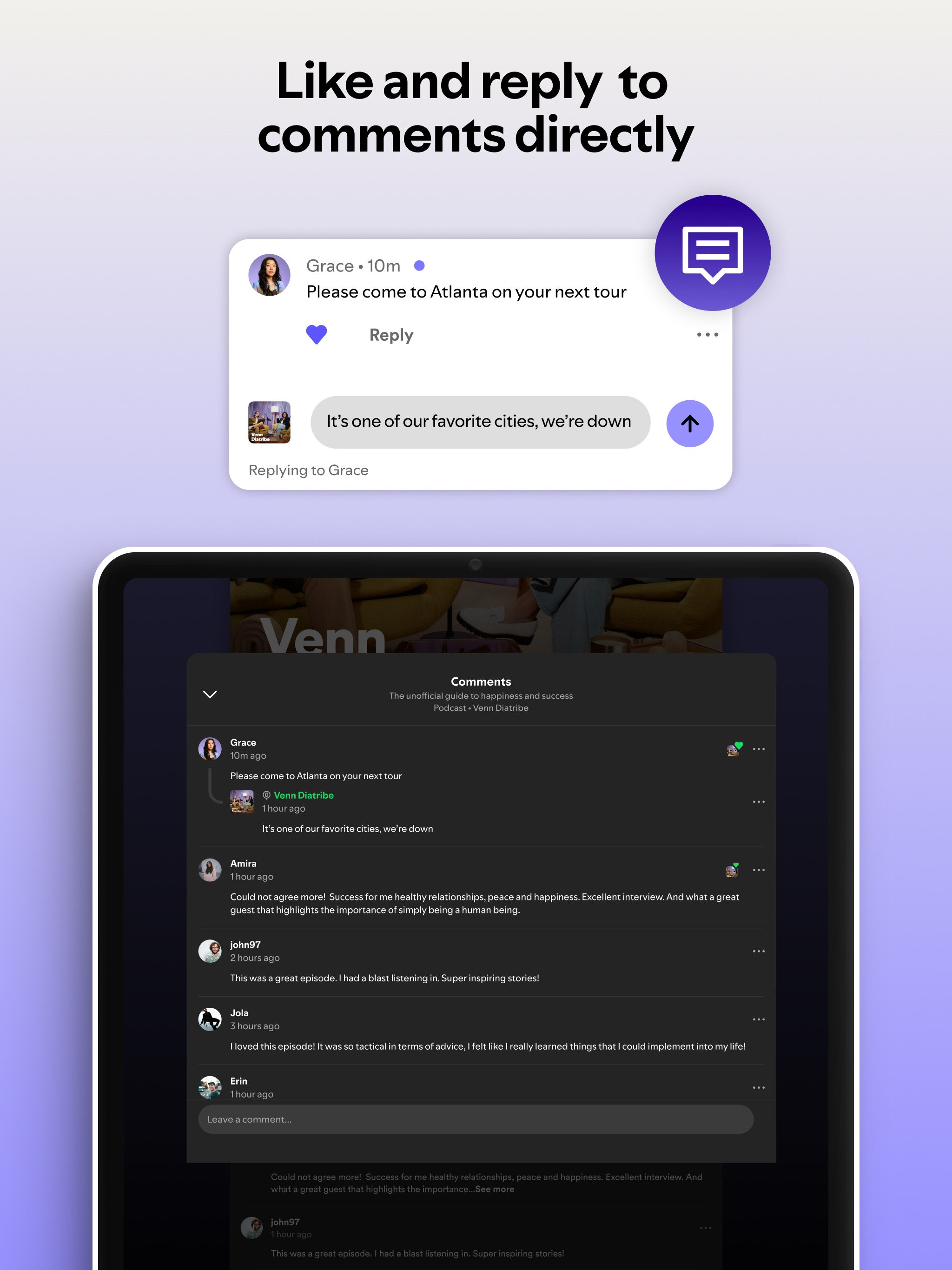
- Like and reply to your favorite fan comments
- Get real-time feedback by creating polls on your episodes, and more
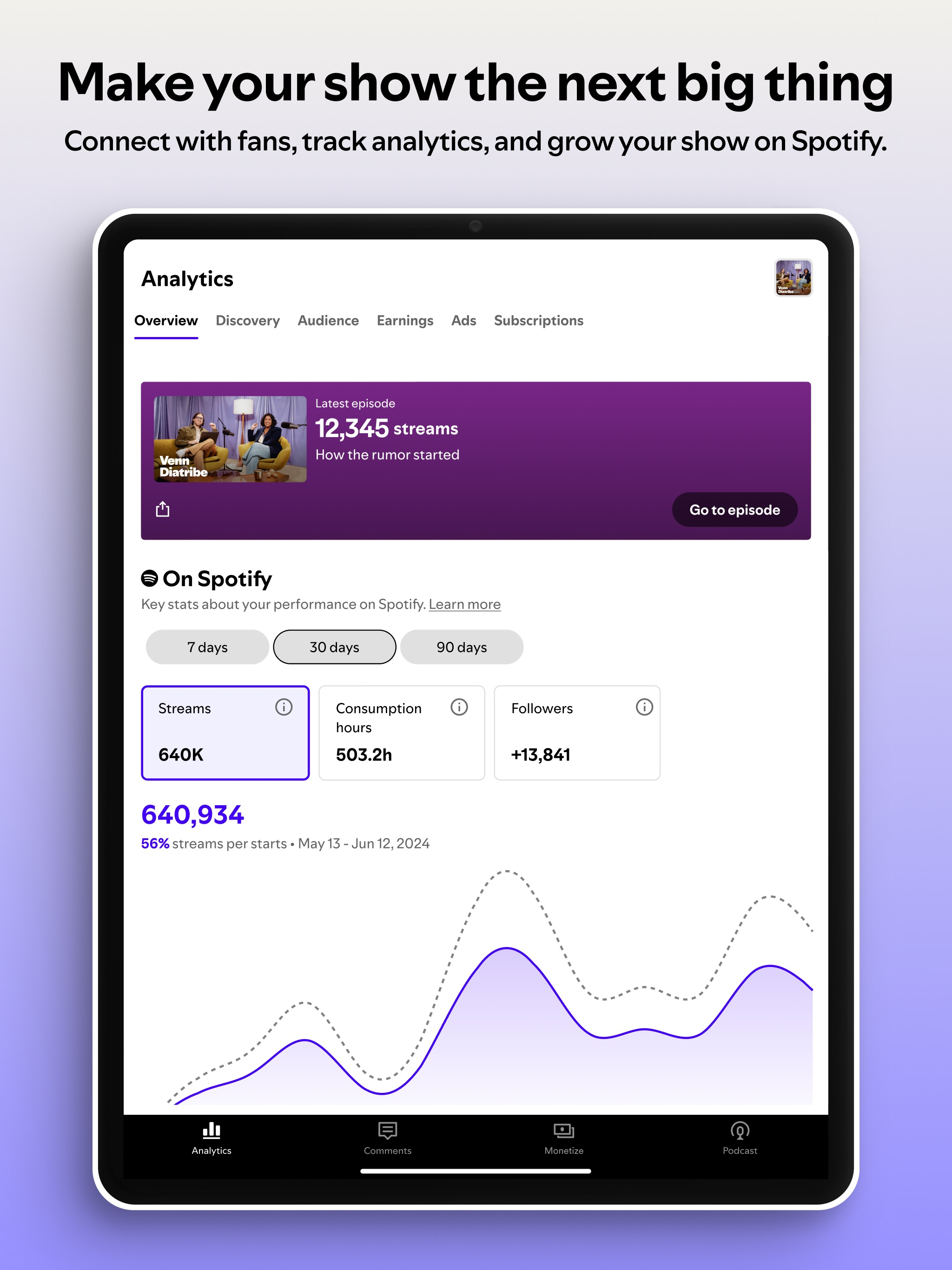
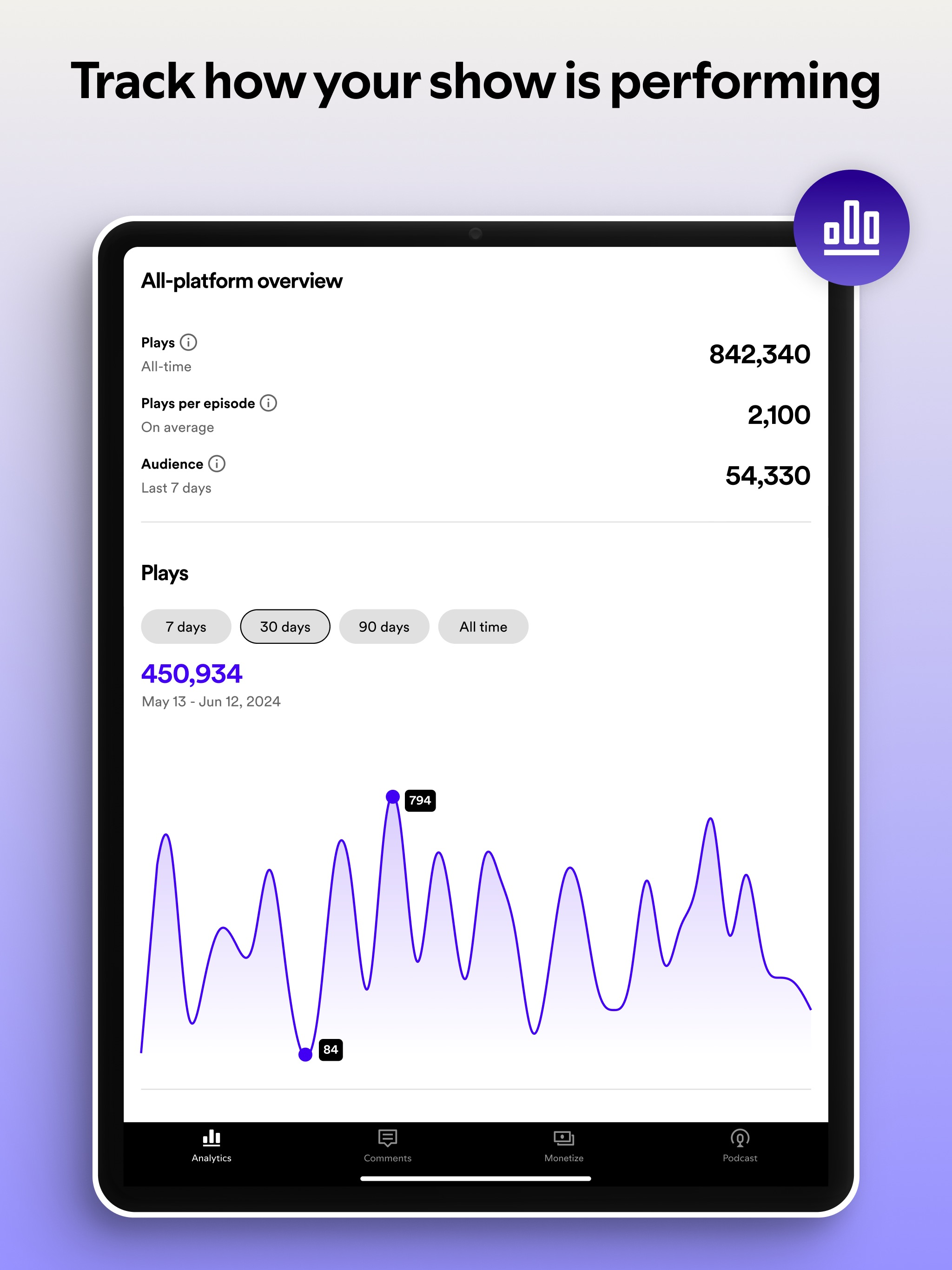
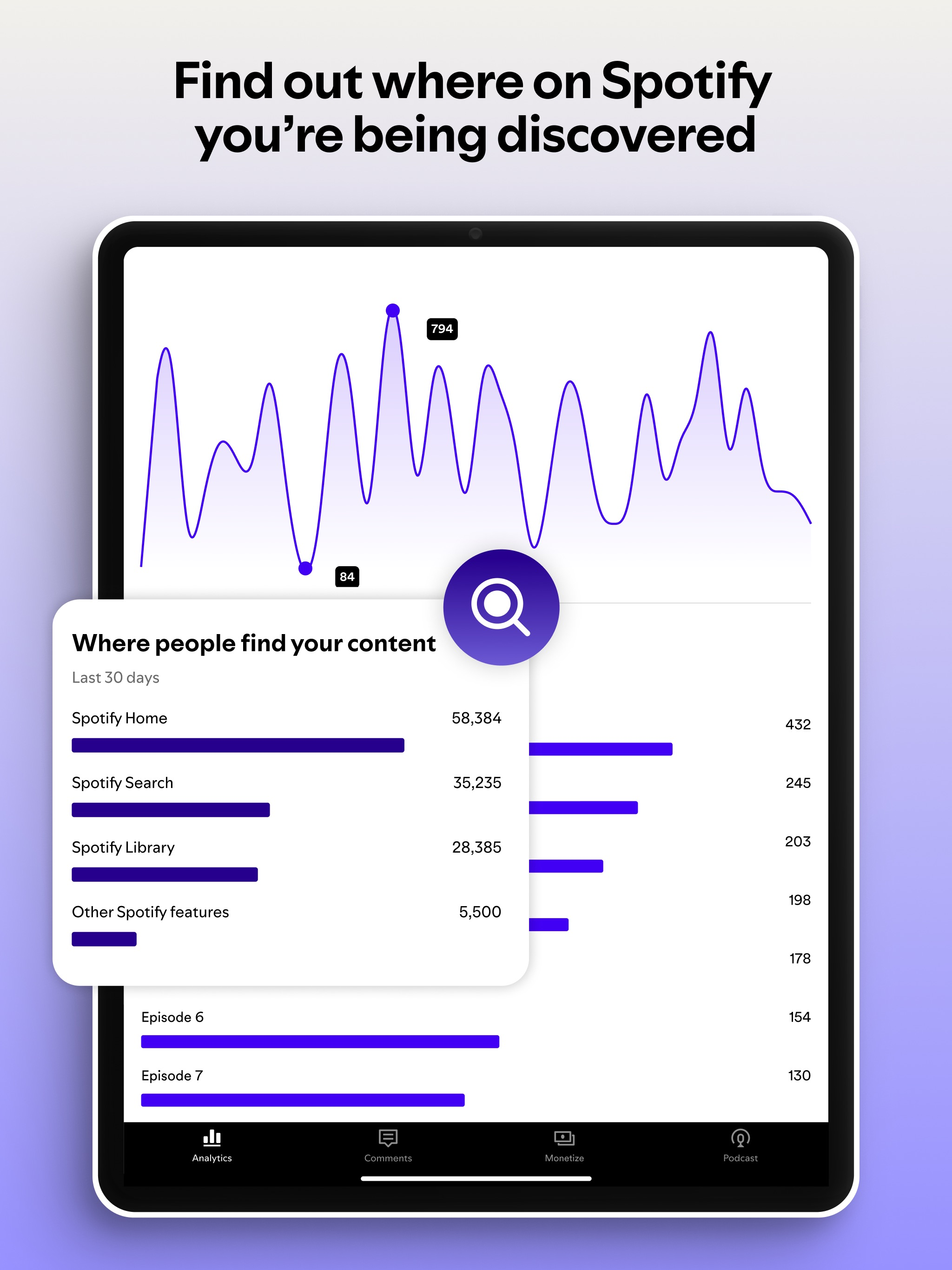
- Grow your podcast with detailed insights about your show and your audience, and understand where they discover your show through impression analytics
Track and manage your show
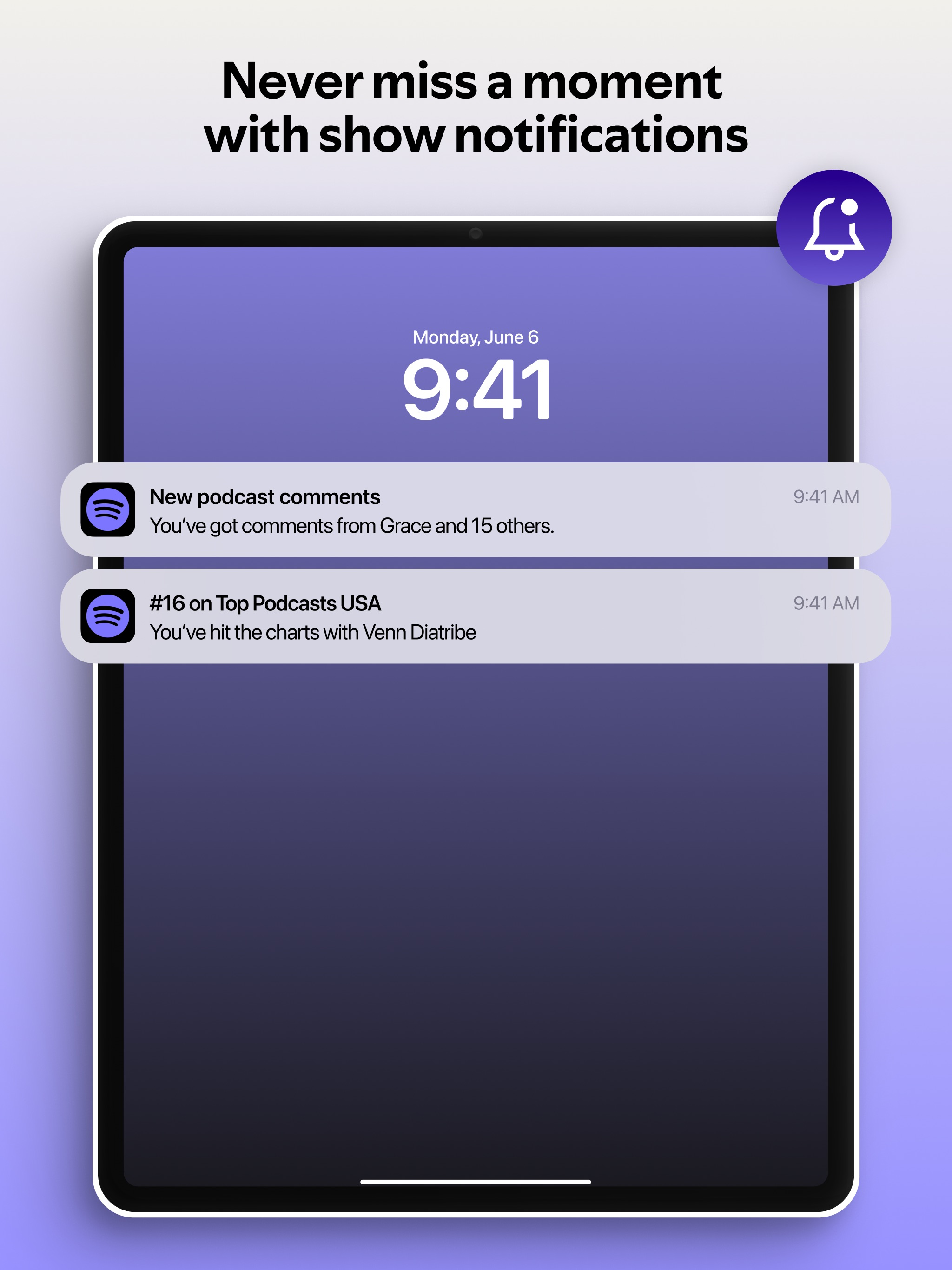
- Get notifications to keep up with your show's activity, including fan interactions, trending episodes, when you hit the charts and other key milestones
- Track the performance of your latest episode and get detailed audience insights
- Manage multiple shows in one place, and easily switch between all of your shows from one account
Customize your show on Spotify
- No matter what kind of podcast or video content you’re creating, you’ll get powerful tools to help your show stand out on Spotify and beyond
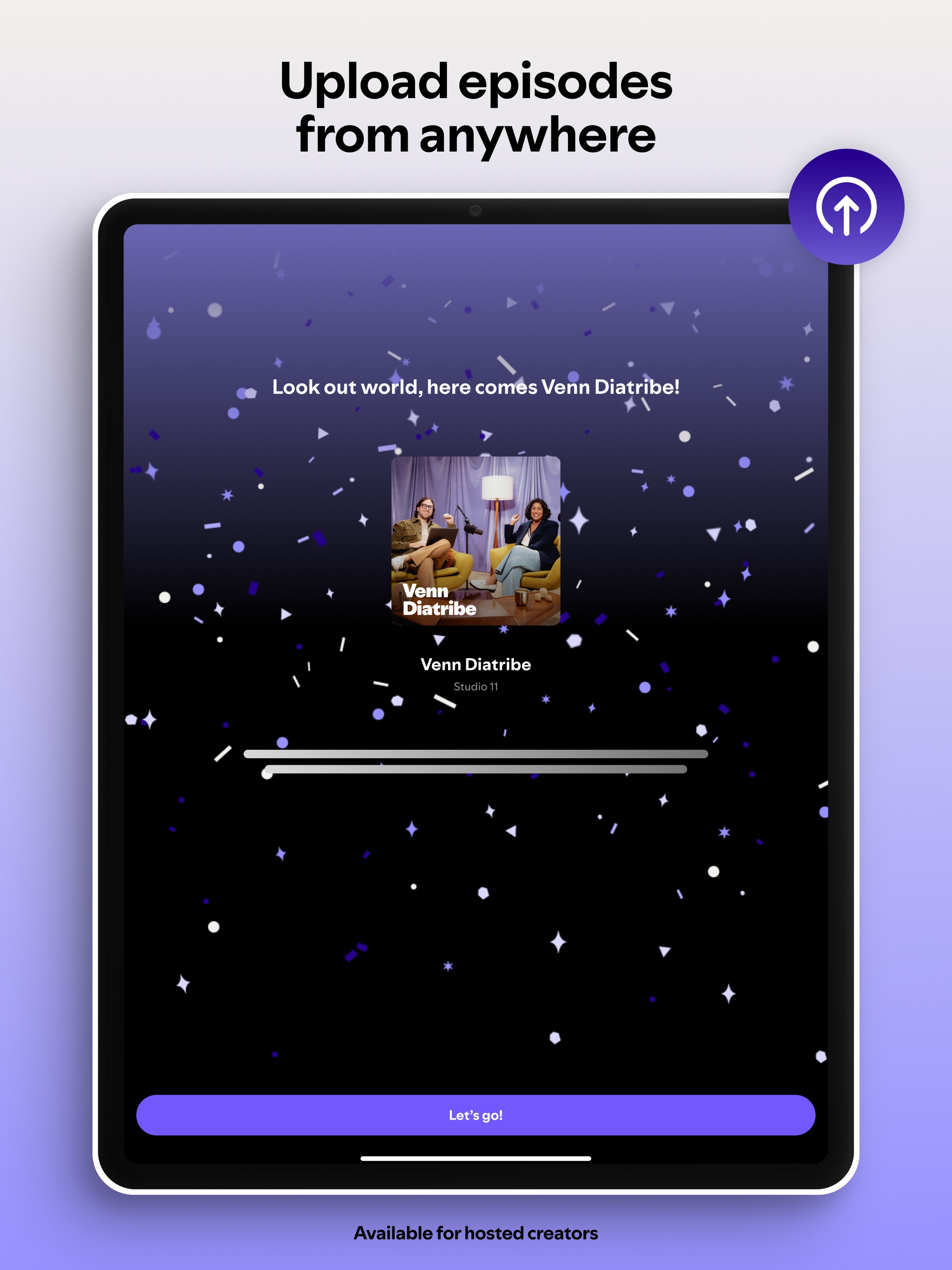
- Draft, manage, and publish content seamlessly, regardless of where you are hosted
- Customize how your show and episodes appear on Spotify
Get free hosting and RSS distribution
Host your podcast with Spotify for free
Manage your podcast RSS feed and ensure your podcast audio content is distributed to all major listening platforms
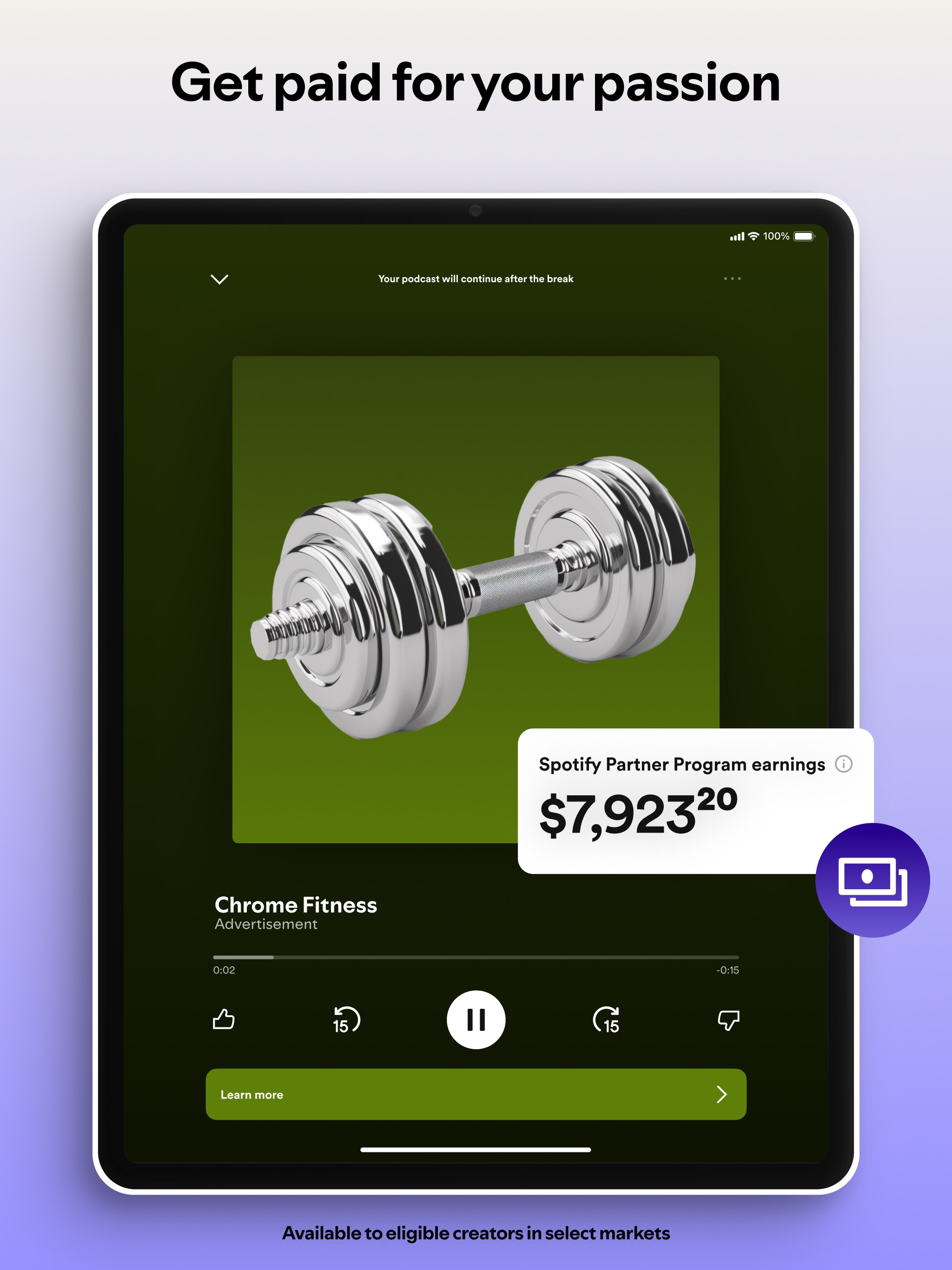
Monetize your content (available for creators hosting their content on Spotify for Creators in select markets)
For people wondering “how do you monetize a podcast?”, Spotify for Creators has flexible monetization options for audio and video creators, with subscriptions and the Spotify Partner Program (ads and premium video revenue)
Need help? We're here for you at https://support.spotify.com/us/creators/
You can also find us on…
Instagram: https://www.instagram.com/spotifyforcreators/
Facebook: https://www.facebook.com/spotifyforcreators
X: https://x.com/spotifycreator
HideShow More...
Screenshots
Spotify for Creators FAQ
Is Spotify for Creators free?
Yes, Spotify for Creators is completely free and it doesn't have any in-app purchases or subscriptions.
Is Spotify for Creators legit?
⚠️ The Spotify for Creators app has poor ratings and negative feedback. Users seem unsatisfied with its performance or features.
Thanks for the vote
How much does Spotify for Creators cost?
Spotify for Creators is free.
What is Spotify for Creators revenue?
To get estimated revenue of Spotify for Creators app and other AppStore insights you can sign up to AppTail Mobile Analytics Platform.
User Rating
4.78 out of 5
3,212 ratings in Australia
5 star
2,789
4 star
274
3 star
82
2 star
11
1 star
56
Ratings History
Spotify for Creators Reviews
It’s awesome
It is so great although for some reason on my iPhone, when I go on the app and click the three dots at the top right corner, it doesn’t do anything, it acts like I didn’t click it, which means I can’t do anything to the settings on the app, or log out, or anything. Maybe that’s a bug so I am waiting for the next update on the app
Editing tools
I wish the easy to use editing tools were still around… potential on bringing them back?
Literally can’t use the app
I was using it fine earlier, I just had to close the app, and when I re open it, it says to update it. My device is to old to update the app so I’m using an older version- Let me use it I just want a song on Spotify- please-
Can’t upload files from iPhoto and files are greyed out
On the computer the upload is seamless. On the app I have a an mp4 file in iPhoto but there is no option to upload from iPhoto. When I transfer the file to apple “files” I still can’t upload it even though it plays on my phone. It is greyed out. I’m assuming because it’s not uploaded to iCloud. Very frustrating when trying to upload an episode on the road!
Was great until they got rid of the studio option
Worked great before
They have taken away the ability to record, edit and manage podcasts
Sure they suggest using other platforms but makes it cumbersome and not as appealing
YOU TOOK OUT THE STUDIO!!!!!!!!
The main reason I used this app is because of the recording studio, NOW it basically has NO POINT please put it back. 🥺🙏
Was great- broken as of last update
It’s an okay app for checking basic things on your podcast or checking your comments, but as of the last few updates it ‘forgets’ I’m logged in, gets stuck loading pages (I’ve checked my internet connection), doesn’t switch between podcasts that are connected to the same Spotify account or just crashes.
Hmm…
This is a great app… but I like the original version much better. In the original version, you could record and put tracks together, as well as add sound effects. You upload multiple tracks in one episode and move them up and down the timeline. You can’t do any of that in ‘Spotify for Podcasters’. Please bring all of that back!
.. THIS IS INFURIATING
I’ve been making podcasts for my POOKIE (someone in real life) and all of assudden it doesn’t work anymore?? Whenever I click “make a new podcast” it says “try again later” or something like that, girl it’s been like that for a MONTH!! And when I go to delete a episode it just somehow spawns back? I checked already and the app doesn’t need updating. It also doesn’t give me the option to delete a podcast? Fix this. I really enjoyed making those podcasts.
Why?
The update has removed all the tools that made this a great app. Also all my recordings have gone.
This page includes copyrighted content from third parties, shared solely for commentary and research in accordance with fair use under applicable copyright laws. All trademarks, including product, service, and company names or logos, remain the property of their respective owners. Their use here falls under nominative fair use as outlined by trademark laws and does not suggest any affiliation with or endorsement by the trademark holders.