Microsoft OneDrive

File & photo cloud storage

Veröffentlicht von: Microsoft

Beschreibung

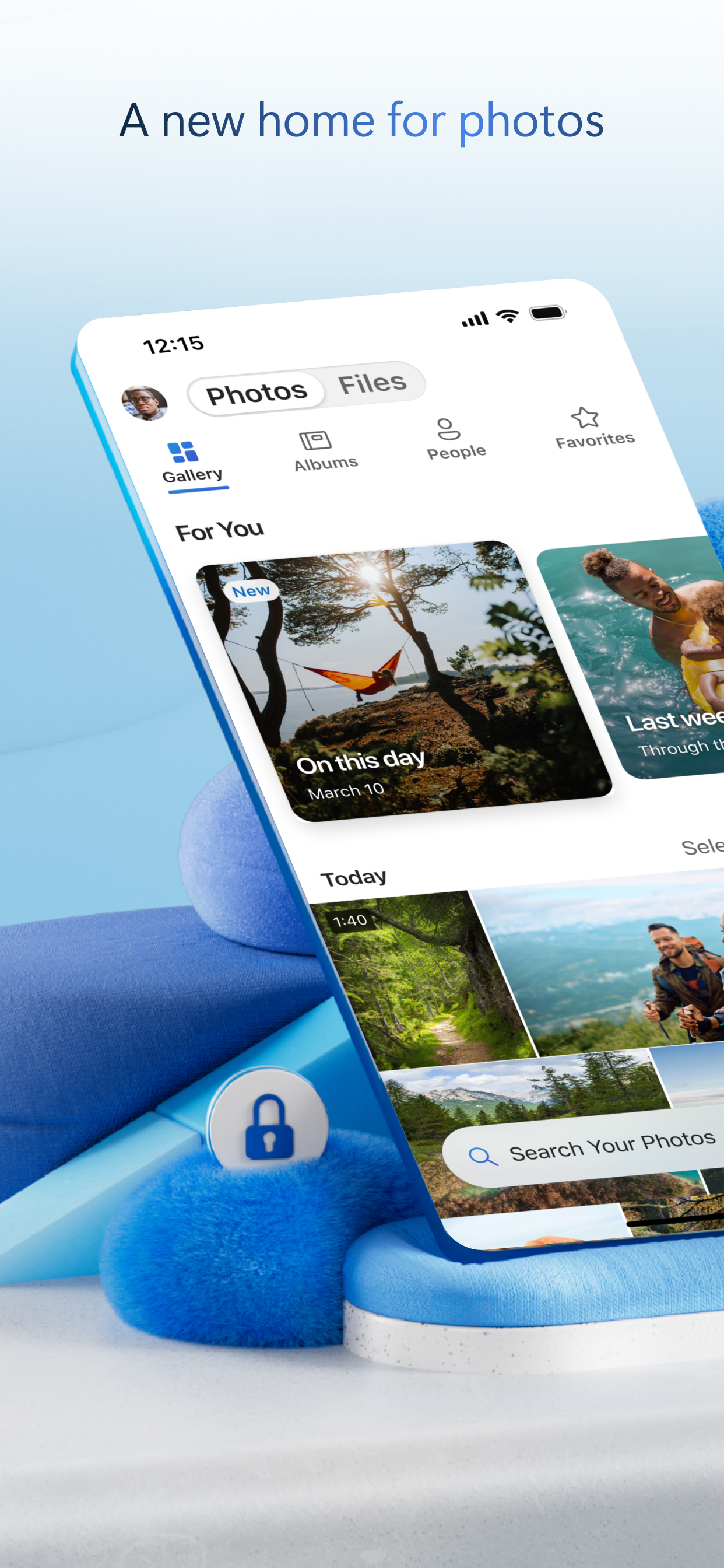
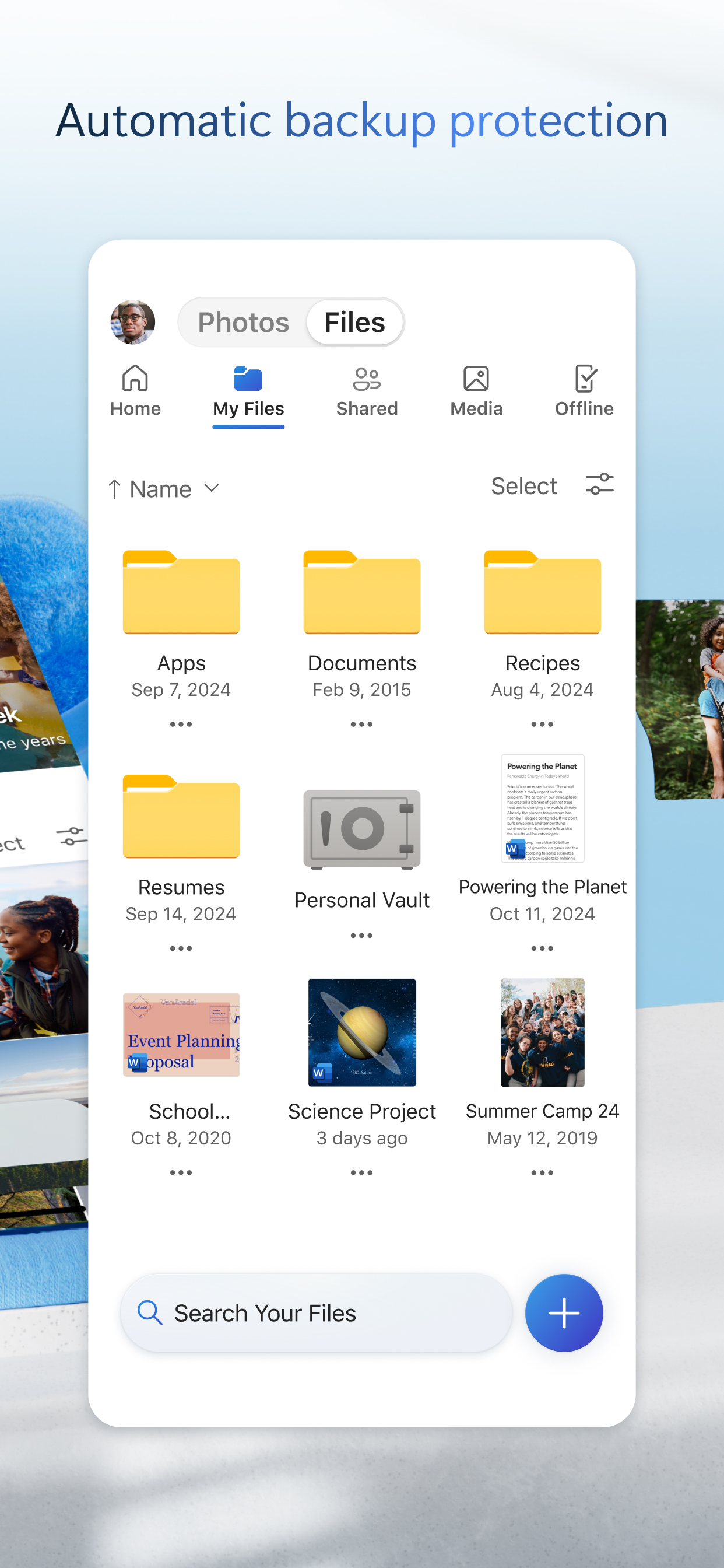
Microsoft OneDrive keeps your photos and files backed up, protected, synced, and accessible on all your devices. The OneDrive app lets you view and share OneDrive files, documents, photos, and videos with friends and family. You can use the app to automatically back up your phone's photos and videos. Start with 5 GB of free cloud storage or upgrade to a Microsoft 365 subscription to get up to 1 TB of storage.
Microsoft OneDrive offers the following features:
Back-up photos and videos
• Automatic photo and video back-up when you turn on Camera Upload
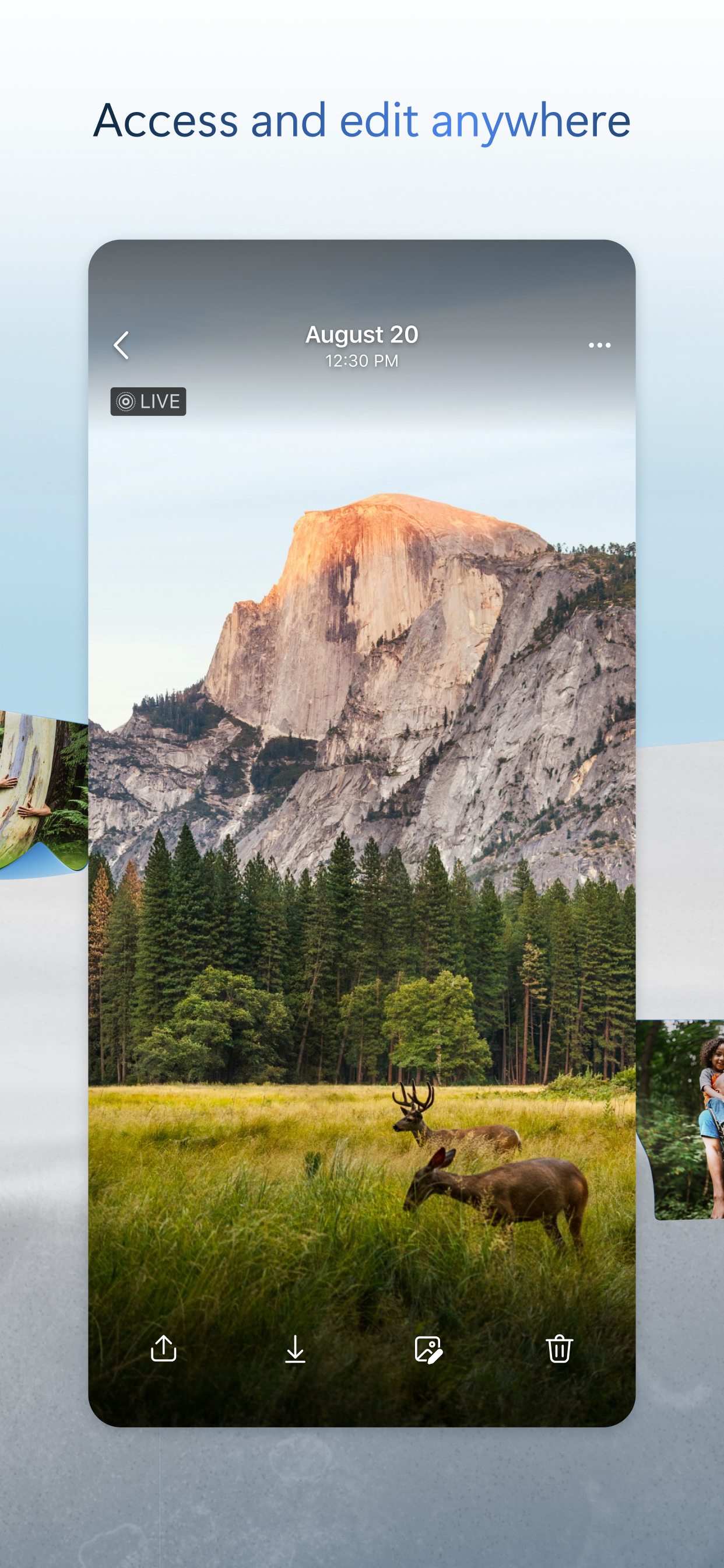
• View photos on your phone, computer, and online
File sharing and management
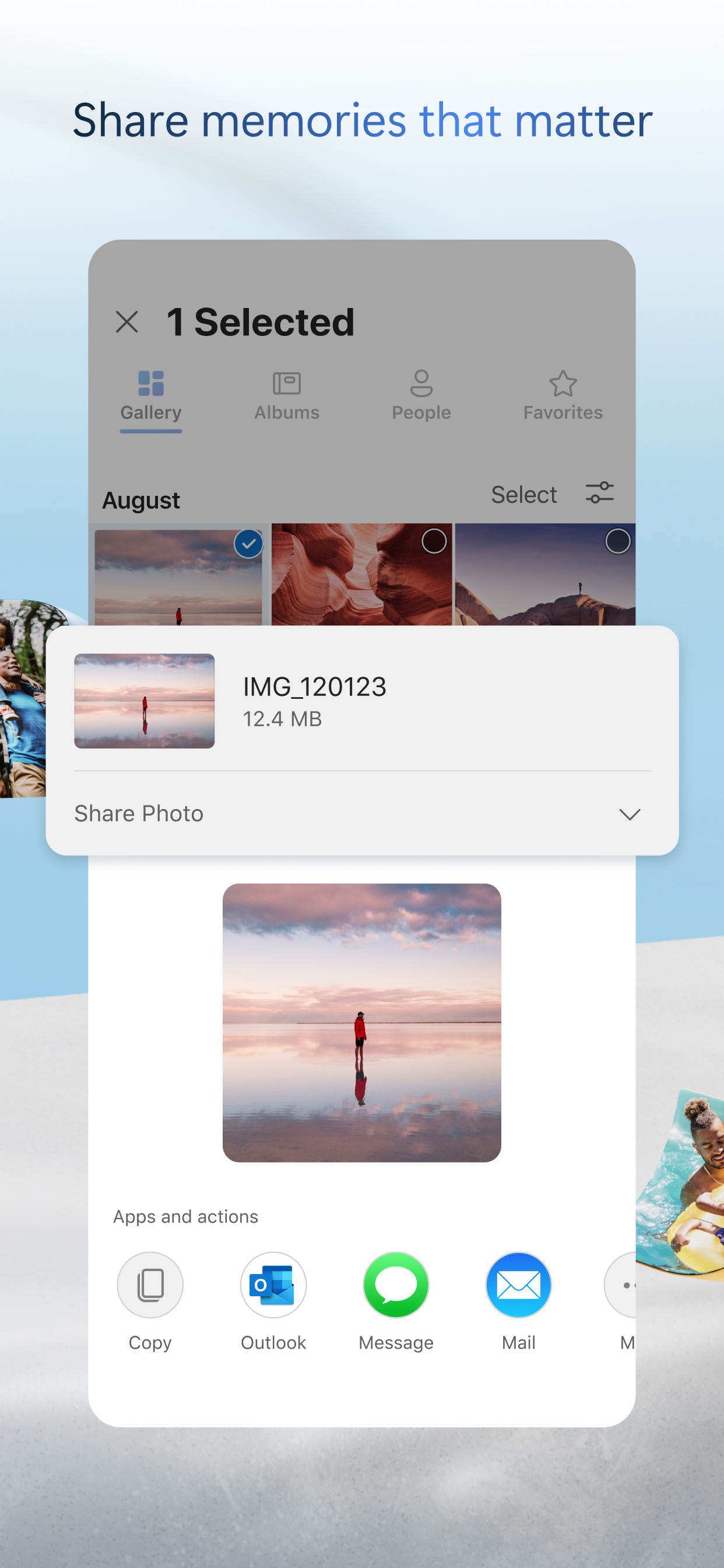
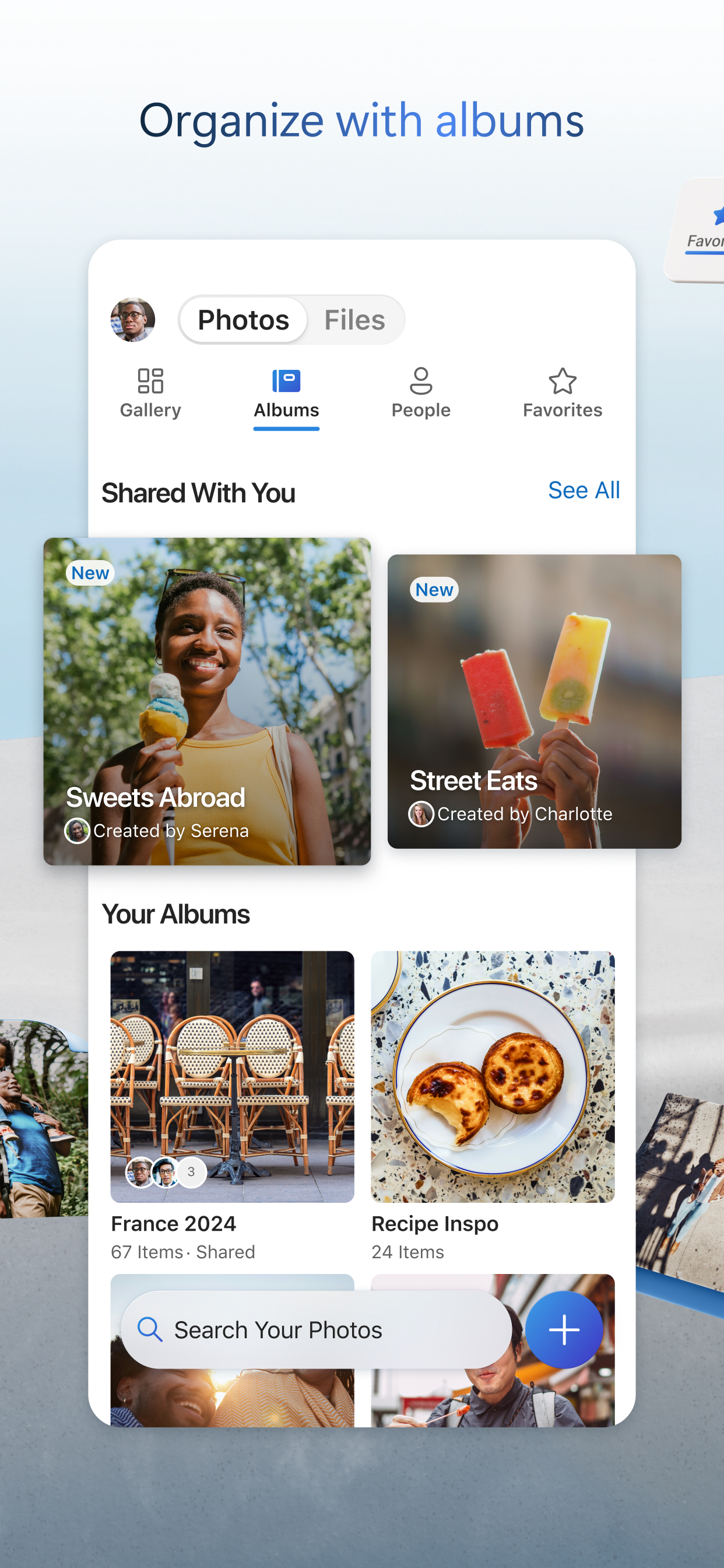
• Share docs, photos, videos, and albums with friends and family
• Get notifications when a shared document is edited
• Set password-protected or expiring sharing links*
• Access entire folders on the app without being online*
Scan
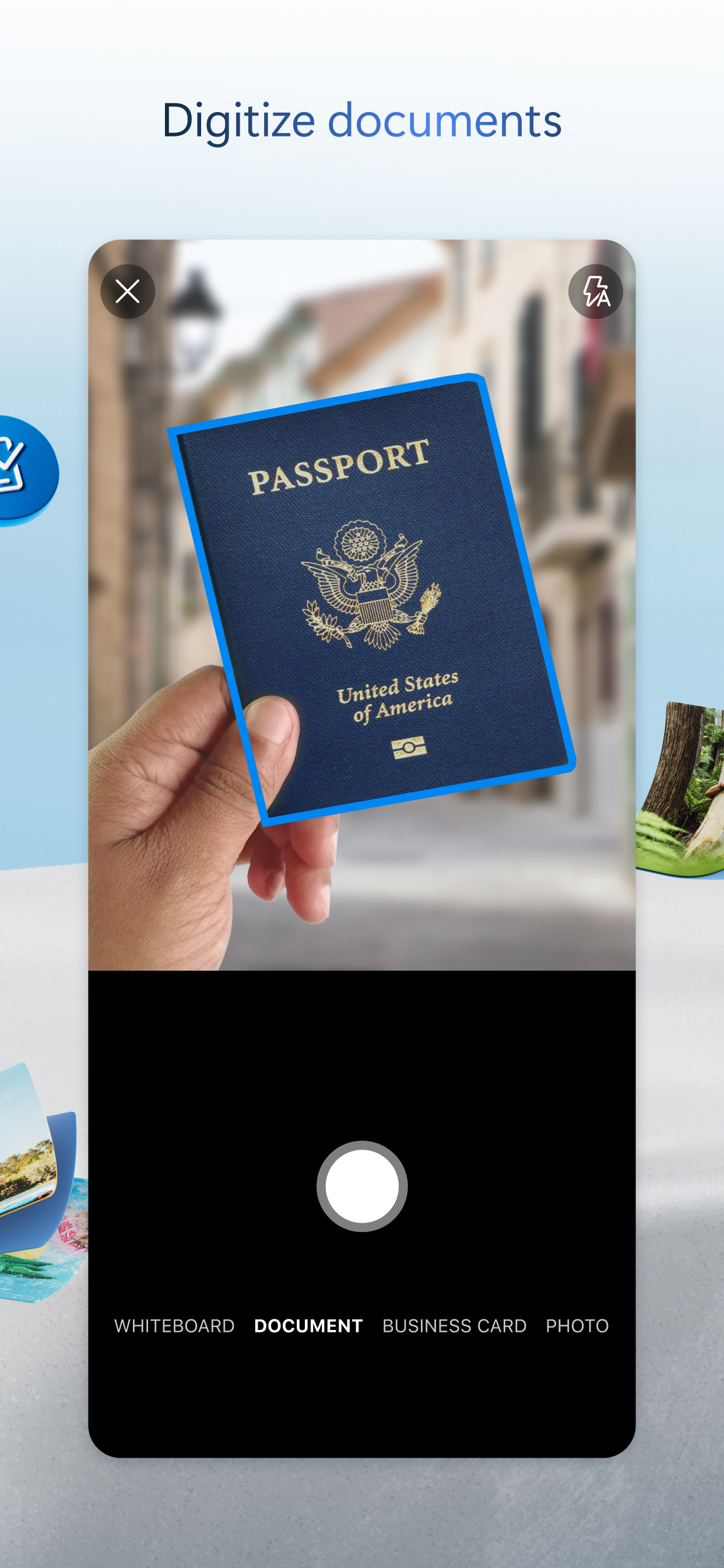
• Scan documents, business cards, receipts, whiteboards, and more
• Mark up, sign, and send docs right from the OneDrive mobile app
Search
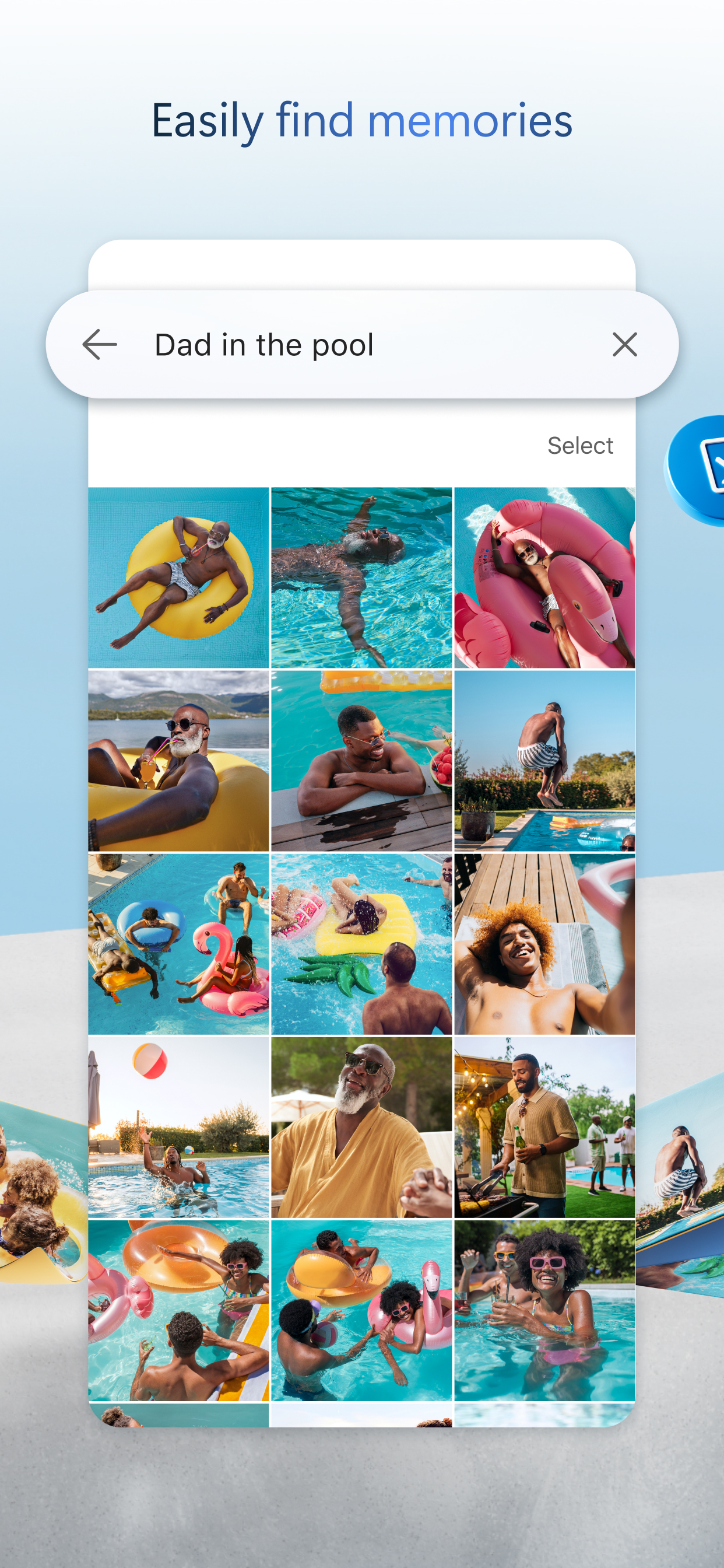
• Search docs by name or content
Security
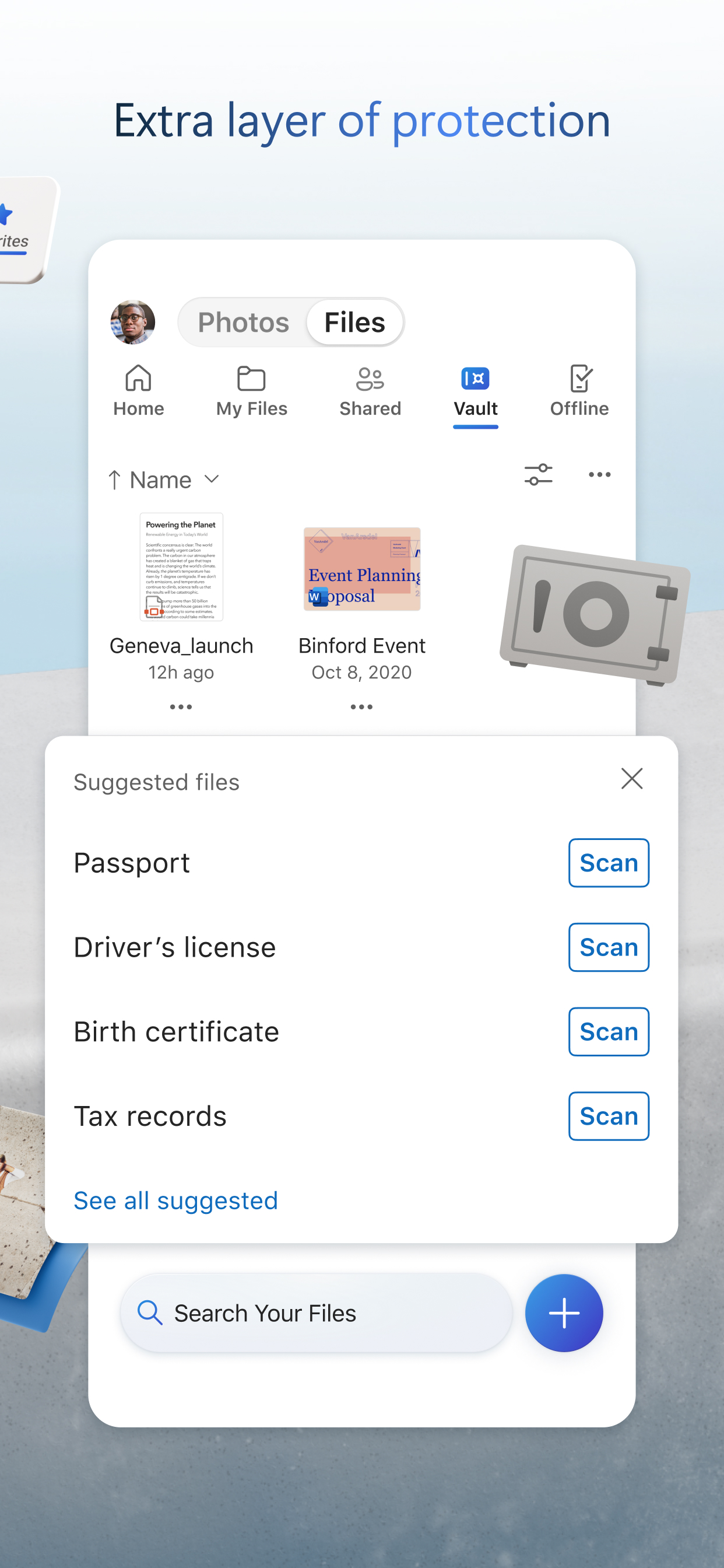
• Personal Vault lets you protect your important files with identity verification
• Restore documents with version history on all files
• Ransomware detection and recovery*
Works with Microsoft Word, Excel, PowerPoint, OneNote, Outlook
• Back up, view, and save your Office documents.
• Use Microsoft Office apps to edit and collaborate in real time on Word, Excel, PowerPoint, and OneNote files stored in OneDrive.
Upgrade to a Microsoft 365 subscription
With a Microsoft 365 Personal subscription you get 1 TB of storage (1 TB of storage per person for up to 6 people with the Family subscription), OneDrive premium features, and access to all features in Word, Excel, PowerPoint, Outlook, and OneNote on iPad, iPhone, and iPod touch, and you can install Word, Excel, PowerPoint, and Outlook on PCs or Macs.

To make an in-app purchase of a Microsoft 365 Basic, Microsoft 365 Personal, Microsoft 365 Family subscription: open the app, tap the Me tab, then tap Get More Storage or the Go Premium diamond icon.
Subscriptions begin at $6.99 a month in the US, and can vary by region. Microsoft 365 subscriptions purchased from the app will be charged to your iTunes account and will automatically renew within 24 hours prior to the end of the current subscription period, unless auto-renewal is disabled beforehand.
To manage your subscriptions or to disable auto-renewal, after purchase, go to your iTunes account settings. A subscription cannot be cancelled or refunded during the active subscription period.

Using this OneDrive app for work or school
For you to sign into your work or school account on OneDrive, your organisation needs to have a qualifying OneDrive, SharePoint Online or Microsoft 365 business subscription plan.
Privacy
This app is provided by Microsoft. Data provided through the use of this store and this app may be accessible to Microsoft and transferred to, stored, and processed in the United States or any other country where Microsoft or its affiliates maintain facilities.

Privacy Policy: https://go.microsoft.com/fwlink/?LinkID=507539.
Terms of Use: https://go.microsoft.com/fwlink/p/?LinkID=246338.
*Requires Microsoft 365 Personal or Family subscription
Ausblenden Mehr anzeigen...

Screenshots

Microsoft OneDrive Häufige Fragen

  • Ist Microsoft OneDrive kostenlos?

    Ja, Microsoft OneDrive ist komplett kostenlos und enthält keine In-App-Käufe oder Abonnements.

  • Ist Microsoft OneDrive seriös?

    ⚠️ Die Microsoft OneDrive-App hat schlechte Bewertungen und negatives Feedback. Die Nutzer scheinen mit der Leistung oder den Funktionen unzufrieden zu sein.

    Danke für die Stimme

  • Wie viel kostet Microsoft OneDrive?

    Microsoft OneDrive ist kostenlos.

  • Wie hoch ist der Umsatz von Microsoft OneDrive?

    Um geschätzte Einnahmen der Microsoft OneDrive-App und weitere AppStore-Einblicke zu erhalten, können Sie sich bei der AppTail Mobile Analytics Platform anmelden.

Benutzerbewertung

4.85 von 5

66 Bewertungen in Kaimaninseln

5 star
58
4 star
6
3 star
2
2 star
0
1 star
0
Bewertungsverlauf

Microsoft OneDrive Bewertungen

Jamal mclean

jaykiillz on

Kaimaninseln

I really love this app but sometimes the clips don’t upload after Xbox says it uploaded like it doesn’t show but yeah it’s great


Why?

Sweetie Pie Forever on

Vereinigte Staaten

I can’t get it due to device restrictions. Can you do??

This is evolving into garbage

kapa102345 on

Vereinigte Staaten

You cannot download pictures from shared folders. Love the experience 🙌🏻. It amazes me how such critical functionality gets broken in updates.

Not user friendly at all

Zeed m on

Vereinigte Staaten

Can’t buy more storage, can’t open folders with large files, crashes none stop for years when trying to backup or upload, can’t share videos to be viewed easily and always frozen on buffer and require other to register or install the app and more limitations, can’t browse backups or upload as the app can’t handle large quantities of files and can’t hold metadata and require downloading it every time I log into the app, it’s not worth it compared with other competitors especially the customer service and support as they ignore reports and contact.

Slow to refresh changes

kevscare on

Vereinigte Staaten

It’s slow to refresh changes to files compared to desktop and web. I’ll throw a file into OneDrive on my PC, watch it upload, and then it won’t show up on my phone for ten minutes. Also random download issues on fast stable connections. Just hangs on downloading with no indication of any progress actually being made.

Opinion

TrinityIreland on

Vereinigte Staaten

I’m still reviewing everything but seems easy to navigate.

Affordable cloud storage and searching.

Mr. Dr. John on

Vereinigte Staaten

I can easily access and securely share photos and files affordably. As Microsoft builds out AI capabilities, it gets better and better.

Potential but mega glitchy

Ninalocks on

Vereinigte Staaten

Why can’t this app function smoothly? The photos feature is terrible, search bar function doesn’t work. And when you try to scroll down to a specific year and month, you click on a picture and it takes you back to the beginning. What’s the point of this app if it doesn’t work as it should?

Makes my life better

Cherrysparkles7 on

Vereinigte Staaten

I love you. You cheer me up letting me know I have memories to see I honestly thank you for having such a genuine heartfelt company thank you I love you forever you let me know even though there are hard times the best days are kept forever

Lost everything

Bob335524633 on

Vereinigte Staaten

I lost everything in the personal vault in this app. I had to log into the web site and copy everything out of the vault. The vault is still empty in the app. I no longer trust OneDrive.

Store-Rankings

Ranking-Verlauf
App-Ranking-Verlauf noch nicht verfügbar
Kategorien-Rankings
Diagramm
Kategorie
Rang
Top Umsatz
6
Top Umsatz
6
Top Umsatz
7
Top Umsatz
8
Top Umsatz
8

Schlüsselwörter

Microsoft OneDrive Installationen

Letzte 30 Tage

Microsoft OneDrive Umsatz

Letzte 30 Tage

Microsoft OneDrive Einnahmen und Downloads

Gewinnen Sie wertvolle Einblicke in die Leistung von Microsoft OneDrive mit unserer Analytik.
Melden Sie sich jetzt an, um Zugriff auf Downloads, Einnahmen und mehr zu erhalten.

App-Informationen

Kategorie
Productivity
Herausgeber
Microsoft
Sprachen
English, Arabic, Catalan, Croatian, Czech, Danish, Dutch, Finnish, French, German, Greek (modern), Hebrew (modern), Hindi, Hungarian, Indonesian, Italian, Japanese, Korean, Malay, Norwegian Bokmål, Polish, Portuguese, Romanian, Russian, Chinese, Slovak, Spanish, Swedish, Thai, Turkish, Ukrainian, Vietnamese
Letzte Veröffentlichung
16.28.3 (vor 5 Tagen )
Veröffentlicht am
Dec 13, 2011 (vor 13 Jahren )
Zuletzt aktualisiert
vor 1 Woche
This page includes copyrighted content from third parties, shared solely for commentary and research in accordance with fair use under applicable copyright laws. All trademarks, including product, service, and company names or logos, remain the property of their respective owners. Their use here falls under nominative fair use as outlined by trademark laws and does not suggest any affiliation with or endorsement by the trademark holders.