Beschreibung

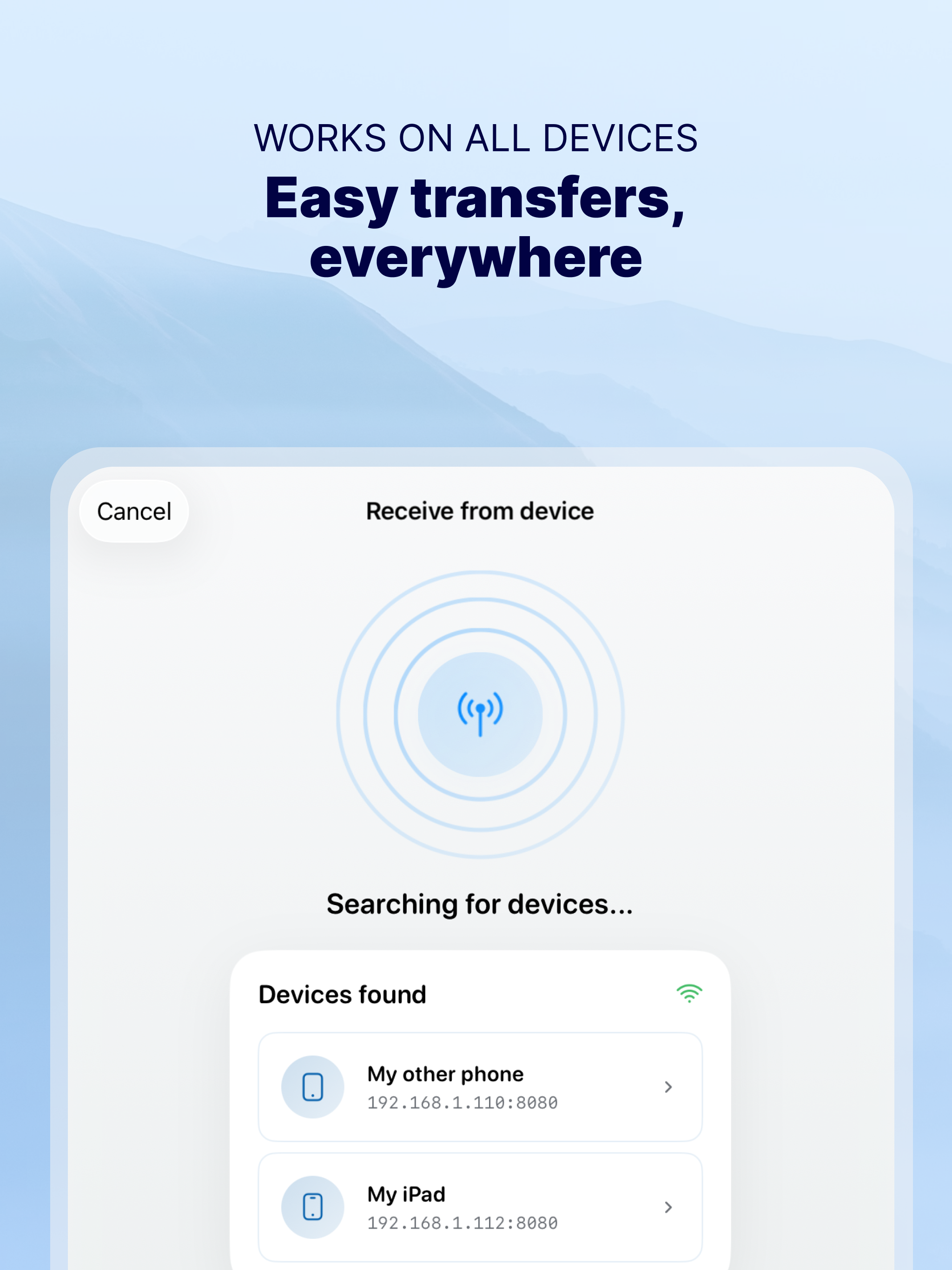
Photo Transfer allows you to easily send and share photos and videos through your WiFi. Make a backup of your photos and videos quickly and move your files from other mobile devices to iOS, iPad or computer and vice versa.
With over 2,5M downloads, more than 9k reviews in the App Store coming from happy users and millions of photo transfers made, this app is an indispensable tool for your iOS device.
Photo Transfer enables easy wifi transfer to send photos and videos between devices. It also allows users to make a backup. Whether you're an experienced user or a novice, you'll find it easy to use.
To send photos and videos, you will only need to have the app installed in both devices and a stable WiFi connection. You don’t need any cable!
▶ Main features:
· Download multiple photos from your iPad, iPhone or iPod touch to your computer.
· Upload photos and videos from your computer to your iOS or other mobile devices.
· Transfer and delete photos and videos stored on your iOS or other devices via WiFi.
· Transfer full-resolution photos and videos without losing quality and preserve files metadata in all transfer directions.
▶ More features you will love:
· Drag & drop photos from the app to any folder on your Mac and create new albums to upload photos.
· Use Photo Transfer with any web browser and preview your photos.
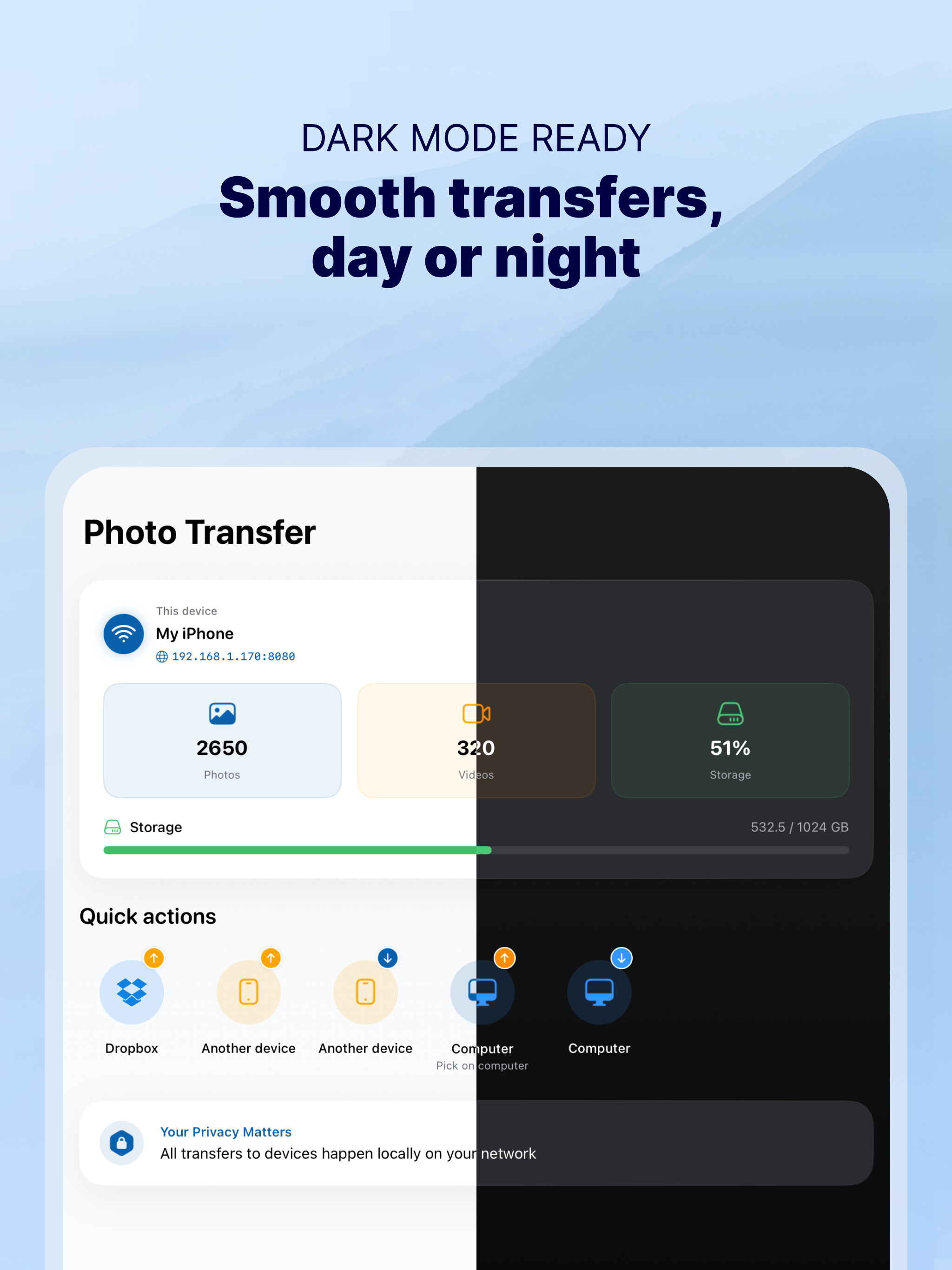
· Transfer your photos and videos directly from device to device using your local WiFi network. They are not stored in an external server and they never leave your local WiFi network, so your pictures will be safe!
· Use the USB cable to transfer photos between your Mac and your device when there is no access to a valid or stable WiFi signal.
· Pay only once when both devices use the same Apple account to purchase apps.
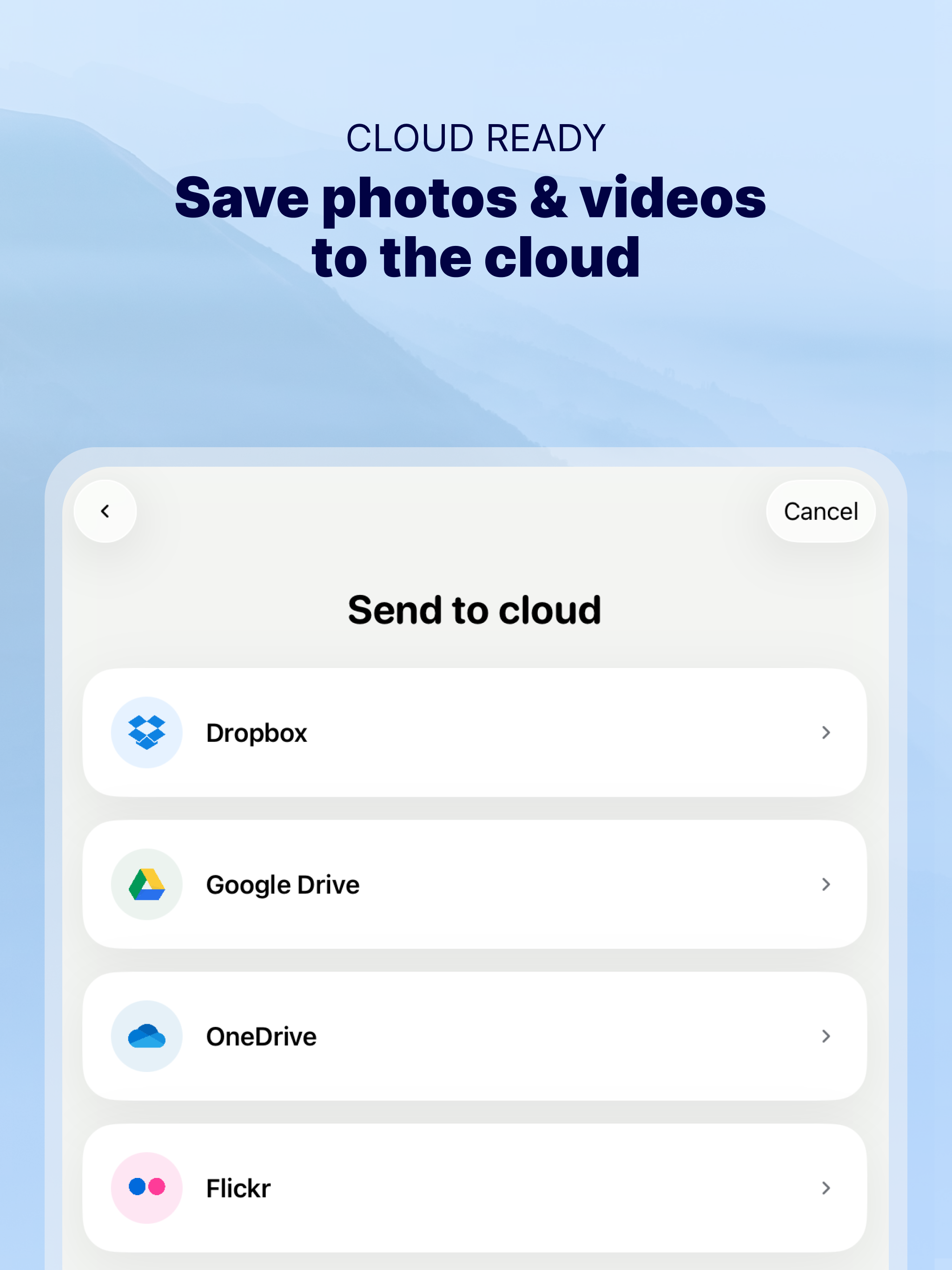
· Support to automatically convert HEIC files (High-Efficiency Image) to JPG when transferring from iPhone to any device or cloud service that we support.
With Photo Transfer you can transfer photos and videos from:
◉ Mobile device to iPhone:
· Transfer photos and videos from mobile device to iOS via wifi.
◉ iOS to another device:
· Move your photos and videos from your gallery to any mobile device.
· Send photos from an iPhone or iPad to your mobile device (photos and videos are saved on the default folder of Photo Transfer, but you can set your own album Gallery as destination).
◉ Any device or iOS to a computer (and vice versa):
· Use the wifi transfer feature to share photos and videos between Windows or Mac and Iphone, iPad, or another mobile device. You can also use the desktop app while transferring to Windows or MAC, or use the web browser as an alternative.
· Upload photos from your computer to your device.
Some requirements for using Photo Transfer:
· Access to a stable wifi network
· Public or private WiFi networks usually block communication between devices preventing the transfer connection.
· The app should be installed and opened on your devices when you transfer files.
Subscriptions:
► If you choose to purchase the PRO Upgrade subscription for 1 year, payment will be charged to your Apple account, and your account will be charged for renewal 24 hours before the end of the current period.
► Auto-renewal may be turned off at any time by going to your Apple ID settings after purchase.
► Any unused portion of a free trial period, if offered, will be forfeited when the user purchases a subscription to that publication, where applicable.
Privacy Policy: phototransferapp.com/privacy/app/
Terms of Service: phototransferapp.com/terms/app/
IMPORTANT: Free version allows you to transfer up to 5 photos in full resolution. Upgrade to PRO version and transfer more photos and videos at once! If you have any issue, visit phototransferapp.com or contact us at: [email protected]
Download Photo Transfer to send and share photos, pictures, images and videos via wifi transfer.
Ausblenden Mehr anzeigen...

In-App-Käufe

Lifetime plan
499.00 Rp
Annual plan
149.00 Rp
Monthly
89.00 Rp
Annual
499.00 Rp

Screenshots

Häufige Fragen

  • Ist Photo Transfer kostenlos?

    Ja, Photo Transfer ist kostenlos herunterzuladen, enthält jedoch In-App-Käufe oder Abonnements.

  • Ist Photo Transfer seriös?

    ✅ Die Photo Transfer-App scheint von hoher Qualität und legitim zu sein. Die Nutzer sind sehr zufrieden.

    Danke für die Stimme

  • Wie viel kostet Photo Transfer?

    Photo Transfer bietet mehrere In-App-Käufe/Abonnements, der durchschnittliche In-App-Preis beträgt 309.00 Rp.

  • Wie hoch ist der Umsatz von Photo Transfer?

    Um geschätzte Einnahmen der Photo Transfer-App und weitere AppStore-Einblicke zu erhalten, können Sie sich bei der AppTail Mobile Analytics Platform anmelden.

Benutzerbewertung

4.9 von 5

146 Bewertungen in Indonesien

5 star
137
4 star
6
3 star
2
2 star
0
1 star
1
Bewertungsverlauf

Bewertungen

PURCHASED APP RESTORED!

gorillagrey on

Indonesien

THANK FOR YOUR QUICK RESPONSES AND GREAT SUPPORT! FINALLY MY PURCHASED APP IS RESTORED! IT WAS A GREAT SUPPORT FROM YOU GUYS!


Photo transfer

Arujang on

Indonesien

Awesome!

Good App

illusion of red on

Indonesien

yessss app, easy to use

Thank you

Muhammad_Yogi on

Indonesien

Fixed "upgrade" option on pro version, thank you

makes my life easier!

sri pangestuti on

Indonesien

great app and very useful!

Easy & super helpful

Redmelimelo on

Indonesien

Amazing app for transfering files, super easy 🤗🤗🤗

PERFECT PC TO IOS PHOTO & VIDEO TRANSFER APP!

apps.reviewer123 on

Indonesien

Finally found the best solution to transfer photos and videos from PC (win8) to my iphone. It's so easy to use and it support batch transfer, fast, very convenient. There is no need extra and annoying steps, cause after transfering, the files are already inside my "camera roll". WOW! :)

Awesome

Mungkinmasihbisacoba on

Indonesien

This apps very useful, don't worry about storage! Just connect and click

Bad apps

Yusnadi on

Indonesien

Trf 1 photo from ipad mini 2 to iphone 5s take very long time and failed (same wifi speed 10 mb)

PLEASE BACK TO PREVIOUS VERSION !!!!

Mahazaki on

Indonesien

JUST UPDATE INTO VER 3.40 AND SADLY NOW THIS APP NO LONGER CAN ADD FILE TO CAMERA ROLL WITHOUT OPEN DESTINATION ALBUM FIRST... PREVIOUS VERSION AUTOMATICALLY PLACE TRANSFERRED FILES FROM MAC INTO CAMERA ROLL.. JUST CLIK ADD FILE, AND CHOOSE THE FILES FROM MY MAC.

Store-Rankings

Ranking-Verlauf
App-Ranking-Verlauf noch nicht verfügbar
Kategorien-Rankings
Diagramm
Kategorie
Rang
Top Umsatz
78

Schlüsselwörter

Konkurrenten

Photo Transfer Installationen

Letzte 30 Tage

Photo Transfer Umsatz

Letzte 30 Tage

Einnahmen und Downloads

Gewinnen Sie wertvolle Einblicke in die Leistung von Photo Transfer mit unserer Analytik.
Melden Sie sich jetzt an, um Zugriff auf Downloads, Einnahmen und mehr zu erhalten.
This page includes copyrighted content from third parties, shared solely for commentary and research in accordance with fair use under applicable copyright laws. All trademarks, including product, service, and company names or logos, remain the property of their respective owners. Their use here falls under nominative fair use as outlined by trademark laws and does not suggest any affiliation with or endorsement by the trademark holders.