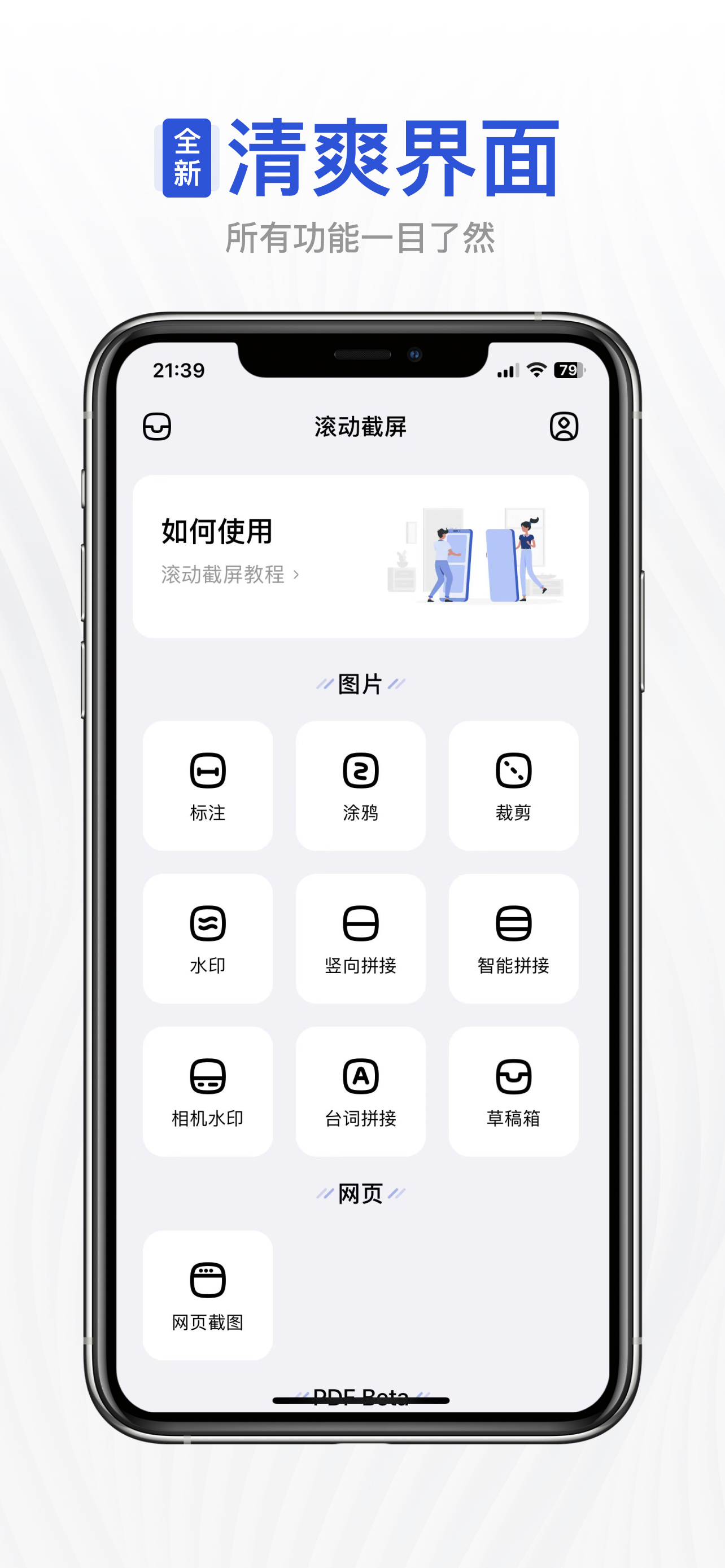
Auto Screenshots Stitch Tailor

Stitch Screenshots Easiest Way

Description

With this software, you can easily capture content that extends beyond a single screen. Here are the simple steps:
**Preparation:**
OPEN Settings; select Control Center; ensure the Screen Recording option has been added:
**Steps:**
1. Prepare the content you want to capture, ensuring that dynamically loaded content is fully loaded.
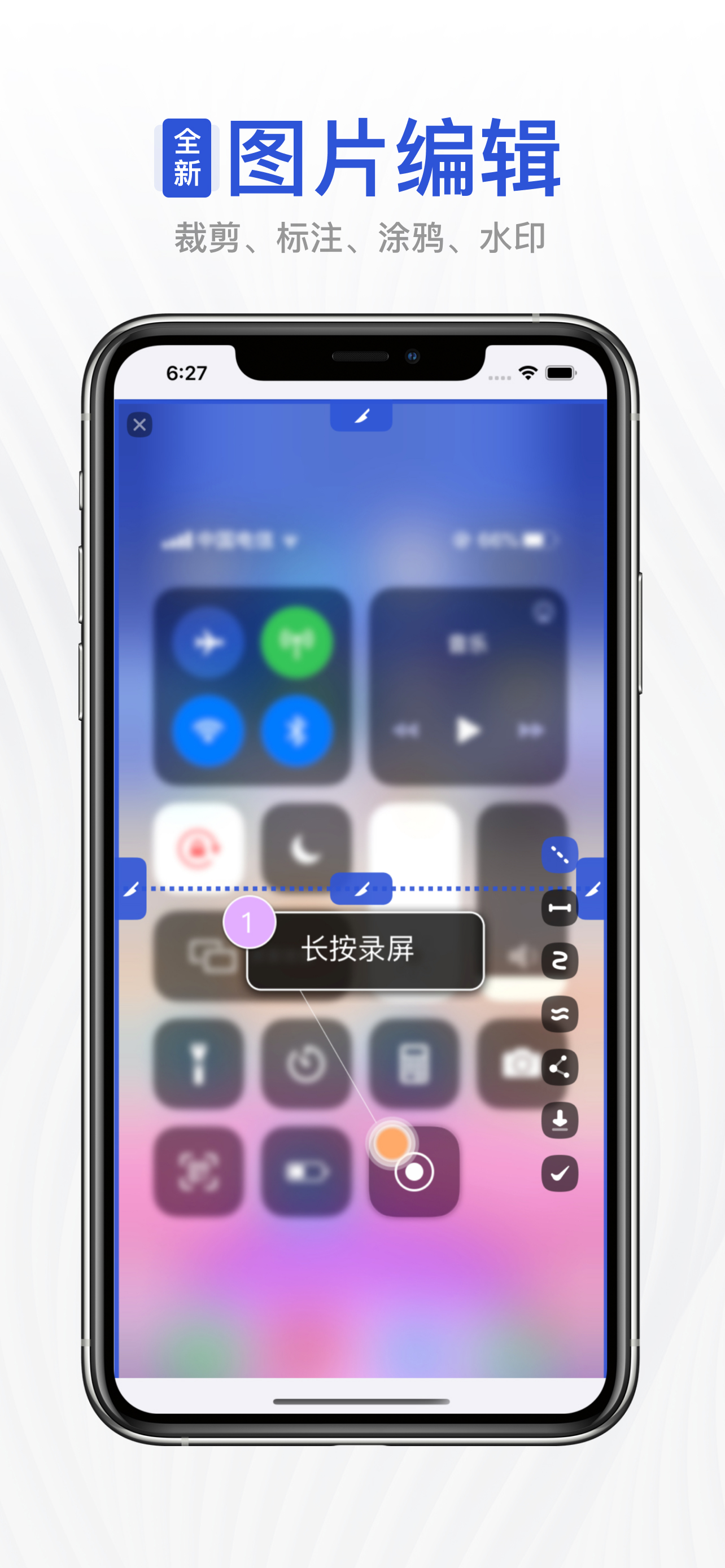
2. Pull down the control center, long-press the screen recording button.
3. Choose the "Tailor" option, then click on start recording.
4. Return to the content page you want to capture before the countdown ends.
5. When the recording button is illuminated, start scrolling through the page.
6. Lift your finger from the screen at the desired endpoint for recording and wait for 3 seconds.
7. After 3 seconds, a pop-up window will appear, click on "Go to the app."
Congratulations, you have completed the screenshot operation!
The popularity of social media and instant messaging applications has made people more eager to share their experiences and interactive content. However, the limitations of capturing a single screenshot can be frustrating in situations where a large amount of information or lengthy conversations need to be showcased. This is where the importance of scrolling screenshots comes into play.
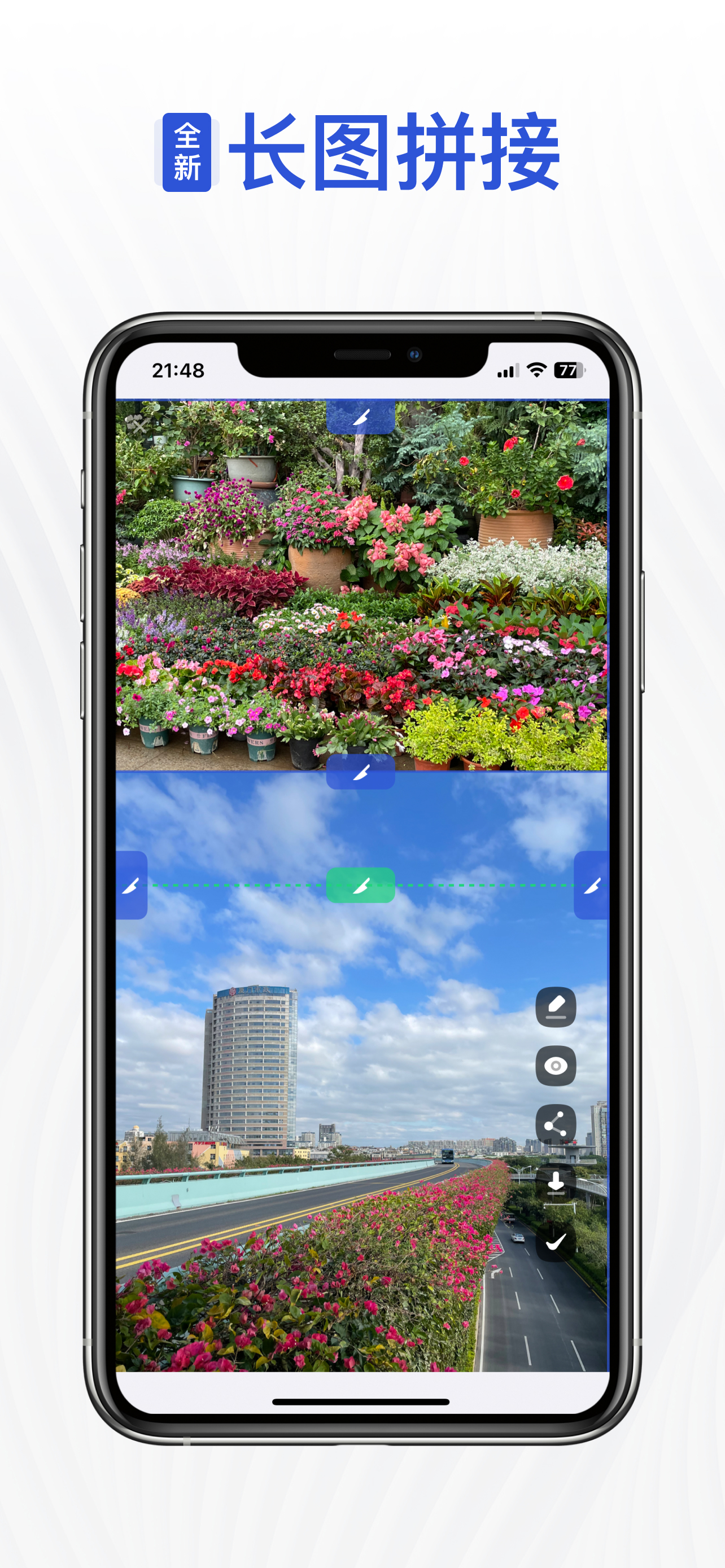
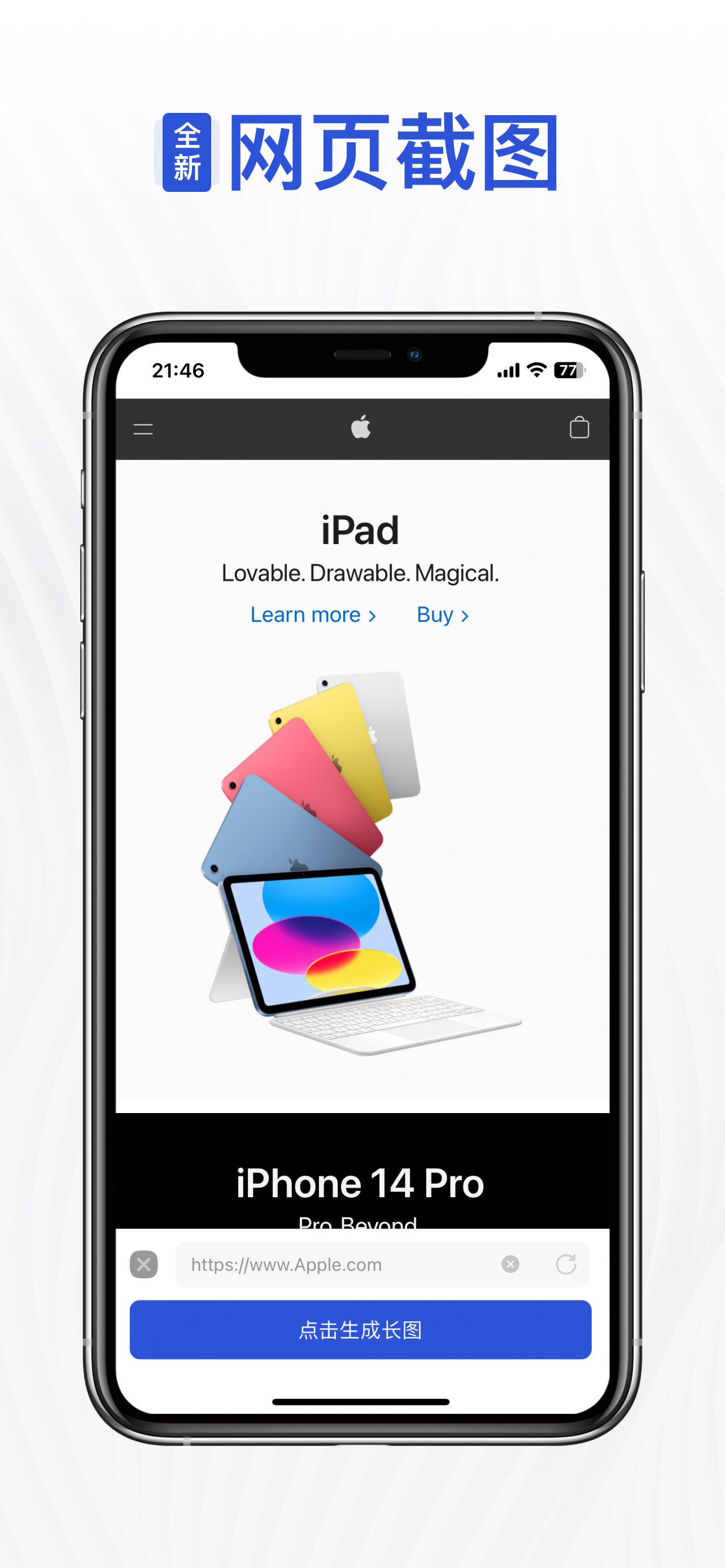
Scrolling screenshots not only capture the entire content within an application or webpage but also integrate these fragments into a single, comprehensive long image, providing you and others with a more holistic perspective. Whether you want to share an exciting WeChat conversation, a lengthy article from a WeChat official account, interesting content from Weibo, or in-depth Q&A from Zhihu, scrolling screenshots can easily fulfill your needs.
Imagine you're reading a long article, and you want to share the key points with others. With scrolling screenshots, all you need to do is gently swipe the screen, capturing the entire article in one go and generating a detailed and complete long image. This way, you can communicate with others in a more engaging manner, without requiring them to go through the hassle of paging through the content.
The application of scrolling screenshots is vast. Whether you're browsing through friends' updates on Facebook, engaging in group chats on WhatsApp, or reading friends' posts on WeChat Moments, scrolling screenshots can help you capture all the content at once, showcasing more details and context, making your shares more persuasive and impactful.
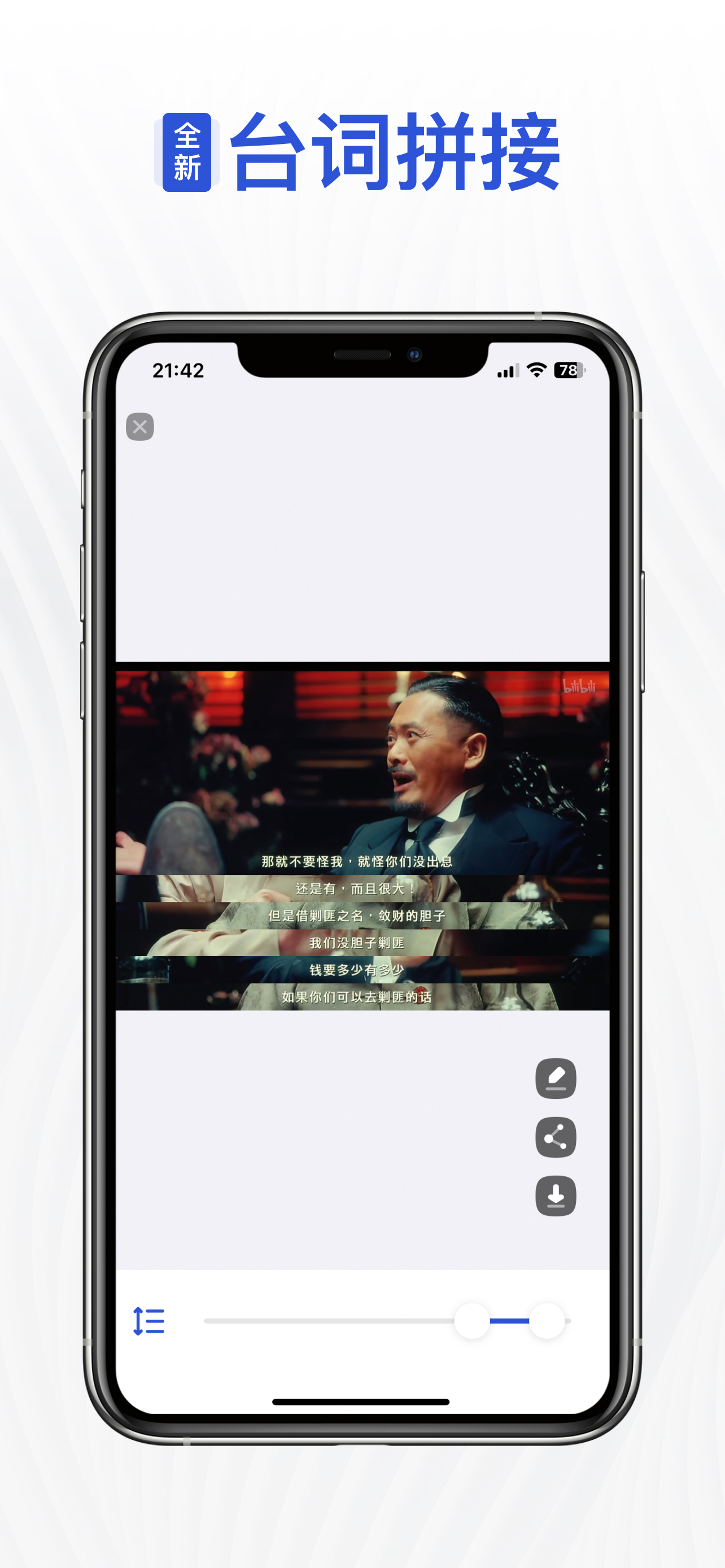
Furthermore, scrolling screenshots bring convenience to bloggers, marketers, and content creators. Whether you're posting a series of interesting pictures on Weibo or showcasing a continuous video on Instagram, using scrolling screenshot technology can seamlessly merge them into a visually striking long image, attracting more attention and interaction to your content.
In summary, scrolling screenshot technology is a powerful and practical tool that helps us present a more comprehensive view when sharing information. It not only simplifies the process of taking screenshots but also provides more ways to display content, allowing us to share our experiences and insights with others in a more vivid and precise manner. No more worries about the hassle of stitching screenshots together—try using scrolling screenshots and make your shares more remarkable and eye-catching!
Hide Show More...

In-Apps

1000 Points Card
$0.99
5000 Points Card
$2.99
3000 Points Card
$1.99
10000 Points Card
$3.99
20000 Points Card
$6.99

Screenshots

Auto Screenshots Stitch Tailor FAQ

  • Is Auto Screenshots Stitch Tailor free?

    Yes, Auto Screenshots Stitch Tailor is free to download, however it contains in-app purchases or subscription offerings.

  • Is Auto Screenshots Stitch Tailor legit?

    🤔 The Auto Screenshots Stitch Tailor app's quality is mixed. Some users are satisfied, while others report issues. Consider reading individual reviews for more context.

    Thanks for the vote

  • How much does Auto Screenshots Stitch Tailor cost?

    Auto Screenshots Stitch Tailor has several in-app purchases/subscriptions, the average in-app price is $3.39.

  • What is Auto Screenshots Stitch Tailor revenue?

    To get estimated revenue of Auto Screenshots Stitch Tailor app and other AppStore insights you can sign up to AppTail Mobile Analytics Platform.

User Rating

3.63 out of 5

137 ratings in United States

5 star
80
4 star
10
3 star
4
2 star
2
1 star
41
Ratings History

Auto Screenshots Stitch Tailor Reviews

滚动截屏

越努力越幸运8223 on

United States

非常好用的截屏app,支持滚动截屏这点很棒也很方便,会一直使用。
好用

ninoris on

United States

没有长截屏功能实在很烦躁,一张一张截图太累了,终于在这里实现轻松截图!

功能丰富,希望加入更多功能

HCL_ on

United States

功能丰富,希望加入更多功能

Great App

九八式衍射弹 on

United States

I have been using this app for making long screenshot for 2 years, it always works perfectly!

很好一软件

蒟蒻w on

United States

解决了苹果手机不能截长图的痛点,用来截图打印长文非常方便,学生狂喜。 补一刀,iPad我用的好好的。评论区里说iPad不能用的什么鬼( iPad 第五代 2017路过

稳定、便捷

爱吃糕点 on

United States

从买了苹果手机装上用到现在有三四年了尤其是口罩天天截健康马,截长图操作很简单,软件很稳定,偶尔去签个到、看视频赚点积分就可以用很久,良心软件。

实用方便

e2fc12 on

United States

能一次性截取各种软件的完整画面,画面清晰,拼接自然

简单好用还免费

K先生工作室 on

United States

简单好用还免费值得推荐

iPad根本用不了

电棍otto♿️♿️♿️ on

United States

打开即闪退

Can’t even load ads

timapple9527 on

United States

Unusable now

Store Rankings

Ranking History
App Ranking History not available yet
Category Rankings
Chart
Category
Rank
Top Free
432

Keywords

Auto Screenshots Stitch Tailor Competitors

滚动截屏 Installs

Last 30 days

滚动截屏 Revenue

Last 30 days

Auto Screenshots Stitch Tailor Revenue and Downloads

Gain valuable insights into 滚动截屏 performance with our analytics.
Sign up now to access downloads, revenue, and more.
This page includes copyrighted content from third parties, shared solely for commentary and research in accordance with fair use under applicable copyright laws. All trademarks, including product, service, and company names or logos, remain the property of their respective owners. Their use here falls under nominative fair use as outlined by trademark laws and does not suggest any affiliation with or endorsement by the trademark holders.