=== About ===
Turn your device into a pro sound level meter trusted by safety experts, audio engineers, and noise monitoring enthusiasts. Whether ensuring workplace compliance, documenting noise issues, or protecting your hearing, our Decibel Meter offers lab-quality precision with an intuitive design.
=== Professional Features ===
MEASUREMENT & ANALYSIS
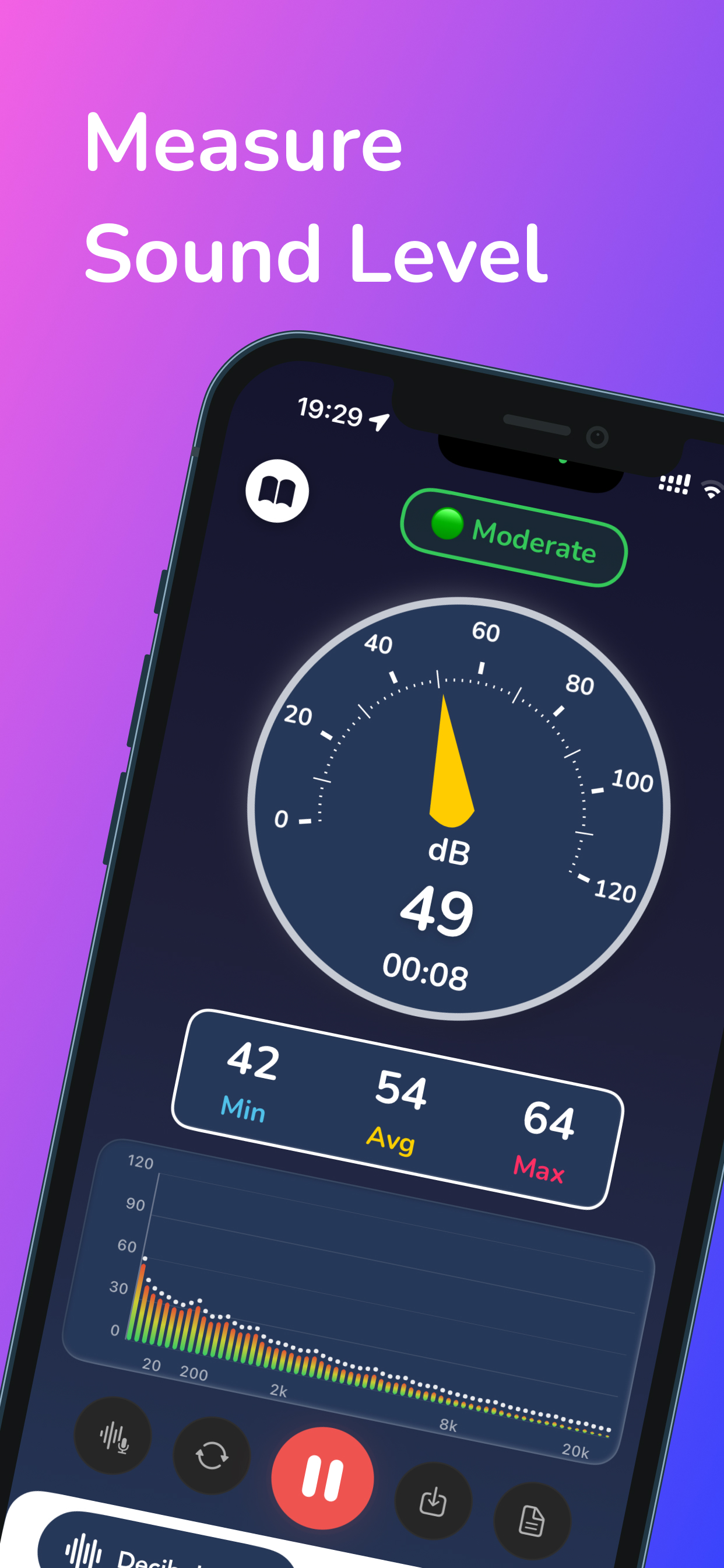
• Real-time dB Monitoring: Instant, accurate sound level readings
• Spectrum Analyzer: Visualize frequencies and pinpoint noise sources
• Noise Dosimeter: Track exposure for workplace safety compliance
• Multiple Display Modes: Choose from Compact, Detailed, or Classic views
• Calibration Tool: Adjust accuracy for your device
DOCUMENTATION & REPORTING
• PDF Report Export: Create reports with charts and data
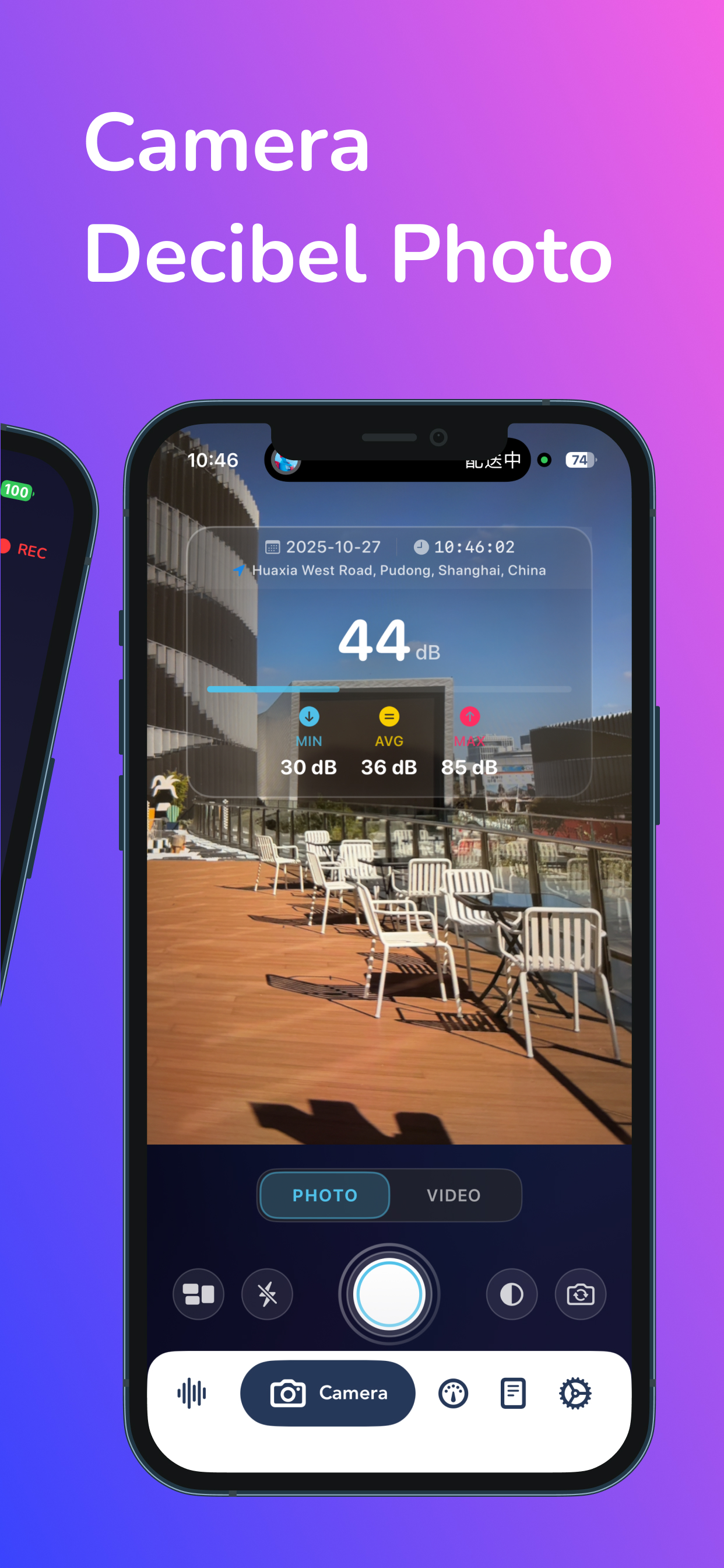
• Video Recording: Capture footage with real-time dB overlay
• Photo Integration: Document sound levels with time and location
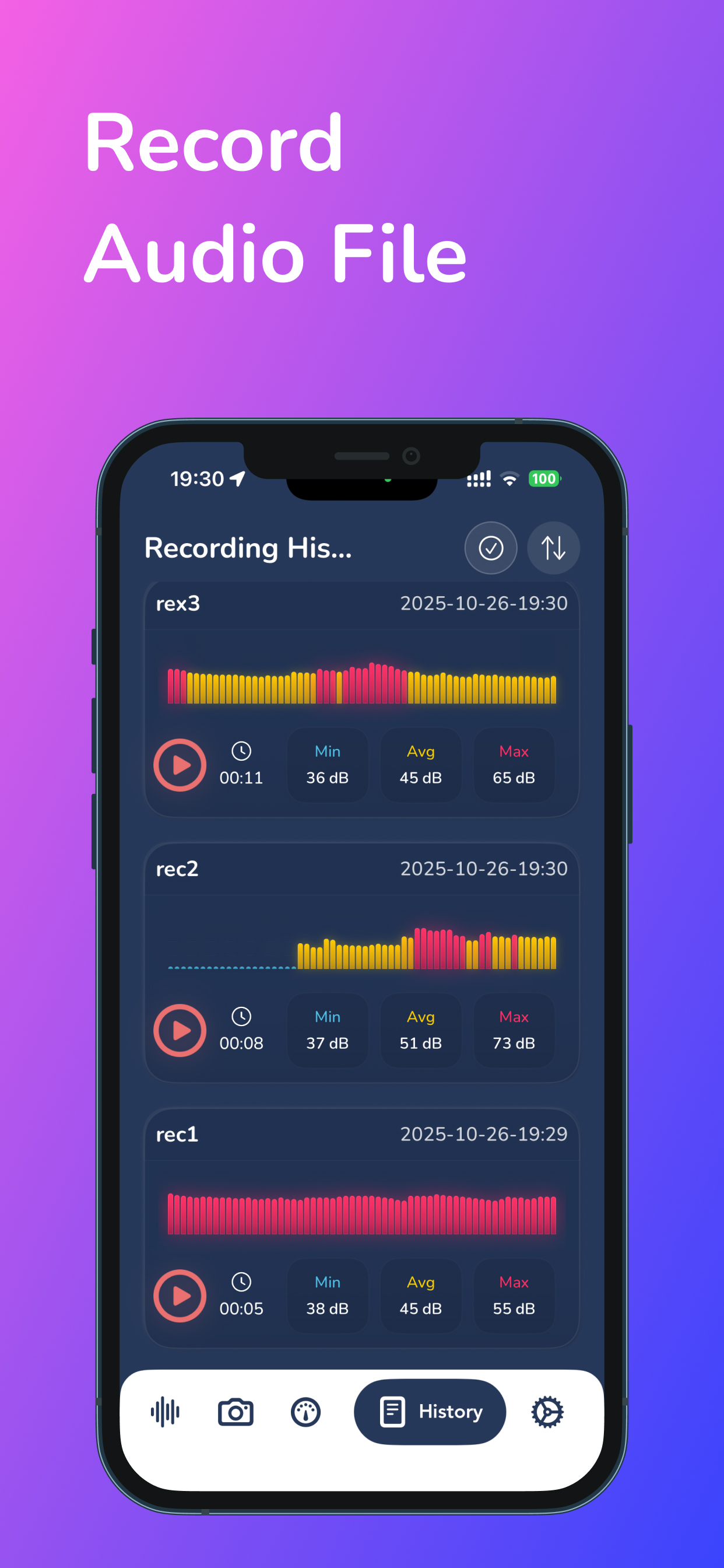
• Measurement History: Save and review past data with metadata
• GPS Location Tagging: Map noise levels to specific locations
SMART FEATURES
• Auto-start Recording: Start measuring as soon as the app opens
• Background Recording: Keep monitoring when app is minimized
• Reference Chart: dB level guide with real-world examples
• Data Export: Share measurements in various formats
=== Who Uses This App ===
• Safety Officers: Ensure workplace noise compliance
• Audio Professionals: Test acoustics and calibrate systems
• Environmental Consultants: Document noise pollution
• Property Managers: Investigate noise complaints
• Construction Teams: Monitor equipment noise levels
• Health Professionals: Protect hearing with accurate monitoring
• Home Users: Maintain quiet living spaces
=== Feedback ===
We're eager to enhance our app. For feedback, email
[email protected]. Our team is committed to providing the best experience.
=== Subscription options ===
The app is free to download. Access premium features with a subscription. Enjoy uninterrupted premium access. Subscriptions auto-renew, charging your iTunes account 24 hours before the term ends.
To cancel auto-renewal, adjust your iTunes settings anytime. Note, refunds aren't provided for unused terms. Ensure cancellation by turning off auto-renewal 24 hours before the period ends.
Terms of use: https://decibelmeter.andyrgb.com/terms
Privacy Policy: https://decibelmeter.andyrgb.com/privacy