
Not able to setup email
I paid $4 but not able to setup email therefore not able to output the spending.





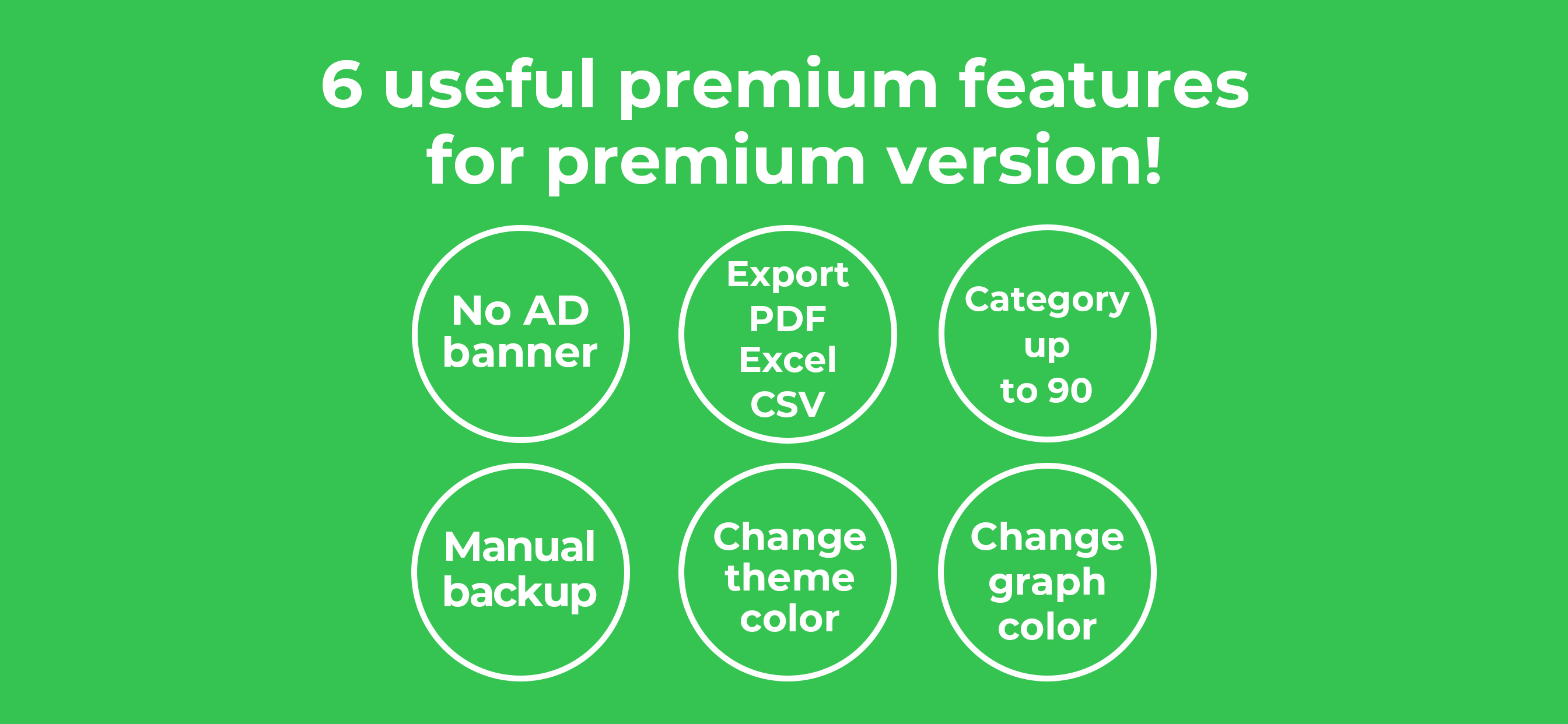
Yes, Quick Money Recorder is free to download, however it contains in-app purchases or subscription offerings.
🤔 The Quick Money Recorder app's quality is mixed. Some users are satisfied, while others report issues. Consider reading individual reviews for more context.
Quick Money Recorder has several in-app purchases/subscriptions, the average in-app price is $8.34.
To get estimated revenue of Quick Money Recorder app and other AppStore insights you can sign up to AppTail Mobile Analytics Platform.

4.13 out of 5
16 ratings in United States
I paid $4 but not able to setup email therefore not able to output the spending.
I KNOW I paid for some level of advanced functionality with this app. Usually a paid upgrade will free you from ads. I batch-enter expenses at the end of the week, The ads will come up every three entries or so, (sometimes after ONE entry) and cannot be closed-out or avoided, forcing me to quit the app and then re-open it, to continue making my entries. Since I bought my way "up" on features I would hope to avoid this. And the ads are for candy-crush like games for which I have no interest whatsoever. Over and over and over and over and over again. Close the app, reopen and start making entries. Fullscreen ads come on. Close app and reopen. Make entries. Fullscreen ads come on. Close app and re-open. The app itself is WONDERFUL but using it makes me grit my teeth nowadays. Just tell me what I have to pay to never see these %#^* ads again??
Even using for years. Only issue I have is that you cannot sort by a date range. Not too good if you want to run reports for a fiscal year.
アメリカ在住なのですが、レシートの自動読み取りが全く出来ません。項目も、金額もめちゃくちゃです。 仕方がないので、手入力しています。 入力自体は簡単で、グラフで可視化できるのでとても良いです。
Easy to use
I like the design of the calendar. The size of fonts and lines, and spaces are beautiful and perfect. Daily expense list is also nice. Easy to read. I wish it includes the bank and petty cash balance functions. Also make the pie chart little smaller. Over all I love it’s functionality and simplicity.
Overall it’s amazing, but I wonder if I can have a separate recording with my other bank, I don’t see option to do that.
The main drawback for me is you have to pay $3.95/month to get your totals for each category in a pdf format so your can see all the categories totals at once. Otherwise, you have to look at each total separately and record somewhere manually. Im just not willing to pay $4 a month for this. One other thing I don’t like is you can’t rearrange the category list alphabetically or as you wish. It is pretty easy to enter data, but what good is that if you cant punch a button and get all your totals in one spot?
Been using for a few years now and just can’t live without this app. When I sat down with my Financial Planner, she could not believe that I had all my expenses itemized and could easy search for information very quickly. I am always showing this app off because I know where every cent is spent. I make my 13 year old daughter input data so she knows where the money goes. ***Only wish the website version worked as well as the mobile app. I like looking in a larger screen.
Very helpful app it is unique in its camera to help in keeping all the bills
|
Chart
|
Category
|
Rank
|
|---|---|---|
|
Top Grossing
|
|
24
|
|
Top Grossing
|

|
48
|
|
Top Grossing
|

|
88
|
|
Top Free
|
|
365
|
