
Great app
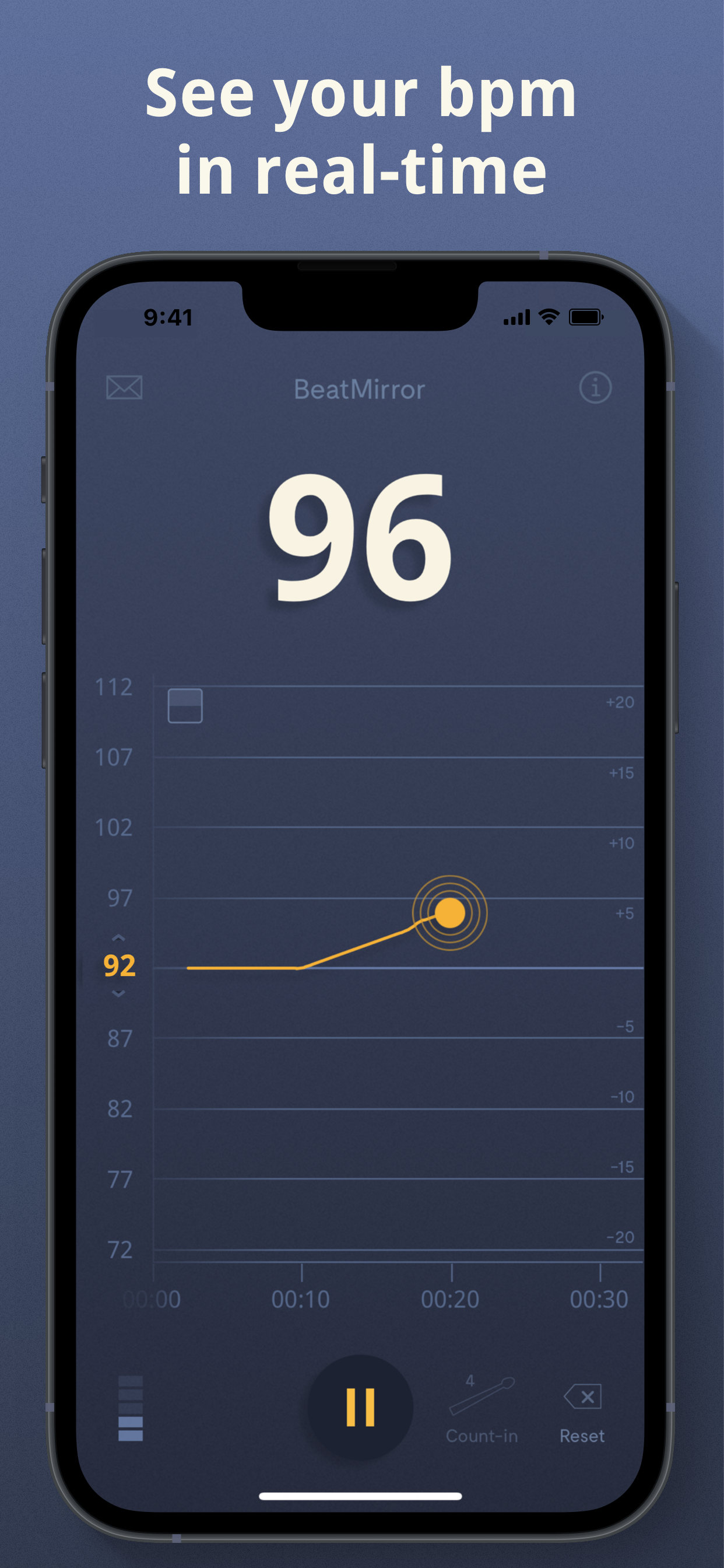
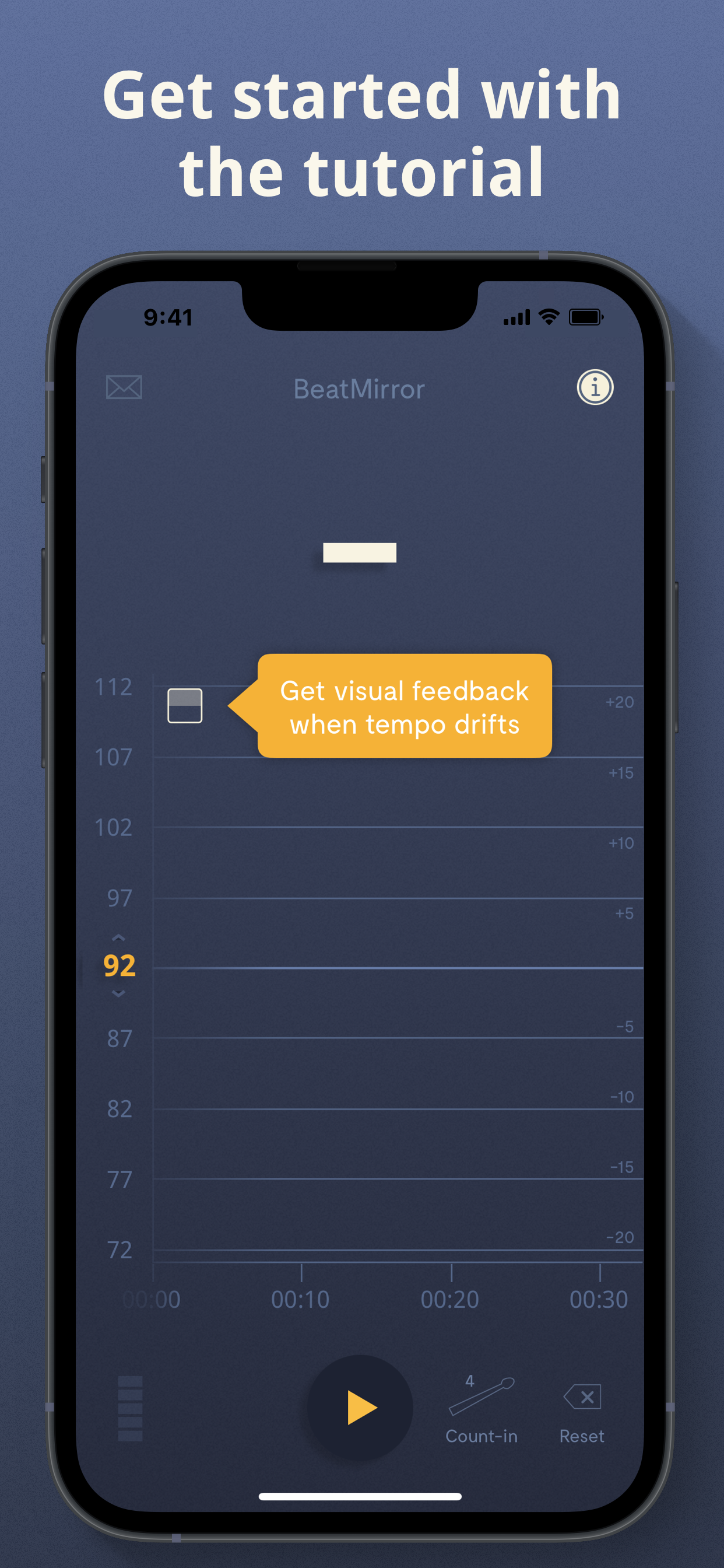
I am an intermediate drummer and this app helps me improve my timing. It is one step up from a metronome, BM shows how my timing can waiver and how to bring it back to the speed I want.




Yes, BeatMirror is completely free and it doesn't have any in-app purchases or subscriptions.
🤔 The BeatMirror app's quality is mixed. Some users are satisfied, while others report issues. Consider reading individual reviews for more context.
BeatMirror is free.
To get estimated revenue of BeatMirror app and other AppStore insights you can sign up to AppTail Mobile Analytics Platform.

5 out of 5
1 ratings in South Korea
I am an intermediate drummer and this app helps me improve my timing. It is one step up from a metronome, BM shows how my timing can waiver and how to bring it back to the speed I want.
BeatMirror should be famous. There are two tools EVERY musician who wants to improve their tempo needs: a metronome and BeatMirror. A metronome trains you to (re)sync with an external reference. BeatMirror shows you what your internal tempo is and how (un)stable it is. The app interprets tempo accuately even when there are complex rhythms. It’s rock solid and works well in a practice room, rehearsal, and on stage! I highly recommend it!!!
I just wanted an app to tell me the bpm. Paid 5 bucks and immediately deleted.
After years of tapping to determine BPM using hardware and apps, I never understood why it seemed so difficult to find the BPM of a sample or song. My Korg KP3 did a good job, but now that hardware music devices have audio and MIDI over USB-C, this app is a must-have for me. I've never written a review of an app before, but I tried several other BPM apps which still required me to tap for BPM or only showed popular music BPM. This app is perfect for use with new samplers and any app where your loop needs to be perfect. Unless you're only producing dance music that hovers around 120 BPM or whatever and you don’t change the original beat in samples, you need a simple app like this. I use old vintage analog live 'standards' samples or obscure things for sound design, and while it will fluctuate, the app includes an option to use a different algorithm, each of which works slightly differently. It's fun to watch the BPM needle move along and draw out the beat as a fluctuating line on a heart monitor. I just got this the other day, and I was amazed when I opened the app on my iPad Pro M2, plugged in my SP404 Mk2 to a daisy-chained third hub with USB-C, and instantly saw the BPM of everything I was doing while the music was playing via monitors or headphones! I didn’t believe it was working, so I tried different samples, and it matched right away. It may need more features to thrill others, but it’s great as it is. I have a couple of requests at the end. I've been quickly fixing samples that I thought were good by ear, but the app synced them perfectly. I'm on a steep learning curve with two new hardware samplers, every decent iPad app (2000+), and I just got the SP404 and recently a Polyend tracker, plus the new Zoom R4 4-track recorder and the new Minifreak I got last year. I am overwhelmed, but I'm an artist with ADHD who is also obsessed with sound design since I first heard Kraftwerk on reel-to-reel in high school!
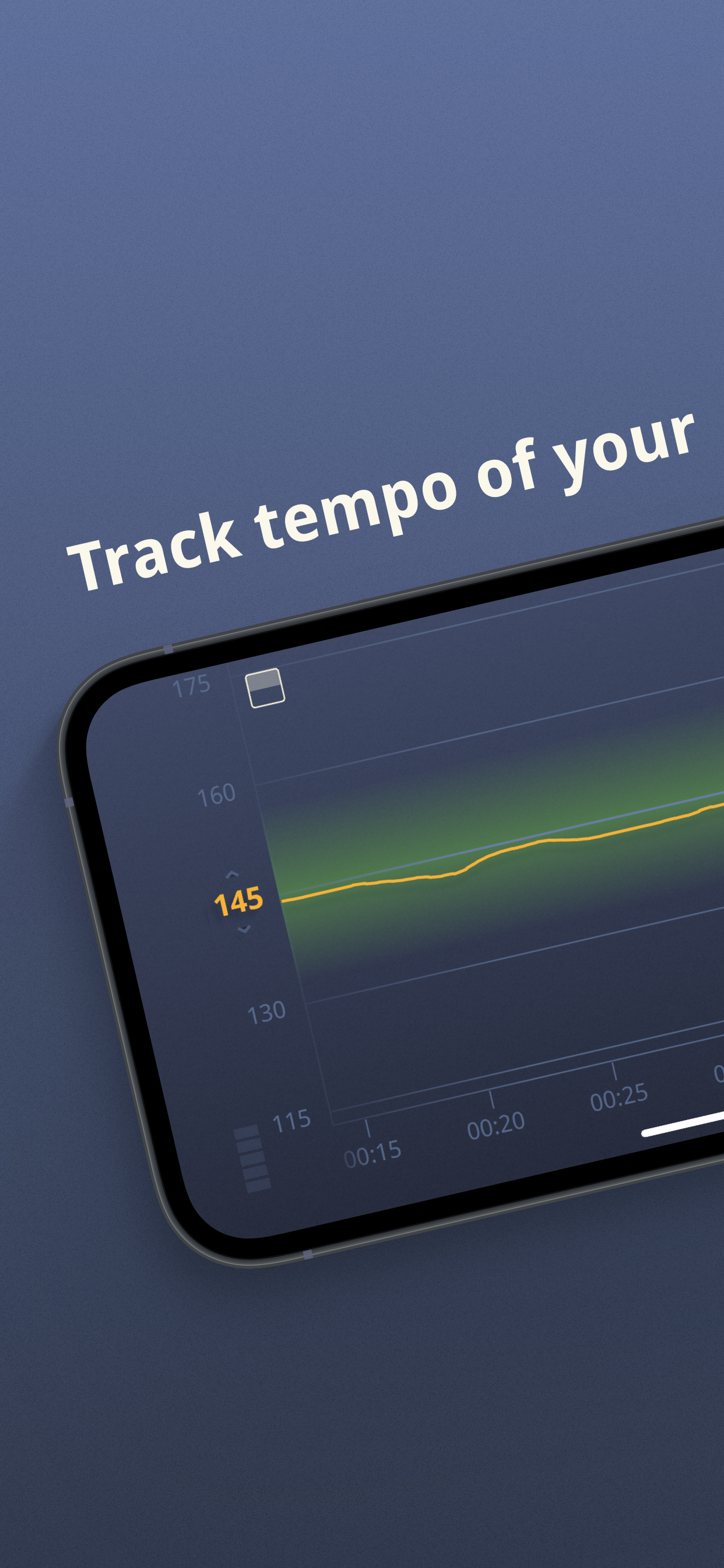
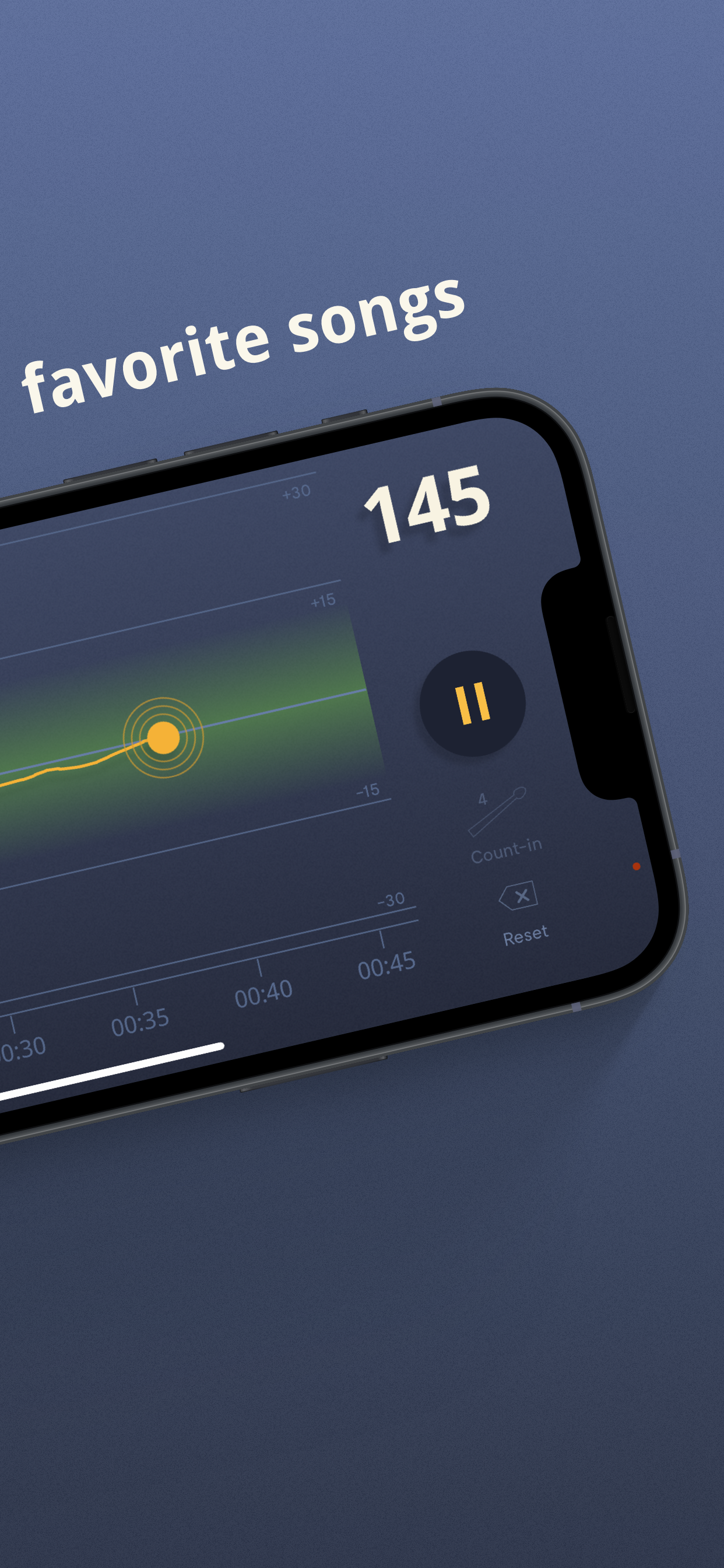
I like to use this app during band practice. I set the bpm for the song we’re about to play and keep a casual eye on it to make sure we’re not getting carried away. I have a pretty fat pocket, but that doesn’t mean the other guys don’t want to run off with the tempo. So I can glance over periodically and check that we’re still within 5 or so BPM of where we should be. I can also check the graph after the fact and see where we wobble a bit and where we lock in, etc. Good tool. I haven’t used it in a performance, but probably will.
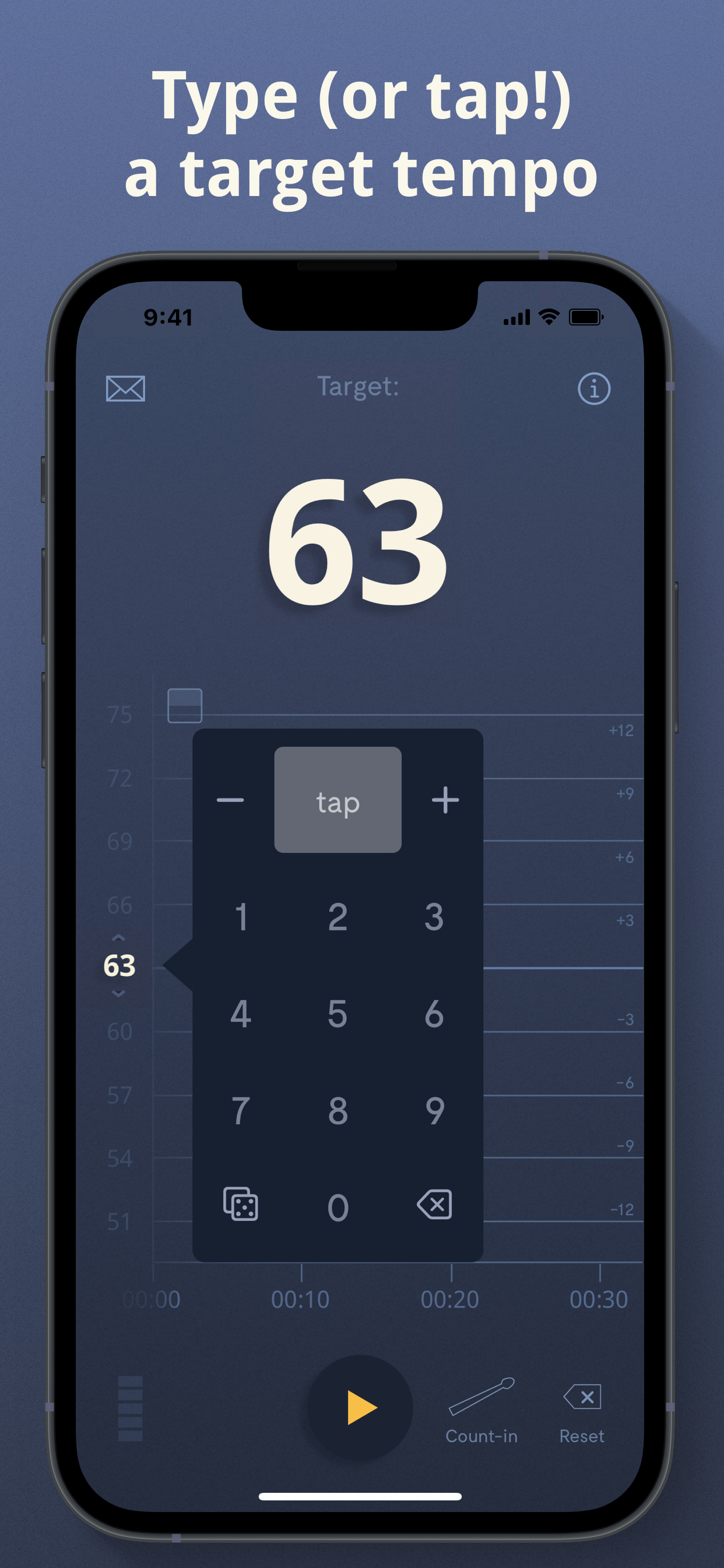
I would give this app 5 stars if it would just have a mode like the app liveBPM where it just detects your playing. I try to use this in a band setting but there isn’t time to tap in a target tempo between most songs.
There are two tools EVERY musician who wants to improve their tempo needs: a metronome and BeatMirror. A metronome trains you to (re)sync with an external reference. BeatMirror shows you what your internal tempo is and how (un)stable it is. The app interprets tempo accuately even when there are complex rhythms. It’s rock solid and works well in a practice room, rehearsal, and on stage! I highly recommend it!!!
I am playing a piece on the piano and I notice when I play the bridge the beat mirror goes gray and only comes back once I exit the bridge the tempo of the bridge never gets tracked
Let’s face it, practicing with a metronome is just not enough. This app takes the training wheels off and gives you feedback on your overall pulse.
I’m a professional drummer/teacher who was using and endorsing the BeatNik Rhythmic Analyzer from Onboard Research since 2008. When the company folded in December of 2017, I was dreading the day both my units would malfunction. It used to be a simple matter of me sending them in for a free repair under their lifetime warranty. Now I needed an alternative. I did some research and stumbled upon the Beat Mirror. It took a little getting used to but is far more simple and intuitive to operate and it doesn’t have the risk of a sensor going bad. The price point is reasonable and having the functionality on both phone and iPad make it super convenient. The developer is very responsive and quick to answer questions and offer solutions. All in all I’m very pleased with Beat Mirror and know my students will be as well!
|
Chart
|
Category
|
Rank
|
|---|---|---|
|
Top Paid
|

|
17
|
|
Top Paid
|
|
28
|
|
Top Paid
|
|
118
|
|
Top Paid
|

|
131
|
|
Top Paid
|

|
201
|
