
Good app
It’s a good app but after like a day or two one of the icon like the light blue one has disappeared while I was trying to make my own icon, please fix this bug!!!!!!!





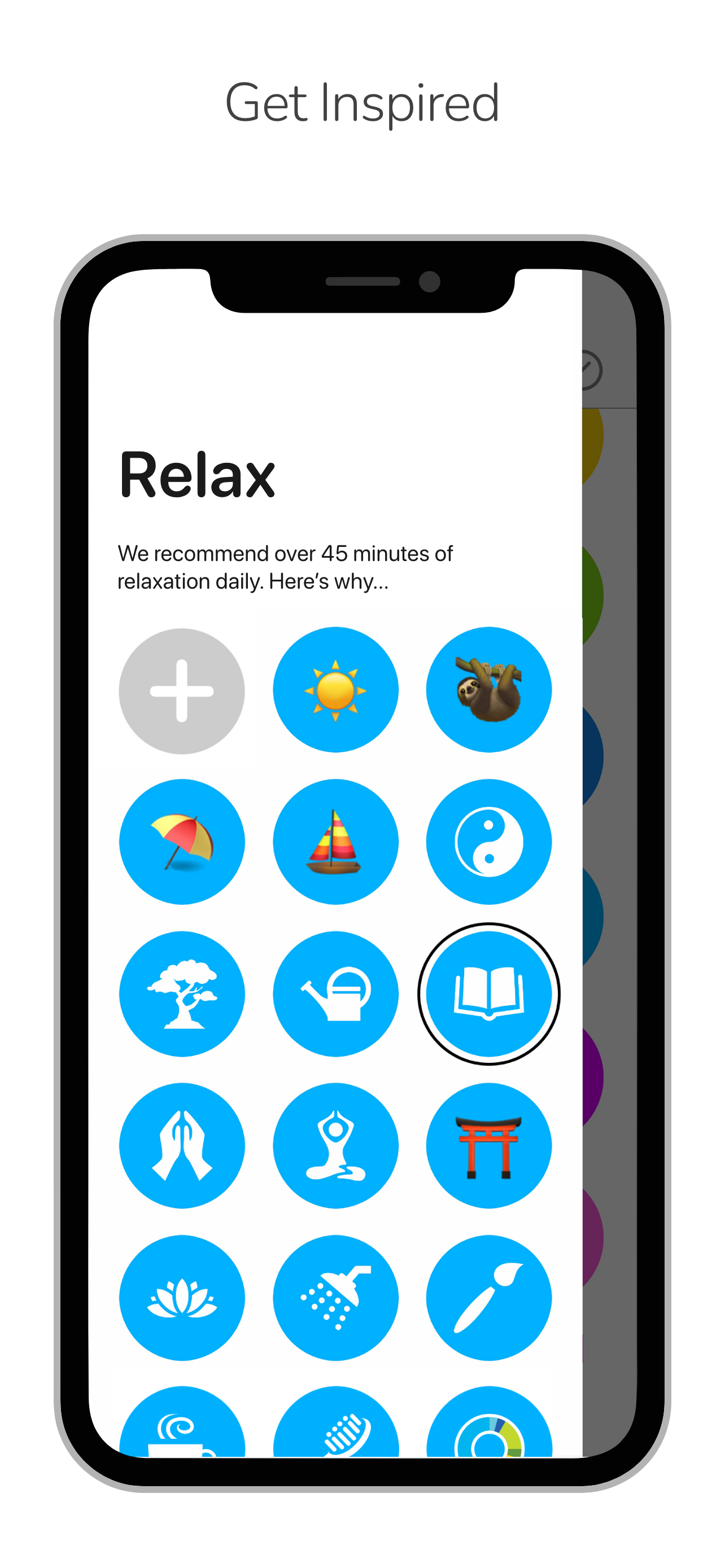

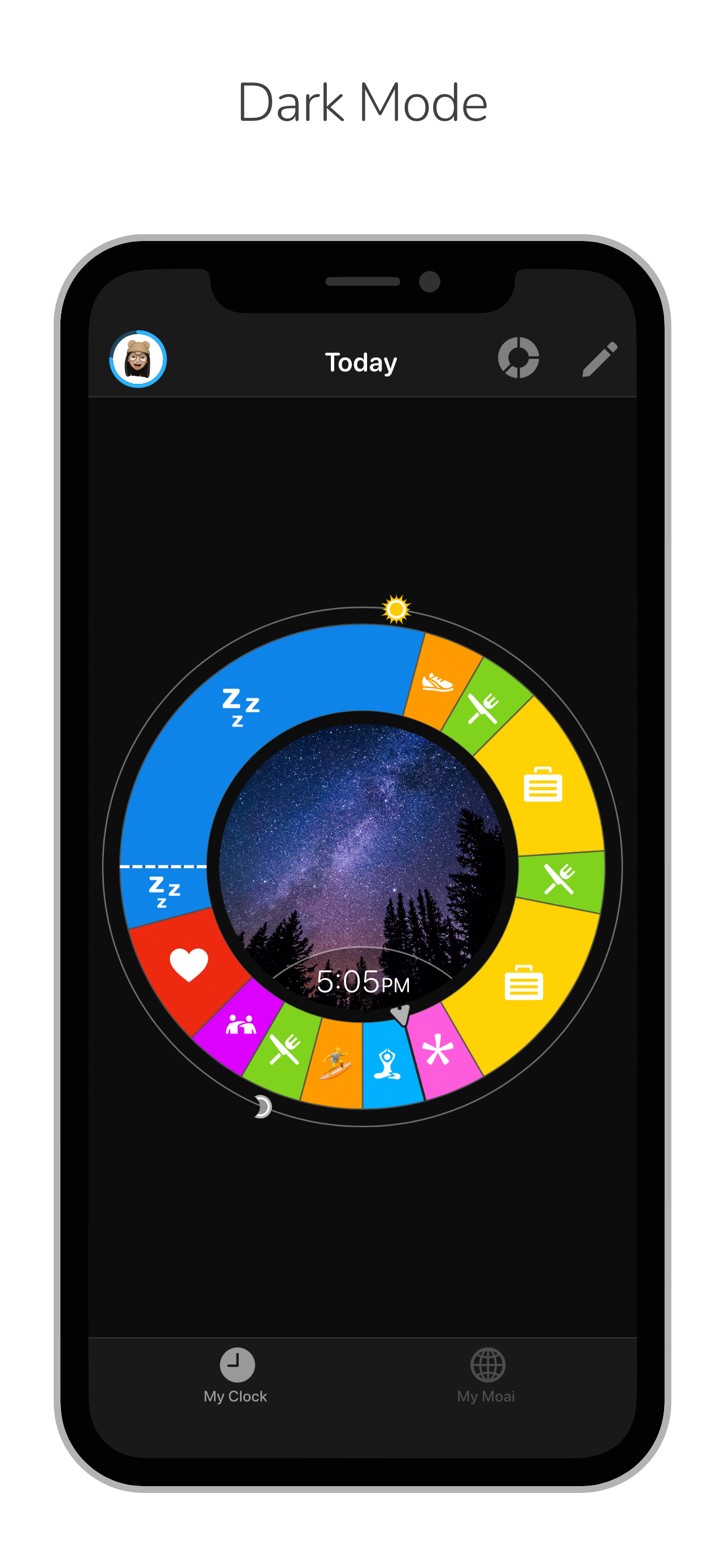

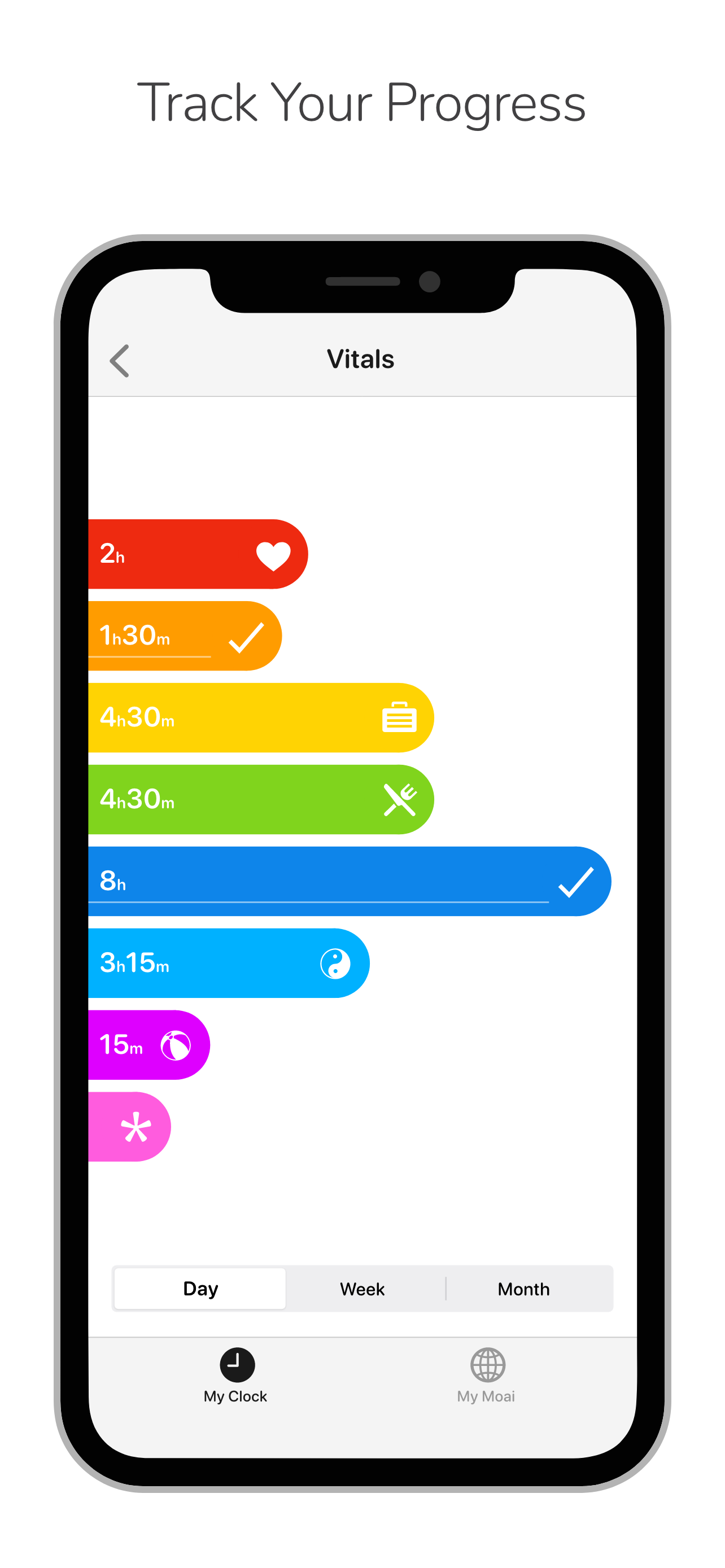

Yes, BodyClock AI is free to download, however it contains in-app purchases or subscription offerings.
🤔 The BodyClock AI app's quality is mixed. Some users are satisfied, while others report issues. Consider reading individual reviews for more context.
BodyClock AI has several in-app purchases/subscriptions, the average in-app price is 268.00 H$.
To get estimated revenue of BodyClock AI app and other AppStore insights you can sign up to AppTail Mobile Analytics Platform.

4.59 out of 5
27 ratings in Hong Kong SAR China
It’s a good app but after like a day or two one of the icon like the light blue one has disappeared while I was trying to make my own icon, please fix this bug!!!!!!!
Perfect
I love to use this to either plan or track my day (my main use is to track my work hours because I have a flexible schedule). It’s very visual and I don’t have to type in numbers, which I really like. Plus I can get a better sense of how I’m breaking up my day. I like that I can customize the icons for the category. The reminders for each block are also nice to pull me out of whatever I’m doing (with ADHD it can be hard to switch tasks). However this app can be very buggy for me. It’s often slow and laggy, freezes up on me quite a bit. It could be that my phone is getting old, but I don’t have issues like this with other apps I use. Will update my review when I have a new phone. Also, I love that it’s ad-free but still free. I would pay a one time fee for pro features but I’m not getting enough out of this to pay for a subscription.
i used to love this app. i relied on it religiously. now it’s riddled with bugs and advertises in-app purchases around every corner. it used to be completely free, and the core features are still great. but i’ve been forced to delete it now that the newer features are locked behind a $70 subscription.
Ok, no Concept great. Within 2 minutes discover cannot edit and activity to last past midnight-glaring problem. I simply tried to create sleep to start at midnight and last for more than 4 hours. ByUhH
I just got this app, recommended to me by a friend, and I love it! It lets me visualize my everyday schedule, and with color coding too! I just wish the pro version was a one time purchase rather than a subscription- or at least had a one time purchase option (maybe like 25-30 dollars?) Honestly I love this app, I just want more options and the only way to do that is through the pro.
I love this app! It helps me stay on track. As someone with ADHD, that’s difficult for me. The only thing I don’t like is that moving stuff around and resizing them is slightly difficult and frustrating. The app also freezes sometimes when I try to add my own icons for activities. I hope you find this feedback helpful.
For the longest time, I just kept my “schedule” in my head. After using this app, I’ve gotten the skills to actually plan out bigger tasks and break them up into smaller achievable ones. It really helps me realistically set goals for my days! Love it
It’s a good app but we need more time slots it’s can’t just be 3:15, :30, and :45 and it’s general but I need more time slots like 3:01 and :09 something like that but other that like it
Owaves was a decently useful app - great for quickly visualizing time. Unfortunately now the app is nothing but interruptions for their paid tier. You can’t even plan an hour or two of your day without a pop-up or some rainbow flashing circle distracting you.
|
Chart
|
Category
|
Rank
|
|---|---|---|
|
Top Free
|

|
344
|
|
Top Free
|

|
385
|
|
Top Free
|

|
481
|
