Apple App Store Camera M – Cámara Manual Pro icon

Camera M – Cámara Manual Pro

RAW, ProRAW, Bracket, Macro

Published by: bxb

Description

Camera M es una cámara manual profesional que te permite capturar fotos hermosas con máxima calidad, usando controles manuales precisos al nivel de una DSLR.

DESTACADOS
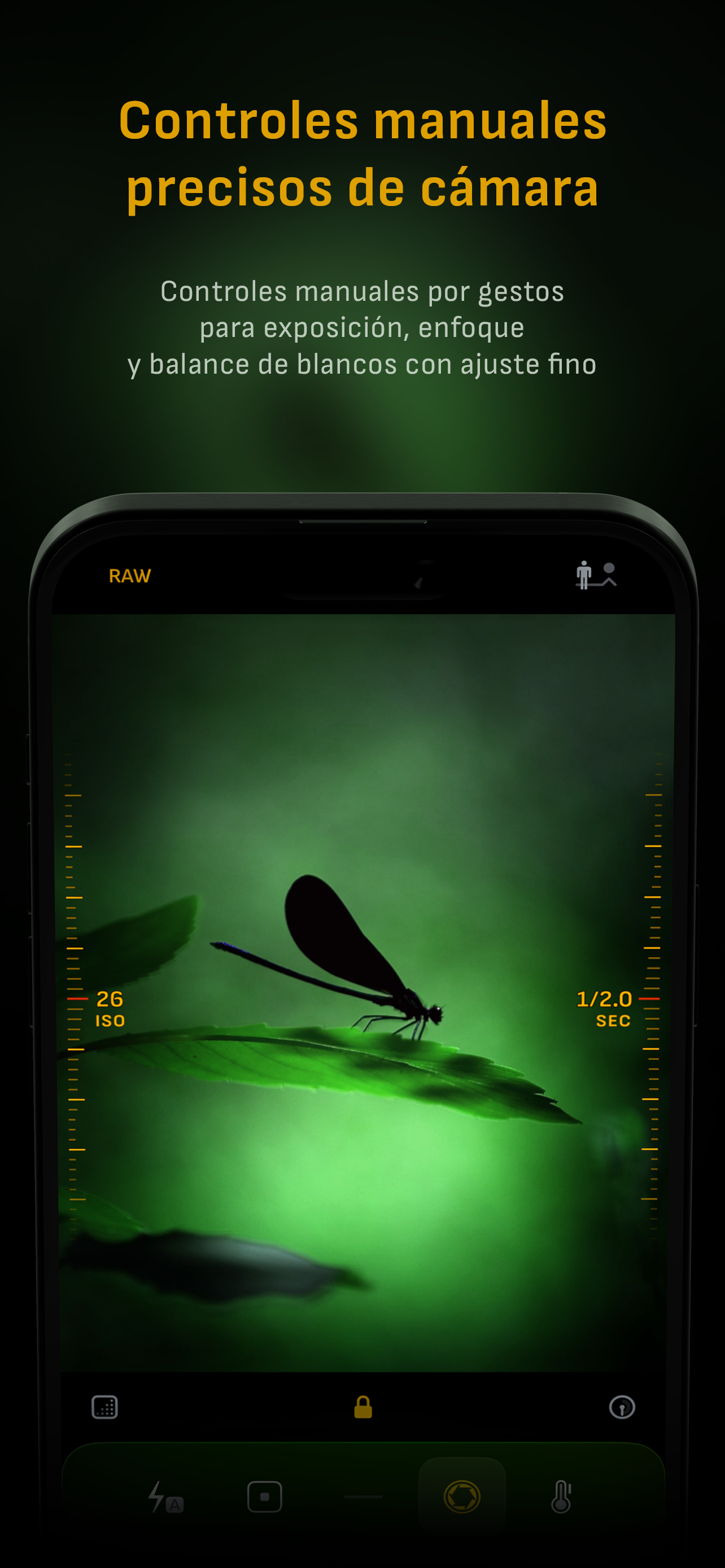
• Controles manuales nativos basados en gestos con función de ‘Ajuste fino’
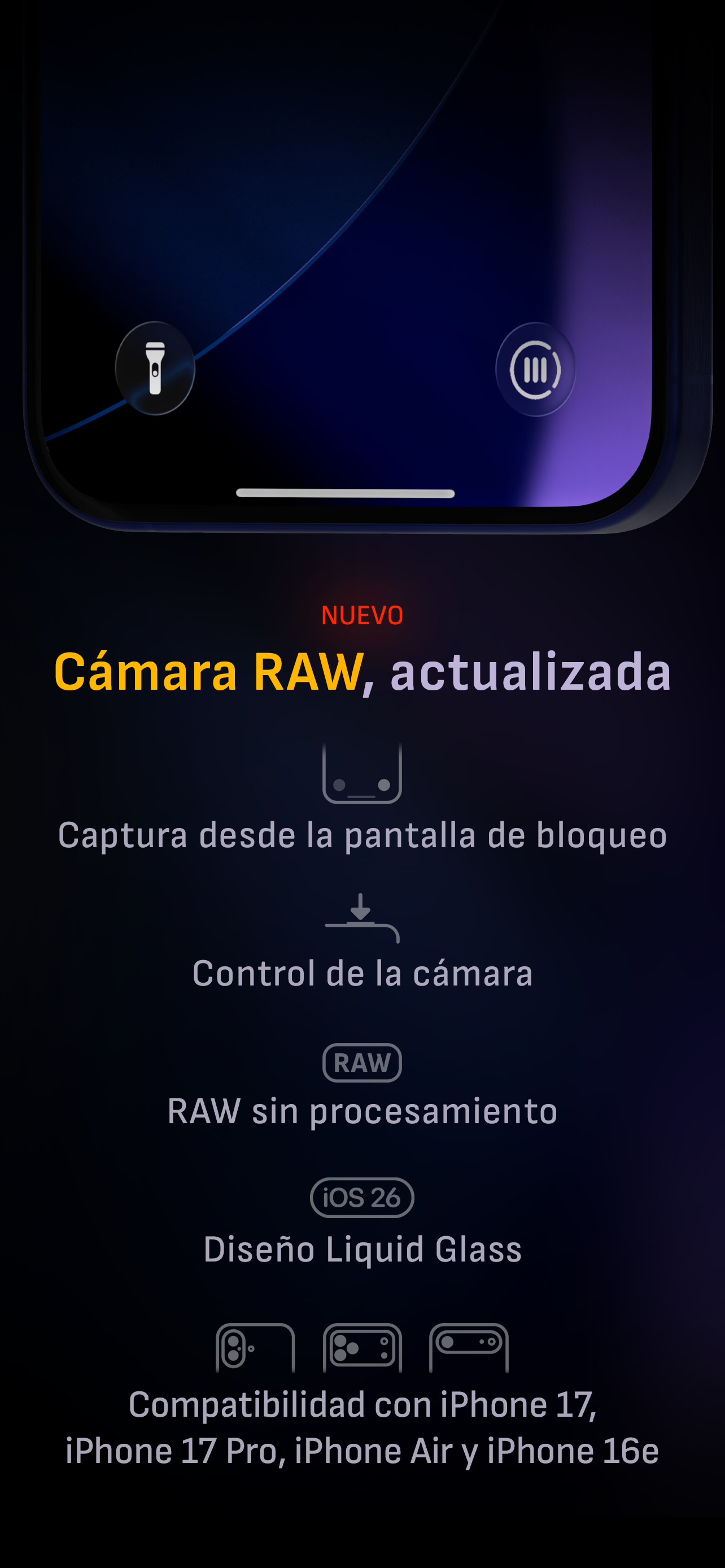
• Optimización para iOS 26 con diseño Liquid Glass
• Visualización de la distancia mínima de enfoque para fotografía macro
• Focus Peaking y lupa 4× con función de paneo
• Histogramas RGB en vivo
• Calibración manual con tarjeta gris
• Procesamiento máximo de imagen para garantizar la mejor calidad posible
• Soporte RAW sin procesar
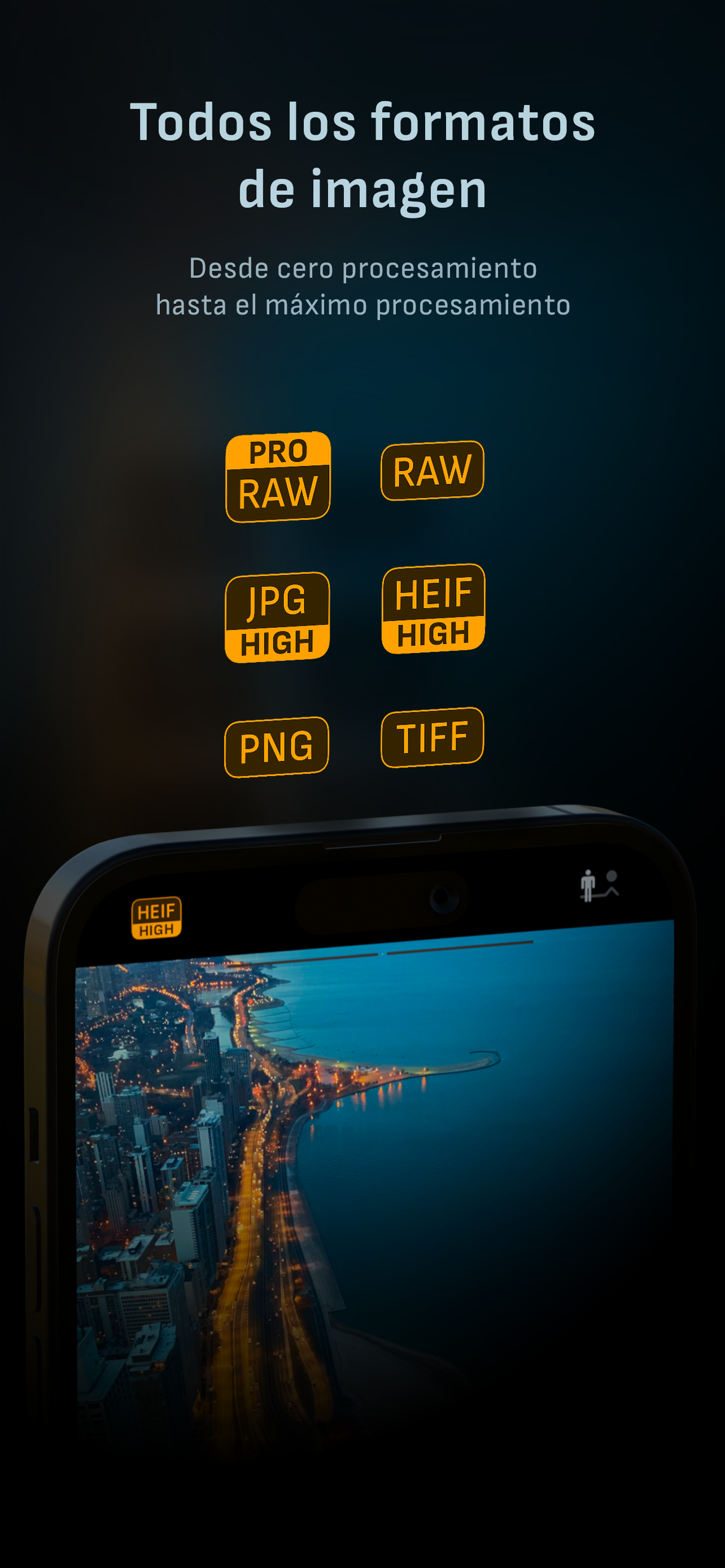
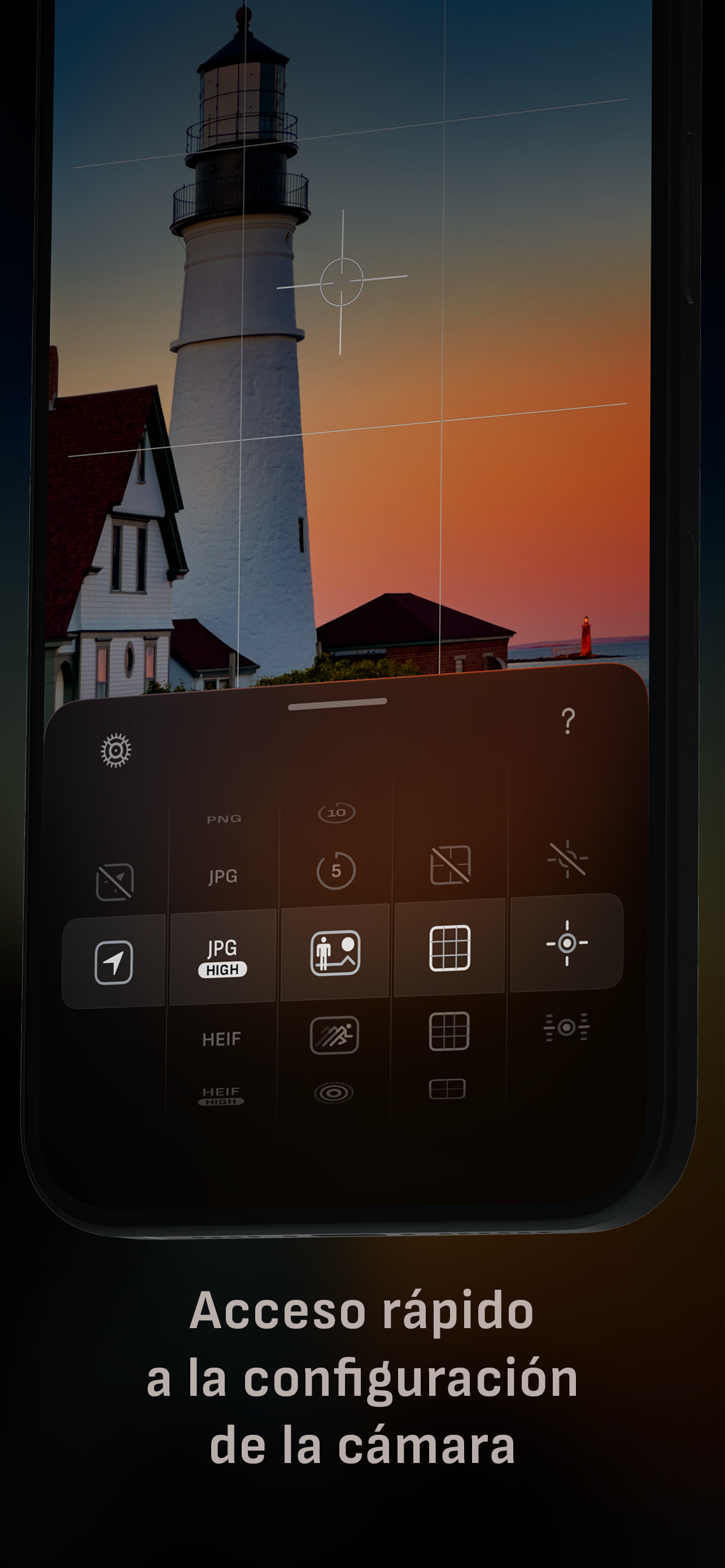
• Formatos de imagen ProRAW*, RAW, HEIF, JPEG, TIFF y PNG
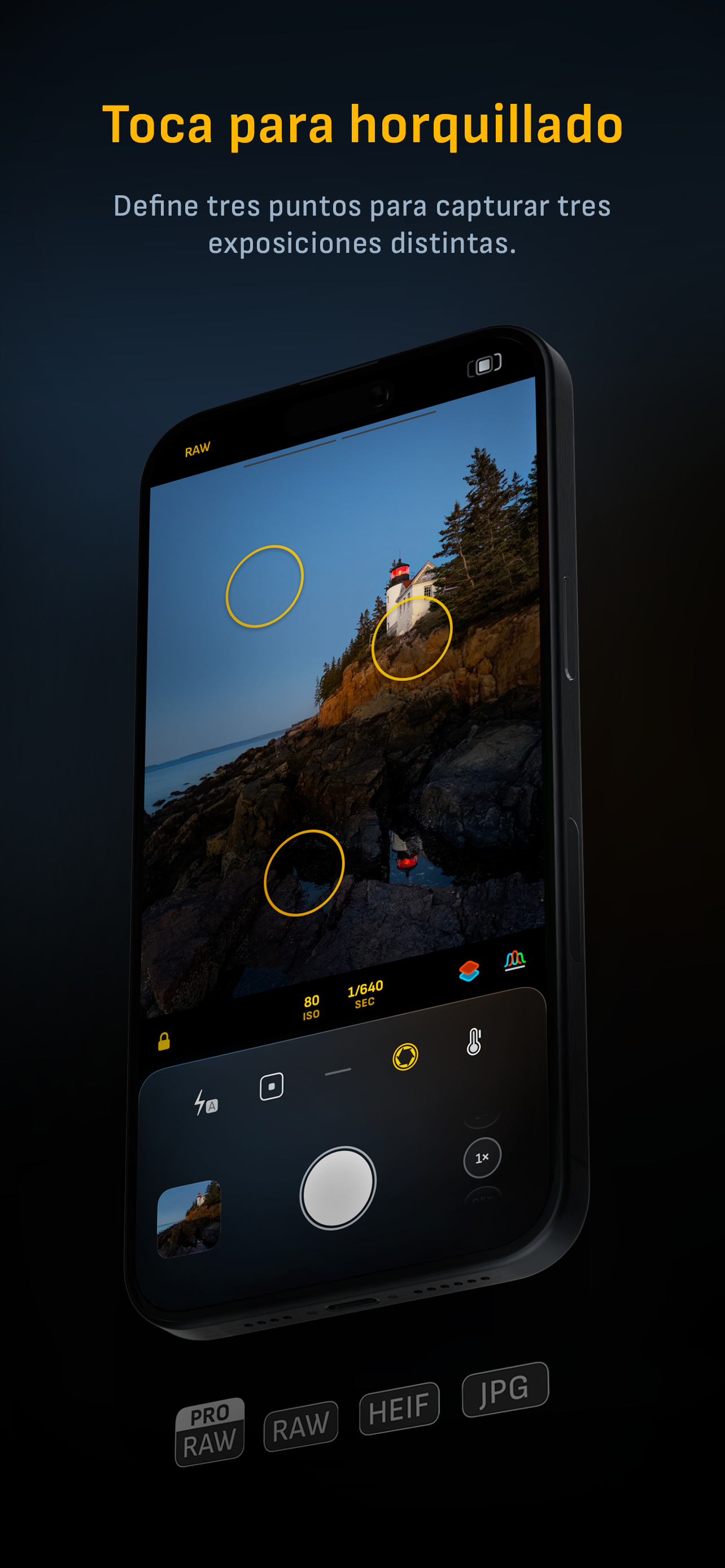
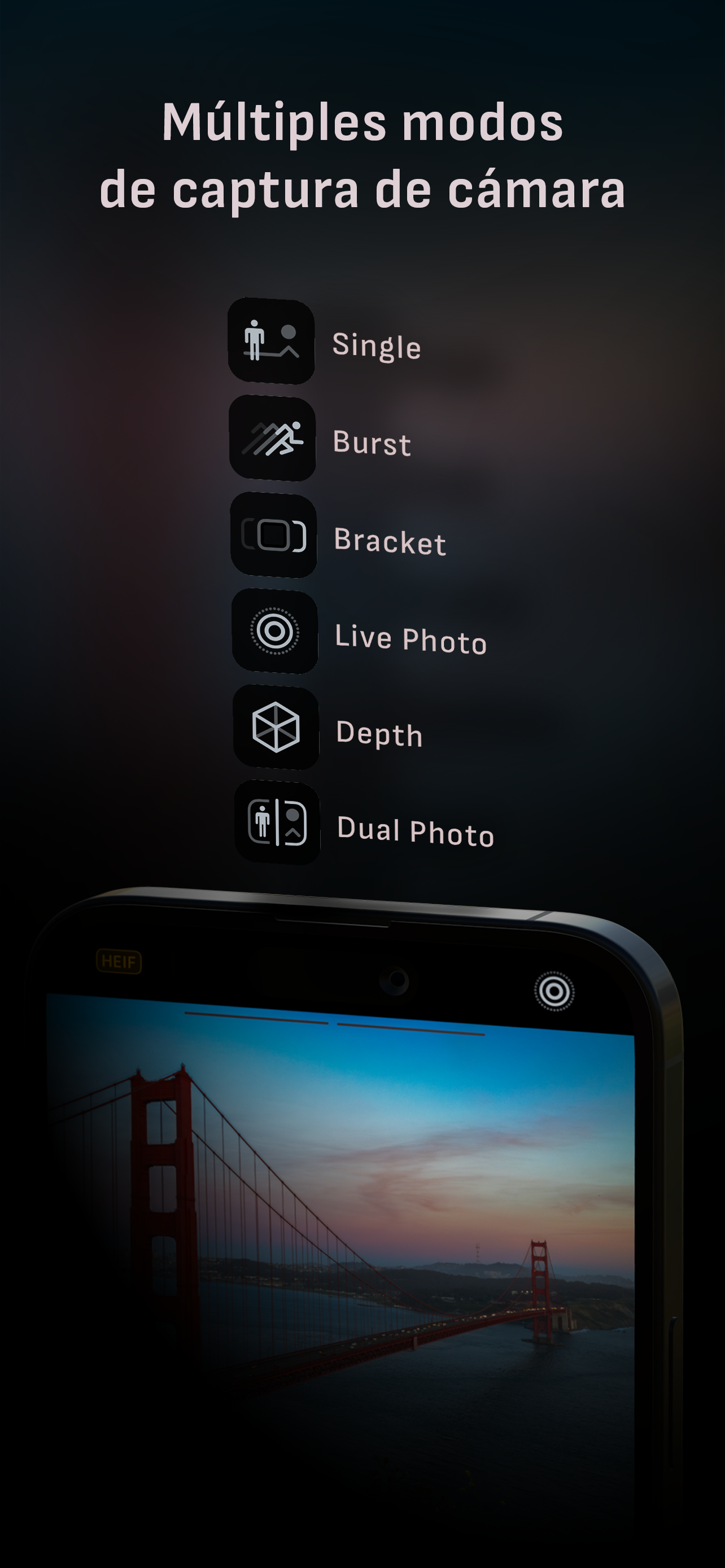
• Modos de disparo: individual, ráfaga, temporizador, Live, profundidad*, Dual Photo* y bracketing
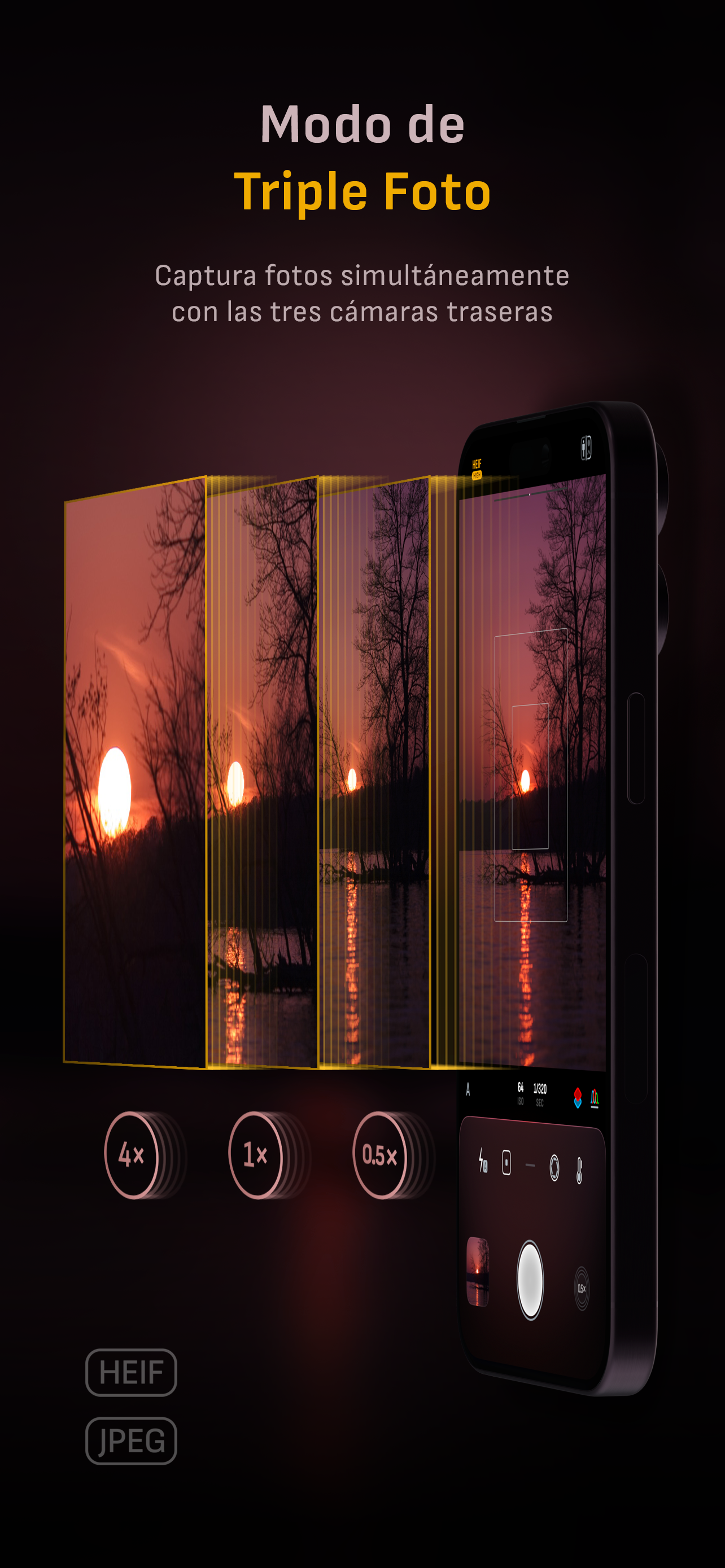
• Modo Triple Photo con captura simultánea con cámara ultra gran angular, gran angular y teleobjetivo*
• Integración con Darkroom
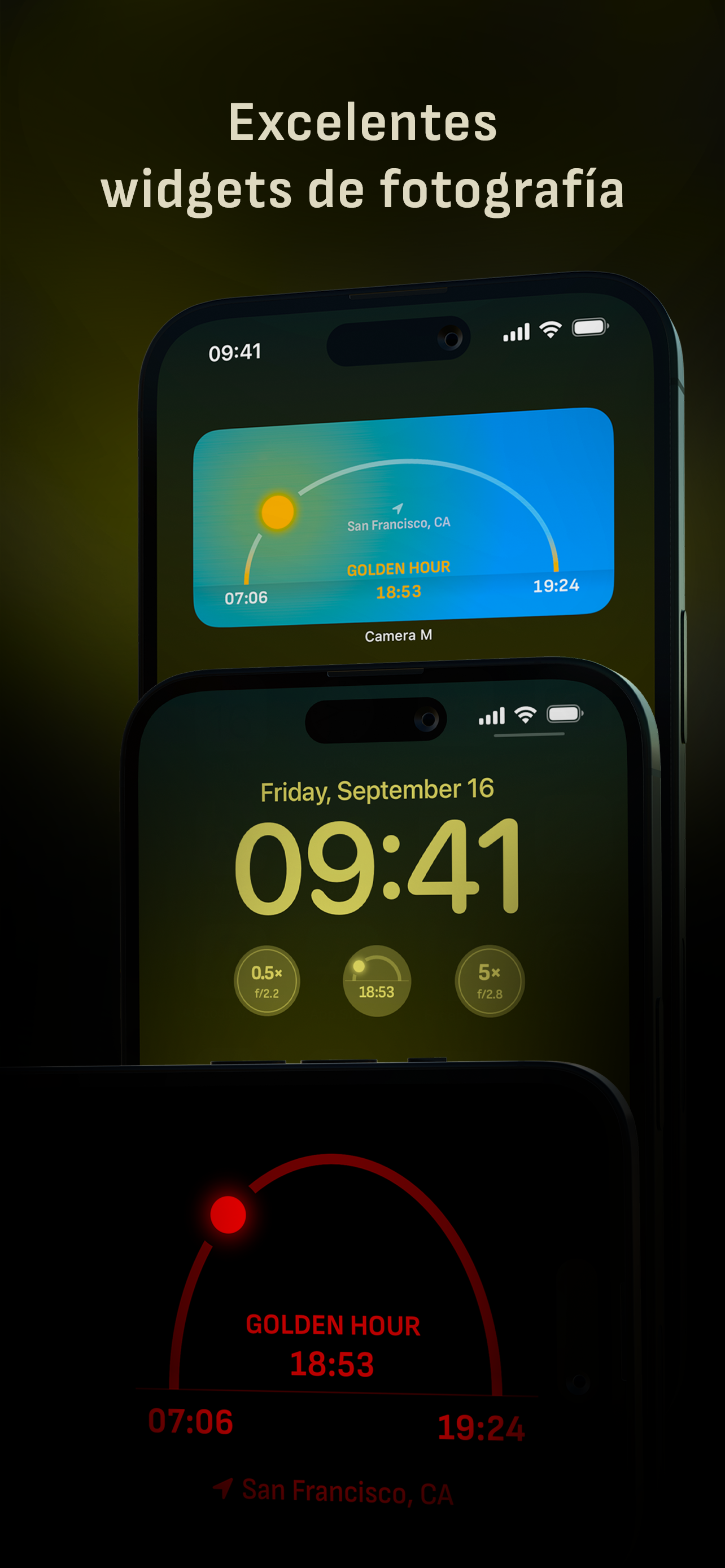
• Widgets útiles para fotografía

CONTROLES DE CÁMARA
– Enfoque manual
– Presets de enfoque macro y de escena
– Compensación de exposición
– Ajustes manuales de ISO y duración de exposición
– Modos de semi-prioridad de ISO y duración de exposición
– Balance de blancos manual: temperatura y matiz
– Presets de balance de blancos
– Calibración con tarjeta gris
– Modos de flash: automático, encendido y apagado
– Nivel de brillo de linterna manual
– Cambio manual entre cámaras ultra gran angular, gran angular y teleobjetivo*
– Soporte para todos los controles manuales
– Captura desde la cámara en pantalla de bloqueo

FORMATOS DE IMAGEN
– Apple ProRAW*
– RAW con estabilización*
– HEIF con compresión mínima opcional*
– JPEG con compresión mínima opcional
– TIFF
– PNG
– Live Photo*

MODOS DE DISPARO
– Individual
– Ráfaga
– Temporizador
– Profundidad*
– Dual/Triple Photo*
– Live Photo*
– Bracketing

HERRAMIENTAS
– Medidor de compensación de exposición
– Seguimiento inteligente del enfoque
– Asistente de Focus Peaking en vivo
– Lupa 4× con función de paneo
– Visualización de la distancia mínima de enfoque
– Histogramas RGB en vivo
– Alertas de luces y sombras
– Nivel de horizonte con seguimiento de inclinación y opciones de plano
– Rejillas: regla de los tercios, proporción áurea, cuadrantes y cuadrado
– Atajos de Siri y de la app
– Visualización detallada de especificaciones de cámara con exportación a PDF

PROCESAMIENTO MÁXIMO DE IMAGEN
– Soporte para Deep Fusion y Smart HDR en iPhone 11 y posteriores

RAW SIN PROCESAR
– Captura archivos RAW estándar sin ningún procesamiento

BIBLIOTECA DE FOTOS
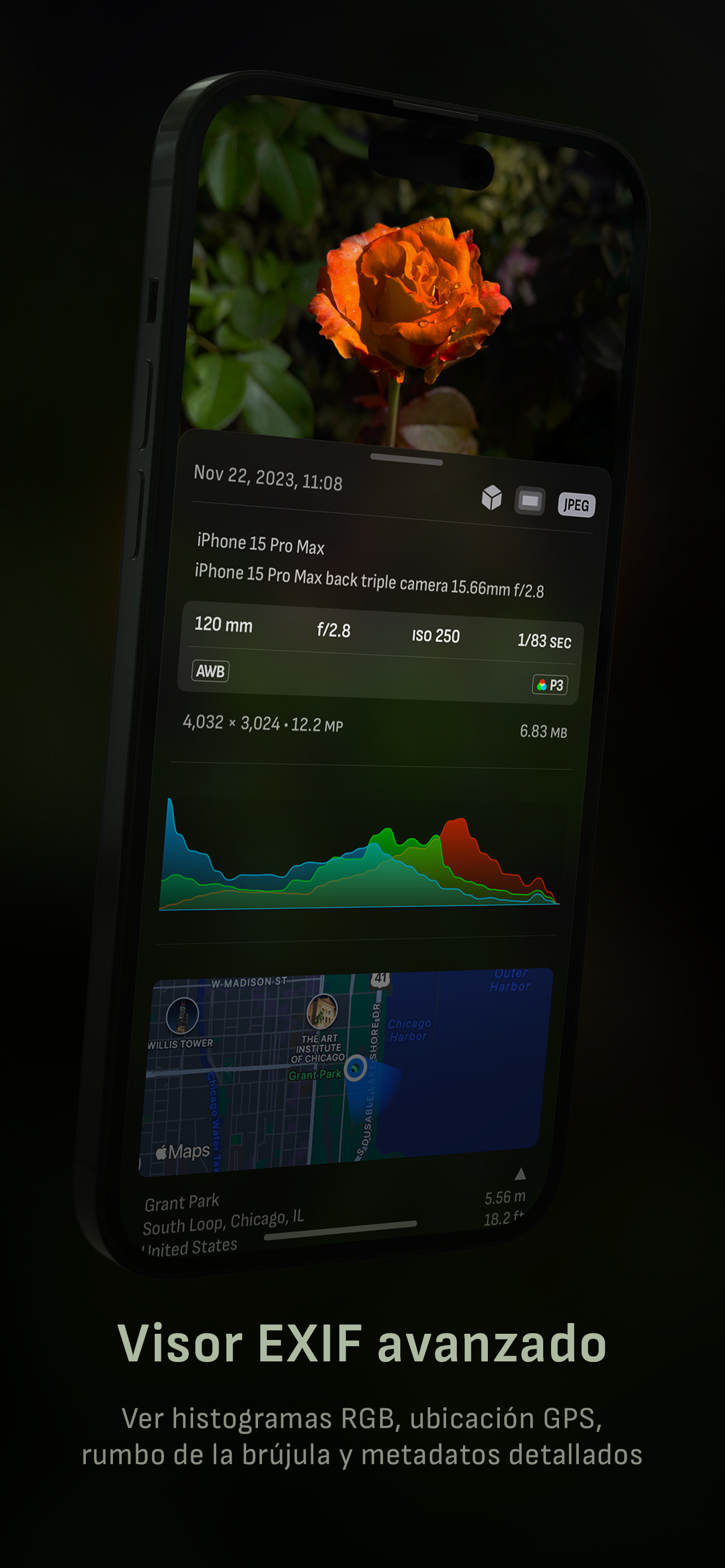
– Visualización de metadatos EXIF
– Visualización de ubicación con brújula y altitud
– Histogramas RGB y de luminancia RGB

WIDGETS
– Pantalla de inicio: Golden Hour, EXIF y cámaras
– Pantalla de bloqueo: cámaras y Golden Hour
– Centro de control: enfoque, exposición y balance de blancos

COMPATIBILIDAD CON APPLE WATCH
– Control del botón de disparo
– Visualización de Golden Hour con indicador de posición del sol

ERGONOMÍA
– Control real con una mano en todos los iPhones
– Experiencia de usuario optimizada en orientación horizontal

ACCESIBILIDAD
– Soporte para Dynamic Type y texto en negrita
– Soporte de aumento de contraste

TECNOLOGÍA
Camera M funciona exclusivamente con APIs y frameworks nativos. Esto hace que Camera M sea rápida, eficiente y sensible, desde su pequeño tamaño de descarga hasta los rápidos tiempos de lanzamiento de la app.

¡Esperamos que disfrutes capturando fotos increíbles con Camera M!

Sitio web: www.camera-m.com
Manual de usuario: www.camera-m.com/manual
Contacto: [email protected]
Síguenos: @CameraMApp
#CameraM

* Estas funciones solo están disponibles en dispositivos compatibles.
* La captura de profundidad requiere iPhone X o posterior.
* La captura de profundidad para selfies requiere un iPhone o iPad con sistema de cámara TrueDepth.
* La captura Apple ProRAW requiere iPhone 12 Pro o posterior.
* Para más información sobre compatibilidad de dispositivos y funciones: www.camera-m.com/compatibility
Hide Show More...

Screenshots

Camera M FAQ

  • Is Camera M free?

    Yes, Camera M is completely free and it doesn't have any in-app purchases or subscriptions.

  • Is Camera M legit?

    🤔 The Camera M app's quality is mixed. Some users are satisfied, while others report issues. Consider reading individual reviews for more context.

    Thanks for the vote

  • How much does Camera M cost?

    Camera M is free.

  • What is Camera M revenue?

    To get estimated revenue of Camera M app and other AppStore insights you can sign up to AppTail Mobile Analytics Platform.

Spain
User Rating

4.34 out of 5

65 ratings in Spain

5 star
47
4 star
8
3 star
2
2 star
1
1 star
7
Ratings History

Camera M Reviews

Enfoque macro

pere.soldevila on

Spain

Utilizo el iPhone 12 Pro para hacer fotos de insectos. Con el teleobjetivo de la cámara del iPhone puedo acercarme mucho más al insecto. Compré Camara M por su visor de enfoque pero no me sirve si no puedo acercarme al sujeto.

Esta bien, pero ...

marMoTin_sp_1969 on

Spain

Se bebe la batería, en 30 minutos de actividad un 30% de batería, me parece un poco excesivo, además de que note que el dispositivo se calentaba demasiado y para una app que hace alarde de usar la api nativa pues no se, la app de cámara de stock no tiene esos consumos, pero por lo demás esta muy bien, ese es el único pero que le veo y que supongo irán corrigiendo, será entonces cuando suba mi valoración, un saludo y seguir así.

Se me cierra la app en mi iPhone 11 pro max

miguel10cano on

Spain

Compro la app y me encuentro entre tutorial y tutorial muchos buga y coerres de aplicación. Se me congela la imagen y se vuelve a cerrar. No se si es por optimización o por la app en si pero no me gustó nada

De lo mejor en Fotografia

Alesde1 on

Spain

La única aplicación fotográfica que te deja tomar fotos en PNG. Mínima Compresión en los archivos JPG y HEIF, que nos da como resultado fotos de mucha calidad con el perfil de color DCI-P3. Buen soporte por parte del desarrollador. Si siguen las actualizaciones y puliendo la aplicación, será un referente.

Lovely! A great way to get the most out of my phone camera. I do have wishes though

slower shutter pleasee on

United States

I am not sure if it is possible but I would absolutely love to have longer shutter times than 1s. I understand if it is an Apple issue. But if there is any way to increase it I would be so so so happy. Thank you!

Best app

Samsuits on

United States

I love this app

One Downfall - Shutter Speed

BenBranchaud on

United States

iPhone’s native camera app allows you to set shutter speeds as slow as five seconds. Camera M goes down to one second, so I have to jump back to native for long exposures, which is awful because I can’t set the ISO or f-stop over there.

Bad quality

Pugstonlover1986 on

United States

Terrible decision! There’s not a try before purchase. I tried it and quality is bad! Deleted

Clean UI & Feature-Rich

CJ_Amos on

United States

Easily the best manual-control camera app I’ve used, and I’ve tried most of them. The UI is intuitive and, I imagine, easy to learn even if you don’t know much about photography. There’s also a guide to teach you if you’re lost. It offers a handful of quality-of-life features absent from other apps. These include a white-balance color picker, easy histogram toggling, focus peaking in a loupe, constant flashlight activation, and a level that shows pitch. All of that without a subscription model and without collecting user data! However, it’s not without flaw. Problems: 1. A screen will occasionally freeze, which can be fixed with a restart. Not a dealbreaker, but annoying when it happens. 2. The email address to contact the developers doesn’t work. It’s listed in the app settings and on their website, but trying to email it gives an error. 3. There’s no shortcut to add Camera M to the lock screen or control center. In iOS 18, this makes some other camera apps more convenient to access quickly. I’d be thrilled if these issues were resolved and I could add another star to my rating! Wishing the devs all the best!

Nice interface, missing one feature I need

Andrew from Philadelphia on

United States

I want a camera app that overrides the default iOS camera and its terrible over-processing that results in flattened and harsh skin tones and extreme HDR. I still want Live Photos, a level, and everything else that can be enabled with the default app. It’s ridiculous that I need to buy an app to fix this problem… and no way am I paying for a subscription! Camera M at least is reasonably priced. It has an option to reduce processing, yet it seems still only the RAW image yields the appealing photographs that I want. I’d like to capture Live Photos in JPEG/HEIC that lack over-processing. Is this possible? If Camera M can achieve this, five stars!

Store Rankings

Ranking History
App Ranking History not available yet
Category Rankings
Chart
Category
Rank
Top Paid
12
Top Paid
17
Top Paid
18
Top Paid
24
Top Paid
27

Keywords

Camera M Competitors

Camera M Installs

Last 30 days

Camera M Revenue

Last 30 days

Camera M Revenue and Downloads

Gain valuable insights into Camera M performance with our analytics.
Sign up now to access downloads, revenue, and more.
This page includes copyrighted content from third parties, shared solely for commentary and research in accordance with fair use under applicable copyright laws. All trademarks, including product, service, and company names or logos, remain the property of their respective owners. Their use here falls under nominative fair use as outlined by trademark laws and does not suggest any affiliation with or endorsement by the trademark holders.