Description
Songbook for guitar chords/lyrics and tablature with Transpose and Autoscroll, Chord Diagrams, PDF/Print options, even Edit chords and lyrics!
View, edit, and share Chord Charts right on your iPhone, iPad, or Mac! This app is perfect for guitarists, pianists, singer/song-writers, open mic performers, church worship leaders/musicians – basically every musician!
• HUGE library of chord charts for guitar or piano
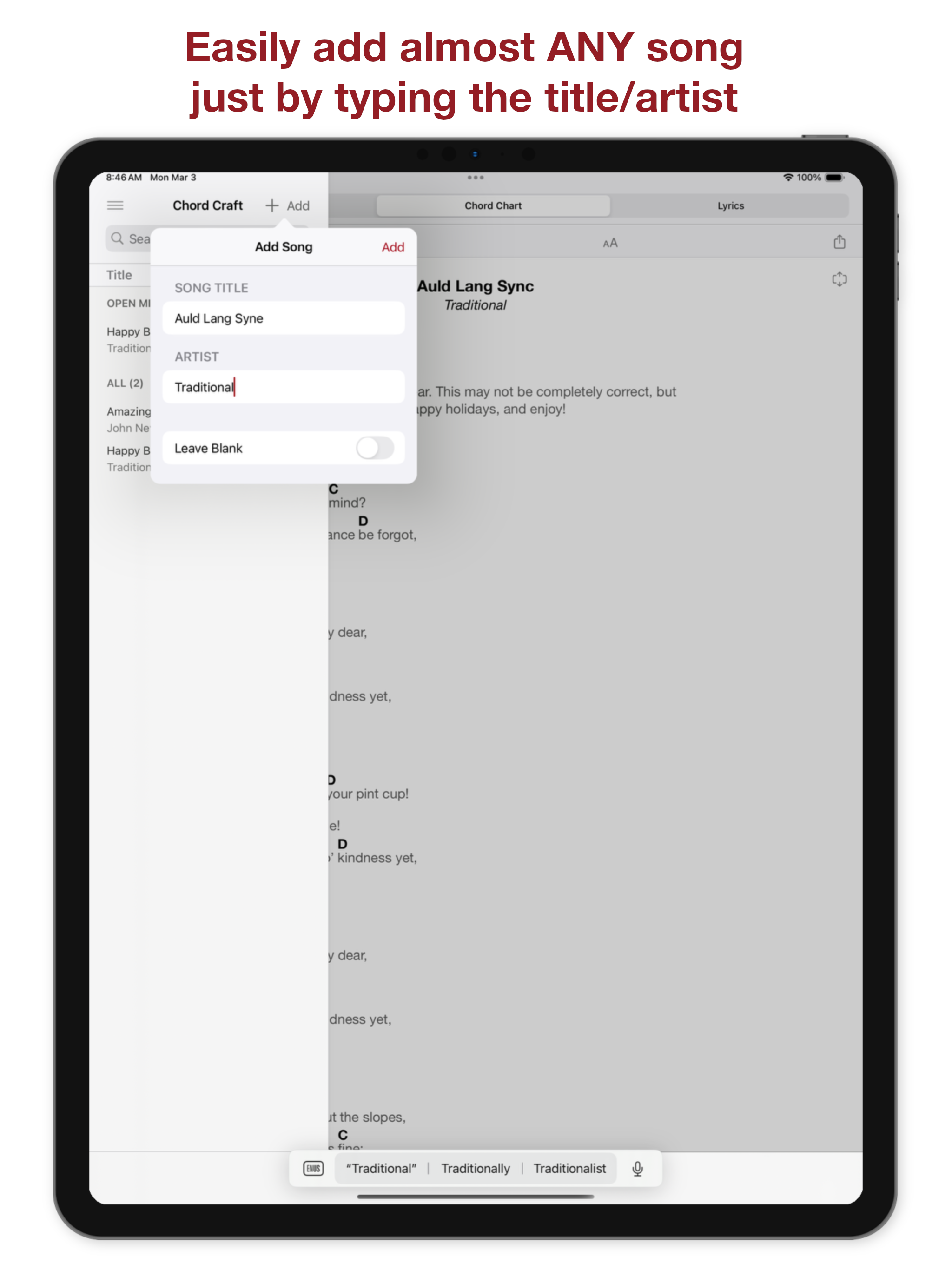
• Easily add almost any song by just entering the title and artist
• Beautifully formatted CHORD CHARTS are sized perfectly for your phone or iPad
• TRANSPOSE charts to any key
• AUTOSCROLL charts to play along with them
• Built-in TUNER for guitar, bass, and other instruments
• View CHORD DIAGRAMS and spelling for any chord–for guitar, ukulele, bass, mandolin, and banjo!
• Generate PDFs to send or Print
• SHARE chords or lyrics with your friends so they can play with you
• Create SET LISTS
• EDIT chords and lyrics for any song
• Import CHORDPRO files from SongSelect or elsewhere
Chord Craft has a clean design WITHOUT the CLUTTER that so many other apps in this category have – it's a joy to use. Whether you're a beginning guitarist, a veteran of open mic nights, the leader of band, or a church musician – this app was made for you!
All the features of Chord Craft are available to use for free, but the free version is limited to four songs in your library. With a Pro subscription you gain access to an unlimited number of songs!
You can TRANSPOSE songs to any key to make it easier to play or sing. Chord Craft automatically detects the original key of the song so all you have to do is choose to go up or down!
Chord Craft embeds guitar CHORD DIAGRAMS for every chord in your songs so you can tap each chord to see how to play it on guitar. Even better than that, Chord Craft generates many different voicings/positions of the chord so you can play it in many different ways and find exciting new sounds! Outside of a song, the Chord Dictionary lets you look up and learn new chords.
Chord Craft takes chord charts to the next level by allowing you to EDIT any song you add; you can make the chords more interesting by adding that major 7 chord or the passing inversion D/F#. The editor intelligently preserves the spacing of existing chords as you type so that changing chords in an existing song is easy. And the toolbar at the top contains well known musical symbols: dynamics like piano and forte, crescendo, decrescendo, repeat, diamond (hold), fermata, note durations, and emoji like guitar, piano, vocal, drums. These symbols enable you to communicate much more clearly to other musicians in your chord charts.
Chord Craft uses iCloud to sync your song library between your devices so you have access to all the same songs on your Mac, iPhone and iPad. That means you can use whichever device is at hand to see your songs.
One of the best features of Chord Craft is the ability to SHARE your songs to your User Page. Your User Page is a short URL like chordcraft.net/user where you can easily post the songs you want to share with others. They can see the same beautifully formatted chord chart as in the app and even Autoscroll to play along, all without even having the app! But if they do have the app they can Import the shared song directly into their app too! This easy sharing is perfect for casual jams or sing-alongs where you want everyone to have easy access to the same chords or lyrics.
For songs that are written to use a guitar CAPO Chord Craft has the ability to toggle between Capo and No Capo (even on the song shared to your User Page!) so that other musicians who are playing with you can see the song in the correct key for them.
There is a METRONOME easily accessible at the bottom of each chord chart so you can set the tempo for a song and it will remember it. Then you can use the metronome to improve your time!
Terms of Use (EULA)
https://chordcraft.net/r/license.html
Privacy Policy
https://chordcraft.net/r/privacy.html
Hide
Show More...