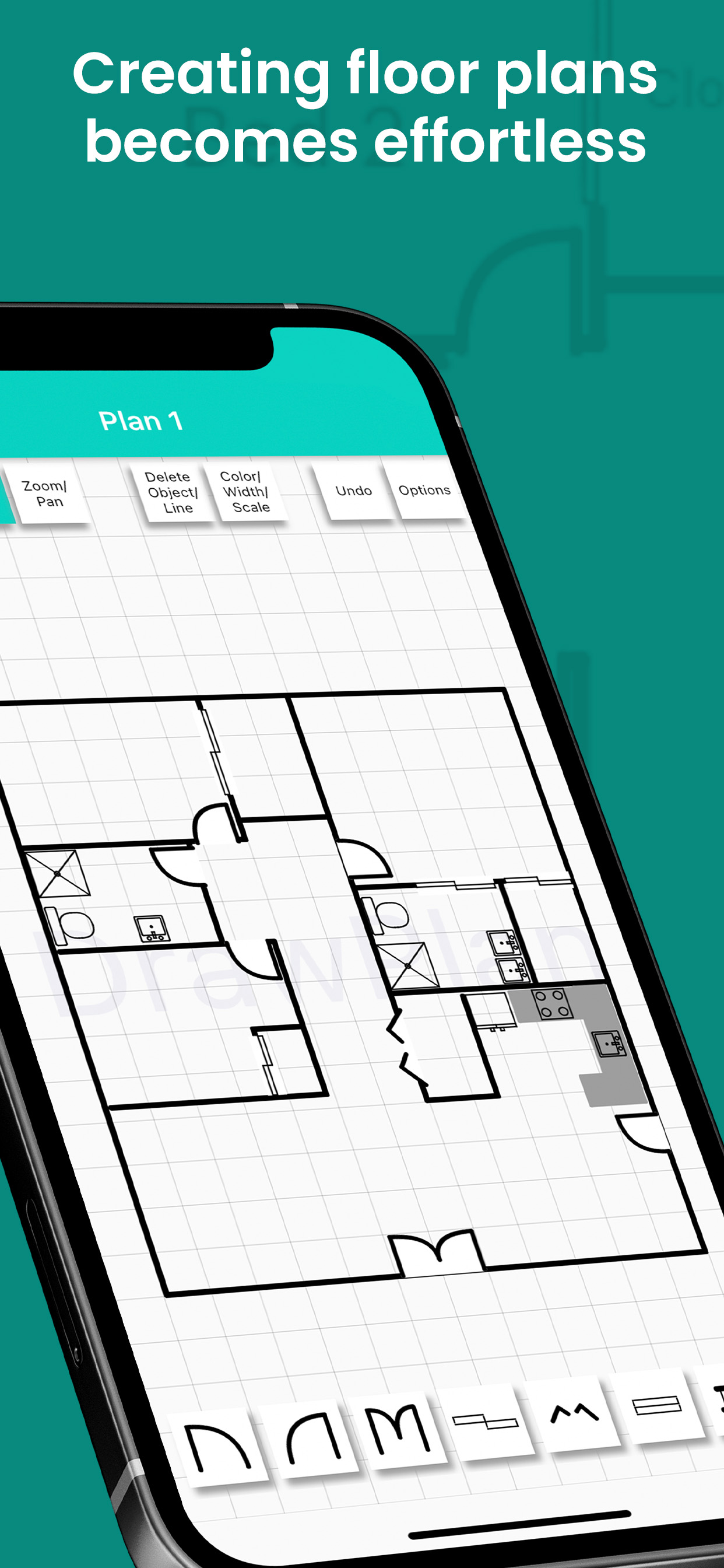
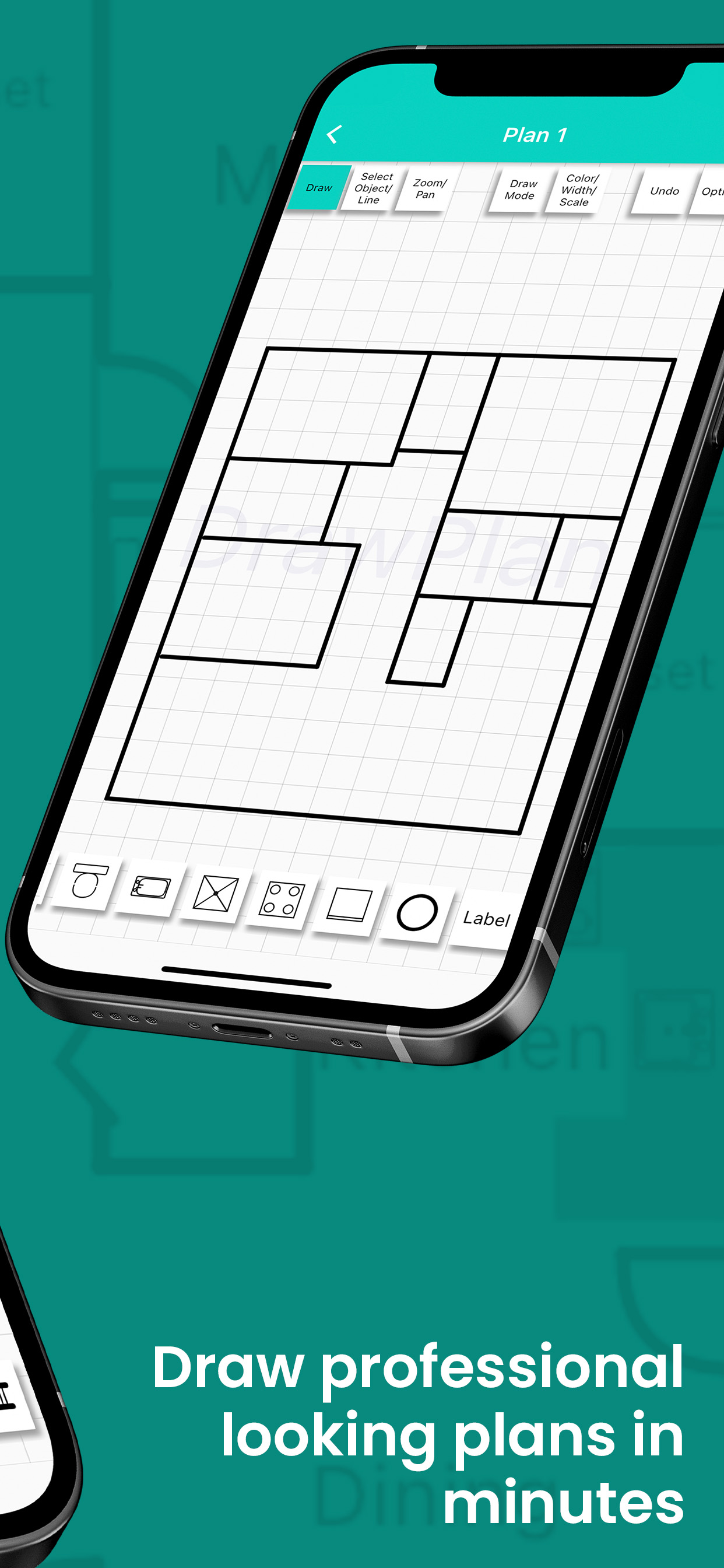
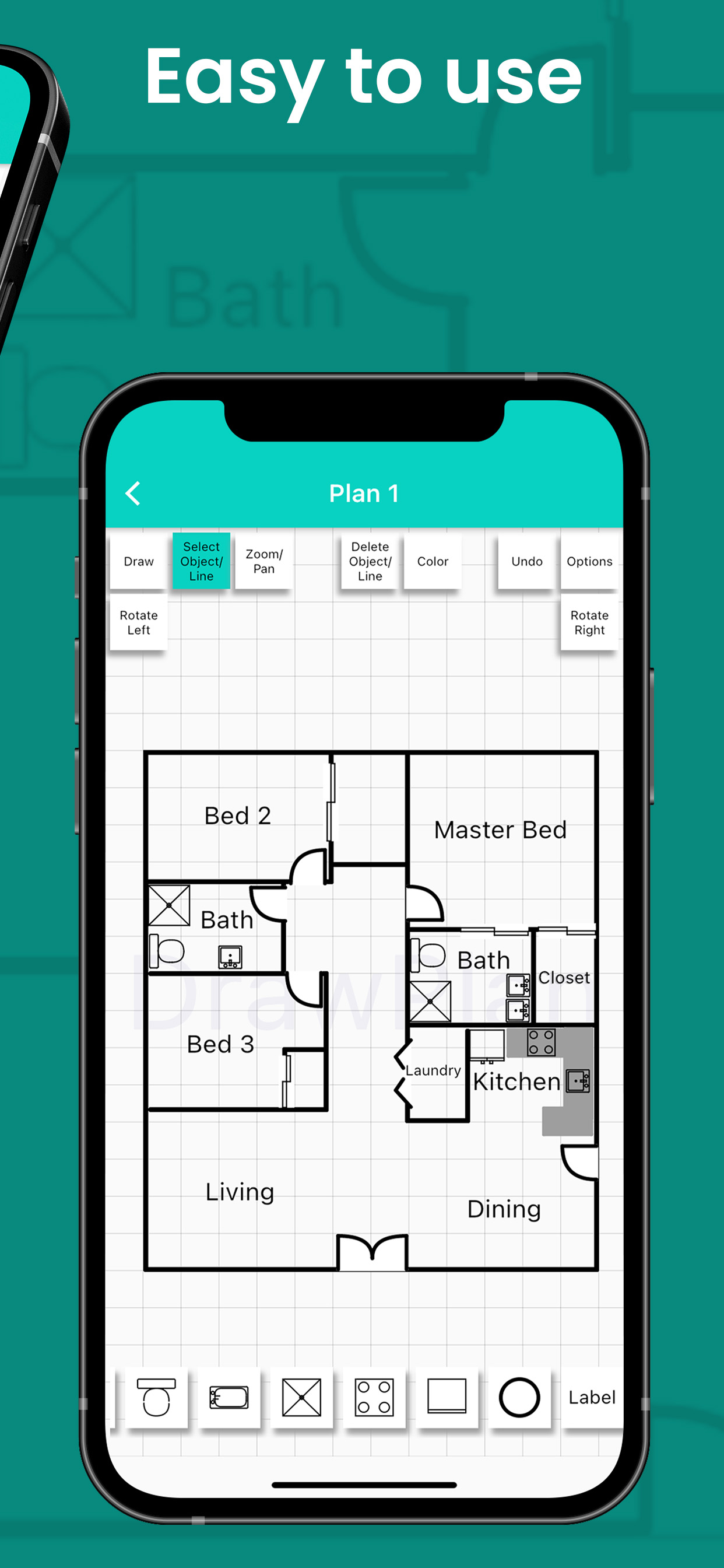
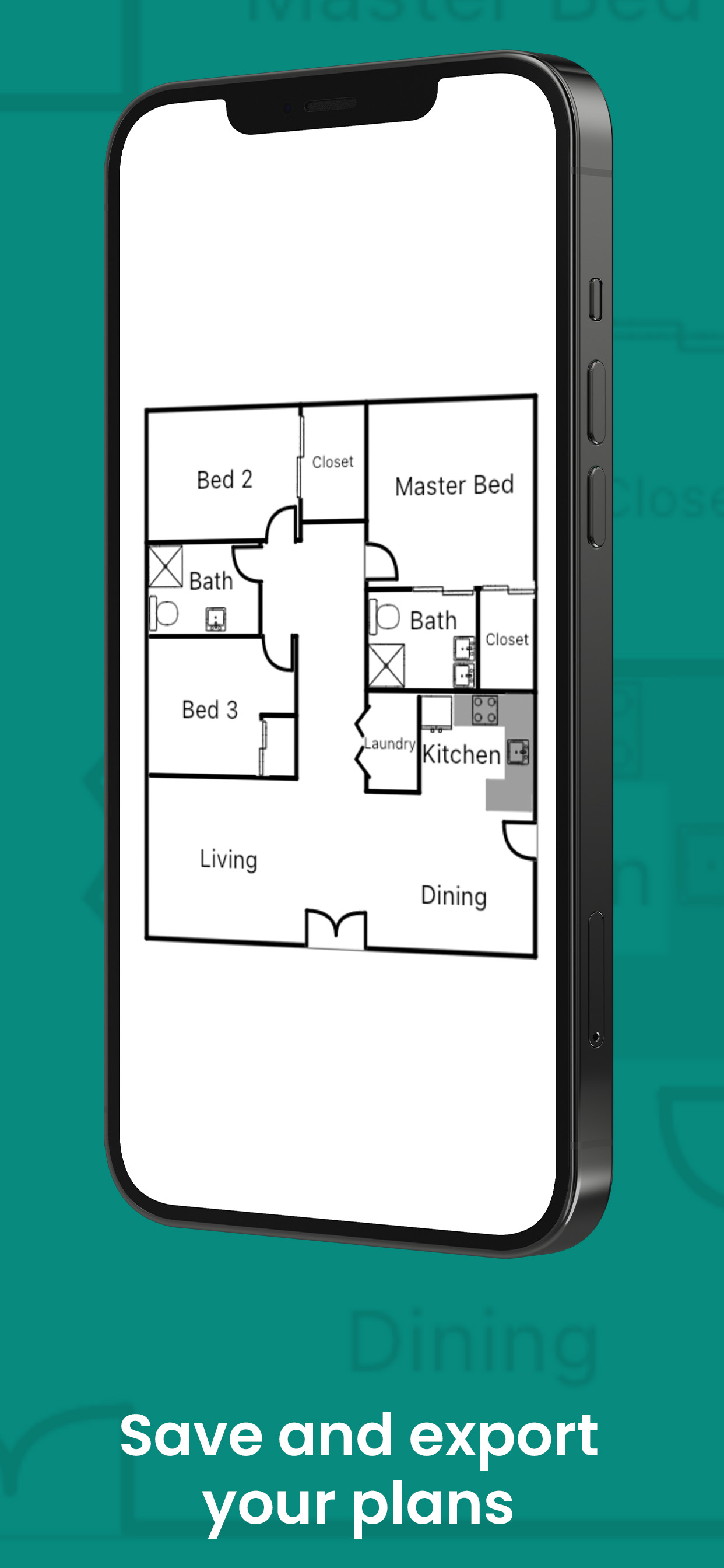
Simply sketch professional-quality floor plans—no drafting experience required. With DrawPlan, you can:
Draw with your finger: Easily trace walls, rooms, doors and windows using intuitive touch controls.
Add objects & labels: Drag-and-drop furniture, fixtures, dimensions and text to communicate every detail.
Unlimited projects: Create and manage as many floor plans as you need—perfect for home renovators, realtors and designers alike.
Unlock Premium Features
Upgrade to a Monthly or Yearly subscription and enjoy:
Saved plans for access on all your devices
High-resolution exports (PNG/PDF) without grid lines or watermarks
Priority support and early access to new features
Start your 7-day free trial today!
Payment will be charged to your Apple ID account after the free trial ends. Subscriptions automatically renew unless canceled at least 24 hours before the end of the current period. Your account will be charged for renewal within 24 hours prior to the end of the current period. You can manage or cancel your subscription anytime in your App Store account settings.
Privacy policy: https://www.drawplan.net/privacy-policy/
Terms of Service: https://www.drawplan.net/terms-of-use/
HideShow More...
Screenshots
DrawPlan FAQ
Is DrawPlan free?
Yes, DrawPlan is completely free and it doesn't have any in-app purchases or subscriptions.
Is DrawPlan legit?
⚠️ The DrawPlan app has poor ratings and negative feedback. Users seem unsatisfied with its performance or features.
Tries to make you buy stuff to have access to your saved stuff.
Was working great then I backed out of my floor plan on accident and when I came back it said I had to have a premium subscription to edit it? Won’t even let me view the floor plan I just spent 30 minutes making.
Seems good for a start, needs a few things.
Just downloaded this and started it up, and it looks pretty good. Easy to use, straightforward, and a good selection of standard objects. There is one thing I feel is missing and essential for a useable drafting app of any kind: scaled measurements.
Maybe I missed it, but I can’t find any way to set accurate scaled measurements on walls or any objects. This is a crucial function of any CAD program of any kind, and it would seem to be missing in this app.
If such a feature could be added to this app, it would take it from a fun toy to play with, to a perfect lightweight free CAD program for mobile devices.
Chamber and self contained plan
Chamber And Hall Self Contained Plan
Poor business model
Cannot access my saved plans without a subscription. Therefore, unless I subscribe my work is gone. Whoever thought it was a smart business model to restrict access to a person’s expressions by holding their work hostage for a subscription fee with some sort of pre-warning.
Mi sueńo el asilo
De ansianos
I actually finished
This is the only app where I completed my goal!
Dude you took my drawing
Spent 30 minutes drawing up my house. Hit save, and they want me to pay to view it. I LITERALLY CANNOT SEE WHAT I DREW IF I DONT PAY. Come on man, at least give a warning I’m gonna lose my work.
Next time I’ll stick with paper and pencil…
Almost Too Simple
Downloaded to give it a try. Functionality is very limited. Maybe the paid version is better. But I can’t imagine that’s the case. No eraser. Just Undo. Couldn’t adjust line length after it was set. Had to undo and try again. Had a circle shape but no square shape.
Saved the test plan I made but when I tired to reopen it, I hit a pay wall. All for paying for a good app after a trial. But they lost me here once I couldn’t get back to the plan I made, even on the free version. Deleted App.
Lost work.
I just spent 5 hours doing a floor plan and saving it as I worked. When I finished and looked for my saved plan IT WAS GONE !!!
I read the upgrade information and I could see that you can save a plan to pictures if you pay a fee.. uh, it would have been nice to have been advised of that when I thought I was saving my plan..
Won’t save prints!?
It will not save the print, make sure you screenshot. Just wasted 2 hrs doing this plan twice
This page includes copyrighted content from third parties, shared solely for commentary and research in accordance with fair use under applicable copyright laws. All trademarks, including product, service, and company names or logos, remain the property of their respective owners. Their use here falls under nominative fair use as outlined by trademark laws and does not suggest any affiliation with or endorsement by the trademark holders.