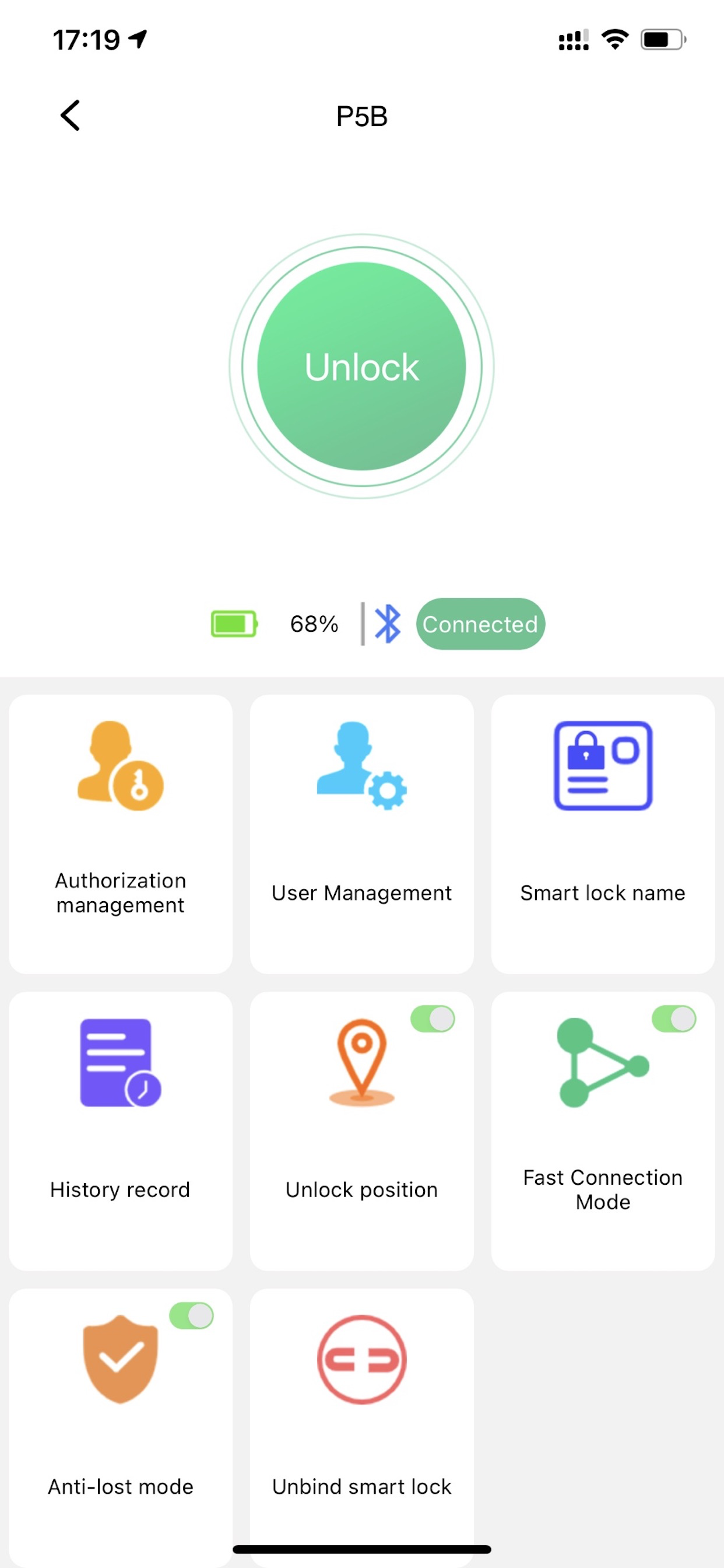
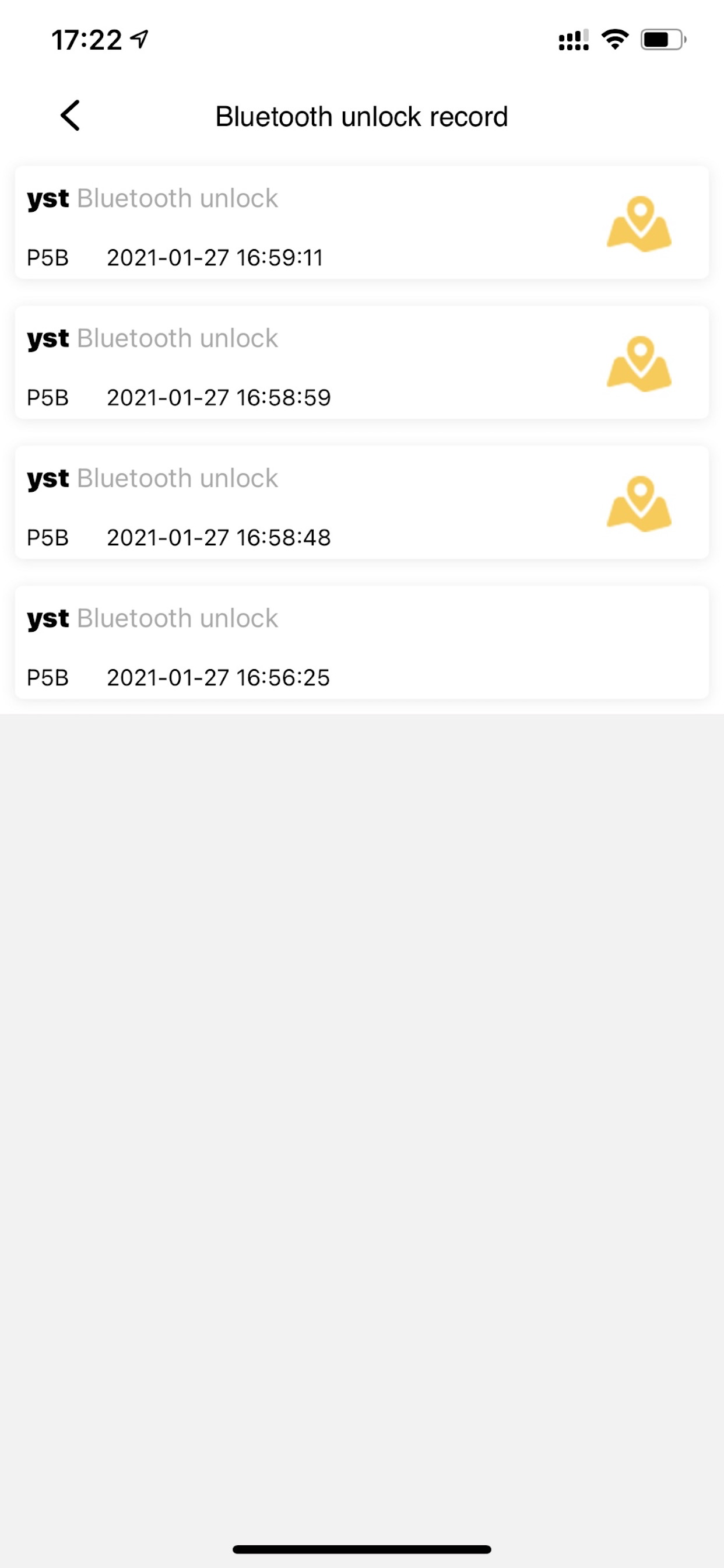
eSmartLock is a smart lock mobile client software, which is close to life. Get rid of the constraints of traditional keys and avoid the hassle of losing keys.
Screenshots
eSmartLock FAQ
Is eSmartLock free?
Yes, eSmartLock is completely free and it doesn't have any in-app purchases or subscriptions.
Is eSmartLock legit?
⚠️ The eSmartLock app has poor ratings and negative feedback. Users seem unsatisfied with its performance or features.
I do not recommend buying a lock from this company. I want to leave the door unlocked unless I go in my room and lock it behind me. The only way to do so in this app is by scheduling 3 time periods per day to keep the door unlocked. They have to be non-overlapping. Mine are from 0:00 to 01:38, 01:39 to 05:00, 05:01 to 23:59. All that had to be set up just to leave the door unlocked all day.
There is a “door unlocked” toggle in settings which does nothing.
There is an “anti-locking mode” toggle that keeps the door locked with only the admin having unlock privileges (calling it anti-lock mode does not make any sense).
Basically lacks the ability to keep the door unlocked.
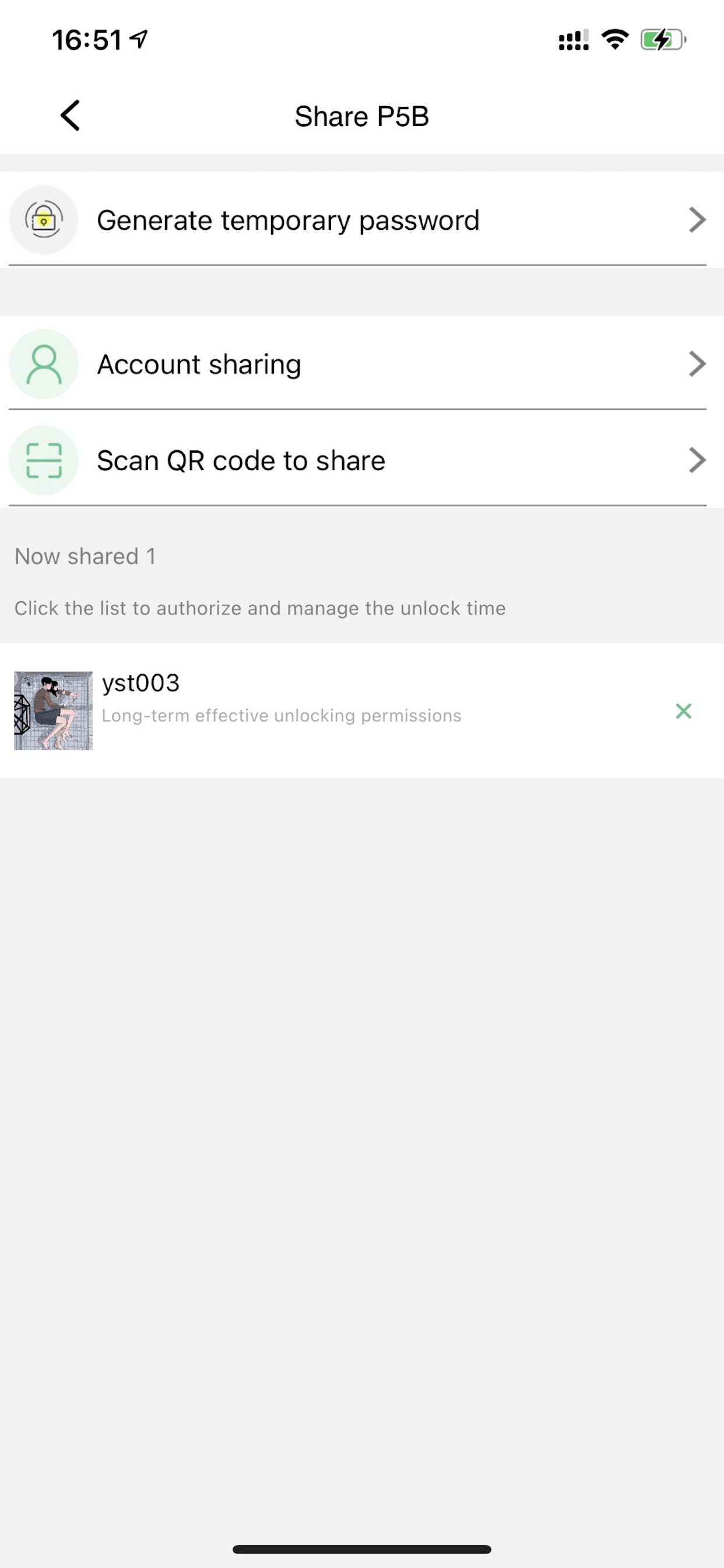
Can’t figure out how to share authorization
The app works great for me — I simply use my phone to unlock. However, for the life of me, I can’t figure out how to share the authorization so that someone other than me can unlock it with their phone.
Not connecting
Last update broke it. My app will no longer connect with my lock.
Working well for me so far
I saw a number of mixed results but so far everything is working perfectly. I’ll update this if that changes but perhaps software updates along the way have tightened up any loose spots. I think the thing to remember is this lock is battery powered and thus must work to save energy. Therefore before Bluetooth becomes active and useful you’ve got to touch the lock to wake it up. Not sure if that was some of the problems others were having or not. Thus Far I’ve unlocked it ysuccessfully with a couple different fingers and with my Apple Watch.
the worst
this might just be the worst app of all time
Can’t use my lock anymore
The app won’t let me reset my password or retrieve my account back and therefore I can’t use my padlock anymore $30 wasted
Cards don’t connect via app
Following instructions for connecting card does not work. When I first opened the lock, both cards worked fine. Then downloaded app and cards stopped working. Why erase the cards when the app is downloaded? Why doesn’t the function to (re-)connect the cards work?
watch app & registration workarounds
The eSmartLock watch app takes a few minutes to show up. Got it to talk to the phone app. Pressing the unlock button requires touching the lock to wake up and then it takes longer to unlock than the fingerprint. I do like having a backup if I’m showering with my phone in my locker but it seems to work fine with wet fingerprints so will probably not use watch app except emergency.
Registering is not as hard as reviews indicate BUT confusing because it doesn’t allow special characters which is a requirement for most passwords. The error message should be updated if the user has an invalid character rather than a generic message that you must enter a xxx character password.
All other fingerprint readers ask you to move finer around but this one won’t work if you change placement. Instead I created 3 thumbprints for high-center-low.
This page includes copyrighted content from third parties, shared solely for commentary and research in accordance with fair use under applicable copyright laws. All trademarks, including product, service, and company names or logos, remain the property of their respective owners. Their use here falls under nominative fair use as outlined by trademark laws and does not suggest any affiliation with or endorsement by the trademark holders.