
Doesn’t support HEIF
This app requires conversion to JPEG to edit EXIF metadata. This is baffling as many (possibly all) of the fields that this app can update exist in HEIF as well.




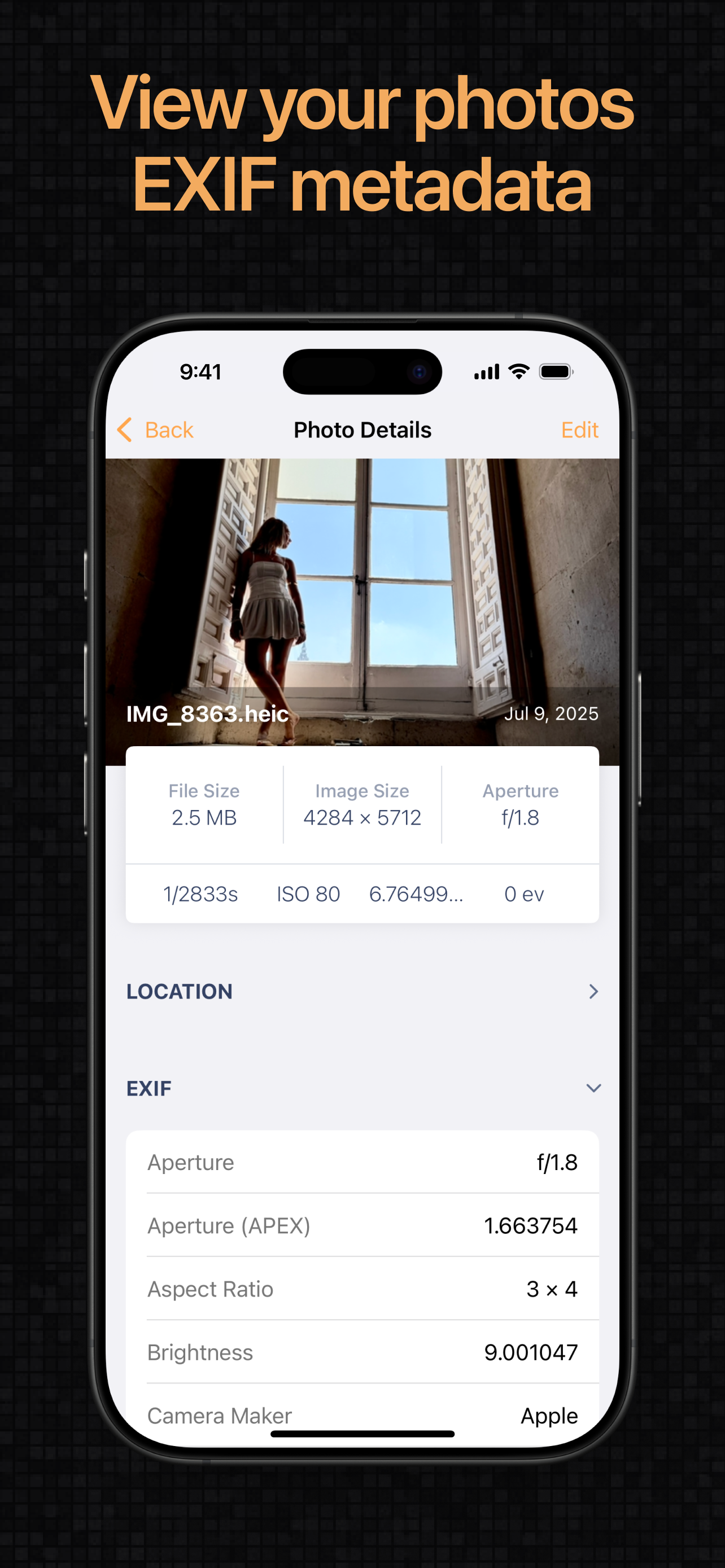
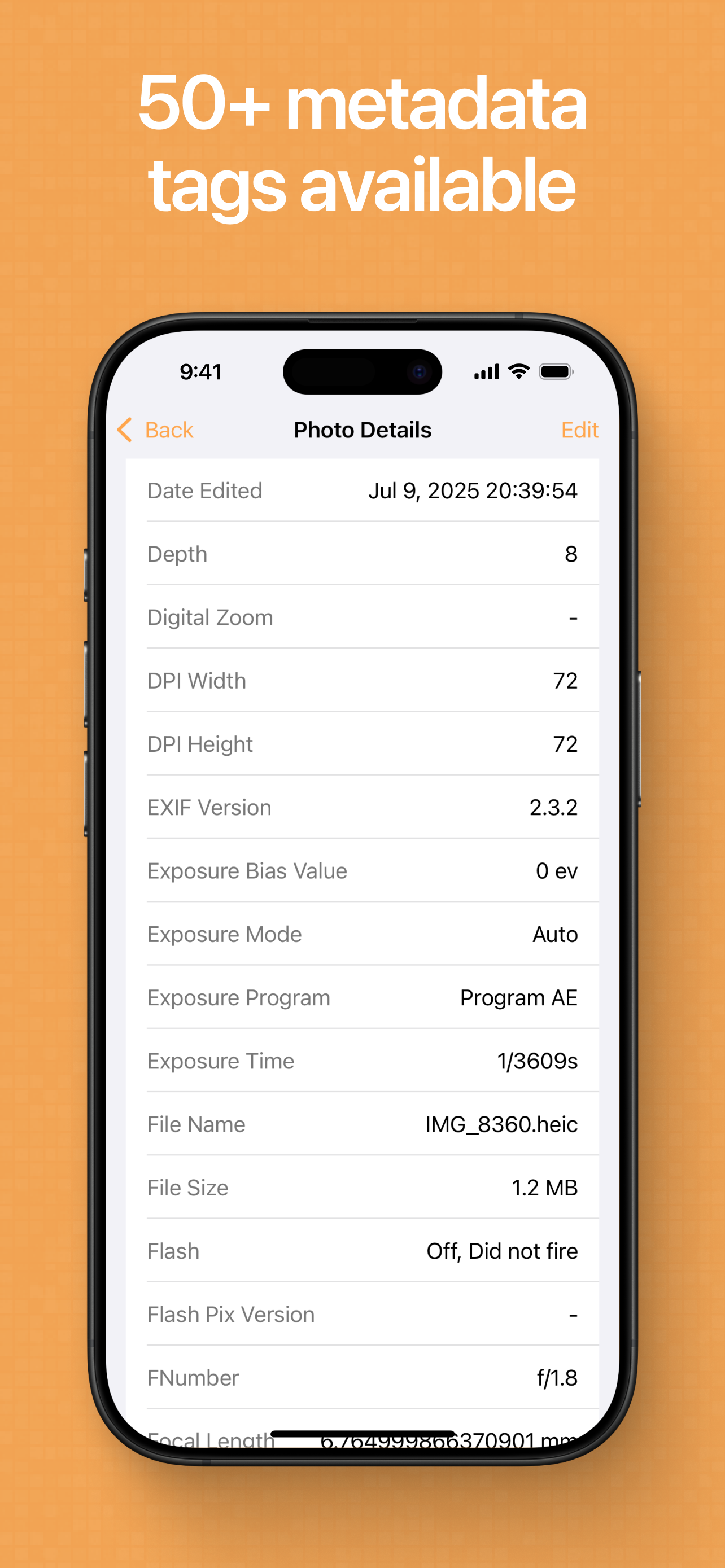
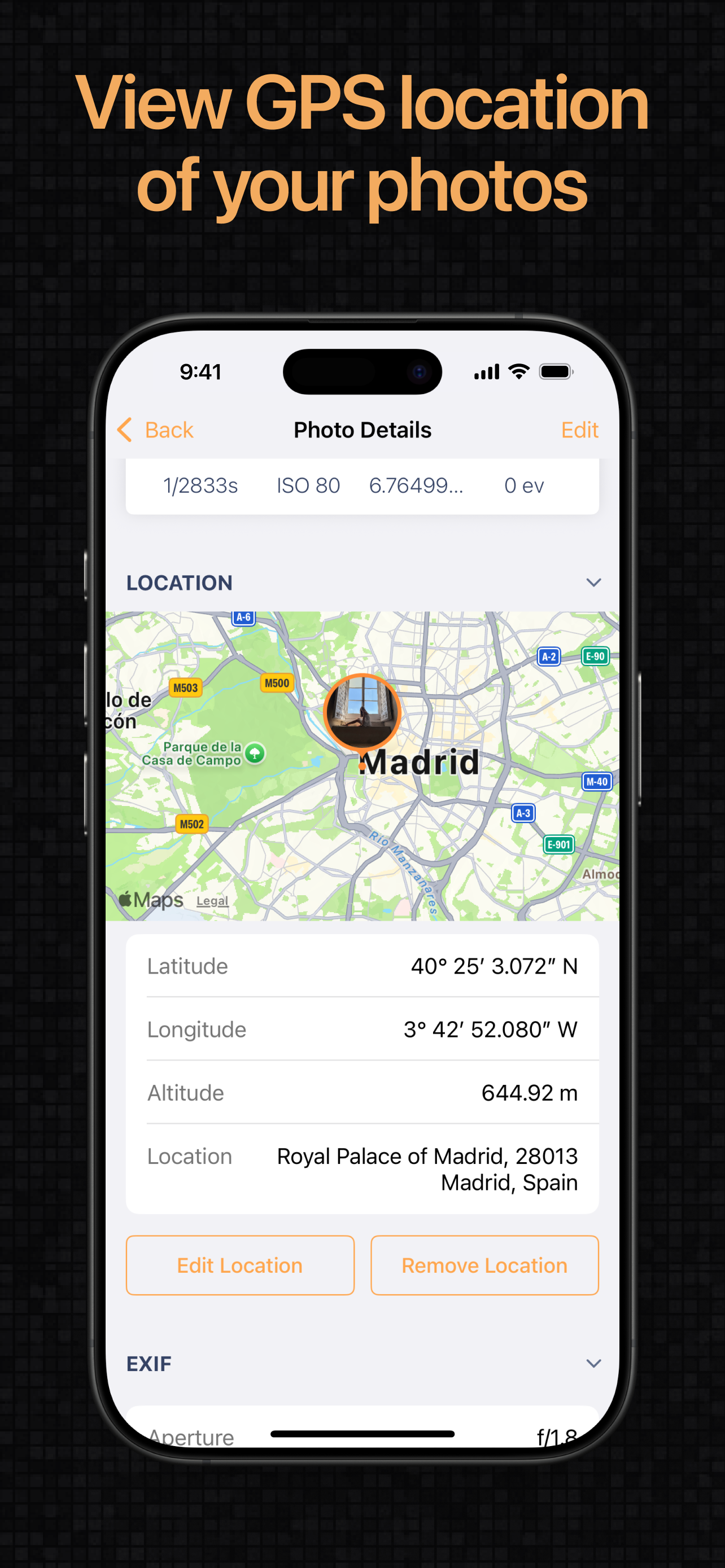
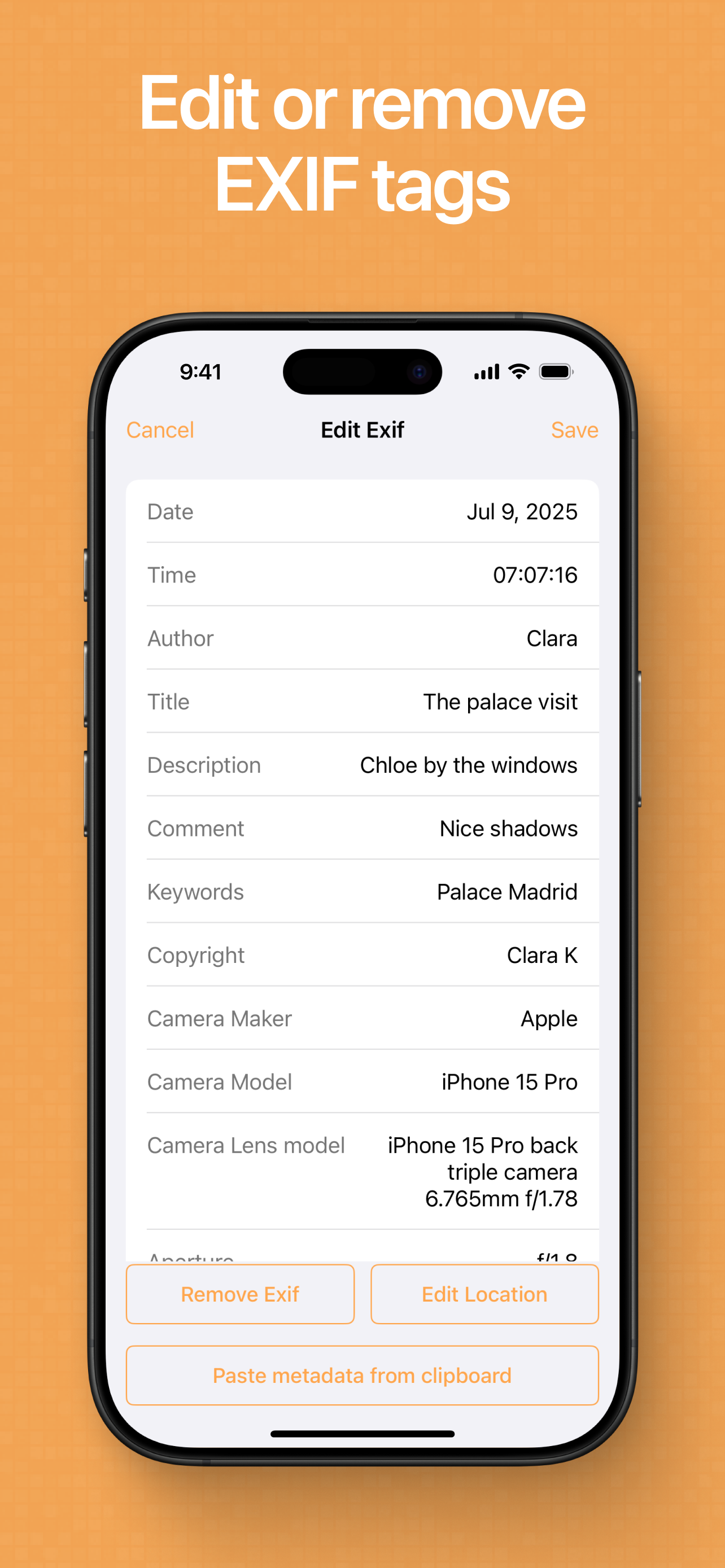
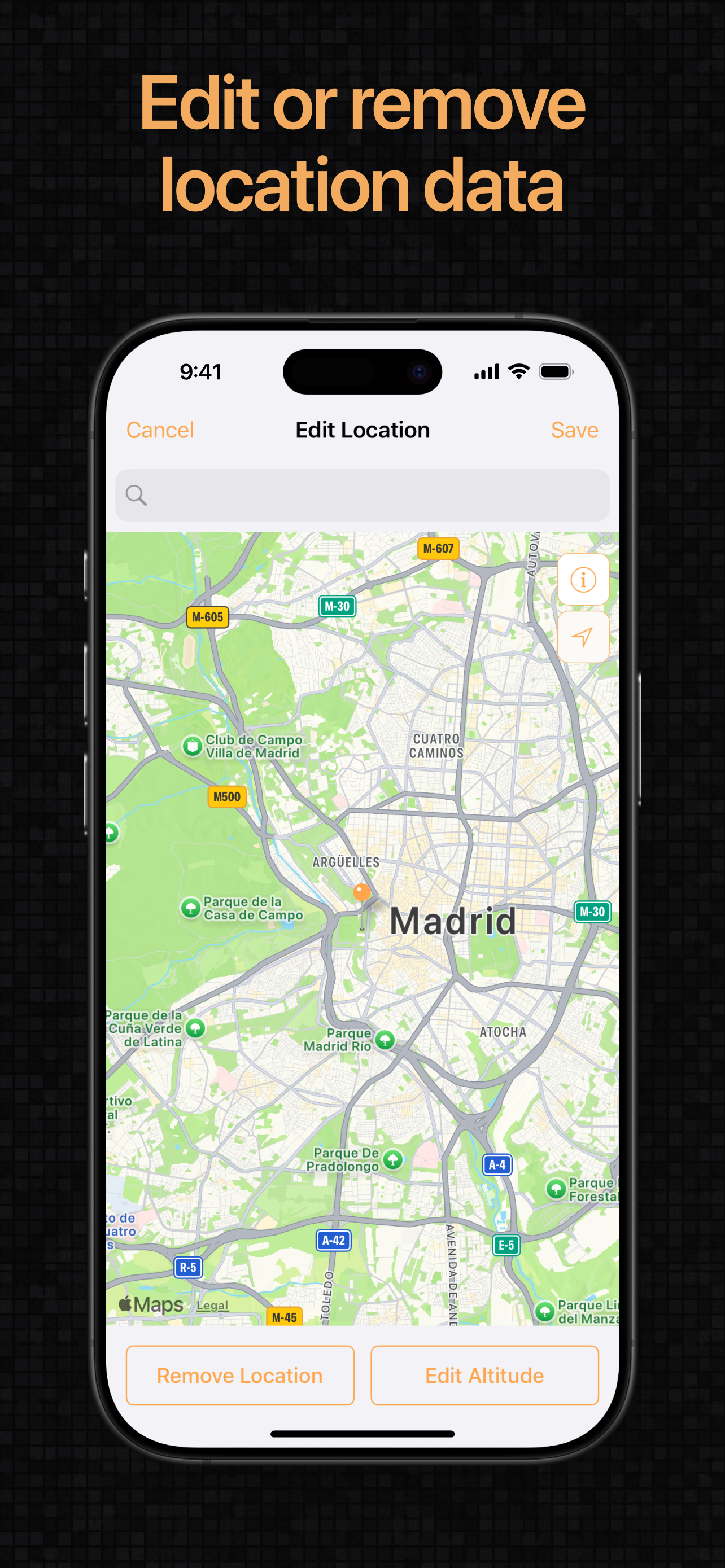


Yes, Exif Metadata is completely free and it doesn't have any in-app purchases or subscriptions.
⚠️ Warning: Multiple users of Exif Metadata have mentioned scam or fraud. Investigate thoroughly before using this app.
Exif Metadata is free.
To get estimated revenue of Exif Metadata app and other AppStore insights you can sign up to AppTail Mobile Analytics Platform.

4.51 out of 5
822 ratings in United Kingdom
This app requires conversion to JPEG to edit EXIF metadata. This is baffling as many (possibly all) of the fields that this app can update exist in HEIF as well.
I hit two problems pretty quickly: 1. If I tap on an HEIC image (that’s any of my photos!) the app immediately tells me it will need to convert it to JPG. Not sure I want to do that (the app is minimally updated so maybe only works with the older JPG format) 2. The Title field in the app doesn’t seem to pick up the Title field in an image’s metadata. So this app won’t be much use for me sadly as these are the kind of things I wanted to access. N.B. The app also refers to the field Apple label “Caption” as “Description”, for some extra confusion. On the plus side it does at least have a comprehensive Free mode so you can check out if it works for you.
Editing is simple, but it removes the Live Photo from the image making just a still image. This does not happen with a competitors app. Hopefully this gets corrected.
Excellent app for quickly clearing photos of all data that could Be useful To scammers or just anyone you don’t want knowing your location etc when you send pics across socials. 🙏
Otherwise not bad
Does not work
Far too busy trying to trick you into clicking on the Ads
It could not find the photos on my iPad. Everything you asked to do said you had to upgrade to the pro version. Useless waste of time. ...... Thanks for reply. I have not had time to investigate the suggestion but it would have helped if the program had mentioned it at the point when the upgrade was plugged. I have given you two more stars.I was too harsh.
This is the best & easiest metadata tag editor that I have found, either on iOS or Windows, and it embeds the metadata in the jpg files, rather than creating a sidecar XMP file. Only downside for me is that it doesn’t seem to have a function to access & update files in cloud storage such as Dropbox or OneDrive; even if it only accessed them& stored the updated file on my iPad / iPhone, it would be a major enhancement for me. Other than the above quibble, fully deserves 5 stars.
This app crashes every time I change metadata. It’s also very annoying that it can only do 20 pictures at a time. I would like to do large batches. If it worked properly it would be a good app as the interface is clear and simple.
|
Chart
|
Category
|
Rank
|
|---|---|---|
|
Top Free
|

|
395
|
|
Top Free
|

|
497
|
