


Image Capture Go

Import your DSLR pictures

Published by: Benedikt Hannemann

Description

Image Capture Go
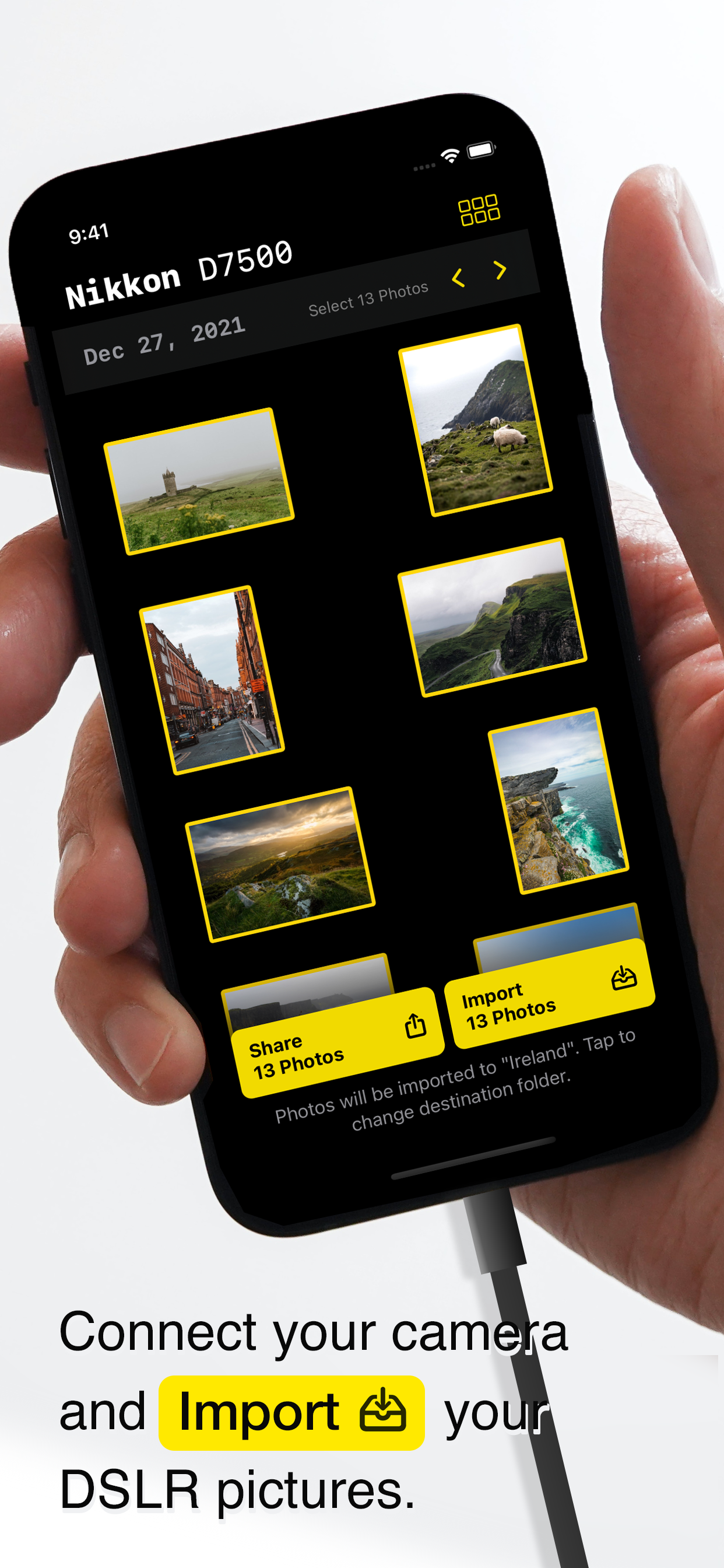
Import photos from your connected camera while you're out there. "Image Capture Go" lets you connect your professional camera directly via USB to your iPad or iPhone and save your photos directly locally, or on iCloud Drive, Dropbox, or any other service that you have configured.
- Sort your photos by date, resolution, import status
- Hide previously imported photos easily
- Check your photos' histogram and meta data on the go
- Share photos directly with your clients or friends via the system's share panel
COMPATIBILITY NOTE: Are you able to import photos to your Mac via any of the system-provided applications? Then Image Capture Go is very likely going to work for you. Please reach out to us, if not.
Hide Show More...

Screenshots

Image Capture Go FAQ

  • Is Image Capture Go free?

    Yes, Image Capture Go is completely free and it doesn't have any in-app purchases or subscriptions.

  • Is Image Capture Go legit?

    Not enough reviews to make a reliable assessment. The app needs more user feedback.

    Thanks for the vote

  • How much does Image Capture Go cost?

    Image Capture Go is free.

  • What is Image Capture Go revenue?

    To get estimated revenue of Image Capture Go app and other AppStore insights you can sign up to AppTail Mobile Analytics Platform.

User Rating
App is not rated in Norway yet.
Ratings History

Image Capture Go Reviews

It has a lot of potential but the rough edges are too rough

Mr. F reviewer on

United States

I have to update my review, I really want this app to be great. There is no other app that simply does what needs to be done: copy image files from my camera to the Files app (either local or sync to iCloud). BUT it isn’t reliable. It works when importing dozens of files, which is what I tested with on my original review. But now that I’m traveling and have hundreds of files each day the just can’t handle it. I select 200-300 files to import, and it starts copying then it crashes at every 20-30 images that are copied. I’d have liked to share the crash logs with steps to reproduce with the developer—instead of this tech-support-over-reviews—but there isn’t a way to contact them that I found (anywhere, literally no online presence or option inside Settings to send an email or something). Also an update from my original review, there is a great way to select a bunch of photos to import but it is hidden. You have to group the files by date, then each section will have a label “Select N photos” that you can click to select them all. I really want this app to be great, I’m not joking. There is no other app that comes to close to the simplicity and quite literally the perfect set of features I’m looking for. Original review: The app does what it is expected: import files from camera/SD card into Files while avoid already imported ones. BUT you can only select one image at a time, it definitely need (1) a Select All button, and (2) a gesture to select contiguous files.

Store Rankings

Ranking History
App Ranking History not available yet
Category Rankings
Chart
Category
Rank
Top Paid
12
Top Paid
132

Image Capture Go Installs

Last 30 days

Image Capture Go Revenue

Last 30 days

Image Capture Go Revenue and Downloads

Gain valuable insights into Image Capture Go performance with our analytics.
Sign up now to access downloads, revenue, and more.
This page includes copyrighted content from third parties, shared solely for commentary and research in accordance with fair use under applicable copyright laws. All trademarks, including product, service, and company names or logos, remain the property of their respective owners. Their use here falls under nominative fair use as outlined by trademark laws and does not suggest any affiliation with or endorsement by the trademark holders.