
Ideales Tool
In Verbindung mit BlueBattery Wächter Top Tool. Wenn man es verstanden ist bietet es viele Möglichkeiten der Überwachung. Mit einer Restore JSon ist die Einrichtung einfach





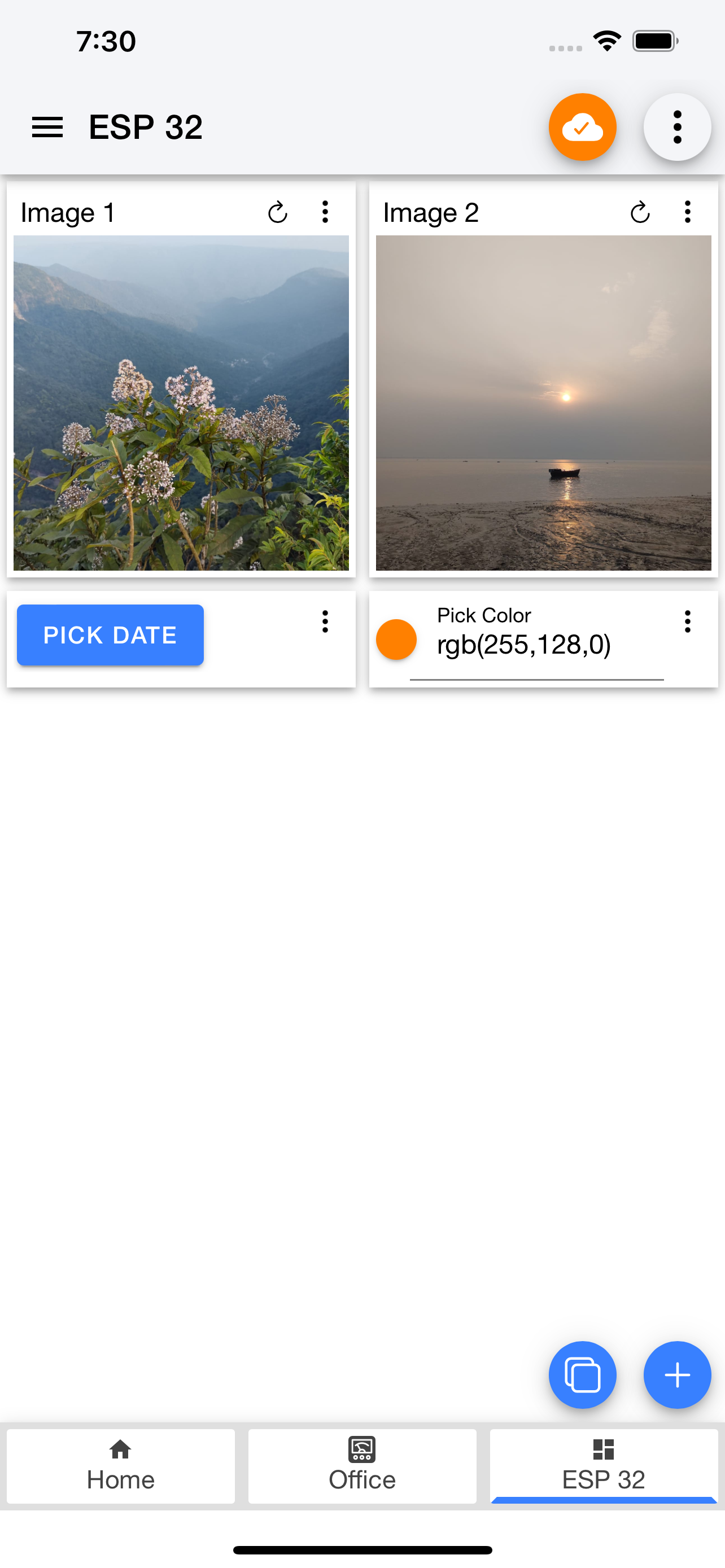

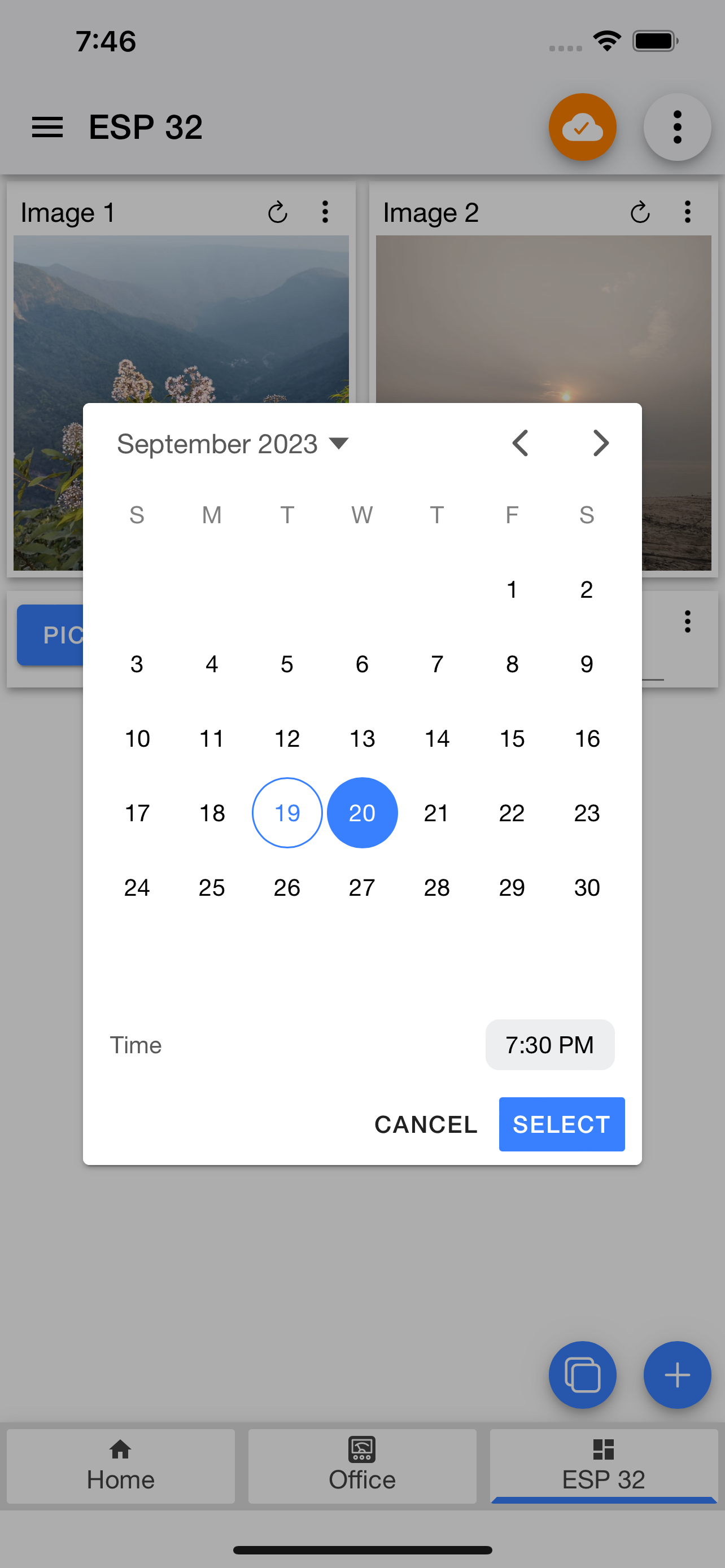


Yes, IoT MQTT Panel Pro is completely free and it doesn't have any in-app purchases or subscriptions.
Not enough reviews to make a reliable assessment. The app needs more user feedback.
IoT MQTT Panel Pro is free.
To get estimated revenue of IoT MQTT Panel Pro app and other AppStore insights you can sign up to AppTail Mobile Analytics Platform.

In Verbindung mit BlueBattery Wächter Top Tool. Wenn man es verstanden ist bietet es viele Möglichkeiten der Überwachung. Mit einer Restore JSon ist die Einrichtung einfach
Ein tolles Programm wenn man bereit etwas Zeit zu investieren. Ich habe mir ein Smarthome mit Homebridge, MQTT Broker, Zigbee2mqqt und HomePod Anbindung aufgebaut. Das funktioniert eigentlich auch recht gut, allerdings sind die Möglichkeiten der Darstellung in der Home App von Apple begrenzt. Diese Lücke kann man mit dieser App hier schliessen. Alles was im MQTT Broker landet kann man hiermit visualisieren und auch steuern. Endlich kann ich Werte wie Strom, Leistung, Spannung, Temperaturen oder auch Pegel darstellen. Das geht natürlich auch gut mit anderen HA Systemen. Wenn man sich jedoch, wie ich, für die Homebridge entschieden hat ist es nicht ratsam ein 2. HA System wie iobroker oder Home Assistant ins Spiel zu bringen, das geht nicht gut aus. Zurück zu IoT MQTT Panel Pro. Was mir gut gefällt: Es läuft auf meinem Mac (mit M1.5 Chip), auf meinem iPhone und iPad. Ich habe die Pro Version erworben und kann sie auf allen Geräten nutzen. Der Austausch der Dashboards über „Share, Airdrop etc.“ klappt gut. So kann man die Topics recht einfach am Mac in die Felder einfügen und muss das nicht am iPhone machen. Das finde ich bequemer. Was noch ausbaufähig ist: Die Dokumentation! Die App ist nun nicht so schwierig wenn man es erstmal begriffen hat, aber am Anfang hatte ich so meine Probleme. Speziell die Tooltips könnten mehr Kontext liefern. Erstaunlicherweise kennt ChatGPT die App auch und konnte mir schon an einigen Stellen helfen. Alles in allem habe ich den Kauf der Pro Version nicht bereut und bin jetzt fleissig am „Dashboard basteln“.
Hallo, unter User Guide in der normalen Version steht ganz unten folgender Text: ============> „Background run, Auto connect and Notification: Background run and Auto connect together keeps the app always connected to the broker. Some mobile kills the background process automatically. Try to make an exception for this app to keep it alive. This feature is still experimental and if you find any issue please leave a comment in my blog with the steps to reproduce. Notification feature is only available in pro-version. You must turn on the background run and auto connect to get notification seamlessly. You can enable / disable notification of any specific panel. When you open a connection, notification for that connection is disabled for better experience.“ <========= Background run und Notification möchte ich gerne nutzen! Deshalb habe ich die Pro Version gekauft. Leider finde ich hier die versprochenen Funktionen nicht. Die App finde ich eigentlich super und würde sie mit 5 Sternen bewerten. Ich erkenne die harte Arbeit hinter der Entwicklung an und unterstütze gerne solche Leistung.
This app allows you to create dashboards to interface with devices using MQTT including elements for monitoring (of subscribed topics) and remote control (by publishing to topics). I really appreciate the simplicity and fast responsiveness of the dashboard elements.
|
Chart
|
Category
|
Rank
|
|---|---|---|
|
Top Paid
|

|
5
|
|
Top Paid
|
|
25
|
|
Top Paid
|

|
56
|
|
Top Paid
|

|
229
|
|
Top Paid
|
|
314
|
