Microsoft Designer

Design & Edit Photos with AI

Published by: Microsoft

Description

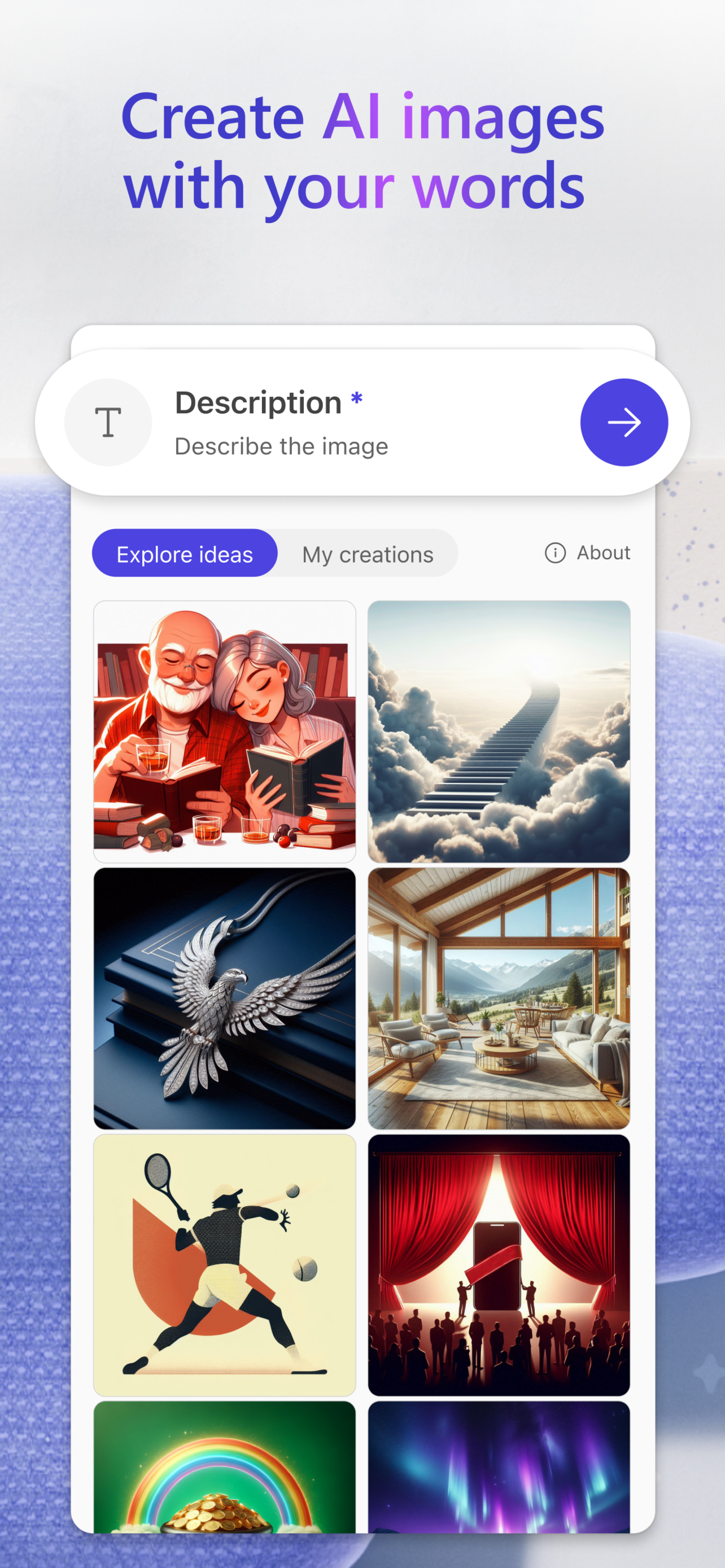
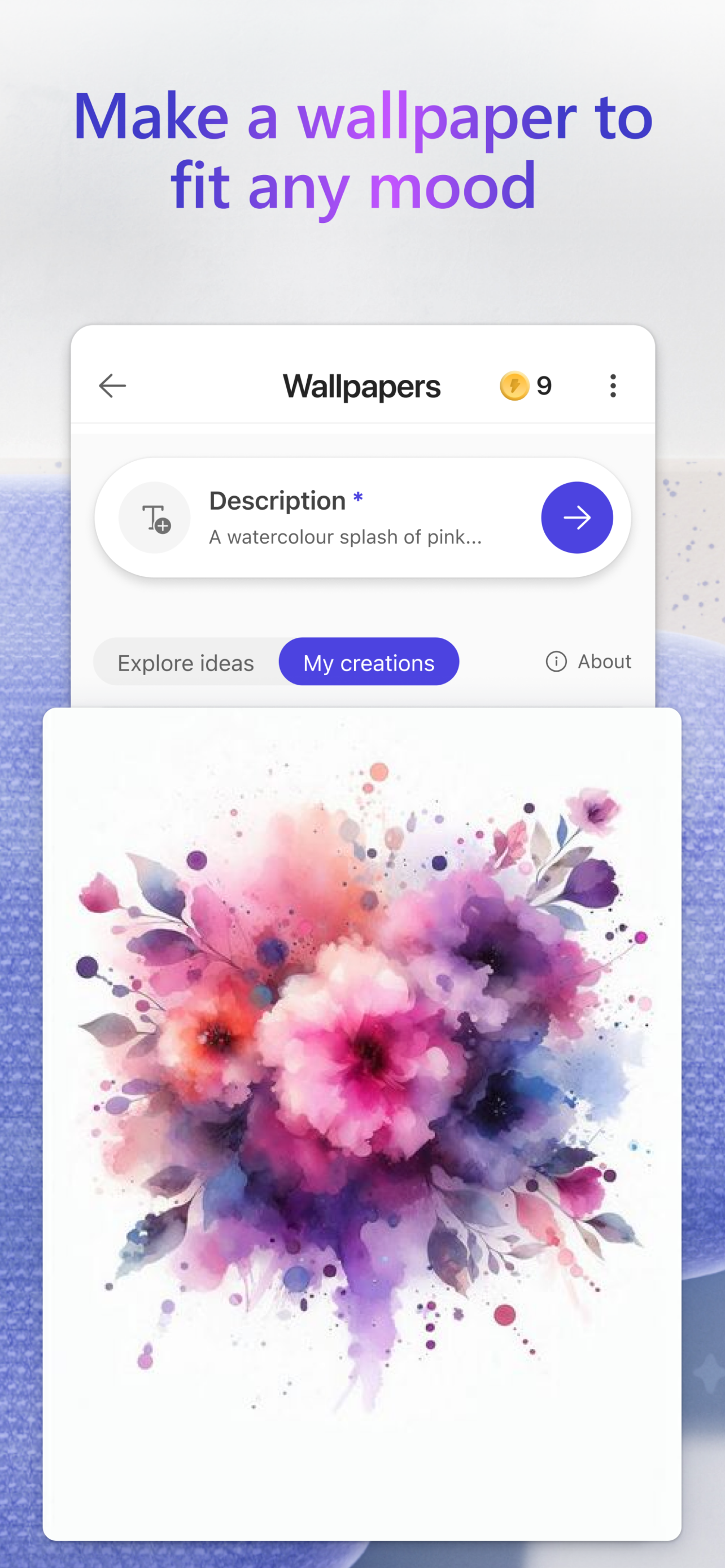
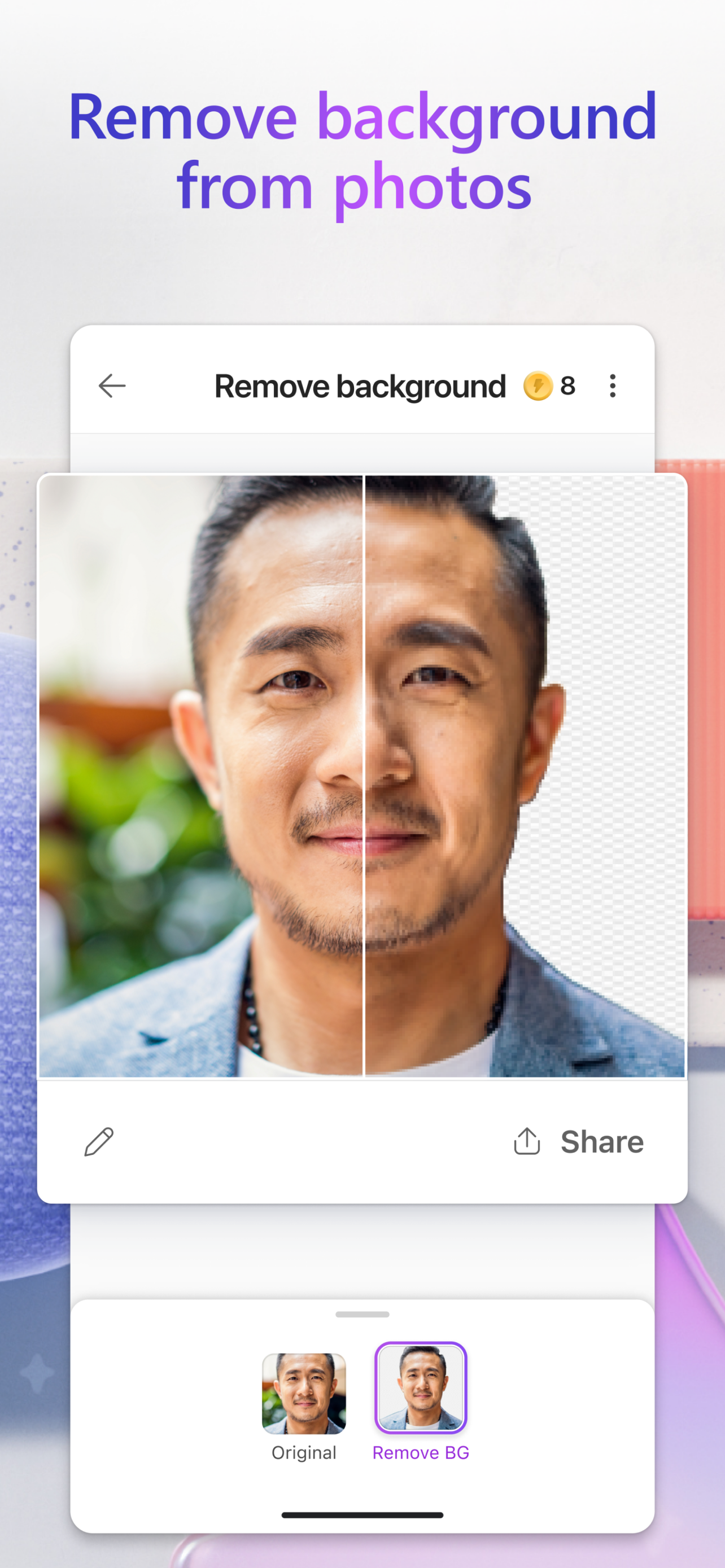
Unleash your creativity — visually create, design, and edit just about anything you can imagine with AI. Use the power of generative AI to create eye-catching images with your words, craft next-level designs that pop like personalized birthday cards, holiday cards, wallpapers for your phone, and even use AI to edit photos like an expert - removing backgrounds and erasing distractions from photos. Create what you want, when and where you need it.
Key capabilities:
• Images: Create any image you can imagine. Sci-fi art, surreal scenes, funny images? Dream it, describe it, and create it with AI. Your imagination is limitless!

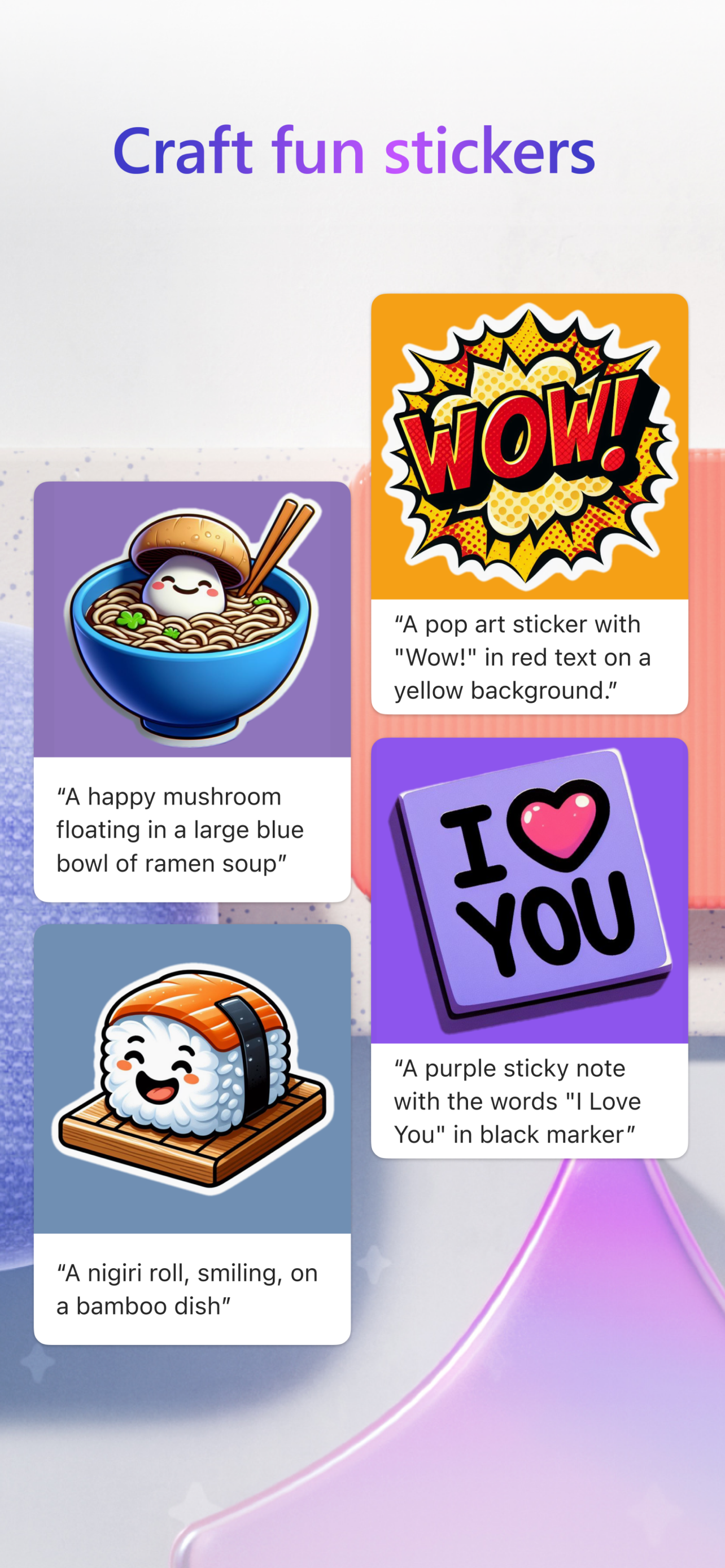
• Stickers: Create something that sticks. Make custom stickers that help you stick out on messaging apps, social, and more.

• Edit with AI: make your photos and images picture perfect with AI.
o Generative erase: Erase distractions to make objects you don’t want in your image disappear.
o Remove background: Say bye-bye to bad backgrounds. Easily remove unwanted image backgrounds in one step.
o Blur background: Bring what’s most important into focus. Blur the background of any image to make your subject pop.
o Add filters, adjust brightness, resize: Customize to fit your creative vision, including resizing to turn your creations into a square or custom size that fits just right.

• Wallpapers/Backgrounds: Put it all on display. Create custom wallpaper or background to fit your current mood, make a statement, or to keep a special occasion front and center on your phone screen.

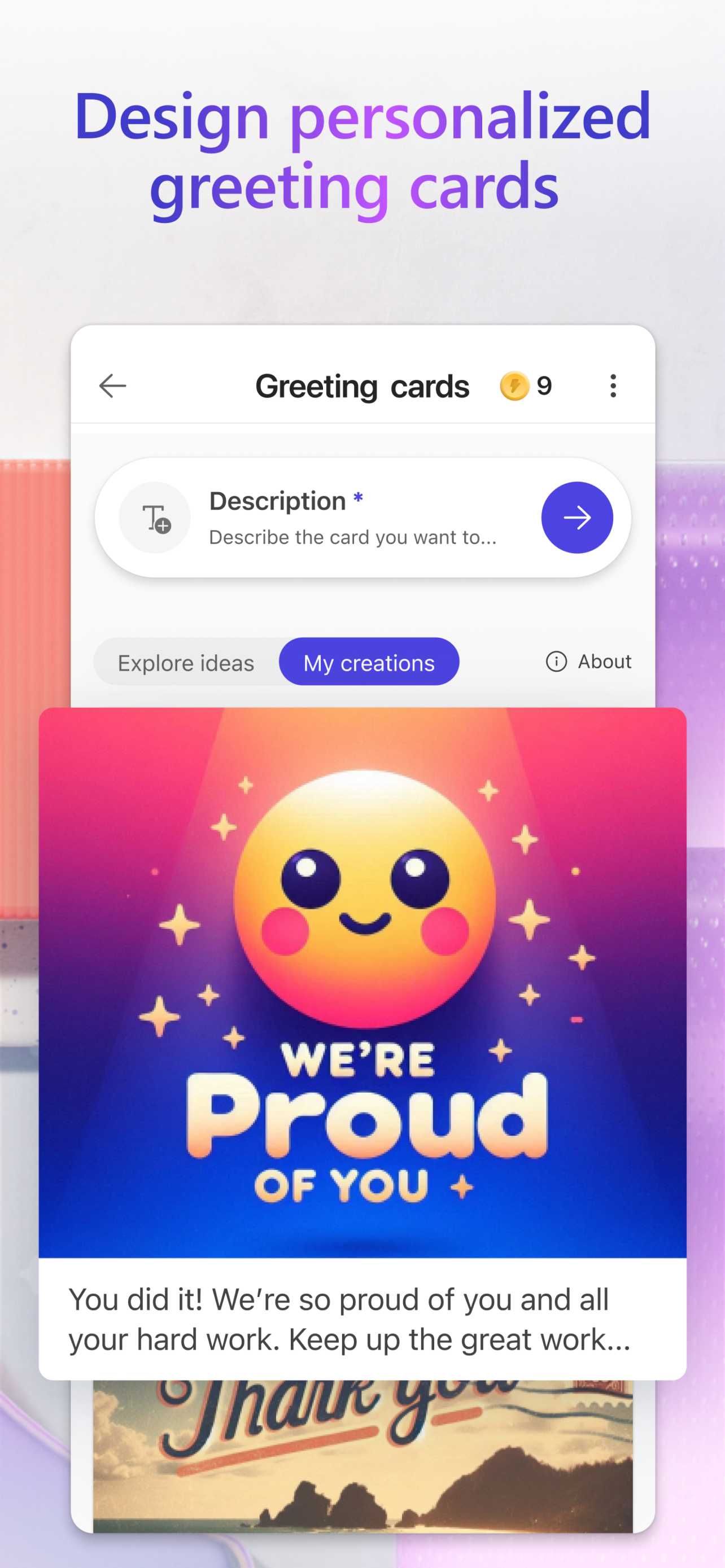
• Greeting cards: Craft the perfect greeting for any occasion. From birthday cards to holiday cards and beyond, create a thoughtful greeting card with personalized messages and images even if you’re at a loss for words.

• Restyle image: Transform photos into a work of art—like turning portraits, landscapes, and pet photos into artwork.

• Monograms: Make your mark. Add some personal pop to your everyday life or for a special occasion like a wedding with custom crafted monograms that use letters and more to define your mark.

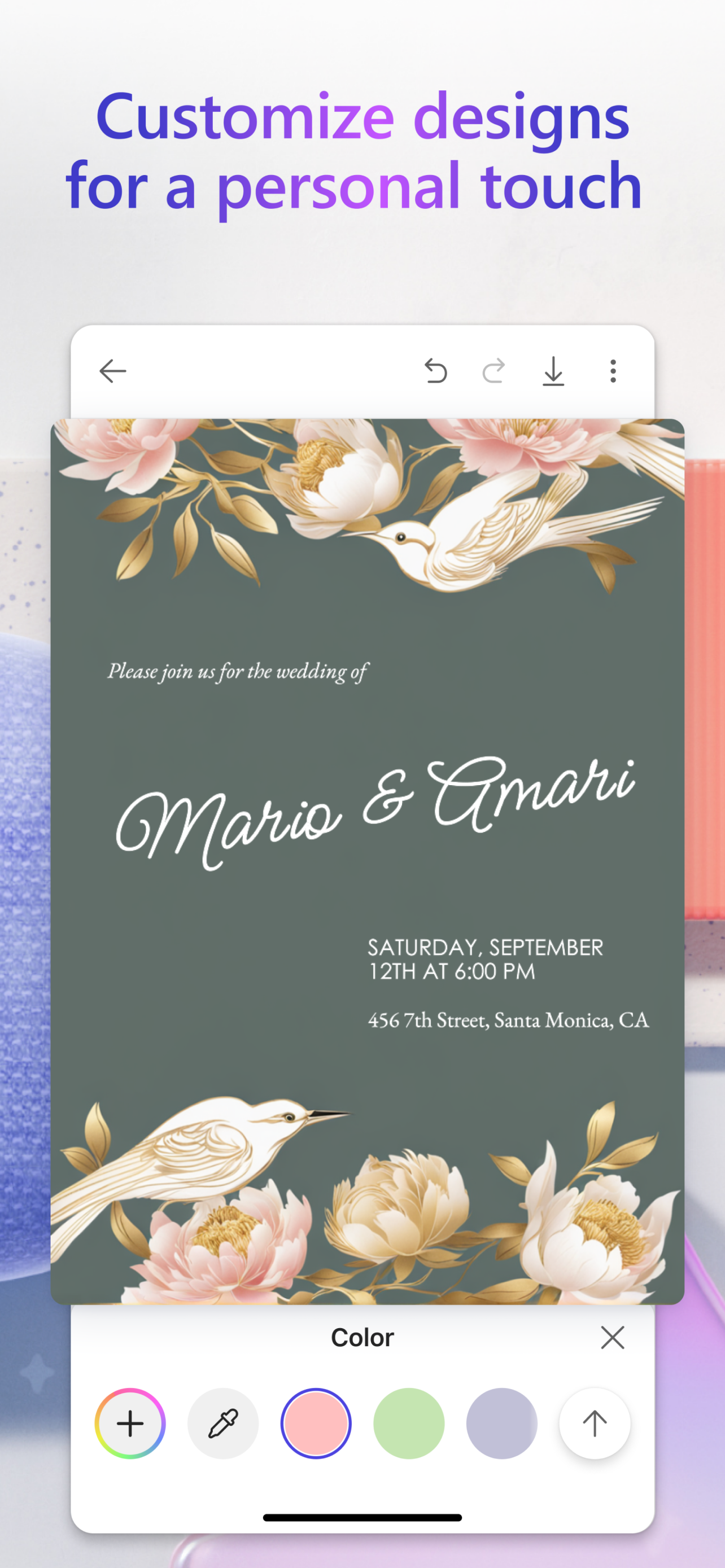
• Invitations: Create invitations that wow. Customize your invitations for every occasion and any event like birthdays, weddings, and anything else big or small.

• Social posts: Stand out online. Elevate and craft your next social post with Designer to create the perfect image and text to share online.

• Icons: Express yourself visually. Create icons to easily communicate your vision and decorate your designs.

• Emojis: Express yourself! Have the perfect reaction on hand with custom crafted emojis to fit any mood.

• Coloring book pages: Color it in and get in your flow. Create custom coloring book pages to make coloring more exciting. Great for all ages.

• Frame image: Turn your photos into a customized framed memory that you can share everywhere.

• Collages: Bring your favorite photos, styles, and descriptions together create a custom collage from your favorite memories.

• Banners: Create banners for newsletter headers, social profiles, and more to grab attention and stand out.
Microsoft Designer is available for free with a Microsoft account. Your Microsoft account provides 5 GB of free cloud storage that you can use to save your designs, files, and photos across your devices.
Additional information about terms of use can be found here: https://designer.microsoft.com/consumerTermsOfUse/en-US/consumerTermsOfUse.pdf
Download Designer and create something new today!
Hide Show More...

In-Apps

Microsoft Copilot Pro
£21.00
Microsoft 365 Basic Monthly
£1.99
Microsoft 365 Family Yearly
£79.99
Microsoft 365 Family Monthly
£7.99
Microsoft 365 Personal Yearly
£59.99
Microsoft 365 Personal Monthly
£5.99

Screenshots

Microsoft Designer FAQ

  • Is Microsoft Designer free?

    Yes, Microsoft Designer is free to download, however it contains in-app purchases or subscription offerings.

  • Is Microsoft Designer legit?

    ✅ The Microsoft Designer app appears to be high-quality and legitimate. Users are very satisfied.

    Thanks for the vote

  • How much does Microsoft Designer cost?

    Microsoft Designer has several in-app purchases/subscriptions, the average in-app price is £29.49.

  • What is Microsoft Designer revenue?

    To get estimated revenue of Microsoft Designer app and other AppStore insights you can sign up to AppTail Mobile Analytics Platform.

User Rating

4.62 out of 5

76 ratings in United Kingdom

5 star
62
4 star
6
3 star
3
2 star
3
1 star
2
Ratings History

Microsoft Designer Reviews

iPad?

J_Beee on

United Kingdom

This is an App way better suited to the tablet format the than for the phone. The fact that we have still not got an iPad specific app is a big miss Microsoft. Until we get this I'm not going to really use it for anything worth my time. Come on Microsoft for goodness sake!!

Emoji Maker is j Really Good’

Being His Creation on

United Kingdom

I don’t listen leave reviews but I had to for Designer App because I just discovered it’s in belt emoji generator which happens to be awesome. My prompt was to create a content creator of a female recording yourself with her phone. I was given four variations each one unique in its own way, but also exactly adhering to the prompt. The only issue is I can’t decide which one to use LOL.

Microsoft Designer

Smithers55 on

United Kingdom

Fabulous app, let your imagination run wild.

New to this

World of Mole on

United Kingdom

I’m very new to this but have made some imaginative designs already.

The best app

Mama and twins on

United Kingdom

I’ve been using Microsoft designer for a few months now. The app is easy to use and the instructions are clear. Microsoft designer has allowed me to explore my passion for art resulting in winning a competition with Microsoft and having one of my other designs featured too. The admin on the app are amazing and respond to any questions and feedback. They post regularly compared to the TikTok account which is extremely rare and a shame as I upload my Microsoft designer art work there too. Im hoping that an AI video software will be available soon as im happy using Microsoft designer and dont want to explore any others. I also use Microsoft 365 for my family and have always trusted the products.!Thank you Microsoft because I was able to produce a brown snowman as part of promoting inclusion in my art and have been chosen to show showcase one of my designs in a digital smart exhibition soon. I’d love for the startup team to help me out on exploring my art journey with Microsoft if possible can they contact me!

Loving AI

Billybarlow on

United Kingdom

Still in awe of what AI can create.

Loving this App

UKGG Lisa B on

United Kingdom

It is so quick it’s pretty much finished before you can put your keyboard Down I already use bit in Co Pilot it can do many things yeah I’m really happy with it Thank you .

Mr

Ek Ran on

United Kingdom

This app is the best

Love love love this app

Jaime2178 on

United Kingdom

Love this app so many features from sticker an monogram making to making different sizes highly recommended

Really excellent

The Moke 21 on

United Kingdom

Just great. Loving experimenting and the whole aspect of this app. Thanks so much

Store Rankings

Ranking History
Category Rankings

Keywords

Microsoft Designer Competitors

Microsoft Designer Installs

Last 30 days

Microsoft Designer Revenue

Last 30 days

Microsoft Designer Revenue and Downloads

Gain valuable insights into Microsoft Designer performance with our analytics.
Sign up now to access downloads, revenue, and more.

App Info

Publisher
Microsoft
Languages
English, Arabic, Catalan, Croatian, Czech, Danish, Dutch, Finnish, French, German, Greek (modern), Hebrew (modern), Hindi, Hungarian, Indonesian, Italian, Japanese, Korean, Malay, Norwegian Bokmål, Polish, Portuguese, Romanian, Russian, Chinese, Slovak, Spanish, Swedish, Thai, Turkish, Ukrainian, Vietnamese
Recent release
1.0.30 (1 month ago )
Released on
Jun 11, 2024 (1 year ago )
Last Updated
3 days ago
This page includes copyrighted content from third parties, shared solely for commentary and research in accordance with fair use under applicable copyright laws. All trademarks, including product, service, and company names or logos, remain the property of their respective owners. Their use here falls under nominative fair use as outlined by trademark laws and does not suggest any affiliation with or endorsement by the trademark holders.