Microsoft SharePoint

Published by: Microsoft

Description

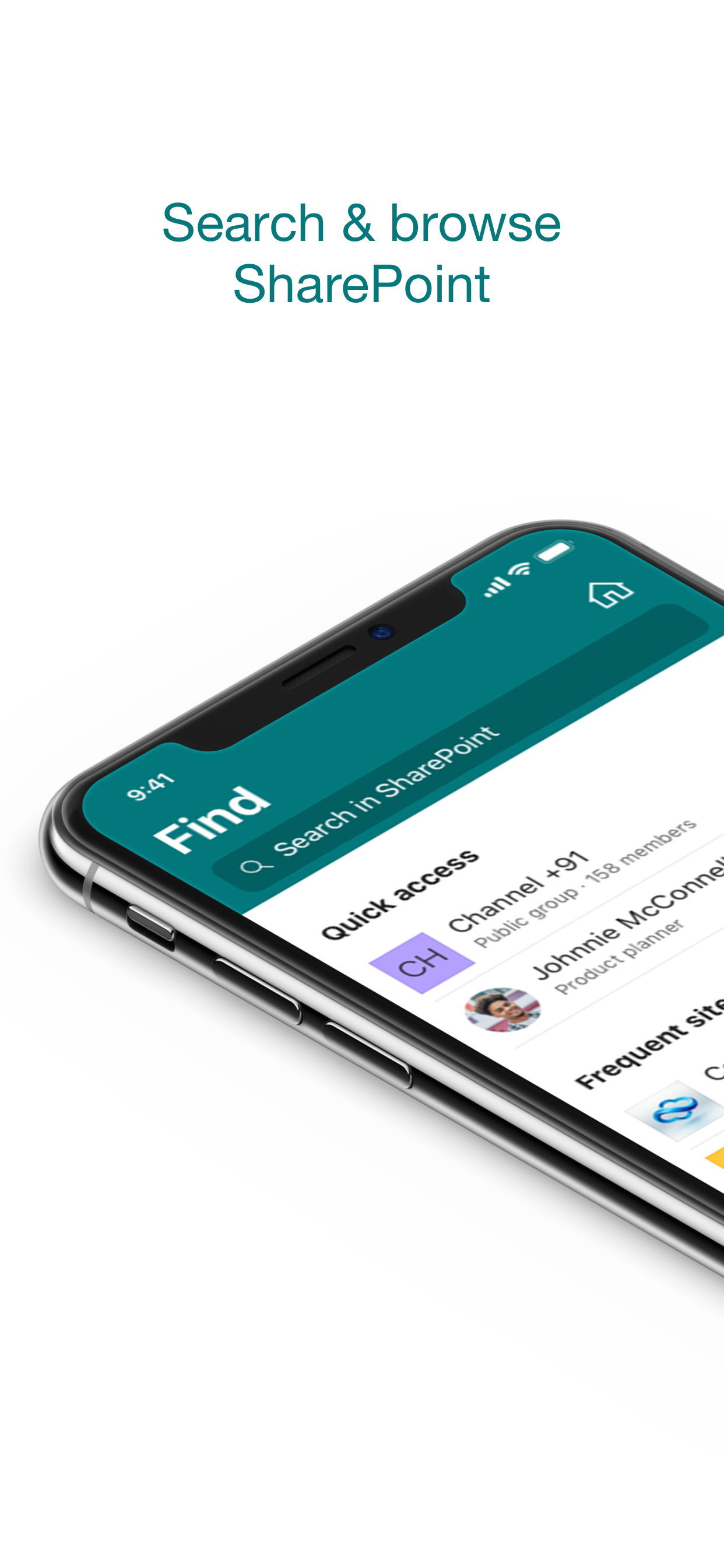
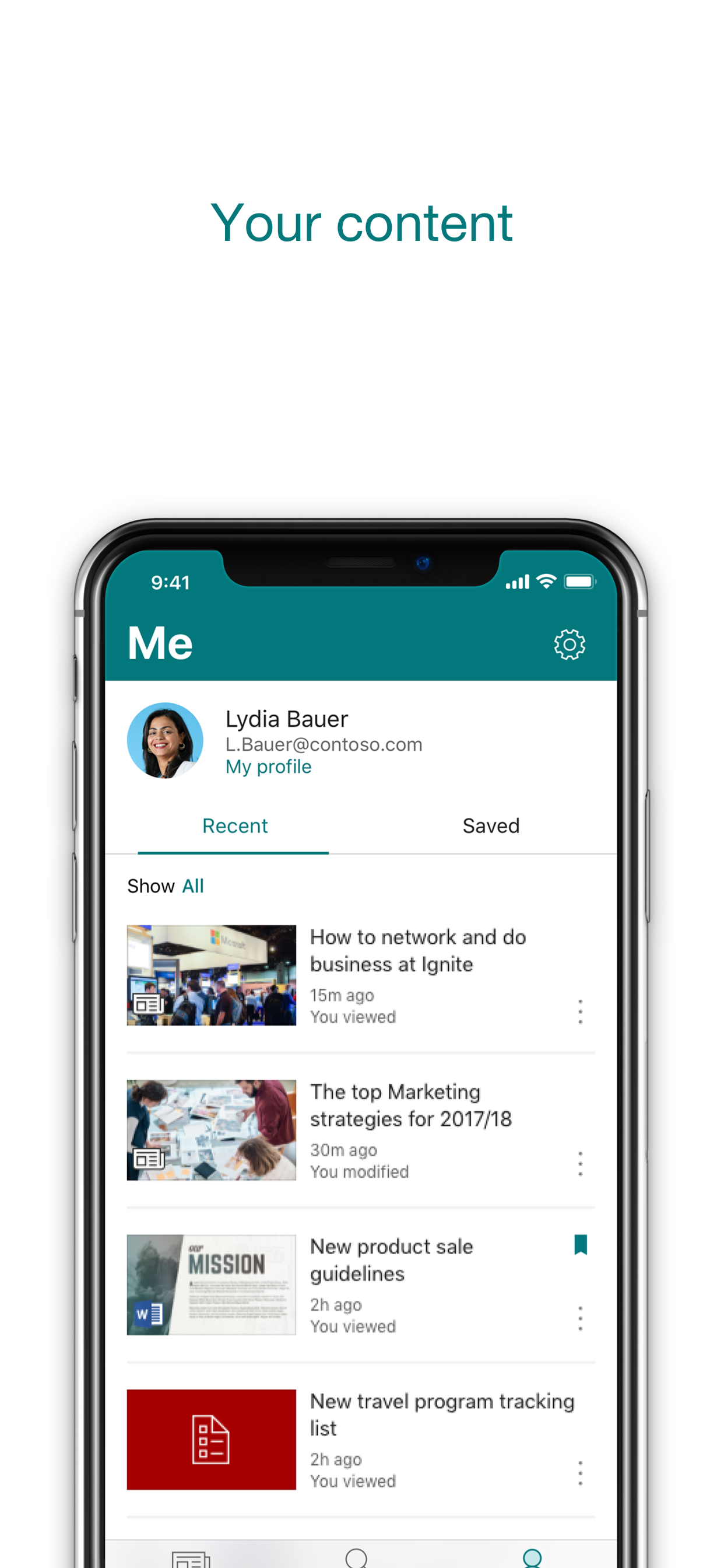
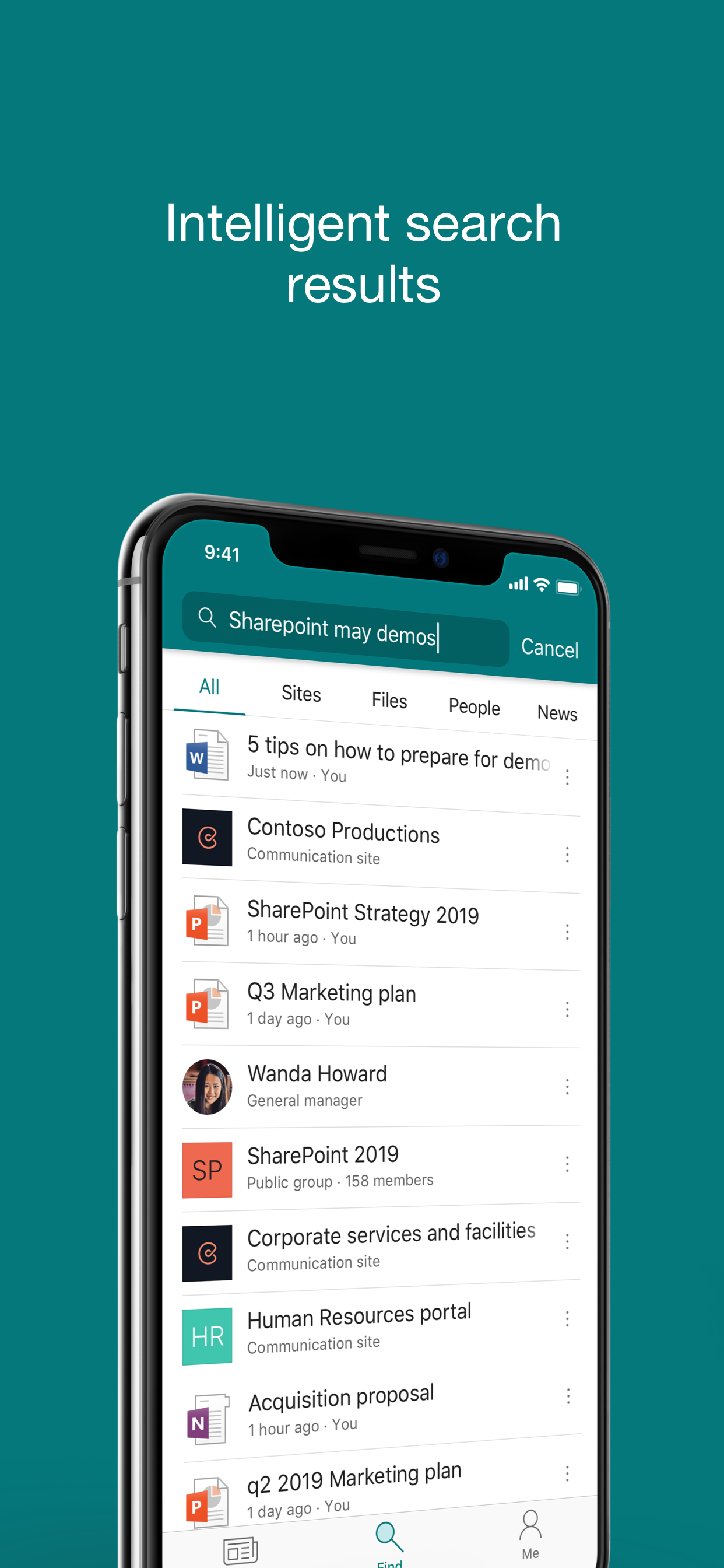
Find files, news, sites and people - personalized for you and your organization. SharePoint infuses AI into the mobile app experience to keep you focused and productive while on the go. AI builds an understanding of what you work on, how you work, and how your colleagues' work relates to you. When you need expertise, content, or resources when you're on the go, SharePoint is a great place to start looking.
 
· Browse your sites, files, people and more to get back to what you were working on 
· Use search to find and discover important content
· Access your personalized view of team sites, communication sites, and news posts 
· Tap on a user to get to their contact card and see who they work with and what they are working on
· Create news posts on the go and share your updates, reports, status, and experiences with your team
· Sign in to your SharePoint sites, whether they're in the cloud or on-premises. The app works with SharePoint Online and SharePoint Server versions 2013 and higher
· Add multiple accounts, and easily switch between them
 
What people are saying:
 
The SharePoint mobile app has been featured in TechCrunch, The Verge, ZDNet, PCWorld and Computerworld.
 
Over 2 years of app store reviews:
"making collaboration easier than ever!!"""
"keeps me connected with my office documents and coworkers"
"seamless integration with other Office apps"
"it's so easy and simple to use!!"
 
Note: To sign in to SharePoint, your organization needs to have an Office 365 subscription that includes SharePoint Online or an on-premises SharePoint Server.

This app is provided by Microsoft. Data provided through the use of this store and this app may be accessible to Microsoft and transferred to, stored, and processed in the United States or any other country where Microsoft or its affiliates maintain facilities.
Hide Show More...

Screenshots

Microsoft SharePoint FAQ

  • Is Microsoft SharePoint free?

    Yes, Microsoft SharePoint is completely free and it doesn't have any in-app purchases or subscriptions.

  • Is Microsoft SharePoint legit?

    ⚠️ The Microsoft SharePoint app has poor ratings and negative feedback. Users seem unsatisfied with its performance or features.

    Thanks for the vote

  • How much does Microsoft SharePoint cost?

    Microsoft SharePoint is free.

  • What is Microsoft SharePoint revenue?

    To get estimated revenue of Microsoft SharePoint app and other AppStore insights you can sign up to AppTail Mobile Analytics Platform.

User Rating

4.47 out of 5

32,037 ratings in United Kingdom

5 star
24,440
4 star
3,345
3 star
1,435
2 star
561
1 star
2,256
Ratings History

Microsoft SharePoint Reviews

Can’t get soo to open

jaqmaj on

United Kingdom

Not seeing content - white screen
Massively annoying

No hard sell techniques on

United Kingdom

See title

Not working

Ilthek on

United Kingdom

Barely works on iPad, if you go into a folder and then leave it, the original place you came from is completely unreadable. Opening folders rarely works correctly. This app is another example of windows releasing a broken product and doing nothing to improve it.

Keeps freezing

Edgar3112 on

United Kingdom

I use SharePoint for iOS app on a daily basis but recently it’s started freezing pretty much every time I use it making it almost unusable. I hope this gets resolved soon because it’s such great app when it’s running smoothly.

Doesn't work

tristancliffe on

United Kingdom

Just get Alamofire errors. Useless.

OK but doesn't sync and only allows opening office files

CSMR250 on

United Kingdom

This allows access to sharepoint files so it fills an important role. It's not as good as the Windows app and in particular doesn't sync files, so requires internet to view each file including files previously viewed. It also doesn't treat files equally and gives special treatment to office files. To open a word file in the word app you first need to click on the file (opening an internal preview) and then click on the word icon. For pdf this isn't possible so you can't easily open it in a pdf viewer.

School

Inteleonfam on

United Kingdom

This is really useful for school that is why I have rated it 5 stars.

Unusable

Nick533 on

United Kingdom

I’ve just downloaded this app hoping it would be my answer to the very difficult process of using sharepoint on my iPad when I’m out and about. It really isn’t. It replicates all the problems of sharepoint and adds some besides. After an hour of trying to edit a spreadsheet i gave up and transferred it to google docs.

Possibly the WORST Microsoft App on IOS?

gembrain on

United Kingdom

MS has had the worst search facility for years, but have finally been trying to improve. NOT HERE! Can’t search for a folder, can’t filter results, they’ve done nothing to fix the alamo.fire error that plagues numerous users - in fact they have made no improvements since the App was first released. If useful query results can now (finally) be found on Sharepoint online, then why not with this App?

Noice

Mr ehui on

United Kingdom

It’s meh

Store Rankings

Ranking History
Category Rankings
Chart
Category
Rank
Top Free
29
Top Free
38
Top Free
40
Top Free
41
Top Free
42

Keywords

Microsoft SharePoint Competitors

Microsoft SharePoint Installs

Last 30 days

Microsoft SharePoint Revenue

Last 30 days

Microsoft SharePoint Revenue and Downloads

Gain valuable insights into Microsoft SharePoint performance with our analytics.
Sign up now to access downloads, revenue, and more.

App Info

Publisher
Microsoft
Languages
English, Arabic, Catalan, Croatian, Czech, Danish, Dutch, Finnish, French, German, Greek (modern), Hebrew (modern), Hungarian, Indonesian, Italian, Japanese, Korean, Norwegian Bokmål, Polish, Portuguese, Romanian, Russian, Chinese, Slovak, Spanish, Swedish, Thai, Turkish, Ukrainian, Vietnamese
Recent release
4.55.1 (1 month ago )
Released on
Jun 20, 2016 (9 years ago )
Last Updated
6 days ago
This page includes copyrighted content from third parties, shared solely for commentary and research in accordance with fair use under applicable copyright laws. All trademarks, including product, service, and company names or logos, remain the property of their respective owners. Their use here falls under nominative fair use as outlined by trademark laws and does not suggest any affiliation with or endorsement by the trademark holders.