
Unusable
Feels terrible to use. Like a windows computer from the 80’s. some of the gestures are outside of the viewport, the app constantly crashes.



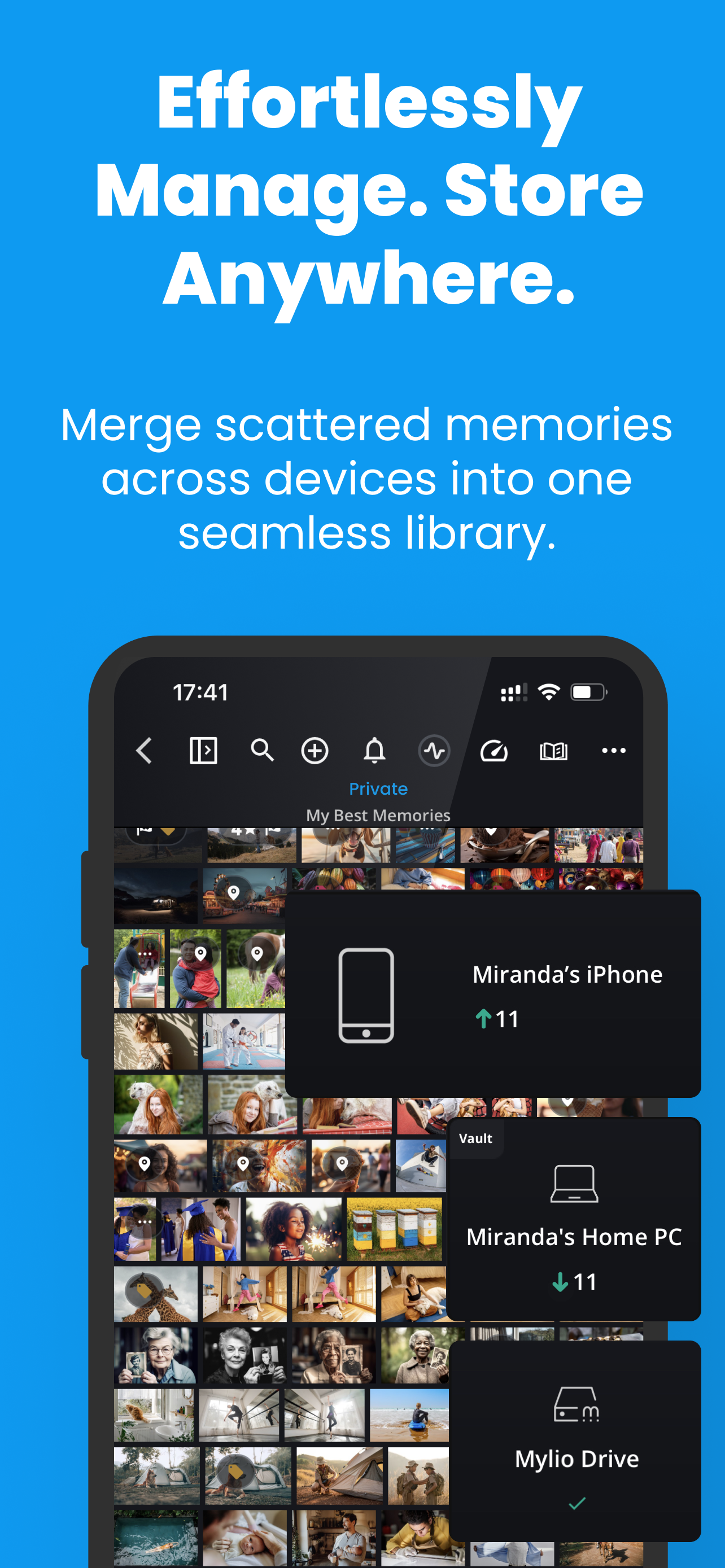
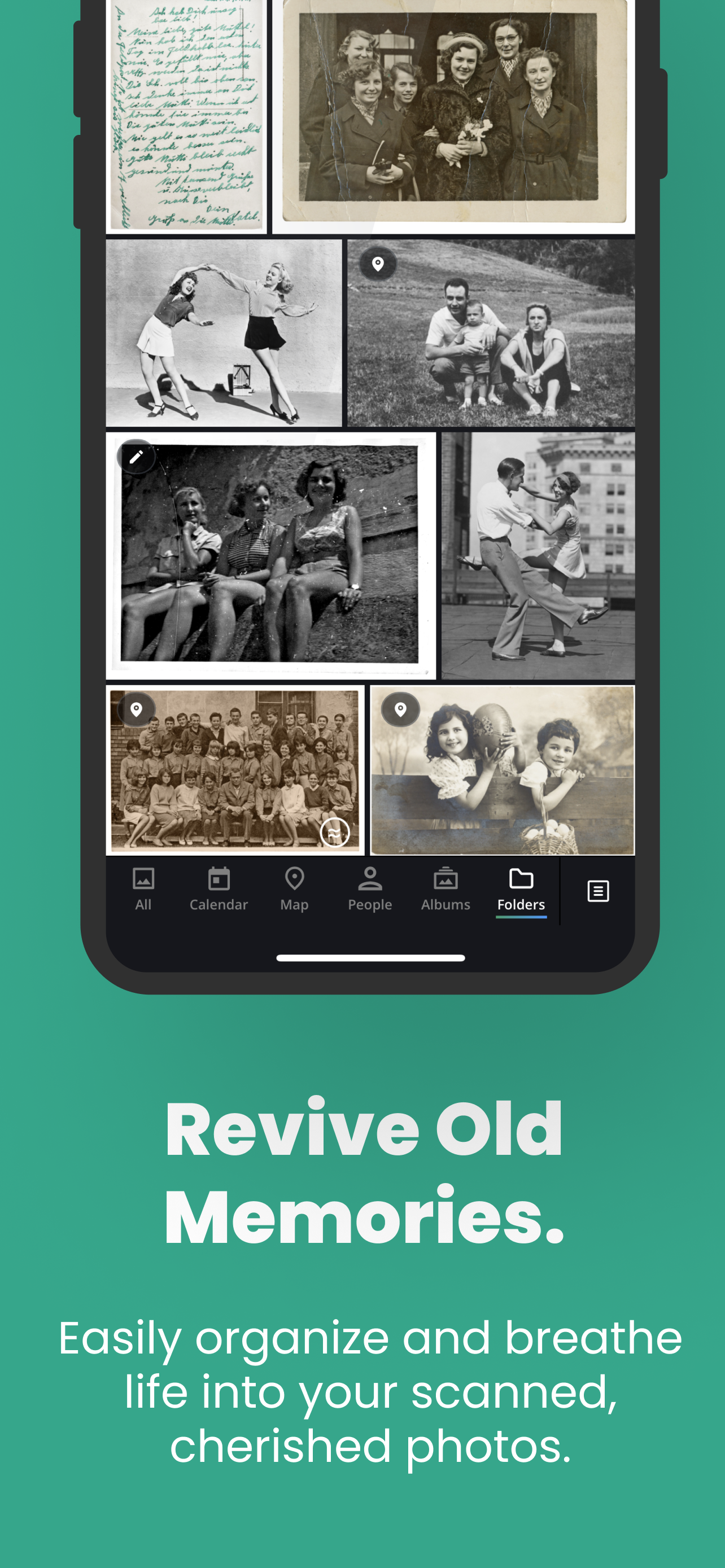

Yes, Mylio Photos is free to download, however it contains in-app purchases or subscription offerings.
⚠️ Warning: Multiple users of Mylio Photos have mentioned scam or fraud. Investigate thoroughly before using this app.
Mylio Photos has several in-app purchases/subscriptions, the average in-app price is $83.99.
To get estimated revenue of Mylio Photos app and other AppStore insights you can sign up to AppTail Mobile Analytics Platform.

4.19 out of 5
36 ratings in Canada
Feels terrible to use. Like a windows computer from the 80’s. some of the gestures are outside of the viewport, the app constantly crashes.
In order to do basic syncing between you phone and PC, or any cloud service you need to pay there very expensive subscription. You can even have a limited number of devices for free. They make you download the app and waste my time, they could be more upfront with which features are free and which aren’t.
It’s showing 16,000 downloads BUT where are the downloaded photos??😡🤬 NOTHING IS TO BE FOUND ON YOUR APP! Contacting Apple for a refund! Scammers! Do NOT PURCHASE THIS USELESS APP!😡🤬
You need to be a technical person to use Mylio safely, else you could end up losing or deleting some photos by accident. There’s no photo managing app like Mylio, it’s pretty unique, it can let you access your entire photo library anywhere & on any devices (where the app is installed). Your photos are safe with you as they’re not stored on the cloud or some remote servers. It syncs photos on all your devices easily, you may even create your own sync policy. There are also plenty of ways to view your photos, by date, by location, by people, by camera, by lens, etc.
One of the best photo apps for iPhone but sadly I was having a 3s crash bug and when I logged off of my own account it now can’t find my old photos that is on my phone. The log off message said I won’t lose any original file but now I can’t access my photos anymore. Lost access to about 8000 photos (10GB) that’s over 2 years and they’re just sitting somewhere secret on my phone and I can’t take them out.
Whenever I had to ask for help, the Mylio support team answered quickly, with in-depth replies.
As a professional newspaper photographer I need something to cut line, organize and send photos quickly and with large batches and volume. This is the only app that works and accomplishes everything I need. I use it with Snapseed, Lightroom and others …. seamlessly. Looks great on my iPad Pro and thank you for the fixes and improvements. For the doubters, use it first and remember without a purpose any app isn’t worth it, this app is worth every bit of the download
I hung on to Google Picasa for years after Google stopped supporting it, because I just couldn't find an alternative. Finally, Mylio is it. I eventually upgraded to the premium version and it's a small price to pay to know that my photos are safe, and that I can navigate and organize them in a sensible way. I truly looked at everything before deciding on Mylio. Google Photos is beautiful, but it scrambles your folder structure and is hard to export from, so is impossible to "take with you" in the future. There are complex photo editors from Adobe, but they don't provide a simple interface that lets you see thumbnails of your photos and move them around in folders. There are editors with folder structures like XnView, ACDSee, and Image Ranger, but they all lack something. Some are missing the most basic of editing functions (like cropping), editing image data in bulk, can't handle Apple's HEIC files, have terrible user interfaces, or don't work across devices/platforms. Mylio checks all the boxes. It's intuitive to use, but is hugely customizable if you want to have a master collection (a "Vault", in Mylio-speak) on one device and keep thumbnails on other devices (like your phone) so you can access all your photos, visually, anywhere you go. It also has facial recognition which is a fun way to discover memories that you forgot about. Their customer service is above and beyond. They've advised me on nuances of my own setup, reviewed my screenshots, and explained how to use some detailed search strings to efficiently find/move files according to my desired use case. Fantastic product!
It took me years to find a workflow that 1) didn’t cost me a monthly subscription and 2) was powerful, easy to use and enjoyable to organize my photos. Mylio was the last step that brought my entire workflow together. My initial perception that this was just another promised piece of software that wouldn’t live up to it’s expectations. Boy was I wrong. I set up 2 vaults (Vaults contain high res images). I edit most of my photos on my iPad so that’s one vault and I have another on my PC for printing. I keep an auto-optimized version on my phone which is great for lower-resolution versions for social media, emailing, etc. The beauty is that it’s all synced. If I delete off one device it’s deleted off all. I can cull (VERY FAST) with star ratings or flags. It organizes in it’s calendar and has a very useful map to map out all photos taken (if they have GPS coordinates attached). I just found out a way to attach these coordinates wirelessly to every photo I take with my Sony camera so going forward I’ll have a beautiful map of all my shots. I’m using the free version right now which allows up to 25,000 photos and 3 devices. However the yearly subscription will be what I will pay for as it has perfected my workflow. I’m all about efficiency and maximizing my time and make things easy to find, edit and share. Mylio has exceeded my expectations and I can’t recommend this software enough. Spend a few days with it and you’ll see how powerful it is. Although it can work in conjunction with cloud services, I’ve been able to delete all my cloud subscriptions and work with my own personal backup without any further monthly subscriptions and keeping everything neatly organized and synced with all my devices. 5 stars is not enough for this software. Download today!
... actually works, meaning it sync everything between my mac and my iOS devices, including faces and modification to image files.
