Apple App Store Nested Folder Notes: CrumbNote icon

Nested Folder Notes: CrumbNote

Organize notes your way

Published by: YUUSUKE SASOU

Description

CrumbNote is a powerful note app that lets you create folders inside folders.
Organize large amounts of notes with a clear, structured layout that’s perfect for work, study, and creative projects.
Reorder notes easily with drag and drop, or let the app sort them automatically.
Select multiple notes or folders at once to move, duplicate, or delete in seconds.
Color-coded notes make it easy to find what you need at a glance, even in long lists.
Ideal for:
• Work notes, meeting minutes, and task lists
• Study notes, classes, and exam preparation
• Journals, daily logs, and idea capture
• Writing, blogging, and creative planning
• Recipes, shopping lists, and hobbies
Key features:
• Nested folders for structured organization
• Drag & drop and auto sorting
• Search and trash folder
• Photo attachments (up to 10 per note)
• Checklists and character count
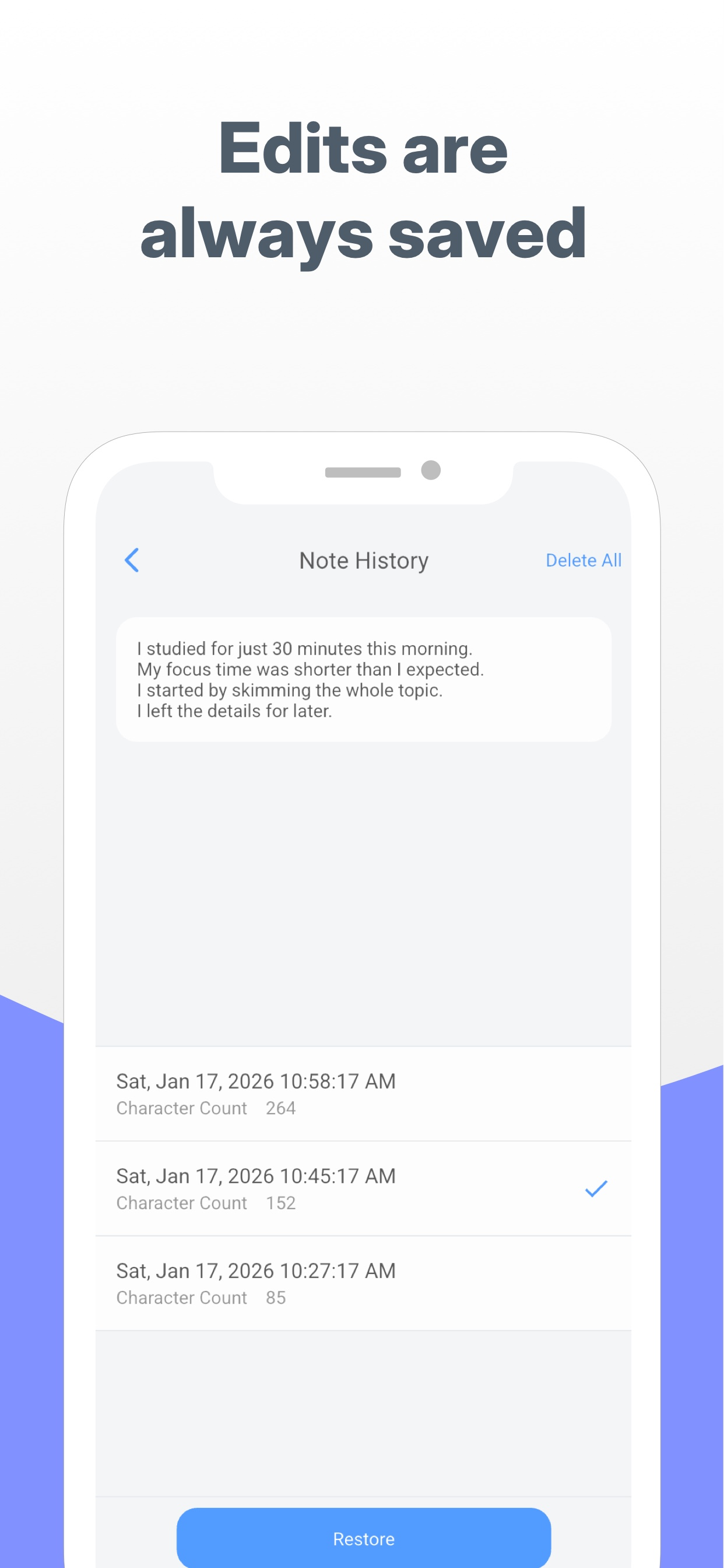
• Note history and recovery
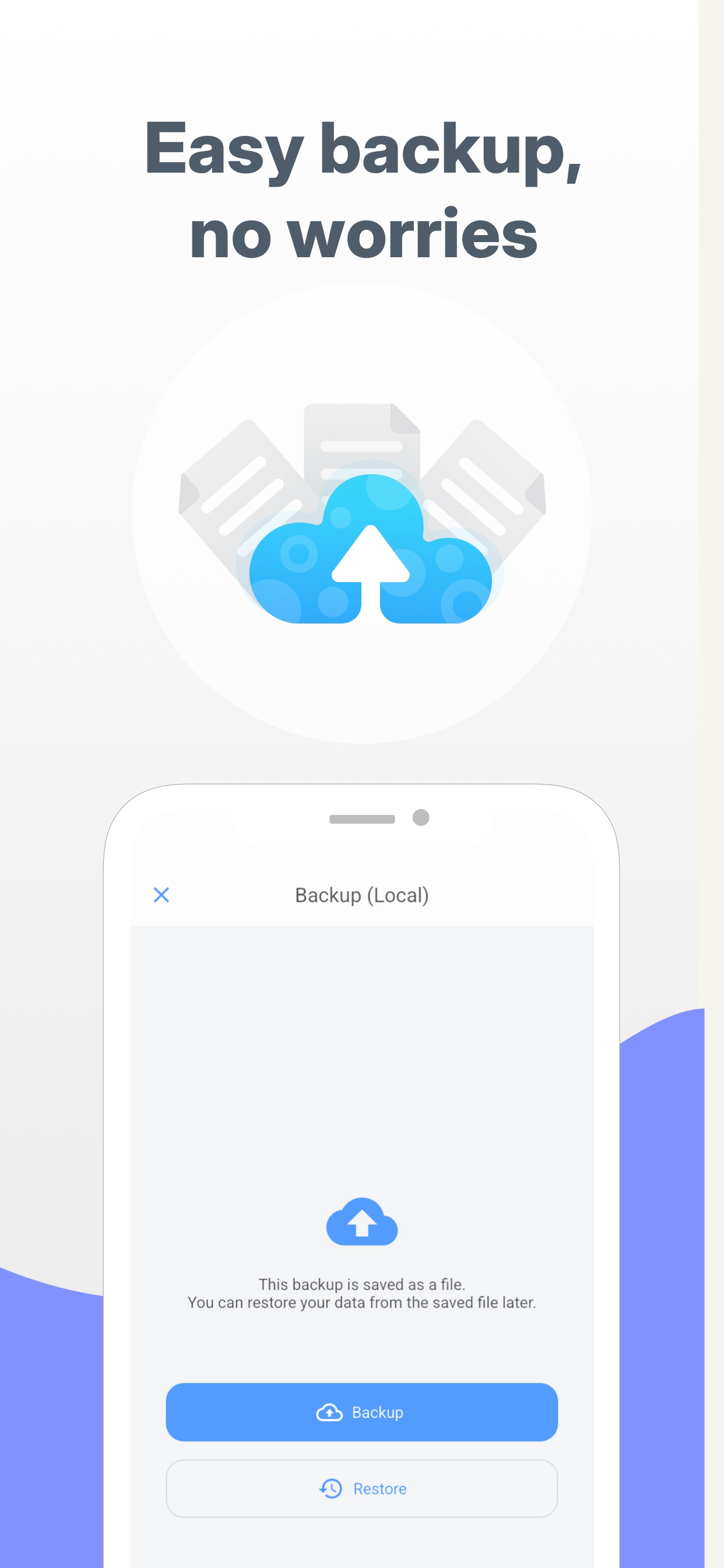
• Passcode lock and backups
# LICENSE
Icons by Icons8
Hide Show More...

In-Apps

CrumbNote PRO
$12.99
Nota PRO
$12.99

Screenshots

Nested Folder Notes FAQ

  • Is Nested Folder Notes free?

    Yes, Nested Folder Notes is free to download, however it contains in-app purchases or subscription offerings.

  • Is Nested Folder Notes legit?

    🤔 The Nested Folder Notes app seems decent. It has room for improvement but generally satisfies users.

    Thanks for the vote

  • How much does Nested Folder Notes cost?

    Nested Folder Notes has several in-app purchases/subscriptions, the average in-app price is $12.99.

  • What is Nested Folder Notes revenue?

    To get estimated revenue of Nested Folder Notes app and other AppStore insights you can sign up to AppTail Mobile Analytics Platform.

Australia
User Rating
App is not rated in Australia yet.
Ratings History

Nested Folder Notes Reviews

めちゃいい!!でも一つだけ

ルナルナさ on

Japan

とても便利でいつも使わせていただいてます。 特にフォルダの中にフォルダを作成できるのが画期的で重宝してます。 ただ一つだけ希望があり、ふりがなを振れるようになったら嬉しいです。 歌詞をメモするときがあるのですが、その時に文字の上にふりがなを付けれたら見やすくなるのに…と思うことがあります。 それ以外は不満は全くなく、使いやすいメモアプリです!!

これが一番使いやすい

透明水831 on

Japan

使いやすいノートアプリを探しており、色々なアプリをダウンロードしましたがこのアプリが1番使用感が良かったです。 添付した写真などもとても見やすく表示されフォントの種類も割と多くて全てが丁度いい塩梅でとても気に入っております。

いいと思います

縁織子 on

Japan

使いやすいし、重宝してます フォントの種類を増やして欲しいです 具体的に言うとヒラギノ明朝とか

コピペ

☆ーーー! on

Japan

コピペがすべて選択しかできないので、一部選択もできるようにしてほしい!

ものすごく便利!

sjajgatmm on

Japan

ごちゃごちゃと並んだファイルの中から目当てのものを探すのがものすごく苦手だったので、フォルダの中にフォルダを作れる仕様に本当に助けられています。 PCからも作業したいときがあるため、追加有料版としてブラウザ版(スマホ版とアカウント同期可能)もあったらいいなぁと夢を見ています。 これからも利用させていただきます!

良い!

m_aplcm on

Japan

仕事のマニュアルとして使っています。 フォルダの中にフォルダが作れるので分類しやすく、 検索できるのもとても良いです! 電話で「○○の値段はいくら?」と問い合わせがあったり、「○○会社って請求先はどこだっけ?」「電話の転送方法ってどうやるんだっけ、、」と思ったりしたときに、 社名や商品名など自分が入力した言葉で検索かければすぐ欲しい情報に辿り着くので仕事がスムーズです! 欲を言えば、 文字に色をつけたり太字にしたり下線を引いたり、 また写真挿入を文中にもできるようにしてもらえたら更に最高です! ちなみに、スマホを変えたときにもこのアプリに登録した内容は引き継げますか、、?ログインとかは特にしない仕組みのようですが💦 それが1番心配です(全部入力し直しはとても大変なので、、)!

めちゃくちゃ理想のアプリ

ひげろあおあ on

Japan

まさに自分が今まで追い求めていたアプリです(サクラじゃありません) 欲を言えば、フォントの種類を増やしてほしいです。 既存の明朝体は数字を入力した際に、明朝体ではなくなってしまうので、他の明朝体やクレーoneなどが使えるようになったら嬉しいです。フォント増えるなら課金もします。

こういうの探してた

笠神紫音 on

Japan

フォルダの中にフォルダ作れるメモアプリを探していたのでとても重宝しています。 シンプルで使い方も分かりやすいのも○。 二次創作の小説を書くのに使っています。 ただ最近、アプリを立ち上げてしばらく使っていると、編集画面でタップしたところにカーソルが行ってくれないのが地味にストレスになっています。 長押しで一部分だけ選択出来てたのもできず、「全て選択」というふうになってしまいます。 IOSのアプデが悪さをしているのか、仕様変更なのかは分からないですが修正できるならしていただけたらなと思います。

アカウントを作成

助けて〜‼️ on

Japan

アカウントを作成し、複数端末で共有出来るようになったらとても嬉しい

こういうのを探してた

hitori111 on

Japan

多重階層でフォルダ分けができるのが魅力的です。 フォルダやファイルの移動もできてとても便利ですね。 拡張キーボードで文字ボタンといって任意の文字を登録しておけるのも重宝しています。 欲しい機能としては、 ファイルの一覧が見えるところで文字数の表示ができると嬉しいです。 あと、チェックボックスの機能でリストとして塊で保存できて、メモごとに貼り付けるイメージ。

Store Rankings

Ranking History
App Ranking History not available yet
Category Rankings
App is not ranked yet

Keywords

Nested Folder Notes Competitors

メモ帳・フォルダ付きノートアプリ - Nota Installs

Last 30 days

メモ帳・フォルダ付きノートアプリ - Nota Revenue

Last 30 days

Nested Folder Notes Revenue and Downloads

Gain valuable insights into メモ帳・フォルダ付きノートアプリ - Nota performance with our analytics.
Sign up now to access downloads, revenue, and more.
This page includes copyrighted content from third parties, shared solely for commentary and research in accordance with fair use under applicable copyright laws. All trademarks, including product, service, and company names or logos, remain the property of their respective owners. Their use here falls under nominative fair use as outlined by trademark laws and does not suggest any affiliation with or endorsement by the trademark holders.