Crie planilhas impressionantes

Description

Numbers is the most innovative spreadsheet app ever designed for a mobile device.
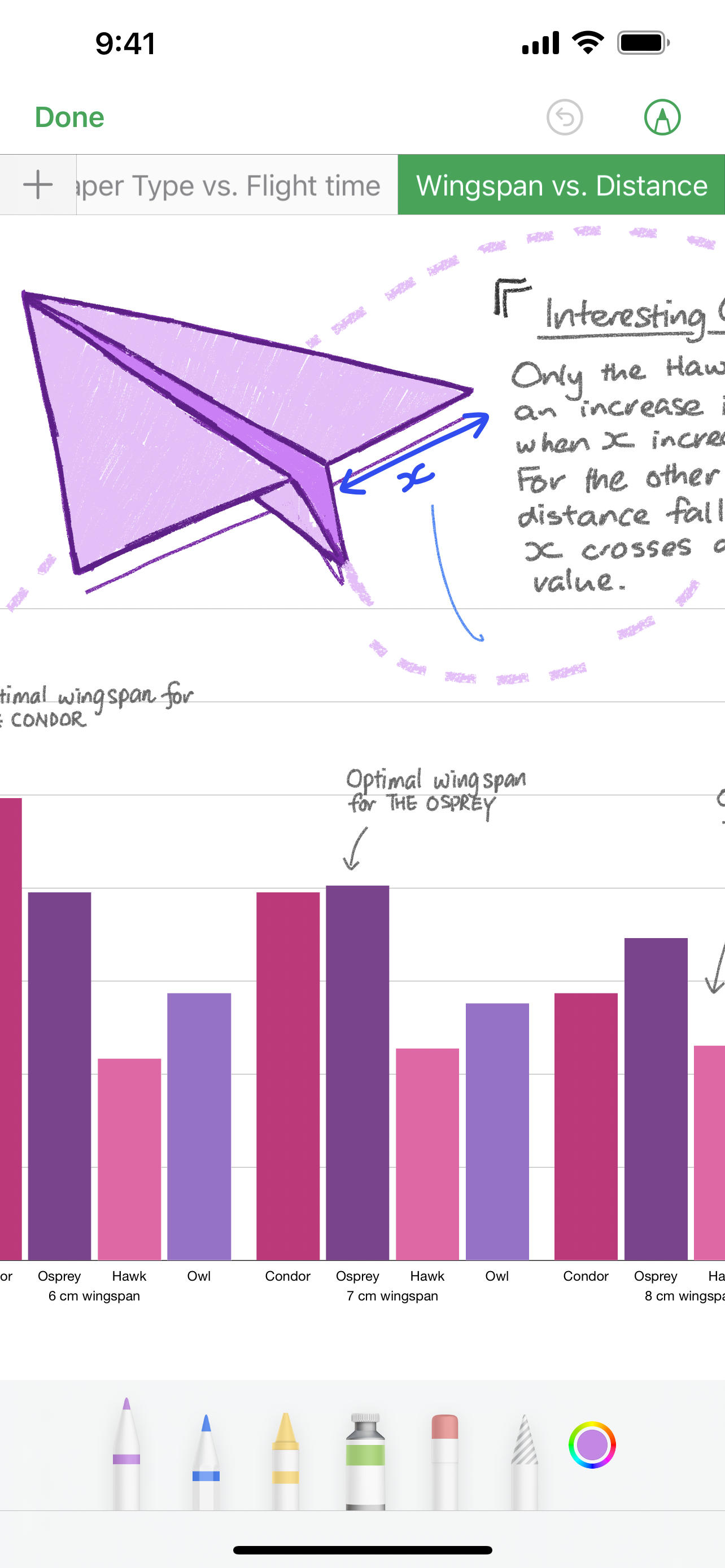
Get started with one of over 30 Apple-designed templates for your home budget, checklist, invoice, mortgage calculator and more. Choose from hundreds of powerful functions. Draw and write with Apple Pencil on supported devices, or use your finger. Tap to add tables, charts, text and images anywhere on the flexible canvas. Animate your data with interactive column, bar, scatter and bubble charts. Easily filter through large tables. Find patterns and trends using pivot tables.
Collaborate with others at the same time
• With real-time collaboration, your whole team can work together on a spreadsheet at the same time on Mac, iPad, iPhone, and even on a PC
• Share your spreadsheet publicly or with specific people, see who’s currently in the document with you, and view other people’s cursors to follow their edits
• See a list of recent changes in collaborative spreadsheets, including when people join, comment and make edits
• Available for spreadsheets stored in iCloud or in Box
Beautiful spreadsheets
• Over 30 Apple-designed templates give your spreadsheets a beautiful start
• Place tables, charts, text and images anywhere on the flexible canvas
• Add and resize multiple tables on a single sheet
• Insert photos, music and video with the Media Browser
• Enhance your spreadsheets with a library of over 700 editable shapes
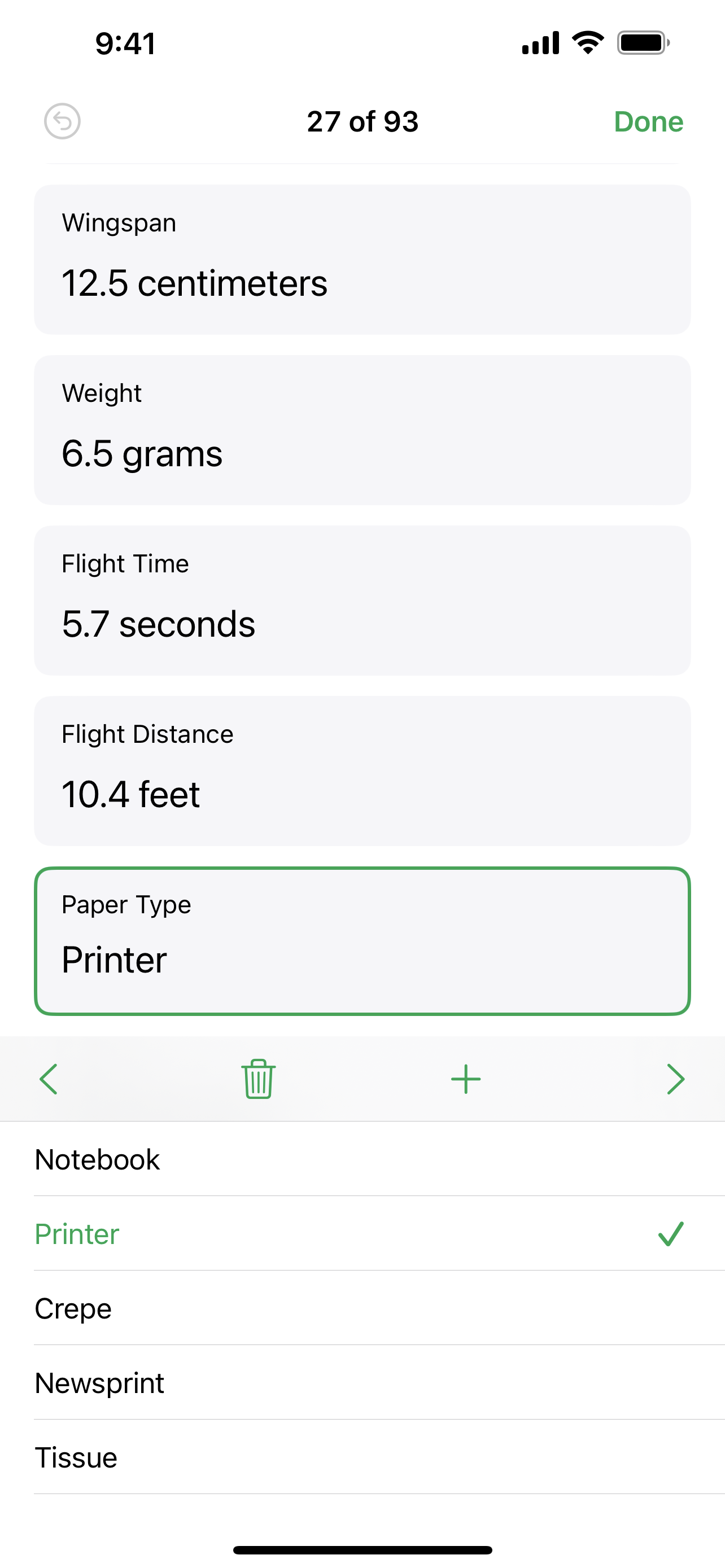
• Create a form to quickly enter data on the go
• Import and edit Microsoft Excel spreadsheets, Comma Separated Values (CSV) and tab-delimited text
Formulas for everyone
• Choose from hundreds of powerful functions, including XLOOKUP and RegEx
• Get function suggestions as soon as you start typing a formula
• Search the integrated function browser for built-in help and sample formulas
• Easily add stock information to spreadsheets
Everything adds up beautifully
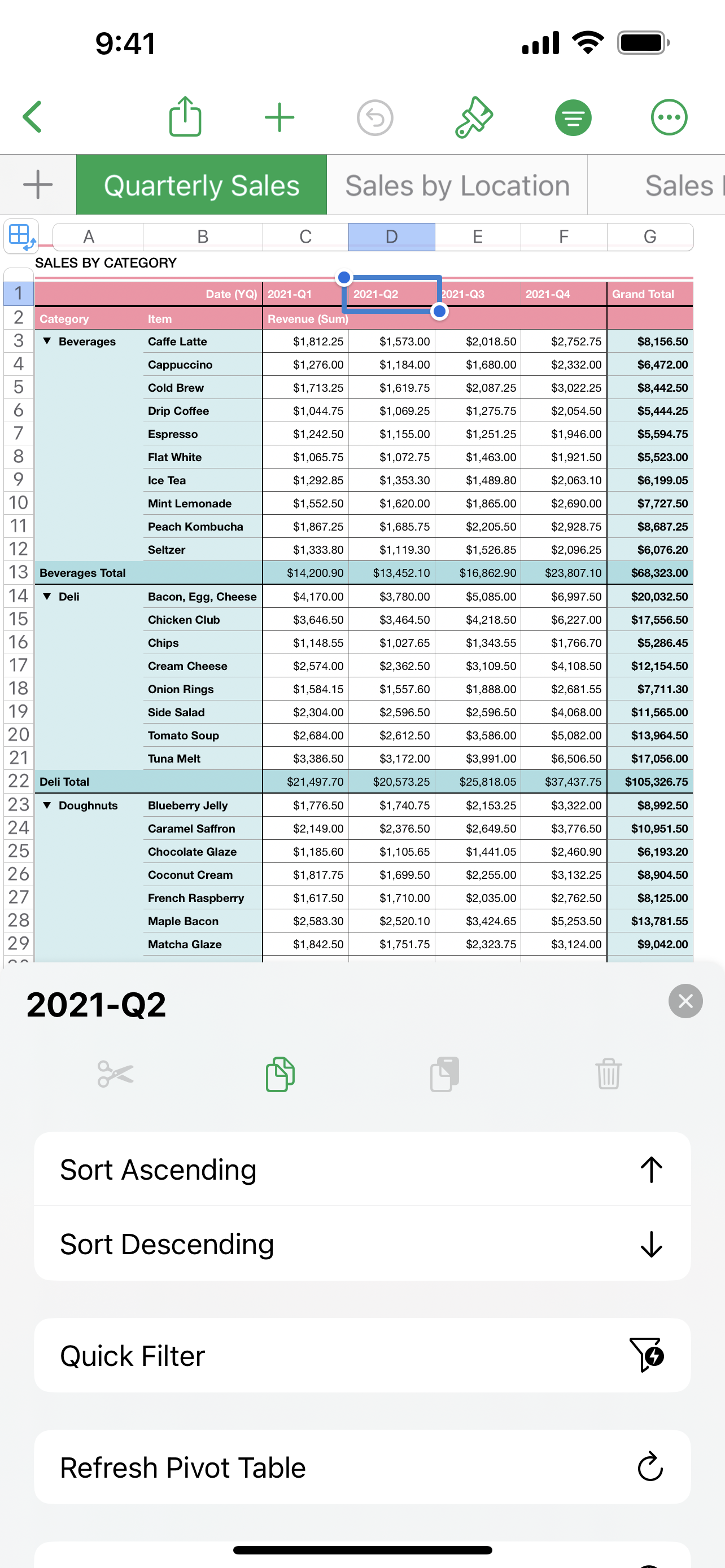
• Use Pivot Tables and Smart Categories to see your data in a whole new way
• Quickly organise and summarise tables to gain new insights
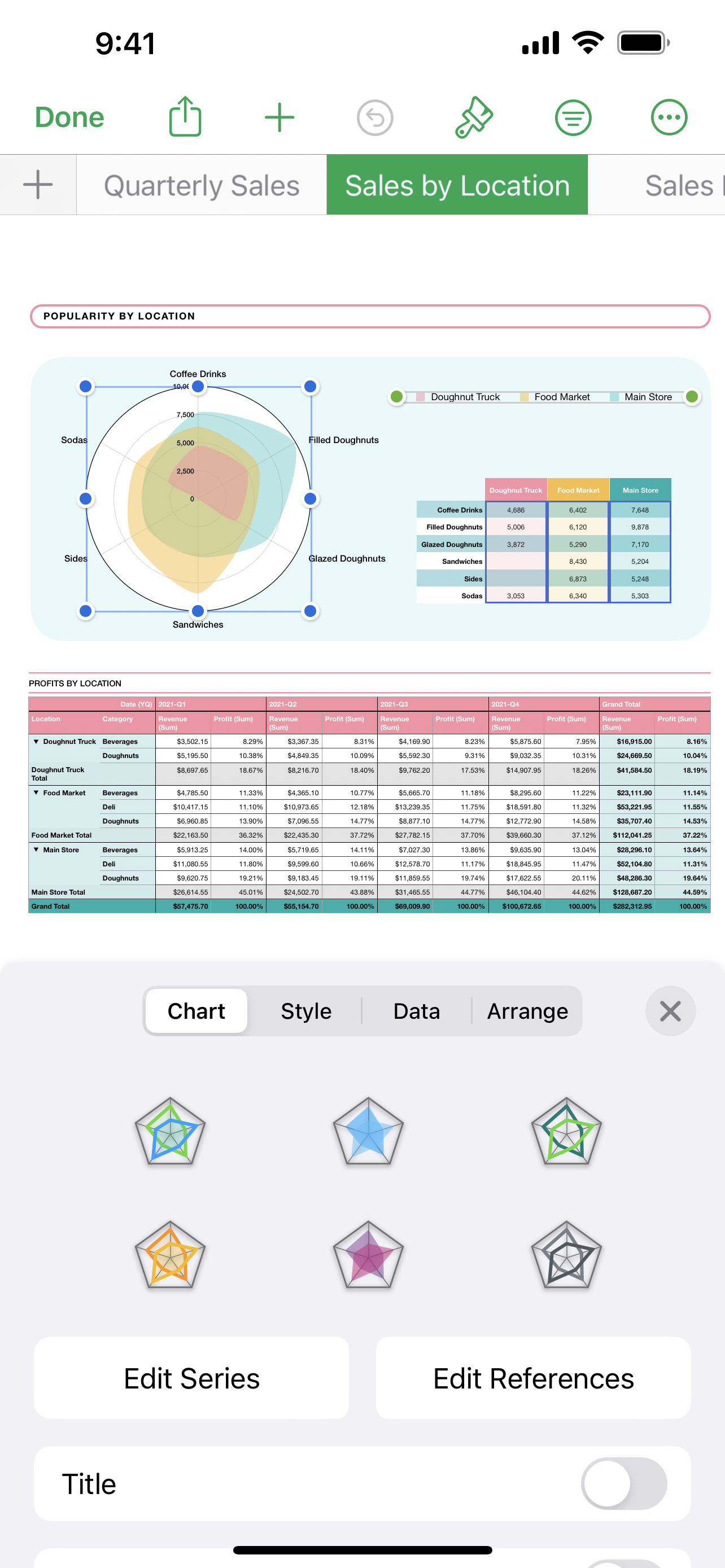
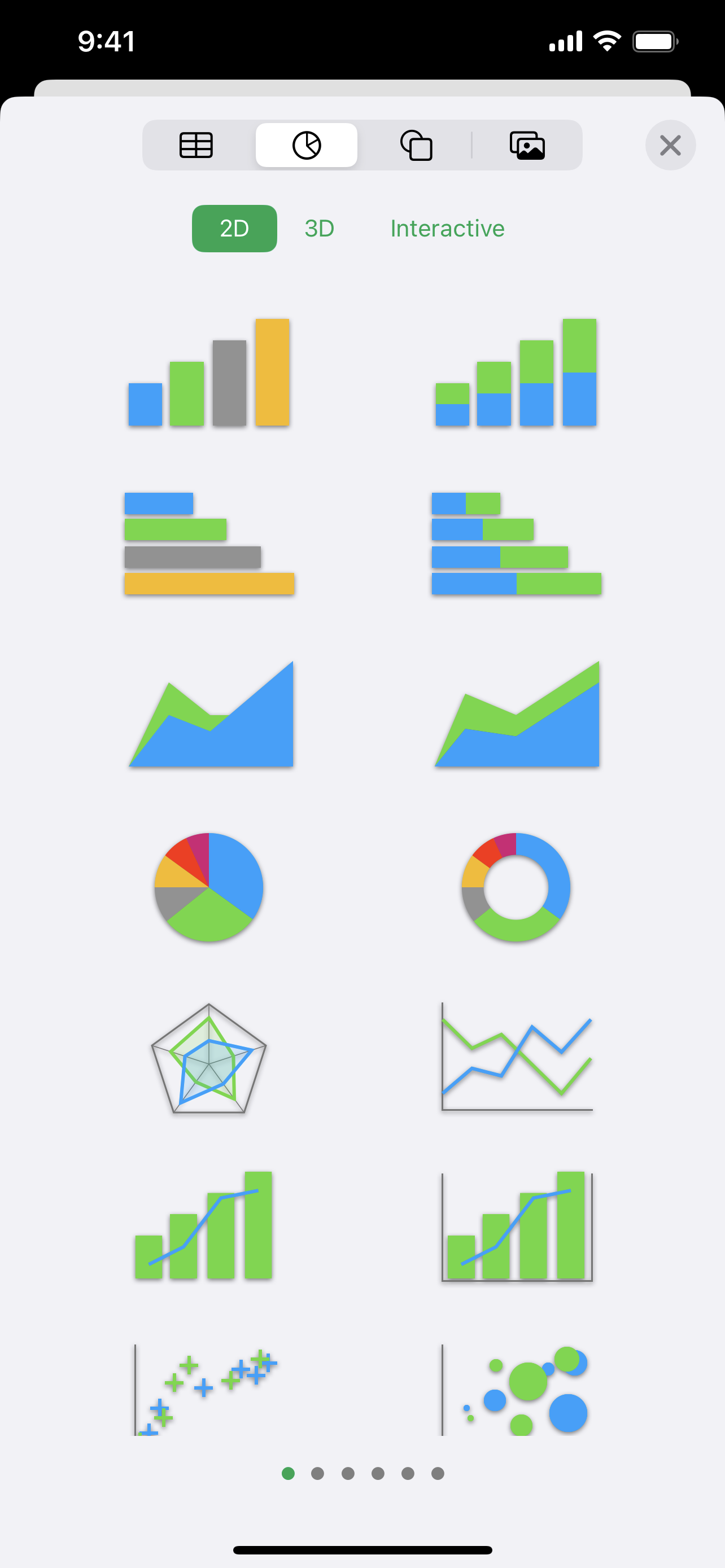
• Insert gorgeous 2D and 3D charts, including bar, column, line, area, pie, doughnut and radar charts
• Animate data with interactive column, bar, scatter and bubble charts
• Automatically highlight cells based on rules for numbers, text, dates and durations
• Easily filter through large tables for specific values, text or duplicate entries
• Change values in cells using sliders, steppers, tickboxes, pop-ups and star ratings
iCloud
• Turn on iCloud so you can access and edit your spreadsheets from your Mac, iPad, iPhone, and from a Mac or PC browser at iCloud.com
• Numbers automatically saves your spreadsheet as you make changes
Share a copy of your work
• Export your spreadsheet to CSV, TSV, PDF and Microsoft Excel
• Use AirDrop to send your spreadsheet to anyone nearby
• Quickly and easily share a link to your work via Mail or Messages
Some features may require internet access; additional fees and terms may apply.
Hide Show More...

Screenshots

FAQ

  • Is Numbers free?

    Yes, Numbers is completely free and it doesn't have any in-app purchases or subscriptions.

  • Is Numbers legit?

    🤔 The Numbers app's quality is mixed. Some users are satisfied, while others report issues. Consider reading individual reviews for more context.

    Thanks for the vote

  • How much does Numbers cost?

    Numbers is free.

  • What is Numbers revenue?

    To get estimated revenue of Numbers app and other AppStore insights you can sign up to AppTail Mobile Analytics Platform.

User Rating

4.84 out of 5

21,505 ratings in Brazil

5 star
19,706
4 star
933
3 star
357
2 star
173
1 star
336
Ratings History

Reviews

Têm tudo pra ser perfeita, mas trava

Gi economy on

Brazil

É exatamente util e bem planejado, no entanto, trava muito e nao salva os itens que eu ja editei. Fica “atualizando” e acabo perdendo todo progresso


Bom, mas com um bug complicado

Thiago Sinhori on

Brazil

Utilizo há muitos anos apesar de achar que ainda pode melhorar em alguns pontos. Porém ultimamente tem um bug que tem complicado demais. Quando se insere algum dado novo em uma planilha grande, separada por "categorias", ao desativar as categorias as informações adicionadas são embaralhas e saem da ordem, o que tem me gerado grandes dores de cabeça.

Horrível, crasha toda hora

DuNaka on

Brazil

Utilizo iPad Pro e as planilhas fecham sozinhas e perco parte do que havia feito. Parece que o Numbers não gosta de lidar com dropdown condicionais e procv (vlookup) — e nem é em planilhas gigantescas, coisas de algumas centenas de linhas o Numbers já começa engasgar, travar, crashar… Acho difícil ser problema do iPad, pois não sofro com esses travamentos em outras aplicações.

Atualizando planilha

Velado21030 on

Brazil

O app trava em atualizando planilha eternamente no 16 pro max

Péssimo!

Oliver Jess on

Brazil

Criei uma planilha direto no app, salvei, usei duas vezes e ela simplesmente sumiu, era um trabalho importante com dados e códigos criados pela planilha, o prejuízo será grande agora!

Muito bom!!

⏺⏺⏺⏺⏺⏫⏫⏫ on

Brazil

Ajuda muito, as vezes por estar já no iPhone parece q nn serve pra nada, mas ele ajuda MUITO a organizar a vida e a rotina.

Ótimo, libera pro MacOs antigo

Rafaela Cedrim on

Brazil

Série incrível se liberassem pra usar no MacOs mais antigo, o app é mto bom.

Erro

R u i m m on

Brazil

Eu tinha várias planilhas pessoais, e todas sumiram.

App fechando sozinho

Jardeljr23 on

Brazil

App fechando sozinho ao salvar ou modificar a planilha

Bom

gygante on

Brazil

Estou gostando de usar, tem vários recursos, é bem parecido com Excel, gostei!!

Store Rankings

Ranking History
App Ranking History not available yet
Category Rankings
App is not ranked yet

Keywords

Competitors

Numbers Installs

Last 30 days

Numbers Revenue

Last 30 days

Revenue and Downloads

Gain valuable insights into Numbers performance with our analytics.
Sign up now to access downloads, revenue, and more.

App Info

Languages
English, Arabic, Catalan, Croatian, Czech, Danish, Dutch, Finnish, French, German, Greek (modern), Hebrew (modern), Hindi, Hungarian, Indonesian, Italian, Japanese, Korean, Malay, Norwegian Bokmål, Polish, Portuguese, Romanian, Russian, Chinese, Slovak, Spanish, Swedish, Thai, Turkish, Ukrainian, Vietnamese
Recent release
14.4 (8 months ago )
Released on
May 26, 2010 (15 years ago )
Last Updated
2 months ago
This page includes copyrighted content from third parties, shared solely for commentary and research in accordance with fair use under applicable copyright laws. All trademarks, including product, service, and company names or logos, remain the property of their respective owners. Their use here falls under nominative fair use as outlined by trademark laws and does not suggest any affiliation with or endorsement by the trademark holders.