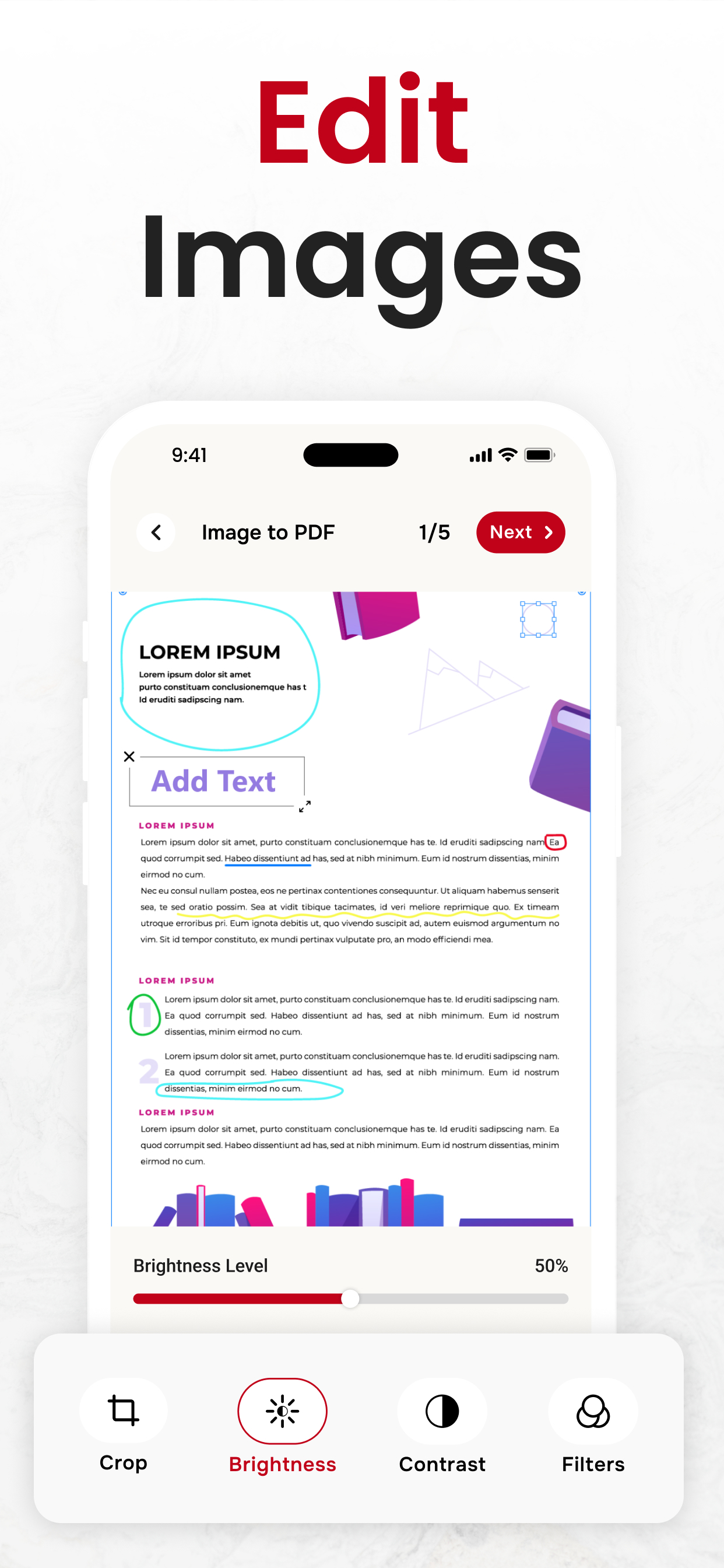
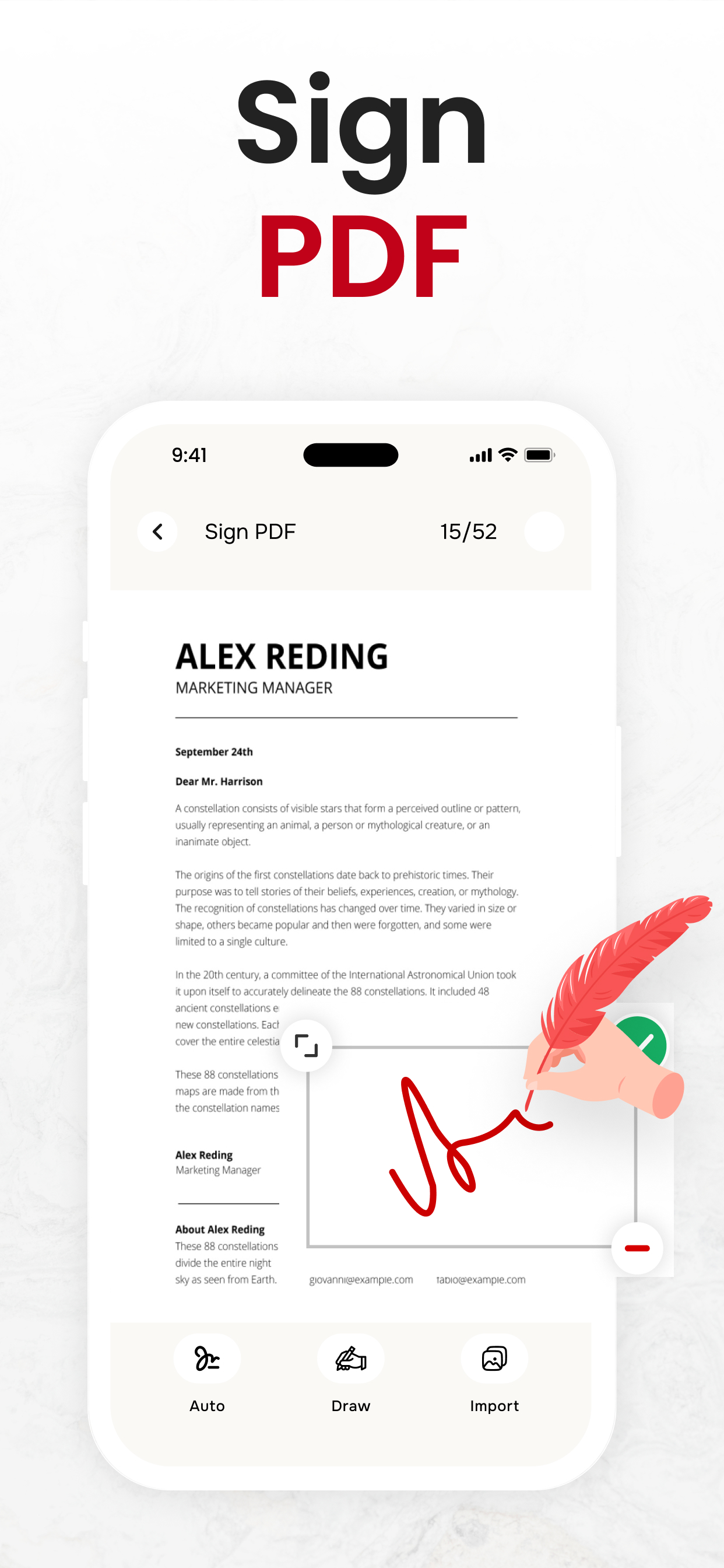
PDF Converter, Image to PDF

PDF Maker - Picture to PDF

Published by: Asad Ahsan

Description

Use this image to pdf converter, pdf creator & picture to pdf converter app to convert different compatible files to and from pdf documents online. If you seek a way to convert photos to pdf, pdf to excel, or something like that, then this pdf creator, pd fto word converter, picture to pdf converter & pdf maker from picture helps you to create pdf from your image and more.
Why is image to PDF conversion & PDF maker app important?
This pdf file converter, pdf creator & picture to pdf converter assists you in carrying out the following conversions:
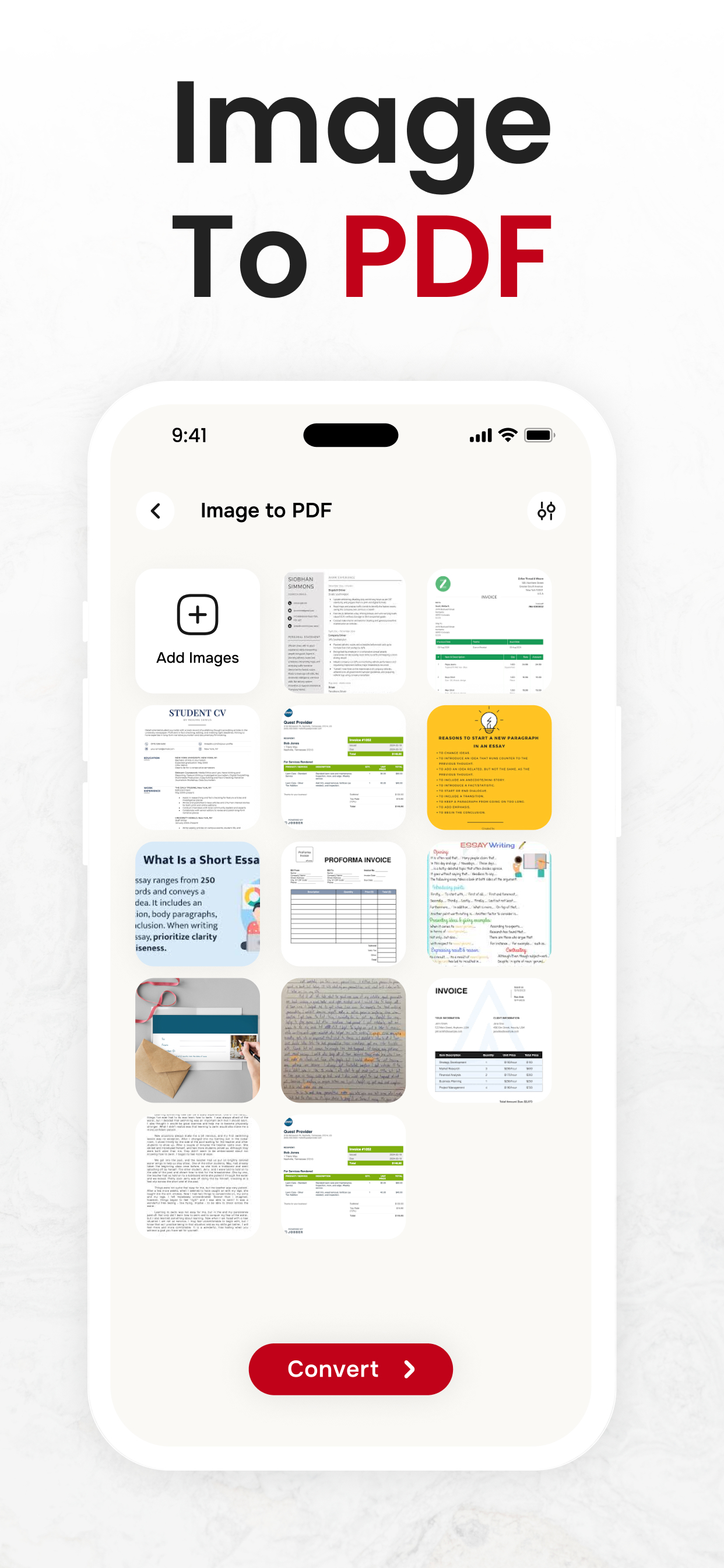
Picture to pdf converter Converts image to pdf:
You can convert any photo to pdf in a span of seconds with few simple clicks. This image to pdf converter will preserve your image quality so that you get original pictures in respective pdf files. As well, this image converter allows an instant conversion of PDF to jpeg images.
Pdf to word converter converts DOCx to PDF:
When you require an edition in your document, this doc converter, pdf creator and pdf to word converter is always here to do that for you instantly. After you make any change in it, you can convert to pdf again by selecting the respective option from the home screen.
Converts PPT To PDF:
You can use this pdf document converter and pdf to word converter to immediately convert pdf to powerpoint slides without disturbing the layout of your document. Also, you can perform powerpoint (PPTX or PPT) to pdf conversion with the assistance of this ppt to pdf converter.
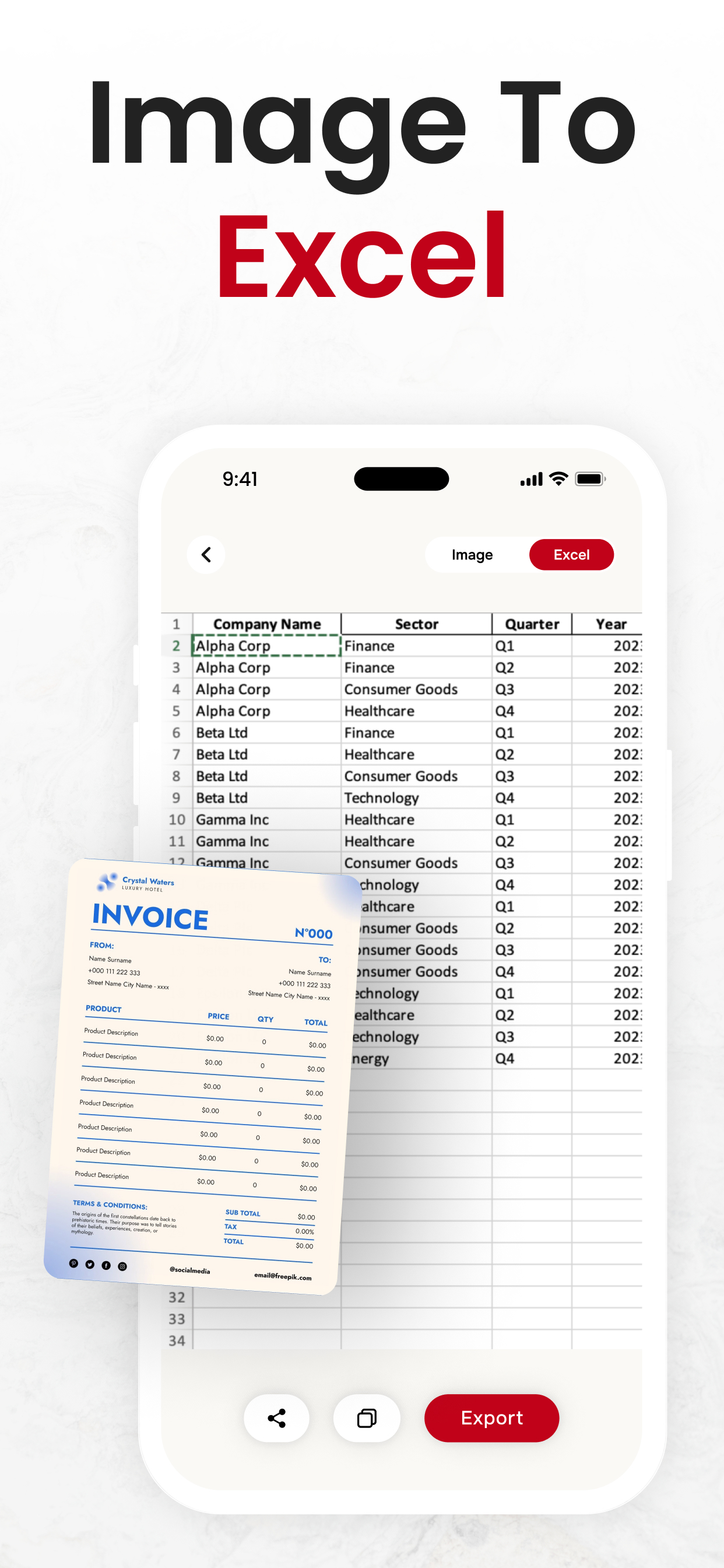
Converts Excel to PDF:
Make use of this excel to pdf that helps in converting MS excel spreadsheet (xls or xlsx) to a pdf document file.

How to use this PDF Maker and pdf to word converter app?
This image to pdf converter lets you perform PDF file conversions within couple of steps that we mentioned-below:
First, select the conversion option from the homepage you wish to choose.
By doing so, options for selecting files will appear on your screen.
Just click on the desired file and it will be opened.
Finally, the PDF file converter will quickly convert the file of your choice to the desired format.
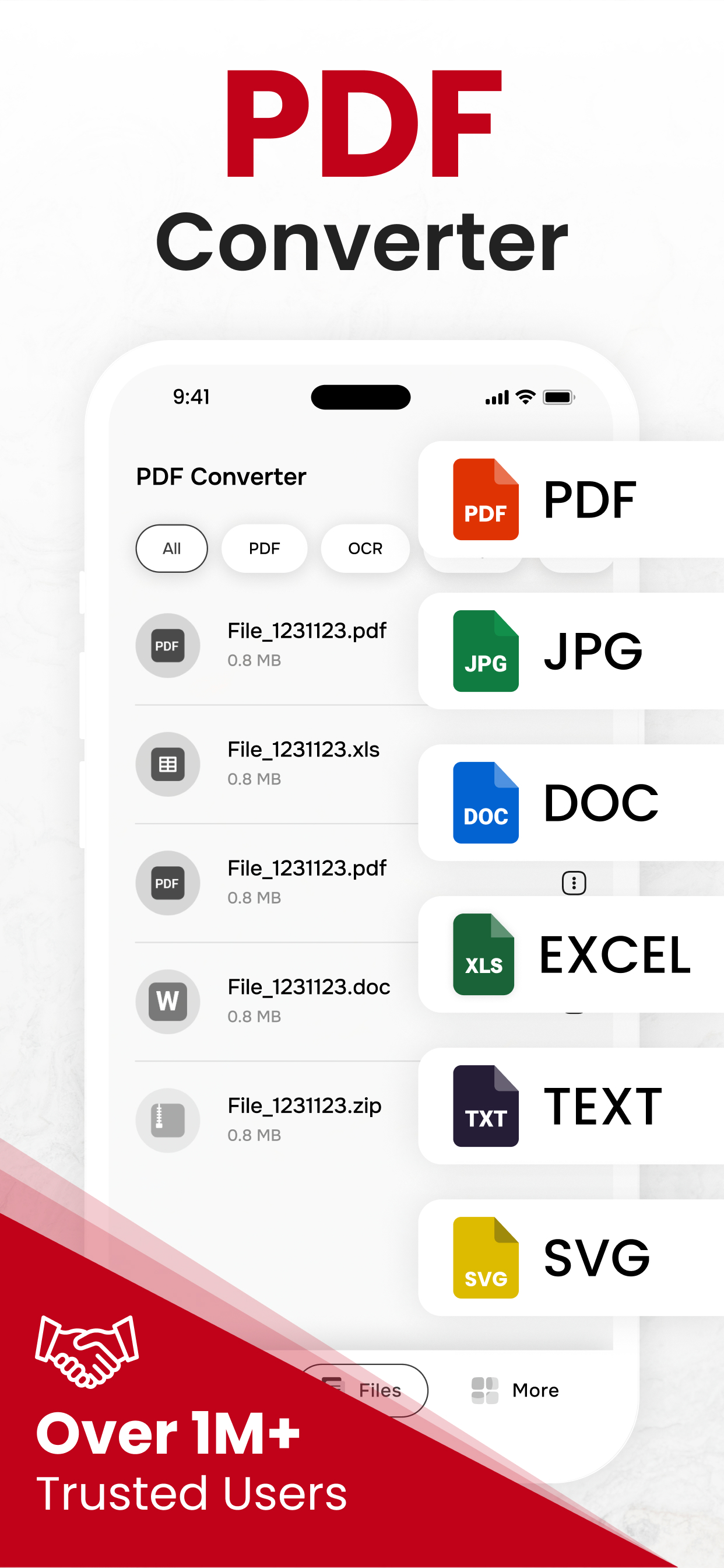
Supported conversion formats of image to pdf converter app:
Convert Image to pdf
Convert PPT to pdf
Convert PDF to doc
Convert PDF to Image
Convert Excel to Pdf
Convert PDF to ppt
Convert Doc to pdf
Convert PDF to ZIP
Convert PDF to HTML
Features of PDF Converter & PDF Maker:
Saves history
User friendly interface
File renaming
Remove file
Share file with others
Preserves original quality
Sort files by date and name
Save files as starred files
Starred Files:
PDF file converter and pdf to word converter gives latest feature of starred files. You can star files for easy access. Stared files allows you to quickly locate important and frequently used files in picture to pdf converter and pdf creator app. Locating a file in stared helps to track important files.
If you have any questions or suggestions, please reach us at [email protected]. Your feedback is very important to us.
Privacy Policy:
https://theonlineconverter.com/privacy-policy
Terms of Service:
https://theonlineconverter.com/terms
Hide Show More...

In-Apps

PDF Converter - Yearly
$49.99
Pdf Converter Pro - Monthly
$4.99
PDF Converter Mac - Yearly
$49.99
PDF Converter Premium Weekly
$2.99
Yearly Subscription
$49.99
Pdf Converter Pro - LifeTime
$99.99

Screenshots

PDF Converter FAQ

  • Is PDF Converter free?

    Yes, PDF Converter is free to download, however it contains in-app purchases or subscription offerings.

  • Is PDF Converter legit?

    ✅ The PDF Converter app appears to be high-quality and legitimate. Users are very satisfied.

    Thanks for the vote

  • How much does PDF Converter cost?

    PDF Converter has several in-app purchases/subscriptions, the average in-app price is $42.99.

  • What is PDF Converter revenue?

    To get estimated revenue of PDF Converter app and other AppStore insights you can sign up to AppTail Mobile Analytics Platform.

User Rating

4.56 out of 5

394 ratings in United States

5 star
314
4 star
40
3 star
10
2 star
7
1 star
23
Ratings History

PDF Converter Reviews

Convert PDFs in Seconds

Toomwitmer on

United States

Fantastic app! Converts PDFs to multiple formats like Word, JPG, and PPT quickly and easily. The interface is user-friendly, and the quality is excellent. Highly recommended!

Perfect PDF Converter – Quick & Reliable!

Qasim Javy on

United States

Fantastic app! Converts PDFs quickly and easily without any hassle. Highly recommend!

Perfect PDF Solution for Mac Users

Jeremy Potvin on

United States

I’ve tried many converters, but this one truly stands out. It’s fast, precise, and the output quality is top-notch. A must-have tool for managing documents efficiently on Mac.

Simple and Fast PDF Converter

Jeremy Potvin on

United States

Easy to use with accurate conversions. Perfect for all my PDF needs on the go!

Seamless PDF Converter for Mac

Jeffery Maqueez on

United States

Works perfectly on Mac! Fast, easy to use, and converts PDFs without issues. A must-have for quick PDF file conversions.

Fast & Simple PDF Converter for MAC

Edward Egarcia on

United States

This app works perfectly on my Mac! It converts documents quickly and maintains the formatting flawlessly. The user interface is clean and intuitive. Highly recommend for anyone needing a reliable PDF converter!

Smooth PDF Conversions

Edward Egarcia on

United States

I’ve tried several PDF converters, and this one is by far the best! It’s fast, reliable, and the quality of the converted documents is excellent. Perfect for my work needs!

PDF Converter Good App for Pressionals

Bilal_ali 5c on

United States

This PDF Converter App is very good for busy professionals. Image to PDF converter converts multiple images into PDF files at once. It is a must have for everyone. Highly recommended. Thanks Developers.

Excellent Image To PDF Conversions

Tim Paul 9361 on

United States

This Image To PDF app is amazing!!! It effortlessly transforms images to pdf & Word to PDF and many more. It's a must have tool for all students & professional people. It fulfils all your document needs. Highly recommended.

very nice app

Reginald Kayllie on

United States

Solid performance! It effortlessly handles images, PPTs, DOCs, HTMLs, SVGs, TIFFs, and more. The interface is impressively simple, making the whole conversion process quick and easy.

Store Rankings

Ranking History
App Ranking History not available yet
Category Rankings
Chart
Category
Rank
Top Free
17
Top Grossing
22
Top Grossing
23
Top Free
23
Top Free
34

Keywords

PDF Converter Competitors

PDF Converter Installs

Last 30 days

PDF Converter Revenue

Last 30 days

PDF Converter Revenue and Downloads

Gain valuable insights into PDF Converter performance with our analytics.
Sign up now to access downloads, revenue, and more.

App Info

Category
Business
Publisher
Asad Ahsan
Languages
Spanish, Afrikaans, Albanian, German, Amharic, Armenian, Azerbaijani, Bengali, Belarusian, Burmese, Bosnian, Bulgarian, Central Khmer, Kannada, Catalan, Czech, Chinese, Korean, Croatian, Danish, Slovak, Slovene, Estonian, Basque, Finnish, French, Galician, Georgian, Greek (modern), Gujarati, Hebrew (modern), Hindi, Hungarian, Indonesian, English, Icelandic, Japanese, Kazakh, Kirghiz, Lao, Latvian, Lithuanian, Macedonian, Malayalam, Malay, Marathi, Mongolian, Dutch, Nepali, Norwegian Bokmål, Persian, Polish, Portuguese, Romanian, Russian, Serbian, Sinhala, Swahili, Swedish, Thai, Tamil, Telugu, Turkish, Ukrainian, Vietnamese, Zulu, Arabic
Recent release
1.0.70 (1 month ago )
Released on
Nov 30, 2021 (4 years ago )
Last Updated
1 week ago
This page includes copyrighted content from third parties, shared solely for commentary and research in accordance with fair use under applicable copyright laws. All trademarks, including product, service, and company names or logos, remain the property of their respective owners. Their use here falls under nominative fair use as outlined by trademark laws and does not suggest any affiliation with or endorsement by the trademark holders.