
Tools, Merge & Compress PDFs

Description

Descubre PDF Export, tu app de PDF todo en uno para crear, editar, convertir y organizar archivos PDF directamente en tu iPhone o iPad. Ya seas estudiante, profesional o emprendedor, PDF Export te ofrece todas las herramientas que necesitas para trabajar con PDF: sin necesidad de internet y con un solo pago para uso de por vida.
App de PDF todo en uno
Creación y conversión
- Convertir a PDF: Convierte archivos de Word, Excel, PowerPoint, HTML, texto o JPG en documentos PDF de alta calidad.
- Convertir PDF a Word/Excel/PPT: Transforma tus archivos PDF en formatos editables de Microsoft Office.
- Web a PDF: Convierte páginas web en documentos PDF de alta calidad fácilmente.
- PDF a texto/RTF: Extrae texto o formatos de texto enriquecido de tus archivos PDF para facilitar su edición.
Edición y anotación
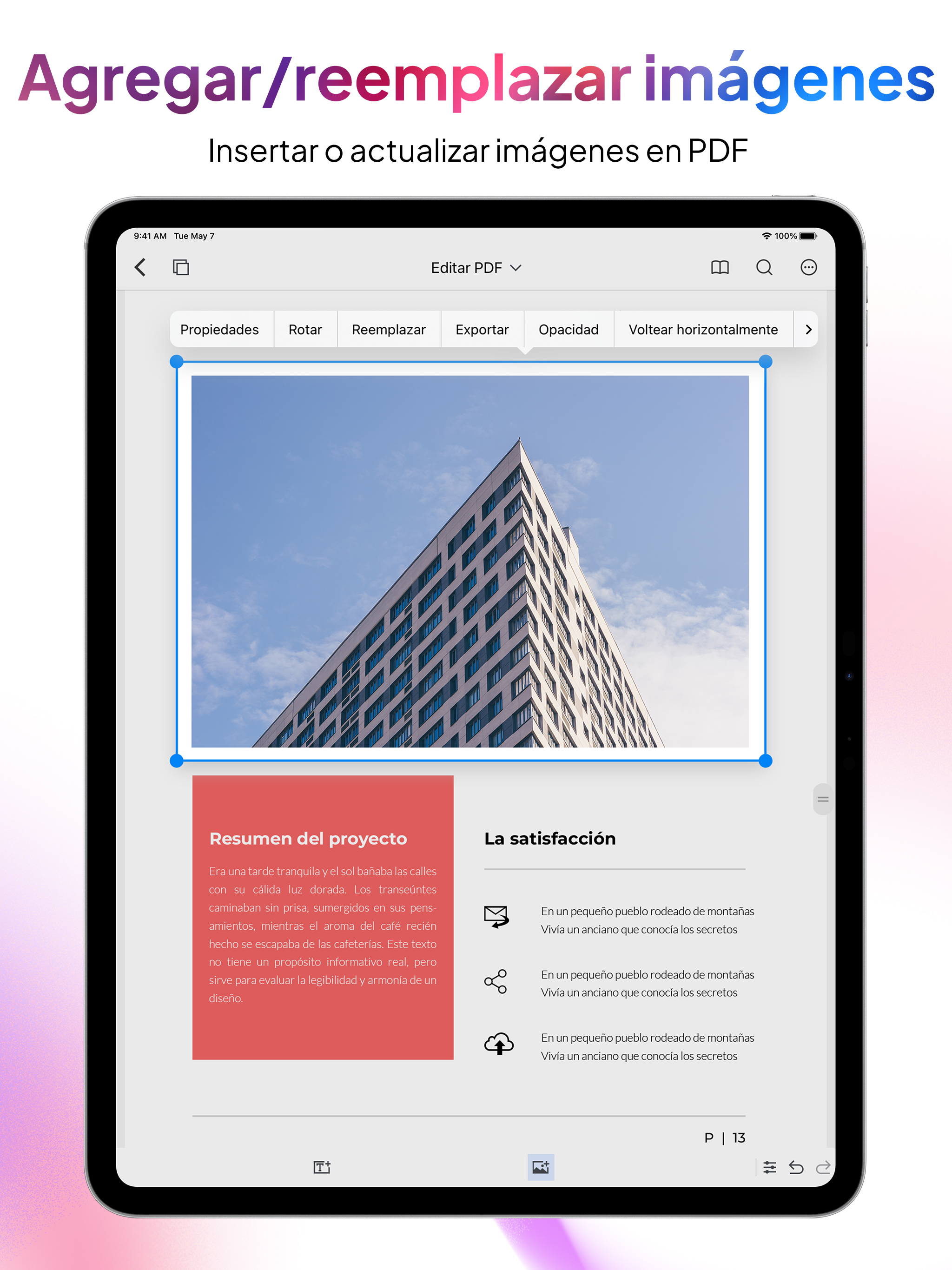
- Editar PDF: Modifica texto e imágenes directamente en tu documento PDF. Extraer imágenes: Extrae fácilmente imágenes incrustadas de tus PDF.
- Anotar y firmar: Resalta texto, añade comentarios, dibuja o firma documentos directamente en tu dispositivo. Organización y gestión
- Fusionar y dividir: Combine varios PDF en un solo archivo o divida documentos PDF grandes en fragmentos más pequeños.
- Organizar PDF: Reorganice páginas, inserte nuevas (desde PDF o imágenes), copie y pegue, duplique y elimine páginas no deseadas.
- Añadir números de página: Personalice sus archivos PDF para un acabado impecable y profesional.
Mejoras de productividad (Funciones Pro)
- Portapapeles a PDF: Convierta al instante el contenido copiado en un PDF con formato profesional.
- Recortar y exportar: Seleccione cualquier área de un PDF y compártala al instante como PDF o JPG de alta calidad.
Seguridad y compresión
- Añadir marca de agua: Proteja sus documentos con marcas de agua personalizadas de texto e imagen.
- Comprimir PDF: Reduzca el tamaño de los archivos PDF sin sacrificar la calidad.
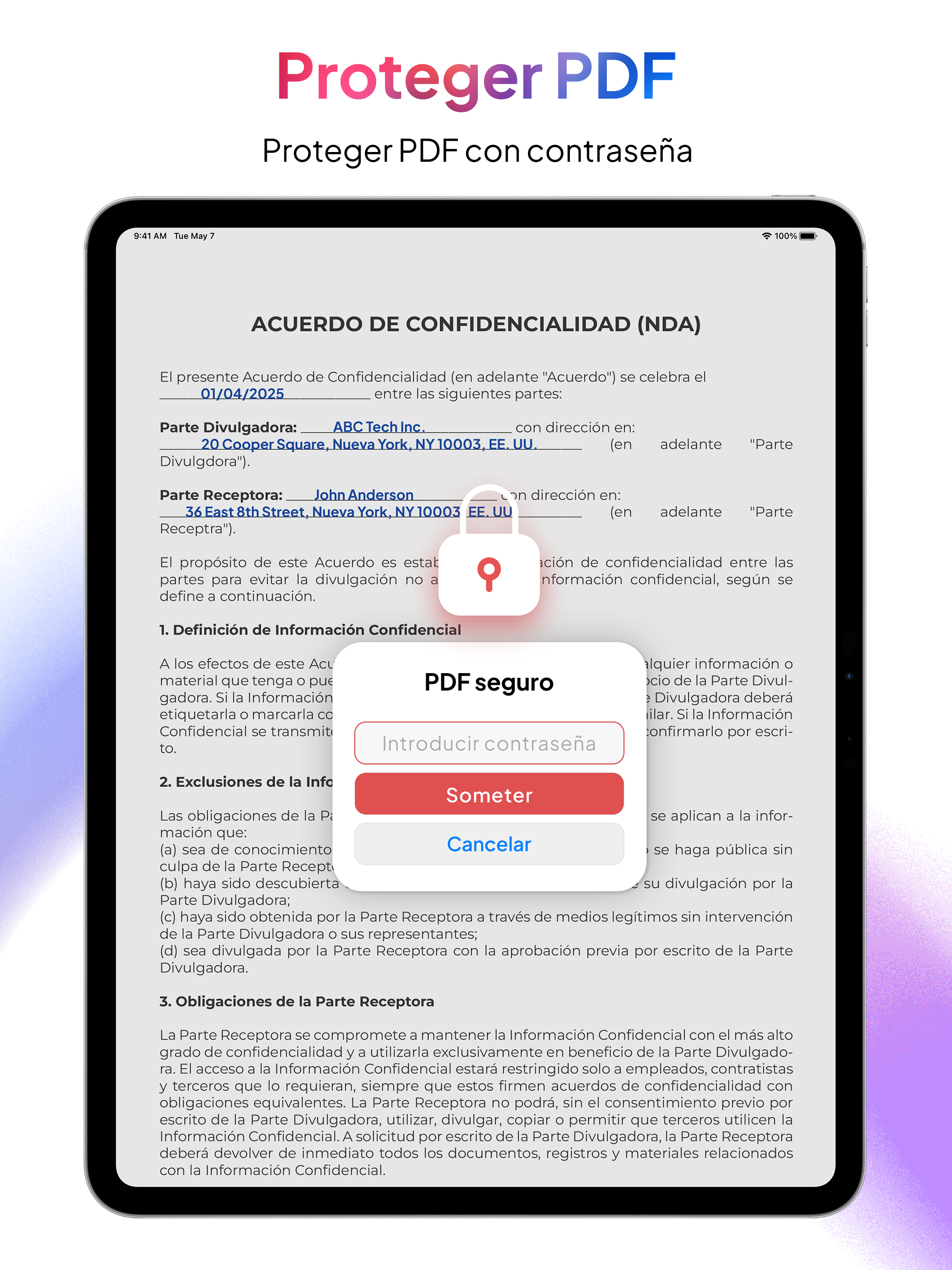
- Bloquear y desbloquear PDF: Añada o elimine la protección con contraseña a sus archivos PDF.
Fax y uso compartido
- Enviar fax: Envíe sus PDF por fax directamente desde la aplicación.
Mantenimiento y reparación
- Reparar PDF: Repara archivos PDF dañados o corruptos para restaurar su legibilidad y funcionalidad.
Transcribir y exportar
- Transcribir y exportar: Convierte audio a texto sin conexión y expórtalo como PDF o texto sin formato. La compatibilidad con varios idiomas garantiza una transcripción fluida.
Escaneo y OCR
- Escáner portátil: Usa tu cámara para escanear varios documentos con el modo automático o manual y guárdalos al instante como PDF.
- OCR (Reconocimiento de texto): Extrae texto editable de varias imágenes o convierte texto manuscrito en texto editable; perfecto para digitalizar documentos en papel.
¿Por qué exportar PDF?
- Funcionalidad sin conexión: Mantén tu productividad en cualquier lugar: las funciones principales funcionan sin conexión a internet.
- Pago único: Actualiza a Pro una vez y disfruta de funciones premium de por vida, sin suscripciones ni cargos ocultos.
- Diseño fácil de usar: Una interfaz sencilla e intuitiva facilita las tareas avanzadas con PDF para todos.
- Rápido y fiable: Conversiones rápidas y edición instantánea, sin necesidad de esperar a las lentas herramientas online.
Empieza hoy
- Experimenta el poder de una app completa de PDF al alcance de tu mano en tu iPhone o iPad. Ya sea que estés escaneando recibos, firmando contratos, editando archivos PDF, organizándolos o colaborando en proyectos, PDF Export reúne todas las herramientas esenciales de PDF en una práctica app. ¡Descárgala ahora y transforma tu forma de gestionar tus archivos PDF!
Hide Show More...

In-Apps

PDF Export Pro
$4.99
Convert 5 Documents Online
$0.99
PDF Export Full Access
$12.99
1 Fax Credit
$0.99
5 Fax Credit
$3.99
Convert 30 Documents Online
$4.99
10 Fax Credit
$5.99
PDF Export Pro Plus
$3.99
20 Fax Credit
$9.99
Convert 150 Documents Online
$19.99
50 Fax Credit
$19.99
Convert 70 Documents Online
$9.99

Screenshots

FAQ

  • Is PDF Export free?

    Yes, PDF Export is free to download, however it contains in-app purchases or subscription offerings.

  • Is PDF Export legit?

    🤔 The PDF Export app's quality is mixed. Some users are satisfied, while others report issues. Consider reading individual reviews for more context.

    Thanks for the vote

  • How much does PDF Export cost?

    PDF Export has several in-app purchases/subscriptions, the average in-app price is $8.24.

  • What is PDF Export revenue?

    To get estimated revenue of PDF Export app and other AppStore insights you can sign up to AppTail Mobile Analytics Platform.

User Rating

4.66 out of 5

1,515 ratings in United States

5 star
1,280
4 star
102
3 star
53
2 star
15
1 star
65
Ratings History

Reviews

Excellent app, Developers working on confusion

Joseph_Joseph on

United States

There are more DPDF tools here than any other app I’ve used, or read about. Excellent PDF conversion options to keep me efficient in my PDF needs. There are some issues that are being worked on by the Devs, I’ve had excellent and prompt multiple replies on my issues. 1. I paid for the lower plan a long time ago now, I recently paid the one time $12.xx Pro plan for life. It may seem pricey, but I tell you, there are many capabilities in this one app that after using several others and those with subscriptions etc, this is a great investment. Please know that Apple delayed my processing of my payment, such that I thought something was wrong. That’s where I informed the team. They quickly replied. After reading their suggestions, it occurred to me to check my purchases. It said PENDING! I assumed that it may take a day or two for Apple to process. That became true. As soon as it accepted payment, I got the full features of Pro. 2. A major confusion is that when you pay for pro, they use another downloaded app for that level, but, it has the same icon, so it took me lots of frustrating steps and review to realize that two apps exist with identical icons. One needs to delete the “old” lower plan app. It will continue to show that you can pay for a Pro feature. And keep the newer one. The Dev are now evaluating what to do, given my explanation of confusion etc. If they make one app become the one and only app as one pays hope different plans, then I would rate it 5 stars. Aug. 2025 California


Nice

gnologic on

United States

The only reasonably priced full- featured PDF editor on the store. Not a big fan of the icons but that is preference and doesn’t detract from the features at all

Awful Scanner

Nayan_041 on

United States

UPDATED: Image captured (already existed in Photo library or in Files) in non aligned (i.e. 45 degree) angle is not possible to strengthen while using “Image to PDF” tool. Also available image Filters in this tool (“Image to PDF”) are not usable as document scanner. This APP’s document scanner is working fine, but like Apple built in free scanner, it cannot process images already existed in Photo library or in Files.

Excellent and Affordable PDF Editor

Gangparka on

United States

Unlike Adobe, the creators of this app actually take care of their customers and provide an app at a reasonable price and one-time payment to unlock the PRO features. If you’re reading this, devs, thank you!

Nice App!!

Dhruvpatel1992 on

United States

Very useful and easy interface…!!!

Restore not working

Havallllll on

United States

I can’t restore my lifetime purchase, change the ugly “tools” ui to the app (PDF Expert - Editor and Reader) and add new future: make anew empty pdf like the mentioning app and add new pdf with collage, make the images in one pdf and print on printer like the app (Image to PDF: JPG to PDF)

Works!

DanielDawn on

United States

Edited: Support is great!

识别文本不好用

ARTOFWARUS on

United States

希望改进!

Download after paying one-time lifetime fee

susanmcb4 on

United States

Didn’t work

Useless

Ravenhawke2 on

United States

It won’t let me upload a document to my complex.

Store Rankings

Ranking History
App Ranking History not available yet
Category Rankings
Chart
Category
Rank
Top Grossing
56
Top Grossing
86
Top Free
289
Top Free
302
Top Free
327

Keywords

Competitors

PDF Export Installs

Last 30 days

PDF Export Revenue

Last 30 days

Revenue and Downloads

Gain valuable insights into PDF Export performance with our analytics.
Sign up now to access downloads, revenue, and more.
This page includes copyrighted content from third parties, shared solely for commentary and research in accordance with fair use under applicable copyright laws. All trademarks, including product, service, and company names or logos, remain the property of their respective owners. Their use here falls under nominative fair use as outlined by trademark laws and does not suggest any affiliation with or endorsement by the trademark holders.