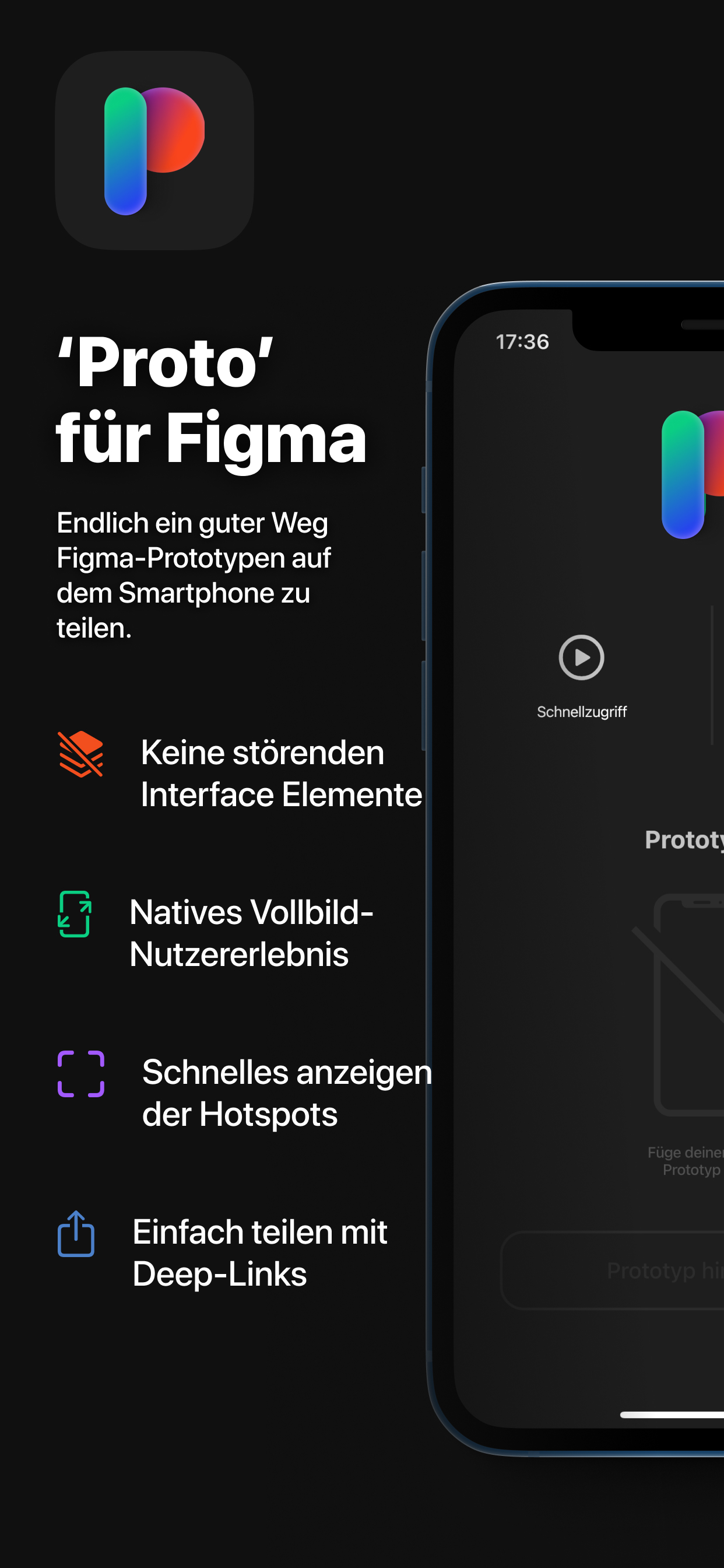
Öffne jeden öffentlichen Figma-Prototyp-Link in einem Vollbild-Browser und nutze die gesamte Bildschirmfläche vom ersten, bis zum letzten Pixel. So wie der Prototyp von Beginn an in der Figma Mirror App designed wurde.
Du kannst Dir Prototypen auch in der App speichern, solltest Du sie öfters verwenden wollen.
Teile bequem einen Link mit jedem der die "Proto"-App auch installiert hat, damit er in zwei einfachen Klicks den Prototyp auch zu seiner App hinzufügen kann.
'Proto' steht in keiner Verbindung zu Figma.
HideShow More...
Screenshots
'Proto' für Figma FAQ
Is 'Proto' für Figma free?
Yes, 'Proto' für Figma is completely free and it doesn't have any in-app purchases or subscriptions.
Is 'Proto' für Figma legit?
🤔 The 'Proto' für Figma app's quality is mixed. Some users are satisfied, while others report issues. Consider reading individual reviews for more context.
It allows me to share the Figma prototype with my customers very easily. Not sure why Figma don’t have some thing like this. Users get have the full screen experience.
One suggestion: in Add Prototype page the color contrast is very poor. The fonts are barely readable. Specially at night. Perhaps a fix soon?
Thank you to the developer.
Nice Alternative to figma app
I liked it it’s simple and clear but I am having issues while I’m using it, it turns green for no reason and I couldn’t use it properly it would be nice if it’s fixed.
Thank you!
Glorified "view" app
Literally all it let's you do; you can view and save a Figma pages by link, but can't edit it in any way, or view the flow.
Green screen
I've been having troubles to show a prototype. After browsing for a few minutes, a green screen appears that does not allow me to continue. Then when I try to view it again, the green screen appears automatically. When is this bug going to be fixed or what can I do to stop it from happening?
works but with some issues
having trouble turning off hotspots
Just what I was looking for.
Being a recent convert from InVision to Figma for prototyping, the thing I was missing the most was the ability to launch and test my prototypes on iOS in an easy and intuitive manor.
This app was just what I was looking for. You can load a Figma prototype and launch it in a clean and unobtrusive experience, Proto does away with any extra web browser UI that will get in the way of demos or user testing.
One bug I have encountered on my end is the inability to turn off the hotspot hints, seems I can’t uncheck it in the UI.
Great work!
Solid app
For the most part, this app works really well.
Not compatible with iOS 15 yet
I just get a full green screen when I make a new prototype. Please fix
This works!
I just have two points of feedback:
1. When viewing a prototype, the 3 tap gesture is way too sensitive and activates the bottom sheet Menu when I don’t want it to.
2. The color contrast needs to better. It’s very hard to read some of the placeholder text.
Other than that, this works as intended and I will continue to use it.
Perfect for easy access to prototypes
Proto provides a wonderful solution to accessing Figma prototypes on the go. It makes it easy to store and pull up saved prototypes without needing to have your computer open. Thank you for creating this!
This page includes copyrighted content from third parties, shared solely for commentary and research in accordance with fair use under applicable copyright laws. All trademarks, including product, service, and company names or logos, remain the property of their respective owners. Their use here falls under nominative fair use as outlined by trademark laws and does not suggest any affiliation with or endorsement by the trademark holders.