PXPlay: Remote Play

Jugar juegos de forma remota

Published by: Florian Grill

Description

PXPlay – Performance eXtended Play
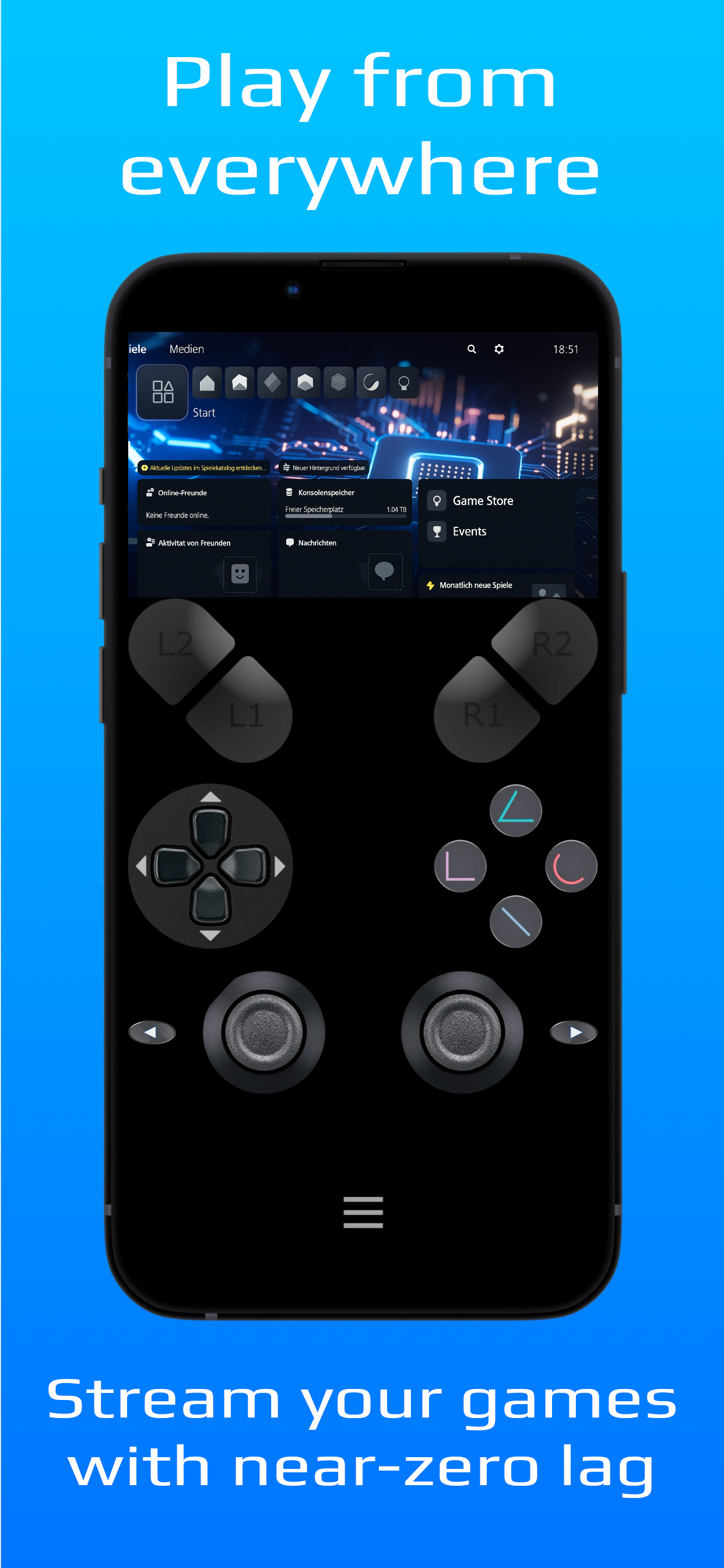
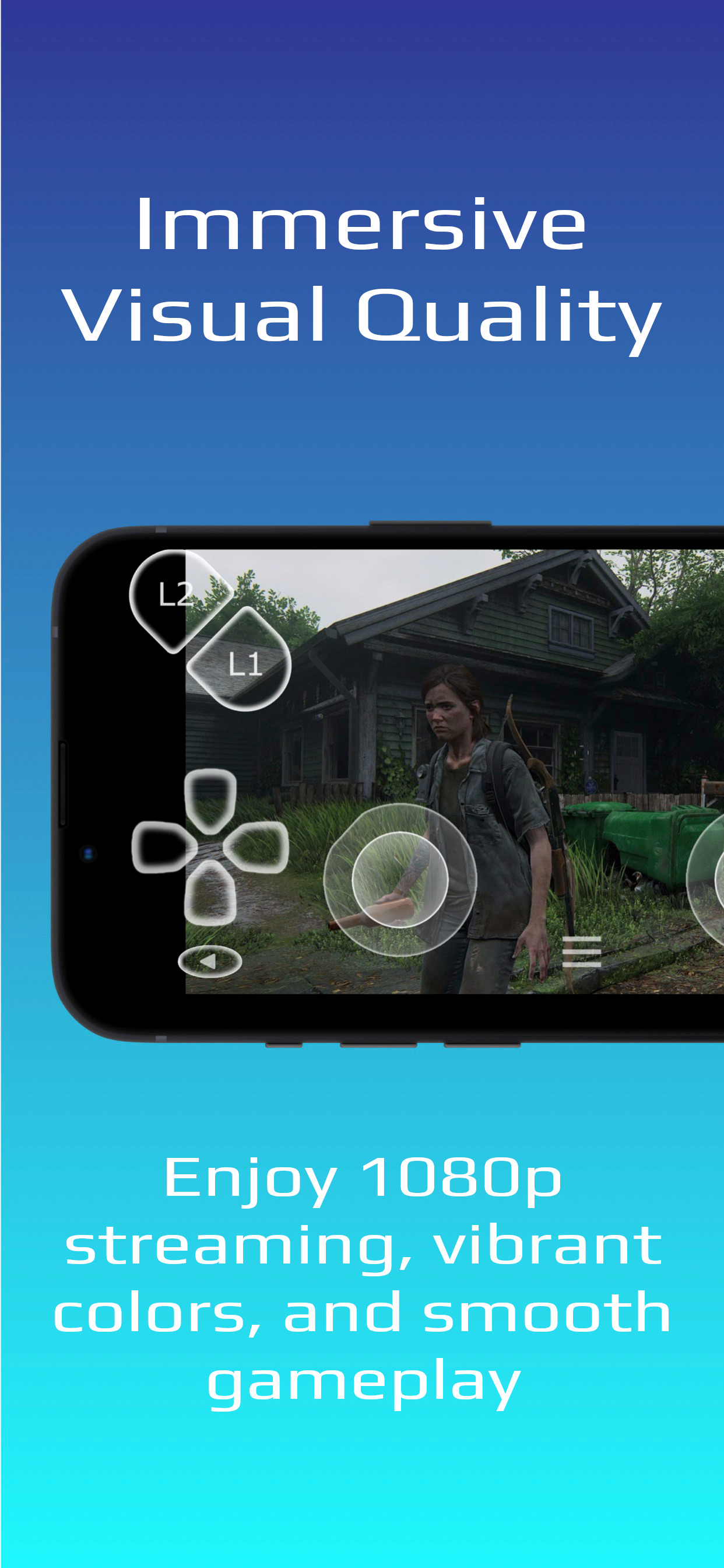
Disfruta de tus juegos de consola como nunca antes. PXPlay te permite tener el control total de tu consola de forma remota, sin límites. Ya sea que estés fuera de casa o en otra habitación, disfruta de transmisión fluida con baja latencia, gráficos de alta calidad, gran sonido y compatibilidad total con controladores.
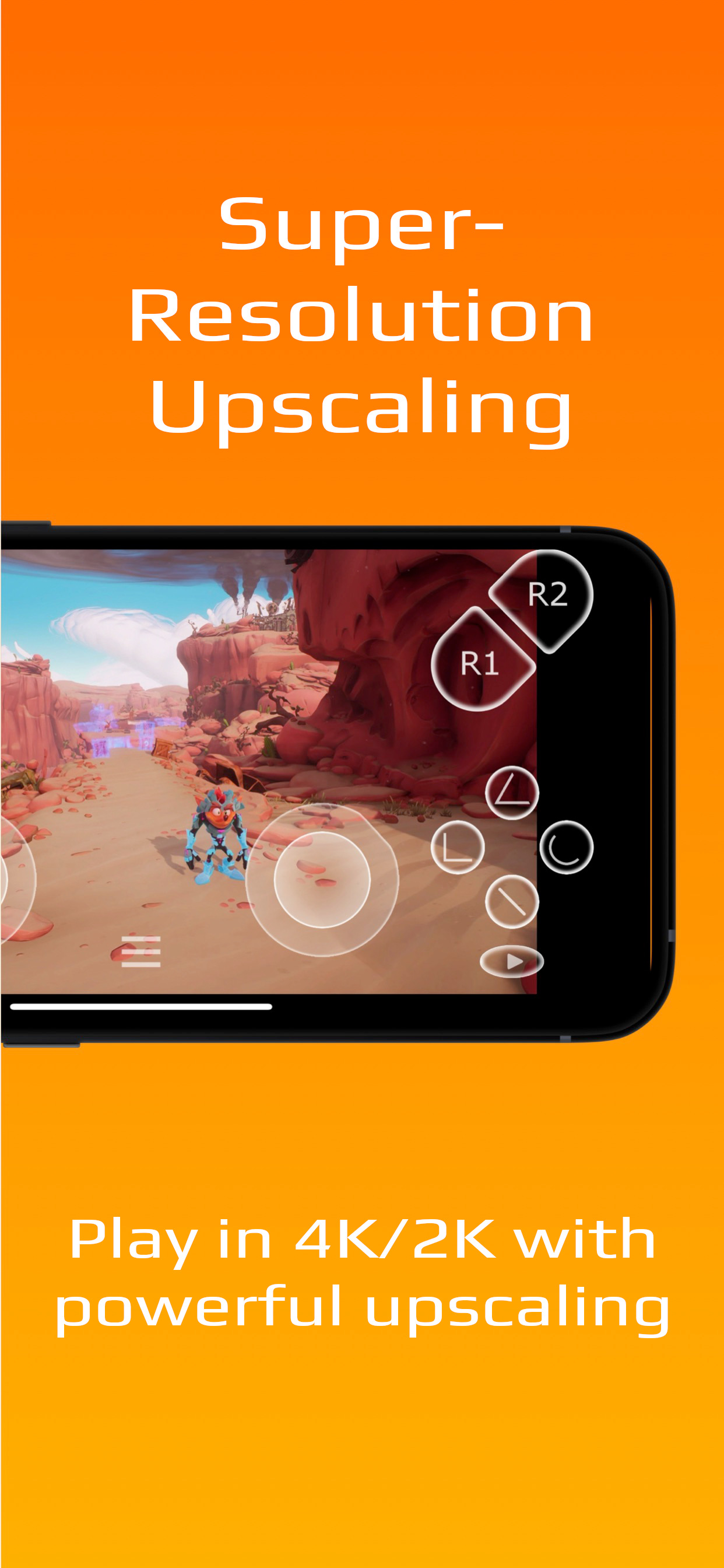
PXPlay está optimizado para el rendimiento y diseñado para ofrecer la mejor experiencia de juego remoto posible, con funciones avanzadas como escalado 4K / 2K. Cada detalle está ajustado para proporcionar la menor latencia posible y la máxima calidad, para que sientas que estás justo frente a tu consola, incluso con datos móviles.
¿Por qué PXPlay?
Con PXPlay puedes transmitir y jugar a cualquiera de los juegos de tu consola de forma remota, títulos como GTA V, Fortnite, The Last of Us, FIFA, Crash Bandicoot y muchos más — directamente en tu iPhone, iPad o Apple TV. Incluso puedes usar PXPlay como un gamepad virtual con controles táctiles avanzados y soporte de gestos.
Funciones principales
• Gráficos HDR y escalado “Super Resolution” 4K / 2K en tiempo real
• Audio espacial (3D Audio)
• Tasa de bits personalizada y sincronización de fotogramas
• Transmisión de baja latencia optimizada para la respuesta
• Asignación de botones, teclas rápidas y emulación de gestos de touchpad
• Registrar y cambiar entre múltiples consolas
• Compatibilidad con mandos de terceros
• Funciona por Wi-Fi o datos móviles*
Más información: https://streamingdv.github.io/pxplay/index.html
*Para jugar por internet, sigue estas instrucciones:
https://streamingdv.github.io/pxplay/index#line5
El registro debe realizarse en la misma red que tu consola.
Nota: Todas las marcas mencionadas son propiedad de sus respectivos dueños.
Hide Show More...

In-Apps

Desbloquea nuevas funciones
USD 5.99

Screenshots

PXPlay FAQ

  • Is PXPlay free?

    Yes, PXPlay is free to download, however it contains in-app purchases or subscription offerings.

  • Is PXPlay legit?

    🤔 The PXPlay app's quality is mixed. Some users are satisfied, while others report issues. Consider reading individual reviews for more context.

    Thanks for the vote

  • How much does PXPlay cost?

    PXPlay has several in-app purchases/subscriptions, the average in-app price is USD 5.99.

  • What is PXPlay revenue?

    To get estimated revenue of PXPlay app and other AppStore insights you can sign up to AppTail Mobile Analytics Platform.

User Rating

1 out of 5

1 ratings in Ecuador

5 star
0
4 star
0
3 star
0
2 star
0
1 star
1
Ratings History

PXPlay Reviews

won’t pair with my PS5

miss tour beest on

United States

i’ve tried changing networks, changing network permissions on the app, entering my IP and manually entering my psn ID, everything i can think of. and it just cannot connect to my PS5.

全平台使用,但Mac存在问题

假发不应该到华清池旁喝咖啡 on

United States

Mac端关联ps5一直失败,错误代码408,求解决方法!

Worked great until Sequoia

Dorkington on

United States

The app has been abandoned by the developer to focus on a new paid version. This version does not support Sequoia

Reliable But Stutters

Mohannad on

United States

This app works well when I’m on my local network. I use it to play my PS5 on my Vision Pro, which is an awesome experience. Only issue is that the game play stutters. Hoping for a fix.

Doesn’t really mirror

Captain Pleasure on

United States

To mirror a screen usually means to show the same thing on two screens at once. But this app doesn’t really do that, which is too bad. Consider actual mirroring as a possible enhancement?

Can’t register

Raziel480 on

United States

Worked in the past but even then it took a lot of fiddling to get it to work. Attempted to re-register and now it won’t work at all. My PSN account uses a Passkey so it might be MirrorPlay won’t work with them?

What happened

thatcjkid on

United States

Worked perfectly before. Now I can’t even connect locally.

Didn’t even work

Matthew73638 on

United States

App failed to connect to the PS5 despite using all of the settings and instructions

Magic

souptrev on

United States

So far it plays noticeably better than the PS Remote play app, even at a higher resolution. The $6 was well worth it after I was able to map the “…” button on my Backbone controller to be a touchpad press. It makes no sense that Backbone doesn’t allow you to map that button and forces you to have two screenshot buttons instead, so this solved one of my biggest gripes with that controller as well as fixes the remote play experience with PS5.

Disappointed

kuhlala on

United States

I'm really disappointed. I saw a lot of reviews saying that this was a good alternative for PlayStation remote play and it just absolutely will not connect to my system.. i'm an adult who can follow directions & the directions are easy enough so i dont believe this is a user error. it'd be nice to be able to use since I've heard such good things.

Store Rankings

Ranking History
App Ranking History not available yet
Category Rankings
Chart
Category
Rank
Top Free
116
Top Free
119
Top Free
140
Top Free
154
Top Free
219

Keywords

PXPlay Competitors

PXPlay Installs

Last 30 days

PXPlay Revenue

Last 30 days

PXPlay Revenue and Downloads

Gain valuable insights into PXPlay performance with our analytics.
Sign up now to access downloads, revenue, and more.
This page includes copyrighted content from third parties, shared solely for commentary and research in accordance with fair use under applicable copyright laws. All trademarks, including product, service, and company names or logos, remain the property of their respective owners. Their use here falls under nominative fair use as outlined by trademark laws and does not suggest any affiliation with or endorsement by the trademark holders.