


Description
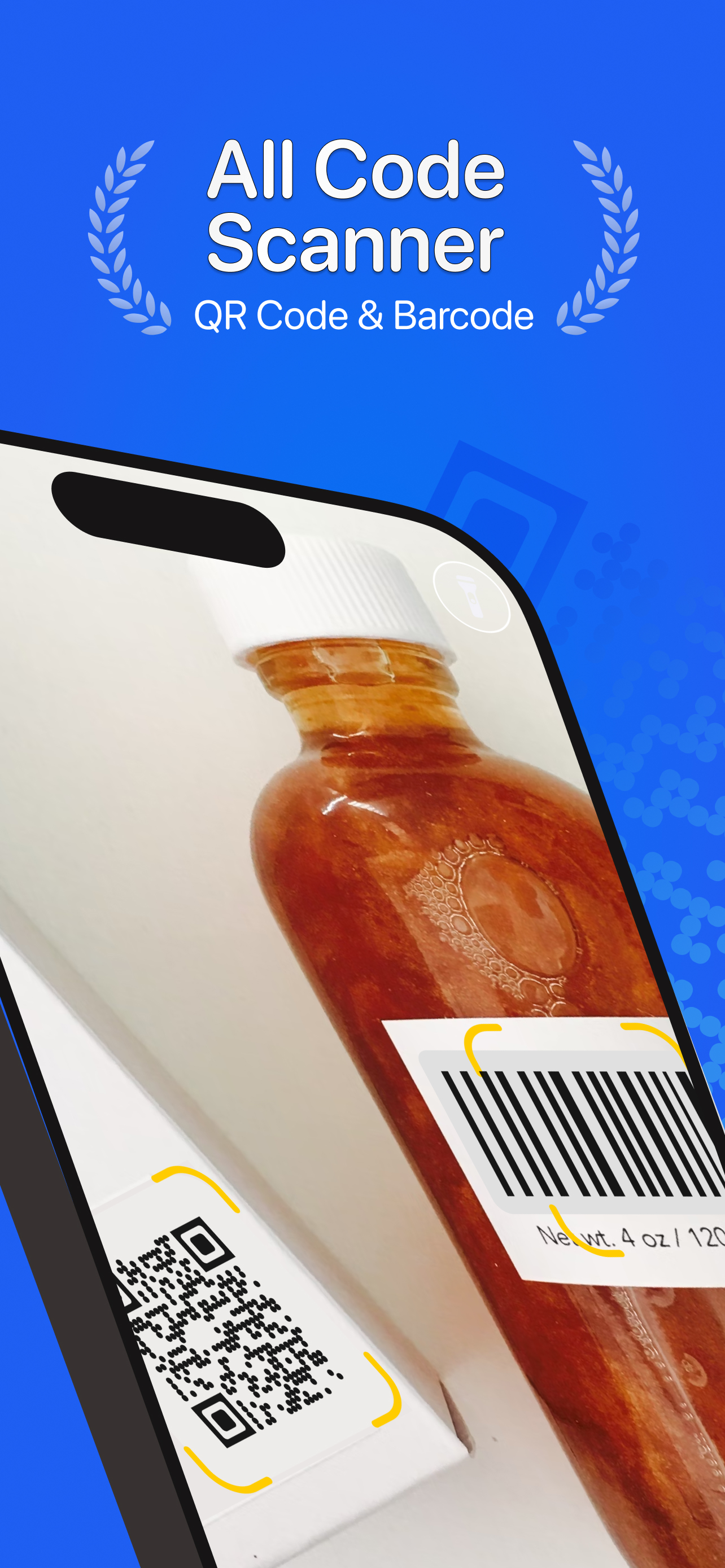
Need a reliable and fast QR code and barcode scanner? Look no further! QR Code & Barcode Scanner is your all-in-one solution for quickly and safely scanning any QR code or barcode. This free app is incredibly easy to use and supports all major formats, making it the perfect tool for everyday use.
Effortlessly Scan and Decode:
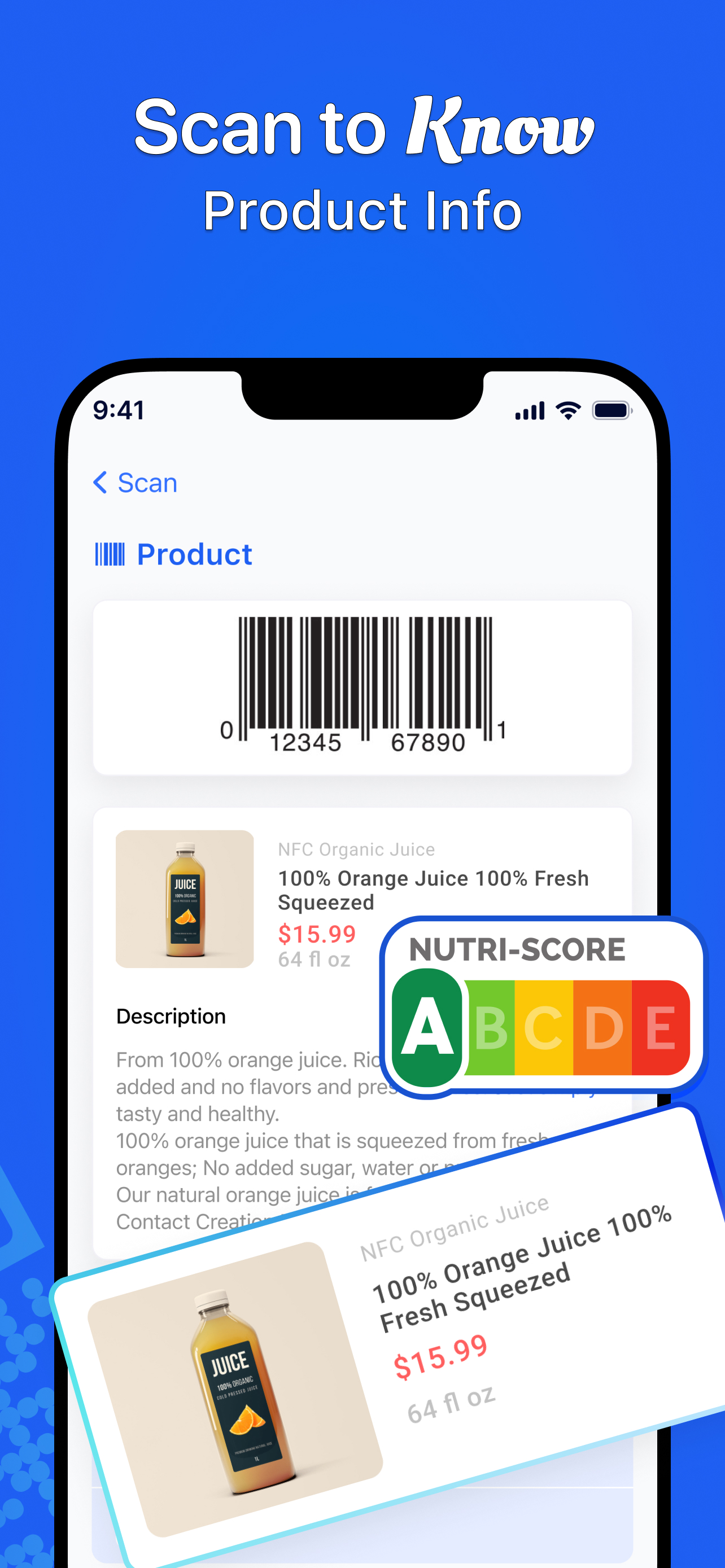
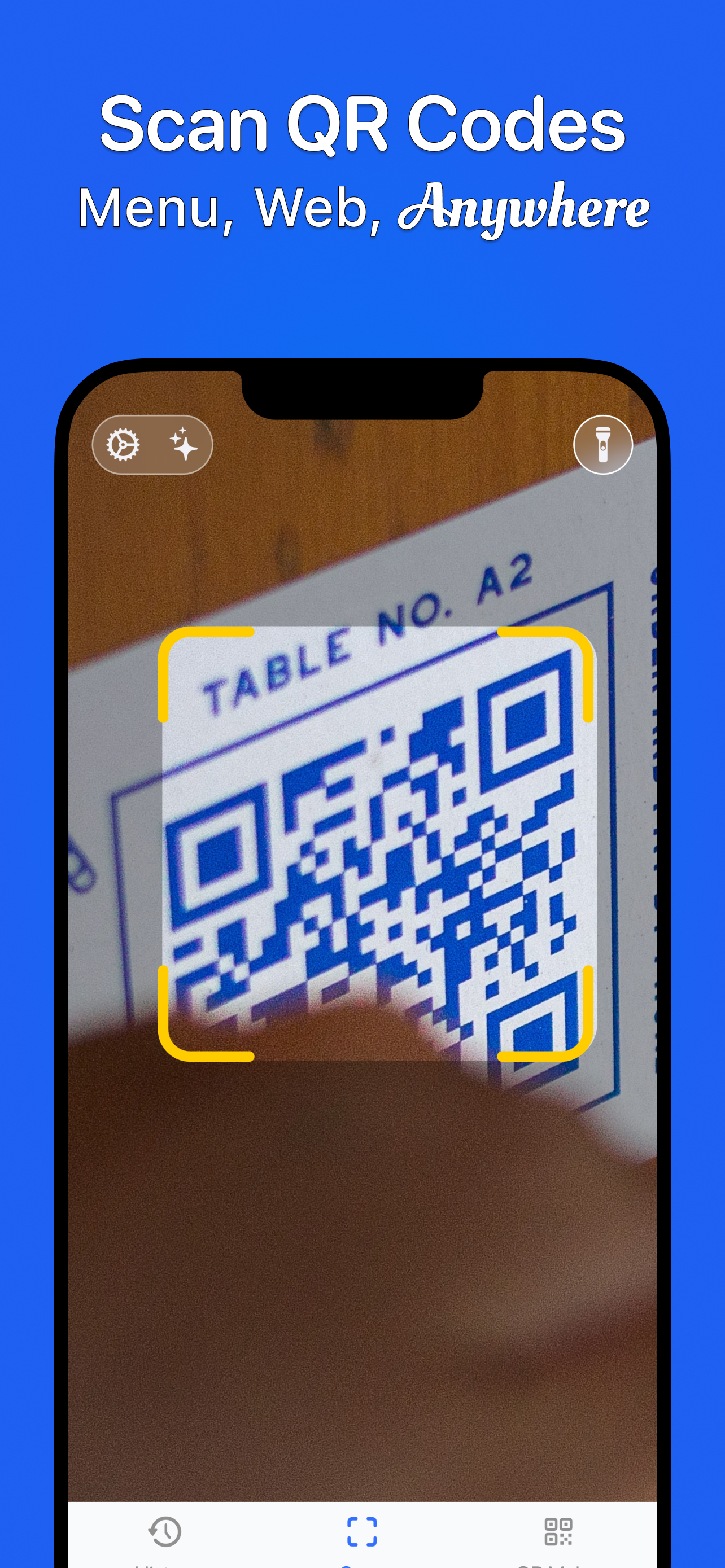
Our powerful scanner instantly reads and decodes all types of QR codes and barcodes, including contacts, products, URLs, Wi-Fi networks, text, books, emails, locations, calendar events, and more. You can even scan QR codes directly from images in your gallery! Plus, create your own custom QR codes with our built-in generator.
Key Features:
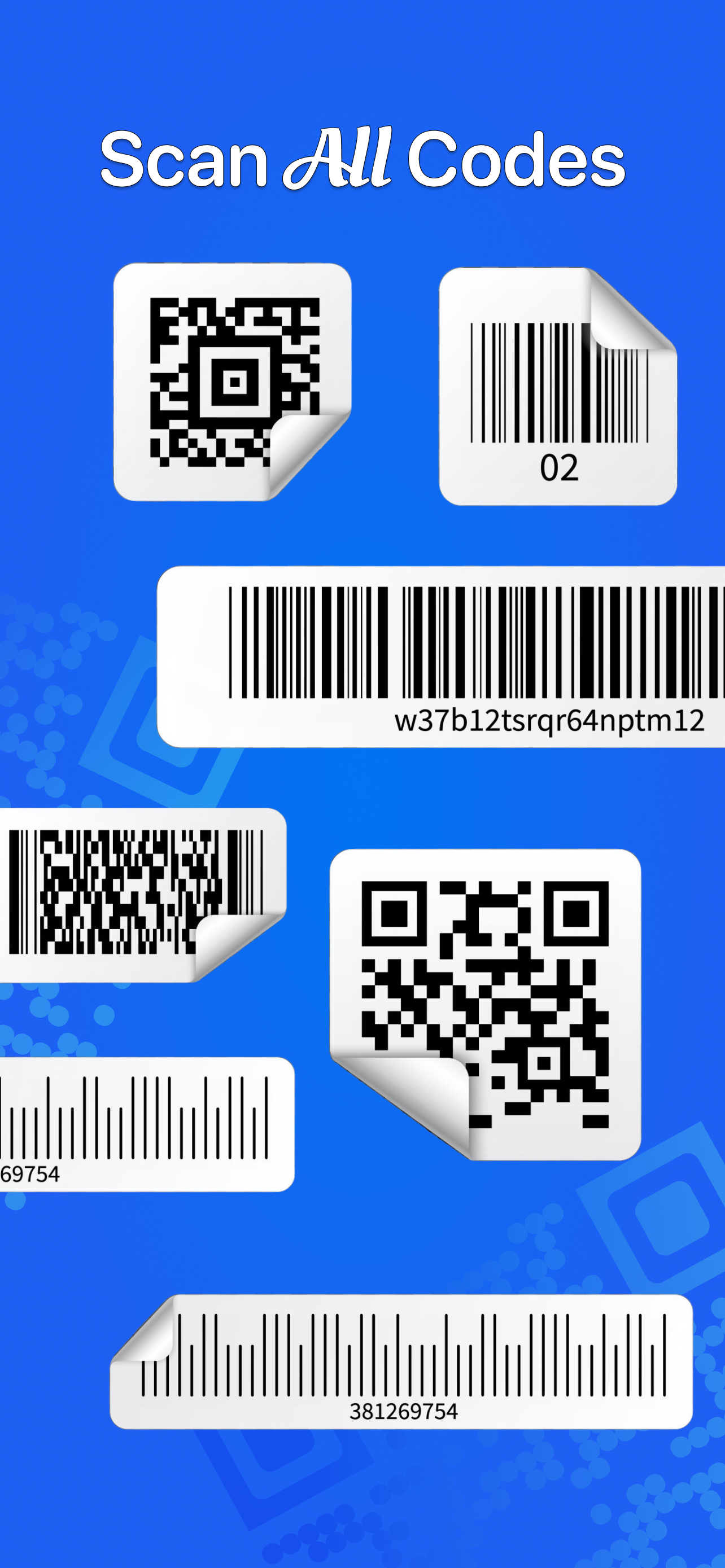
Universal Scanning: Supports all QR code and barcode formats.
QR Code Generator: Create custom QR codes for social media links, URLs, Wi-Fi access, text, contacts, vCards, and more!
Auto-Zoom: Automatically adjusts focus for optimal scanning, even for small or distant codes.
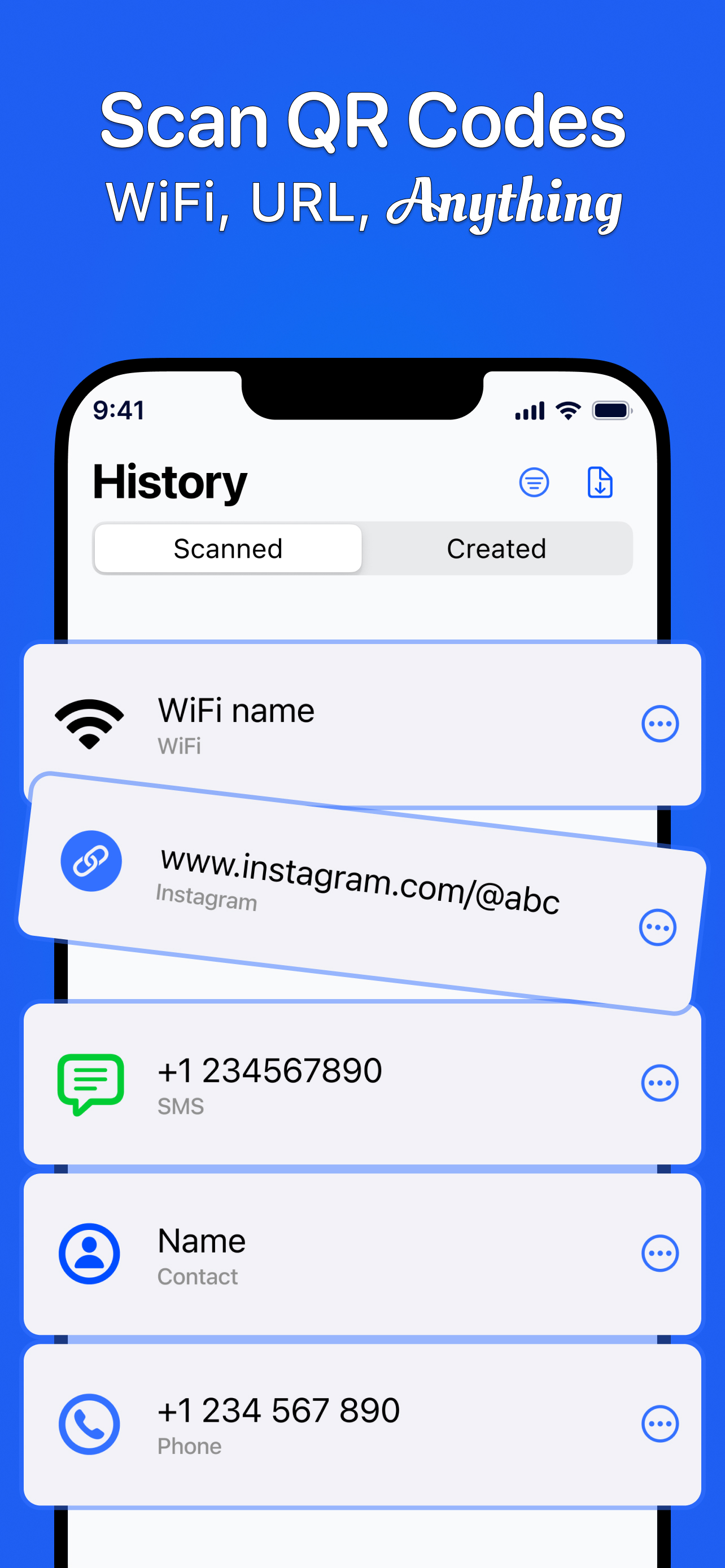
Scan History: Easily access all your past scans for quick reference.
Gallery Scanning: Scan QR codes and barcodes directly from images in your photo library.
Flashlight Support: Scan in low-light conditions with the integrated flashlight.
Offline Functionality: No internet connection required for scanning.
Automatic Detection: Instantly recognizes and decodes codes without any manual input.
Privacy Focused: Requires only essential camera and storage permissions, ensuring your privacy.
Actionable Results: Copy, search, or share scanned QR codes and barcodes with ease.
How to Use:
Open the app and point your camera at the QR code or barcode, or select an image from your gallery.
The app will automatically recognize, scan, and decode the code.
View the results and choose from relevant options, such as visiting a website, connecting to Wi-Fi, or sharing the information.
Experience the Benefits:
Effortless Scanning: No need to manually zoom or adjust focus. Our auto-zoom feature takes care of everything.
Simple and Convenient: All your scan history is saved for easy access. Scan directly from your gallery for added convenience.
Privacy Guaranteed: We prioritize your privacy and only request necessary permissions.
Versatile Reader: Easily scan small or distant barcodes with the auto-zoom functionality.
Download QR Code & Barcode Scanner today and simplify your life!
Privacy Policy: https://sites.google.com/view/leitordecode-privacy-policy
Terms of Use: https://sites.google.com/view/leitordecode-tou
Hide
Show More...
Effortlessly Scan and Decode:
Our powerful scanner instantly reads and decodes all types of QR codes and barcodes, including contacts, products, URLs, Wi-Fi networks, text, books, emails, locations, calendar events, and more. You can even scan QR codes directly from images in your gallery! Plus, create your own custom QR codes with our built-in generator.
Key Features:
Universal Scanning: Supports all QR code and barcode formats.
QR Code Generator: Create custom QR codes for social media links, URLs, Wi-Fi access, text, contacts, vCards, and more!
Auto-Zoom: Automatically adjusts focus for optimal scanning, even for small or distant codes.
Scan History: Easily access all your past scans for quick reference.
Gallery Scanning: Scan QR codes and barcodes directly from images in your photo library.
Flashlight Support: Scan in low-light conditions with the integrated flashlight.
Offline Functionality: No internet connection required for scanning.
Automatic Detection: Instantly recognizes and decodes codes without any manual input.
Privacy Focused: Requires only essential camera and storage permissions, ensuring your privacy.
Actionable Results: Copy, search, or share scanned QR codes and barcodes with ease.
How to Use:
Open the app and point your camera at the QR code or barcode, or select an image from your gallery.
The app will automatically recognize, scan, and decode the code.
View the results and choose from relevant options, such as visiting a website, connecting to Wi-Fi, or sharing the information.
Experience the Benefits:
Effortless Scanning: No need to manually zoom or adjust focus. Our auto-zoom feature takes care of everything.
Simple and Convenient: All your scan history is saved for easy access. Scan directly from your gallery for added convenience.
Privacy Guaranteed: We prioritize your privacy and only request necessary permissions.
Versatile Reader: Easily scan small or distant barcodes with the auto-zoom functionality.
Download QR Code & Barcode Scanner today and simplify your life!
Privacy Policy: https://sites.google.com/view/leitordecode-privacy-policy
Terms of Use: https://sites.google.com/view/leitordecode-tou
In-Apps
- Scan QR Code Year
- $49.99
- Scan QR Code Week
- $3.99
Screenshots

QR Code Scanner Scan Barcode FAQ
-
Is QR Code Scanner Scan Barcode free?
Yes, QR Code Scanner Scan Barcode is free to download, however it contains in-app purchases or subscription offerings.
-
Is QR Code Scanner Scan Barcode legit?
Not enough reviews to make a reliable assessment. The app needs more user feedback.
Thanks for the vote -
How much does QR Code Scanner Scan Barcode cost?
QR Code Scanner Scan Barcode has several in-app purchases/subscriptions, the average in-app price is $26.99.
-
What is QR Code Scanner Scan Barcode revenue?
To get estimated revenue of QR Code Scanner Scan Barcode app and other AppStore insights you can sign up to AppTail Mobile Analytics Platform.

User Rating
App is not rated in New Zealand yet.
Ratings History
QR Code Scanner Scan Barcode Reviews
Store Rankings
Ranking History
App Ranking History not available yet
Category Rankings
App is not ranked yet
QR Code Scanner Scan Barcode Competitors
QR Code Scanner Scan Barcode Installs
Last 30 days
QR Code Scanner Scan Barcode Revenue
Last 30 daysQR Code Scanner Scan Barcode Revenue and Downloads
Gain valuable insights into QR Code Scanner Scan Barcode performance with our analytics.
Sign up now to access downloads, revenue, and more.
Sign up now to access downloads, revenue, and more.
App Info
- Category
- Utilities
- Publisher
- Unknown
- Languages
- English, French, German, Italian, Japanese, Portuguese, Spanish
- Recent release
- 1.5 (7 months ago )
- Released on
- Mar 27, 2025 (8 months ago )
- Also available in
- Azerbaijan , Tunisia , Estonia , Croatia , Australia , Dominican Republic , Lithuania , Armenia , North Macedonia , Latvia , Bahrain , Taiwan , Canada , Peru , Paraguay , Ireland , Chile , Luxembourg , Russia , United States , Italy , Lebanon , France , Czechia , Cyprus , New Zealand , Germany , Japan , Norway , Ecuador , Bulgaria , Denmark
- Last Updated
- 2 weeks ago
This page includes copyrighted content from third parties, shared solely for commentary and research in accordance with fair use under applicable copyright laws. All trademarks, including product, service, and company names or logos, remain the property of their respective owners. Their use here falls under nominative fair use as outlined by trademark laws and does not suggest any affiliation with or endorsement by the trademark holders.