QuickPlan - Project Gantt Plan

Schedule Task Chart Management

Published by: 皓 李

Description

Project management with natural gestures on the Gantt chart designed for small touchscreens. Sync projects across multiple devices, and share projects in teams AND supports Microsoft Project Plan integration.
## PRIVACY FOCUSED:
User-created projects are stored on the user's device or in iCloud Drive, whichever the user chooses.
*** This app is ONLY for iPhone ***
QuickPlan has separate apps for iPhone and iPad. You can save money by buying the app for one device only, or pay the same price for both devices.
* Feature Video https://youtu.be/Ean-OpZkhEQ
* No In-App Purchases.
* QuickPlan is now available for macOS (Free 15-day trial is at https://quickplan.app/trial).
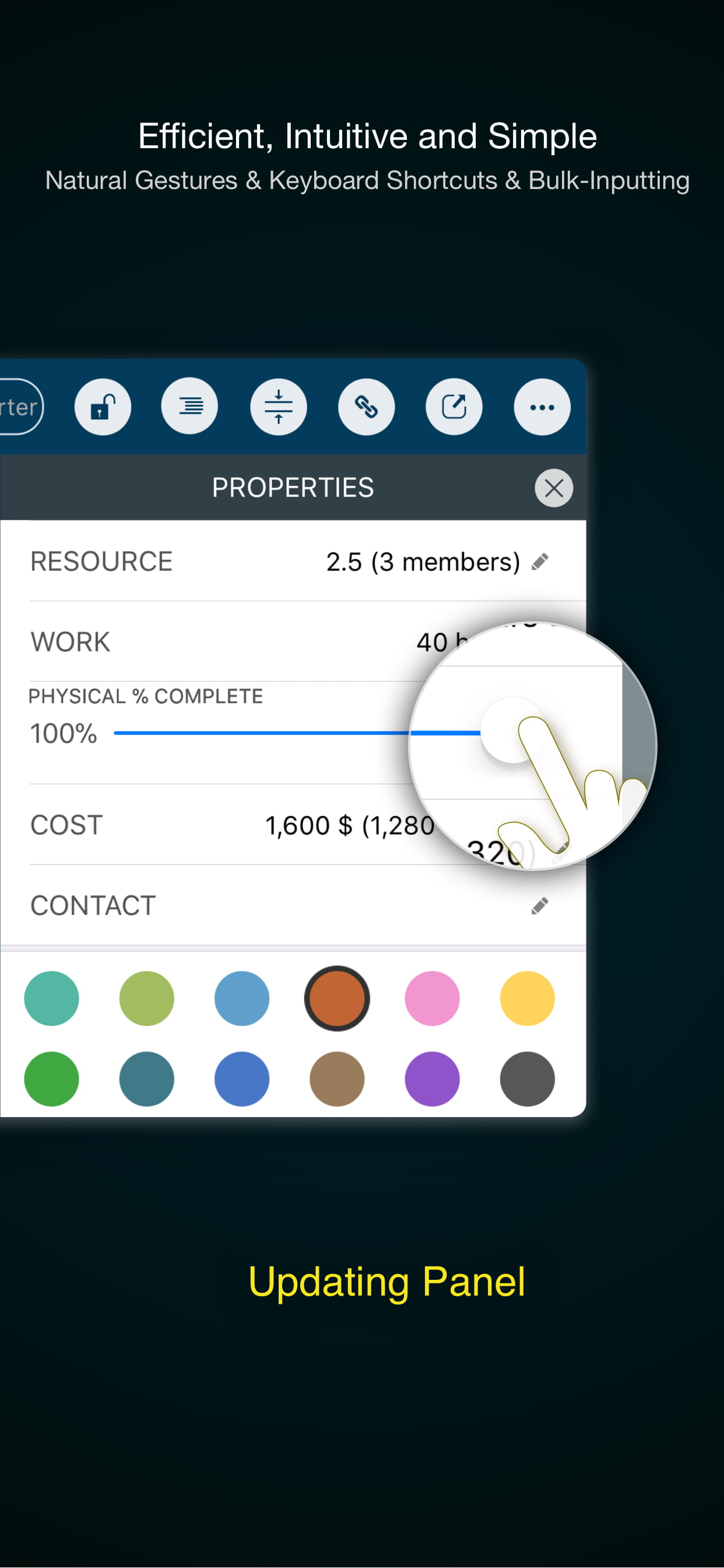
QuickPlan makes project planning more convenient than ever. NATURAL GESTUREs and keyboard shortcuts are used in a clean and elegant interface that makes project management more accessible, faster and more efficient than ever before. Visualize, manage and simplify projects in Gantt charts, structure tasks in a tree structure, organize your project calendar and resources, track task status. It's easier than you think, all at your fingertips with a minimum of effort and learning.
QuickPlan supports exporting projects to image, Excel, PDF, Microsoft Project and WBS files and importing projects from Microsoft Project (in XML format), WBS, Mindmap, and Excel files. Plans can be synchronized with multiple devices via iCloud Drive. They can be shared with other users and devices via AirDrop, email, and the iOS Files app.
QuickPlan optimizes the best features of Microsoft Project Plan and makes them work for iPhone - without the complexity. We bring INTUITIVE and discoverable project management to users of all experience levels.
## EFFICIENT MAINTENANCE
- Gestures for tasks: create, remove, move, indent and outdent, change order.
- Gestures to zoom in and out, collapse and expand.
- Dynamic context menu system makes scheduling a reality on a small touch screen
- Batch input
- The most fluid Gantt chart app on a clean interface.
- Context-based editing of outline, Gantt chart and inspectors.
## STRONG PLANNING
- Multiple projects in groups, with support for duplication.
- Organize tasks into REAL task groups and sub-projects.
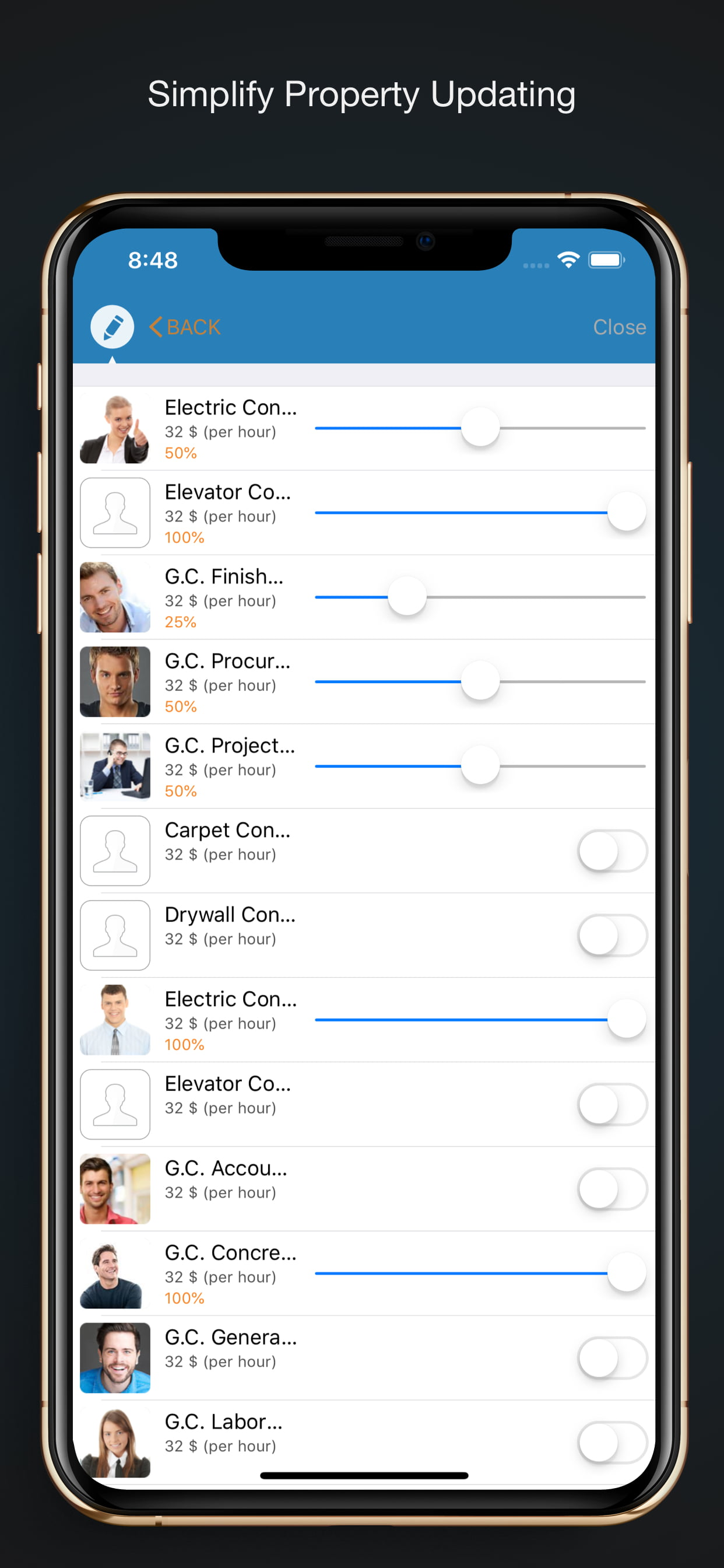
- Task color, icon, contact, URLs, and other necessary task fields.
- Five outline levels (plus sub-project, for a total of ten outline levels).
. Gesture-based management of task links.
. Project currency, charge rate, project resource, calendar, task date policy.
## TREE and LIST
- Rendering as a tree with support for key path display.
- Rendering as a list with support for sorting and filtering.
## UI CUSTOMIZATION
- Customization of the task column title and visibility.
- Style of the task bar.
## REPORTING
- Export as image, PDF, and Microsoft Excel (including three sheets).
- With options to customize the output.
## SYNC
- Sync projects between iOS and Mac devices via iCloud Drive, OneDrive, and Dropbox.
## INTEGRATION
- Export and import Microsoft Project XML files.
- Import and export SwiftApp WBS files.
- Import from Microsoft Excel files.
- Import from iThought Map files.
## SHARE
- Supports Airdrop, OneDrive, Dropbox.
## TEAM
- Supports creating a sub-plan for specific project members.
- The sub-plan contains only the tasks for the specific members.
## NOTIFICATION
- Widget to track ongoing tasks (iOS 14 or later).
- Today widget and Local Notification.
QuickPlan simplifies the complexity of project planning that sets ease as the ultimate goal in organizing your professional projects, plans, efforts, goals and life. The best project planning app for iPhone
- Initialize, discuss, present and share your plan, and export it to Microsoft Project Plan for future work.
- Strategic Planning
- Import MS Project file (in XML format) and reports, tracking.
- Plan new ideas
- Agree and confirm actions in meetings
- Discuss, plan and assign tasks
- Track project progress
Hide Show More...

Screenshots

QuickPlan FAQ

  • Is QuickPlan free?

    Yes, QuickPlan is completely free and it doesn't have any in-app purchases or subscriptions.

  • Is QuickPlan legit?

    🤔 The QuickPlan app's quality is mixed. Some users are satisfied, while others report issues. Consider reading individual reviews for more context.

    Thanks for the vote

  • How much does QuickPlan cost?

    QuickPlan is free.

  • What is QuickPlan revenue?

    To get estimated revenue of QuickPlan app and other AppStore insights you can sign up to AppTail Mobile Analytics Platform.

User Rating

4.64 out of 5

86 ratings in United Kingdom

5 star
67
4 star
11
3 star
5
2 star
2
1 star
1
Ratings History

QuickPlan Reviews

Not useable without week numbers

Al_Smith_ on

United Kingdom

This app looks like it could be quite good. However, it is useless without the ability to use week numbers. All my work is done in week numbers. On the MacOS app there is very limited ability to use week numbers. You can display the week number INSTEAD of the week of the year. This is not really very good but better than nothing. However, there is no such option on the iPAD or iPhone app. This renders it useless for me. If you need to use week numbers, this is not the app for you! Also, iCloud integration across devices is not good. It doesn’t save all changes and I have to close and reopen the app from iCloud in order to see any updates. Also, I had to pay for this app THREE times to get it on my Mac, iPhone and iPad. Even though it is the same app! ALSO - I cannot set the plan tasks to show the resource instead of the task name like I can in the MAC app?

Almost perfect.

ChalksAC on

United Kingdom

All the app seems to be missing are different dependency links SS SF, that being said by far the best PM software I have used on an iPhone or IPad.

Not a proper iPad app

Idy1 on

United Kingdom

Although available in the iPad section of the App Store, this is just a scaled version of the iPhone app. Doesn’t work well on iPad nor support keyboard (very buggy)

5 star but hard to save easily to iCloud Drive

Wynnkev on

United Kingdom

It would be better to save it more easily to ifkutd drive once you start a project

Excellent project planning app!

MW-20 on

United Kingdom

Very impressed with this application, makes project planning so simple with resource loaded programmes. The export features are also excellent! Feedback to the developers, it would be great if there were a few more features regarding resourcing. Such as team member utilisation reporting and the ability to add resource mid task.

Brilliant and quick planning

Flipping 1 on

United Kingdom

Once you’ve learned how it works which took me a couple of hours, I could plan some really complex projects. If you’re looking for planning software to use on a larger phone screen or preferably iPad, suggest you put this on the shortlist.

Some ideas

Samisap on

United Kingdom

Hi - It would be good if the app allowed some type of search functionality in the select contact drop down or even if this could be sorted alphabetically. It would also be good if you could copy and paste contact details into a cell rather than adding detail individually.

Can’t use it anywhere else but the phone

thelittlecatcafe on

United Kingdom

I have everything on my clouds because it enables me to access all information from ANY device. You’ll have to buy another app twice as expensive to use it on iPad and it will not link to the iPhone account. Useless!!!

Simply the best

issieid on

United Kingdom

Very feature rich and stable. Keep up the good work

My challenge to you !!

Wang Shang Hao on

United Kingdom

Hao li, I agree with previous feedback, awesome tool but missing integration with some daily reminder function. I understand it could be a nightmare to have this work both ways, eg what happens if a reminder is postponed one day, would the full project automatically update ?? Tough one but at least if you could have an option for some activities to go into a daily reminder it would top this already great app !!! One last thing, please, please don't change anything else, the app is beautiful as it is. Most developers decide to update the app and end up worse than it was (eg check the paper33) Ps: I am aware of the today function, but only covers two projects and 3 activities.

Store Rankings

Ranking History
App Ranking History not available yet
Category Rankings
Chart
Category
Rank
Top Paid
3
Top Paid
14
Top Paid
14
Top Paid
14
Top Paid
30

Keywords

QuickPlan Competitors

QuickPlan Installs

Last 30 days

QuickPlan Revenue

Last 30 days

QuickPlan Revenue and Downloads

Gain valuable insights into QuickPlan performance with our analytics.
Sign up now to access downloads, revenue, and more.
This page includes copyrighted content from third parties, shared solely for commentary and research in accordance with fair use under applicable copyright laws. All trademarks, including product, service, and company names or logos, remain the property of their respective owners. Their use here falls under nominative fair use as outlined by trademark laws and does not suggest any affiliation with or endorsement by the trademark holders.