Place pins on a worldwide map for each location you want to visit, then see your route. Enter trip details for each location and create a complete trip itinerary. Multiple sample files are available, including an informative Route 66 sample file.
You can demo this app by downloading our free RTP Viewer app. RPT Viewer is virtually identical to this app except with RTP Viewer you can’t save your edits.
Road Trip Planner does not require any subscription and respects your privacy by not collecting any of your data.
MAP PINS HOLD WHAT YOU NEED. Each pin shows:
- arrival date & time
- departure date & time
- travel time to this location
- time spent at this location
- name of pin (such as John’s house)
- address of pin
- notes and images
- custom pin color and icon
- URL for related information
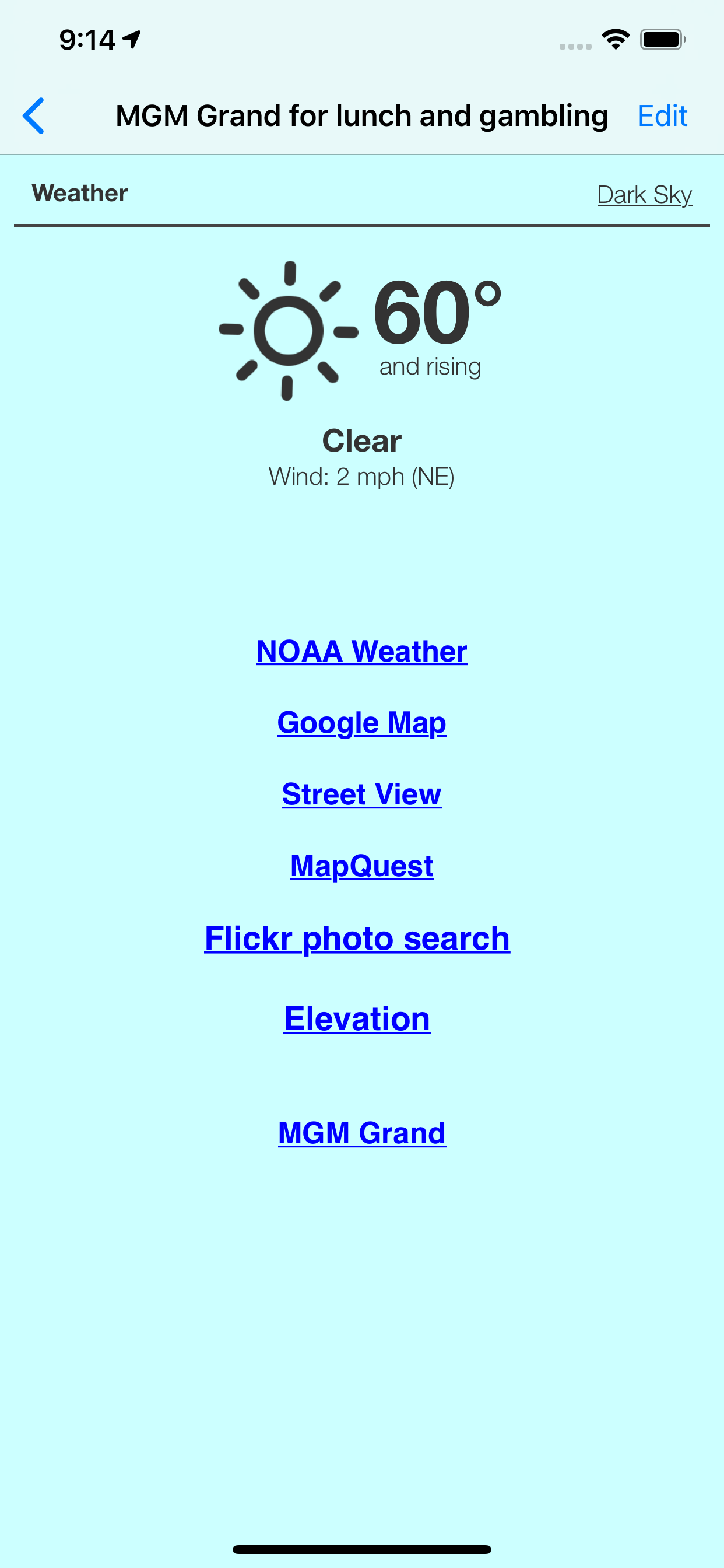
- weather reports
- transport type (driving or walking)
- Internet Search results
- list of activities (lodging, sights to see, etc.)
- choose between multiple routes (if available)
- view driving distance between pins, driving time, fuel cost, travel advisories, turn-by-turn driving directions
- Export pin data to your calendar.
EACH PIN CAN HAVE MANY ACTIVITIES. For each activity you can record:
- name of activity
- activity date, time and duration
- cost
- phone
- FAX
- address
- URL
- email address
- confirmation number
- notes
- picture
There are two types of pins. Route Pins are used to create the route. POI Pins mark points of interest on the map.
Choose between Apple Maps or OpenStreet Maps. Cache non-Apple maps to disk for offline use. See the settings and Help for more info.
For air and rail routes a straight line can be displayed between pins.
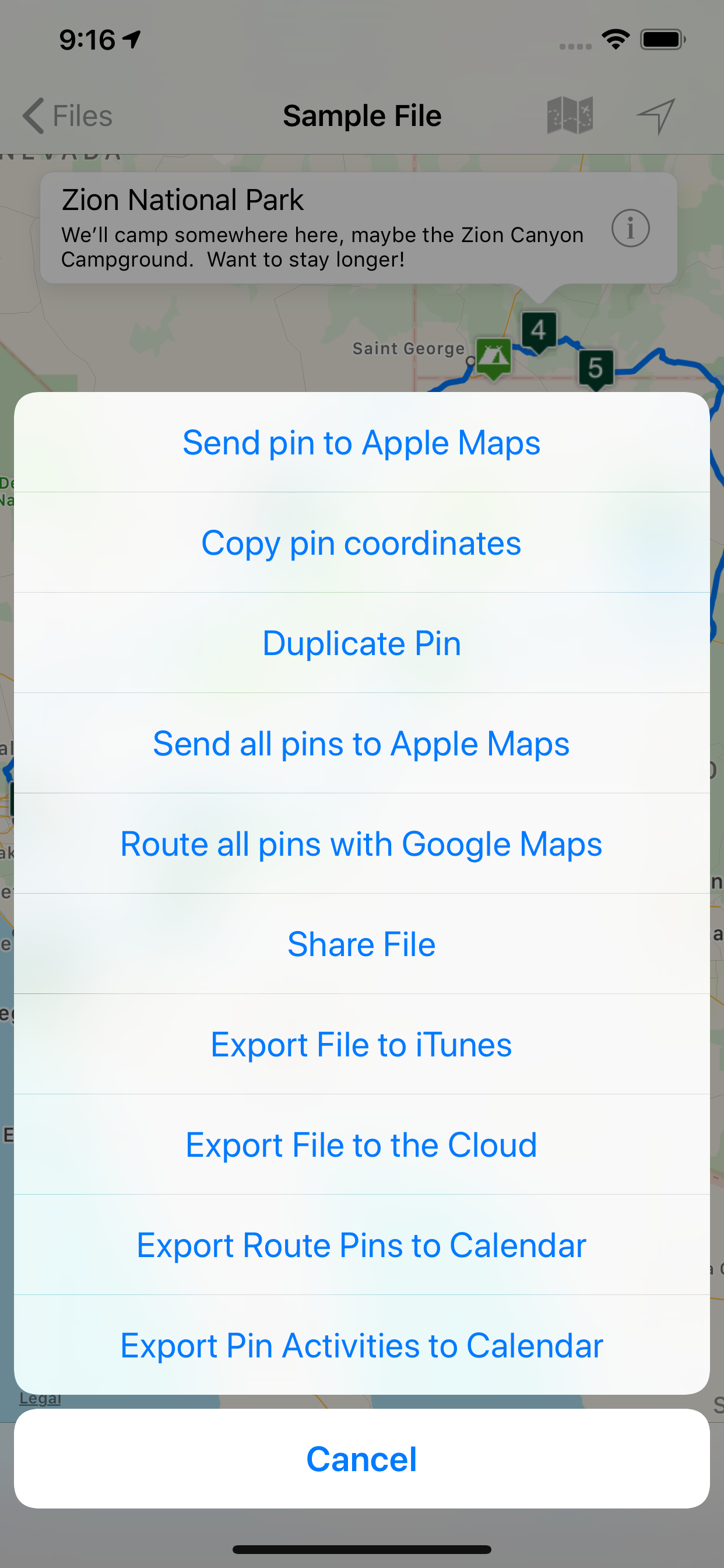
Add, remove or rearrange the pins in any order you wish. Routes and pins can be sent to Apple Maps.
Import and export GPX data files.
Each trip can be saved as a separate document. Perfect for anyone who wants to maintain a record of past trips.
VIEW YOUR TRIP ON YOUR MAC with our Road Trip Planner app available from the Mac App Store.
Send location data to Road Trip Planner directly from any of our location-savvy apps.
THE ITINERARY HOLDS ALL OF THE DETAILS. Share it and take it with you.
- print the itinerary or share it easily
- includes a map image with pins and routes, activities for each Route Pin, costs for each activity, total fuel cost, total trip cost, information for Points of Interest Pins, and driving instructions.
USE THE TO-DO CHECKLIST. Make sure you don’t forget anything.
We respond quickly to suggestions and questions in our forum.
PLEASE CONTACT US IF YOU HAVE A QUESTION OR AN ISSUE. We promise we'll respond as quickly as we can.
For more info visit the Road Trip Planner web site at https://roadtripplanner.modesittsoftware.com
PLEASE READ CAREFULLY BEFORE PURCHASING:
The mapping and routing functionality Road Trip Planner uses is based upon Apple’s maps technology. If Apple Maps cannot find a route between map pins, then neither can Road Trip Planner. Please test the area you wish to travel using Apple’s Maps app to ensure that the area can be routed. If it cannot be routed, please submit the issue to Apple. If Apple Maps cannot perform routing in the area you wish to travel then neither can Road Trip Planner.
HideShow More...
Screenshots
Road Trip Planner™ FAQ
Is Road Trip Planner™ free?
Yes, Road Trip Planner™ is completely free and it doesn't have any in-app purchases or subscriptions.
Is Road Trip Planner™ legit?
🤔 The Road Trip Planner™ app's quality is mixed. Some users are satisfied, while others report issues. Consider reading individual reviews for more context.
Thanks for the vote
How much does Road Trip Planner™ cost?
Road Trip Planner™ is free.
What is Road Trip Planner™ revenue?
To get estimated revenue of Road Trip Planner™ app and other AppStore insights you can sign up to AppTail Mobile Analytics Platform.
User Rating
4.37 out of 5
46 ratings in Netherlands
5 star
27
4 star
13
3 star
4
2 star
0
1 star
2
Ratings History
Road Trip Planner™ Reviews
Klasse Planungstool!
Ich hab sowohl die MacOS als auch die IOS App gekauft. Beide arbeiten toll zusammen, man kann alle Infos eines Roadtrips recherchieren, mit Zeiten, Kosten, Sehenswürdigkeiten usw. planen und danach reisen. Gefällt mir sehr gut. Bin gespannt, wie die Reise selbst dann verläuft! 😊
Iceland not working
Bought the app because you can’t make a route with more then 10 locations on google maps. It states that the app works with apple maps and that you should check if the locations work on it. All the locations work in the actual apple maps app but sadly I get an error when searching in this app which makes it useless for me. The error " could not resolve location " keeps popping up. It seem to work for the netherlands.
Nothing special
Very disappointing app. Sorry I bought it. Waiste of time and money.
Still Great
Loaded software onto new IPad. Still works well just like earlier version of the OS.
Great Start
Love the app. My only request is an ‘output’ that creates a high resolution jpg for sharing with routes, POI, stops and their call outs displayed. I understand that showing callouts on the map might block other items so a legend would be just peachy.
~ RTP® ~ for Macs ® & iDevices ® . ..
... 25 04 15 . . . We have been using this software for years and it remains the best for the money $ . . Best of all is the support . . You chat with the actual, living, d e v e l o p e r and a vast support group of current users . /s, Steve (made on a Mac ®) Ω . ...
Map Info not available
After downloading the app and its companions, I do not see any info regarding route info such as distance to go, arrival time and other useful info. This is not the app for those who are traveling across the country and need many specific information such as accommodations and POIs in the area. Google maps and apple are better!
Great Trip Planner
5/20/24 - I still think this is a great planning and travel tool for Apple devices!
I bought the app for my desktop and iPhone and after using it for 14 months would recommend the program to anyone who wants to create a detailed itinerary. It helps to have an iCloud account to save files.
Good app
Very handy. Makes planning a trip simple and organized.
Just OK
In the past, I have always used my desktop computer for planning road trips. However, the software is old and the maps are out of date. One particular feature I used is the ability to enter my fuel capacity and fuel usage and have the software provide me with a maximum travel point. This was extremely helpful in determining where to stop for fuel/hotels. This software only allow you to enter your fuel use not your fuel capacity- not if any value.
This page includes copyrighted content from third parties, shared solely for commentary and research in accordance with fair use under applicable copyright laws. All trademarks, including product, service, and company names or logos, remain the property of their respective owners. Their use here falls under nominative fair use as outlined by trademark laws and does not suggest any affiliation with or endorsement by the trademark holders.