Stopwatches without limits!
Time is money. We propose you to track the most important and essential resource.
Just tap «+» to create new stopwatch. Choose the colour, enter short description and from now you control your present and consequently your future. You can add as many stopwatches as you need! Have you stopped smoking? Start a stopwatch to be proud of every second of your healthy life! Your boss gave you extra work. Don't forget to count how many of your personal time did it take.
The stopwatches list's management is easy and habitual for all iOS users. If you don't need one of the stopwatches you can delete it the same way you do it in your mail, notes and other apps — swipe left and “Delete”.
— draggable stopwatches;
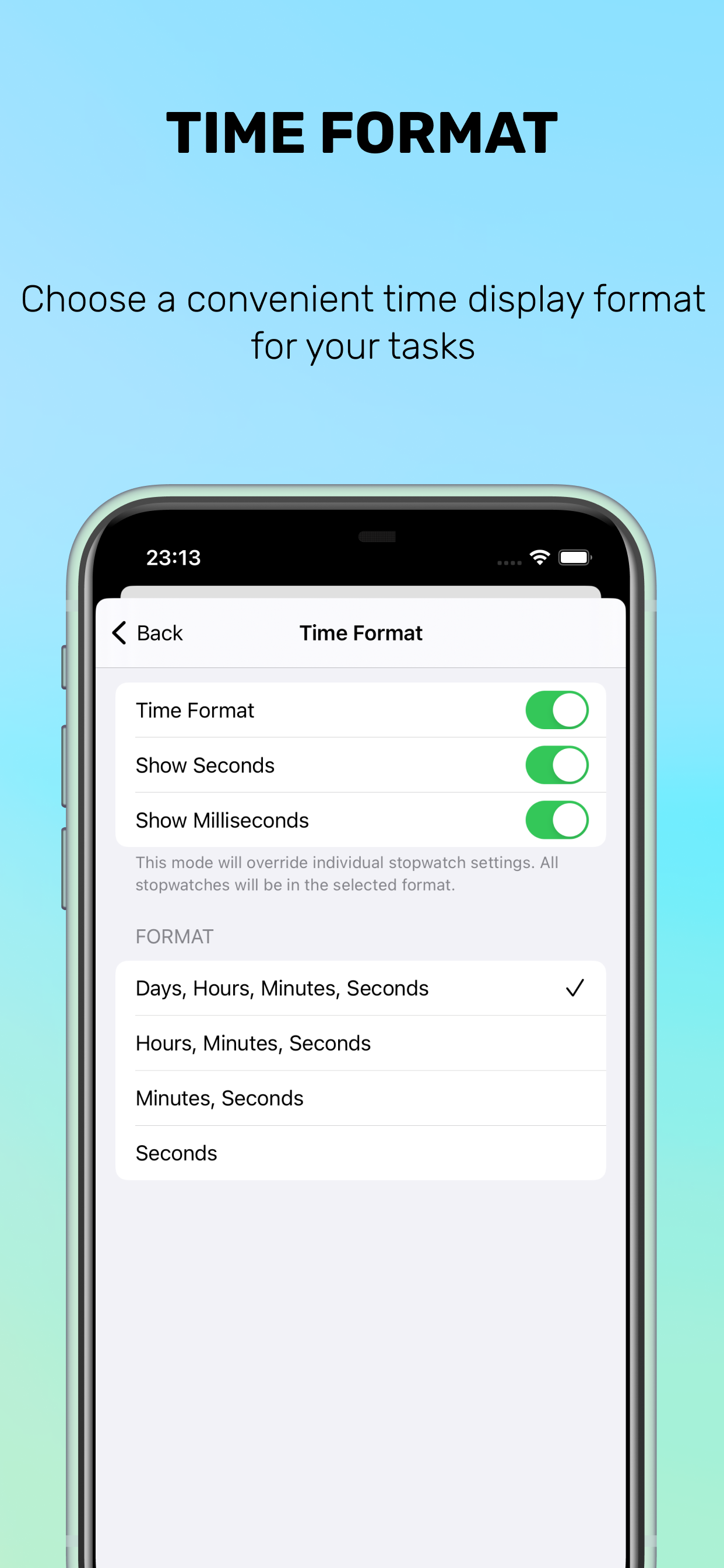
— turn on/off display milliseconds;
— detail view for each stopwatch;
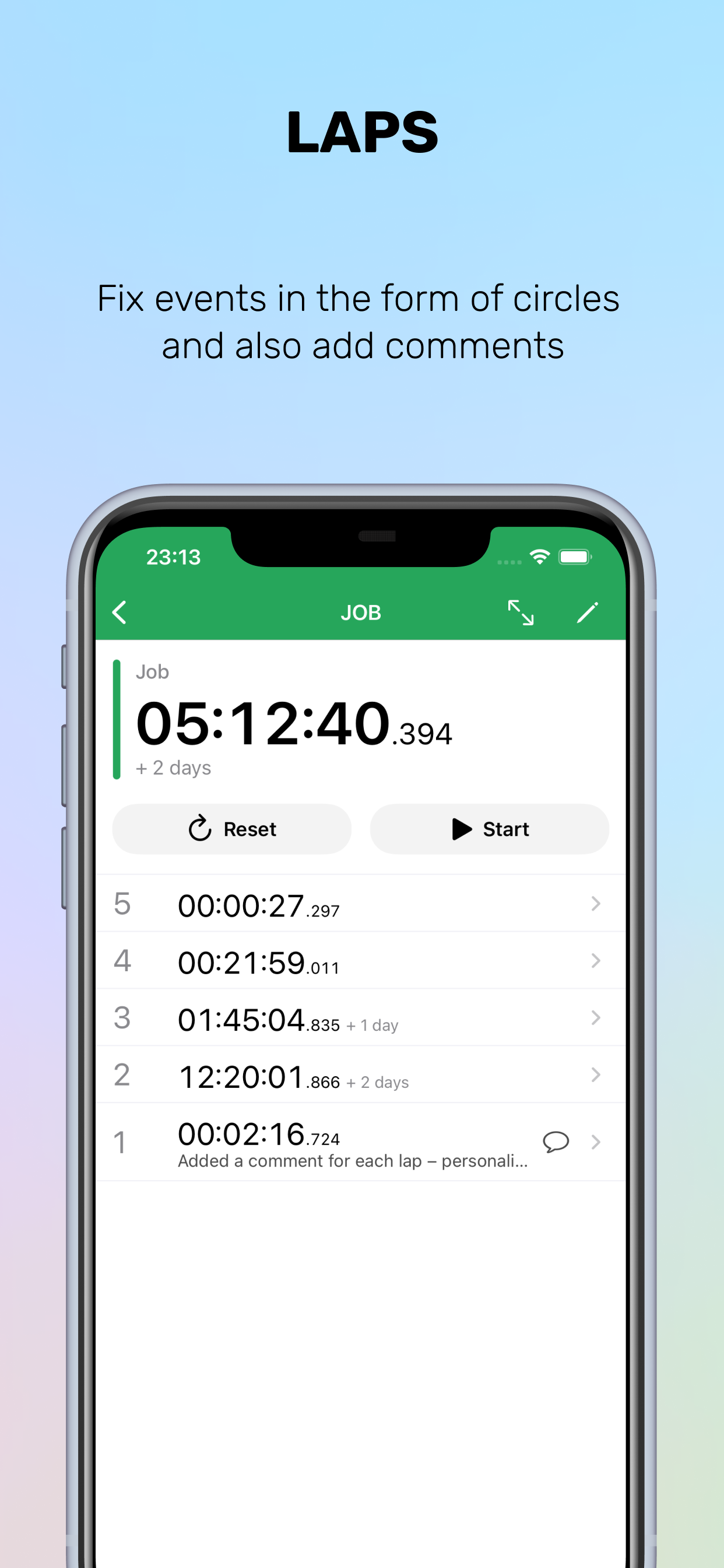
— LAPS! and comments for them;
— more colours for stopwatches;
— set initial time when create stopwatch;
— add time to last lap;
Your ratings is the best motivation for us!
HideShow More...
In-Apps
Remove Ads Promo
$2.99
Stopwatch plus without Ads
$4.99
Screenshots
Stopwatch plus Multiple Timer FAQ
Is Stopwatch plus Multiple Timer free?
Yes, Stopwatch plus Multiple Timer is free to download, however it contains in-app purchases or subscription offerings.
Is Stopwatch plus Multiple Timer legit?
🤔 The Stopwatch plus Multiple Timer app's quality is mixed. Some users are satisfied, while others report issues. Consider reading individual reviews for more context.
Thanks for the vote
How much does Stopwatch plus Multiple Timer cost?
Stopwatch plus Multiple Timer has several in-app purchases/subscriptions, the average in-app price is $3.99.
What is Stopwatch plus Multiple Timer revenue?
To get estimated revenue of Stopwatch plus Multiple Timer app and other AppStore insights you can sign up to AppTail Mobile Analytics Platform.
User Rating
5 out of 5
1 ratings in New Zealand
5 star
1
4 star
0
3 star
0
2 star
0
1 star
0
Ratings History
Stopwatch plus Multiple Timer Reviews
Works great, clean design
Works great and has been useful for tracking multiple projects.
Note to developers: Please add ability to REMOVE time from timers. Sometimes I forget to stop a timer then have to remove because it’s up to multiple days. I noticed that you can ADD time, but removing would be great too!
Stop Watch long Term
Perfect for what I need!
Thanks 👍
Best One I’ve Found
Pretty good but I wish there was a way to edit times. Sometimes you’re ten minutes into doing something and realized you didn’t turn on your stopwatch. If you could edit it, it’d be no problem, but without it, you have to make sure you remember the stopwatch should be ten minutes higher than it is. I also wish you could turn it on or off from the lock screen, but that could be an apple issue
Perfect
Just the app I needed. Multiple stop watches that aren’t erased when app is closed and can be individually color coded, named and lapped. Perfection
5 STARS IF ONLY….
What would seriously be useful is for the ability to GENERATE REPORTS!!! How is user spending his/her time by tasks or projects (folders)!!! PLEASE CONSIDER ADDING. That alone in my book would raise app to full 5 star rating.
Great App
This app is Simple and Easy to use. It is a quick easy to use stopwatch, just what I was looking for in a stopwatch app!
Best multi-stopwatch app in the store, one suggestion
This app is great, and I haven’t found a better multiple stopwatch app. It would be great if the fastest lap were colored green and the slowest lap colored red, like they are in the default apple clock app.
Great but need some things
This app is very good and I like this features but I do want one thing in it. The ability to change the stopwatches size because it’s very annoying to scroll. That’s all I want.
Excellent Multiple Timer
I am happy to take a few minutes from my busy day to thank you for your Stopwatch | Multiple Timers app. It does what I was seeking an app like this to do, and it does it well. Let me know where I can make an extra contribution to the developer as an example of my gratitude. Your apparent willingness to actively improve the app from the activity in the App Store is also commendable. With that said, here are my ideas for added functionality:
Selective Data Extract - offer ability to select stopwatches to download, or all as default
Date on Data Extract - optionally provide a Date column on the data extract of the day the timers were in effect; added plus to allow date formats, e.g., 03/06/2024, 6 March 2024, 3/6/24 - essentially leveraging the system date formats
Idle Time - default timer that automatically runs within a defined window, e.g., 9:00AM-5:00PM and automatically stops/starts when another timer is engaged or stops
Reorder Stopwatches - ability to reorder timers via drag
Sort Stopwatches - ability to sort timers on demand or by default
That’s it for now — thanks again!
Watch
Hello Roman Kotov,
I would like to thank you for your response to the concerns addressed in the rating and reviews I posted earlier. Since that time I have purchased this app, I still think it is a great app, however I noticed a couple of things that may need your attention. First, when making a copy of the timed event, the format comes out as a string of numbers, not the times. There is no lap time or split time, just what appears as random numbers. Secondly, when the timer is expanded, the numbers are just a slight shade lighter than the background, making it near impossible to see. Again thank you for your work on this fine app, for its simple easy to use, and for the most part very convenient additional utility, that is clean (uncluttered) in its appearance.
This page includes copyrighted content from third parties, shared solely for commentary and research in accordance with fair use under applicable copyright laws. All trademarks, including product, service, and company names or logos, remain the property of their respective owners. Their use here falls under nominative fair use as outlined by trademark laws and does not suggest any affiliation with or endorsement by the trademark holders.