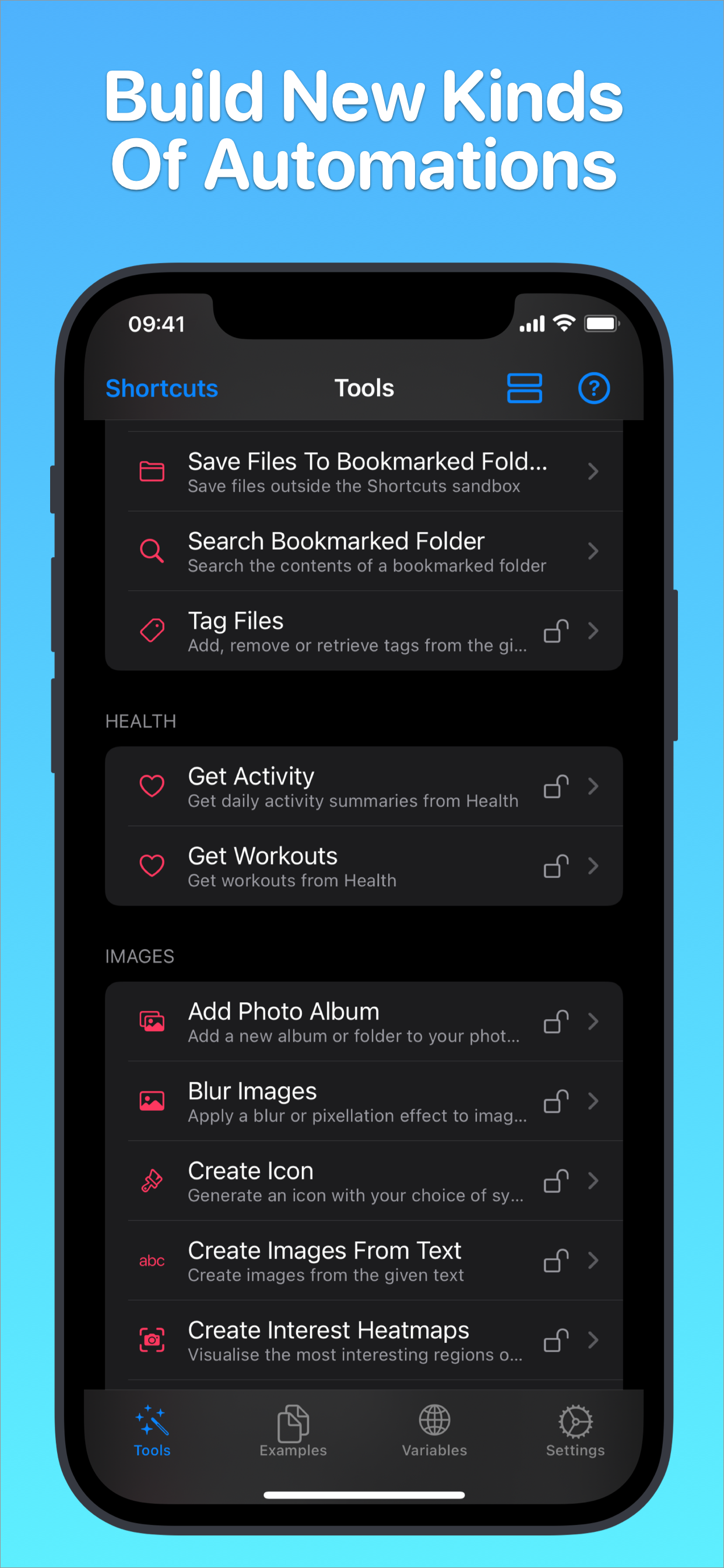
Toolbox Pro gives you 130+ powerful new actions to use within Apple’s Shortcuts app.
Tools include the latest iOS technologies:
• iOS document scanner
• Lightning-fast, on-device text recognition (OCR)
• Tag files
• Manipulate reminders and calendar events with more options than Shortcuts
• Apple Music tools give you access to the whole catalogue of 60 million songs (Apple Music subscription required)
• Transcribe speech from audio files
• Add contacts and contact groups
• Get workouts and activity summaries from Health
• TouchID/FaceID authentication
• Style and render text to images
• NFC Read + Write
• Image filters
• Create photo albums
• The Preview Tool lets you present text, images, rich URLs & interactive maps with flexible layouts. Add your own buttons to create your own app-like experience
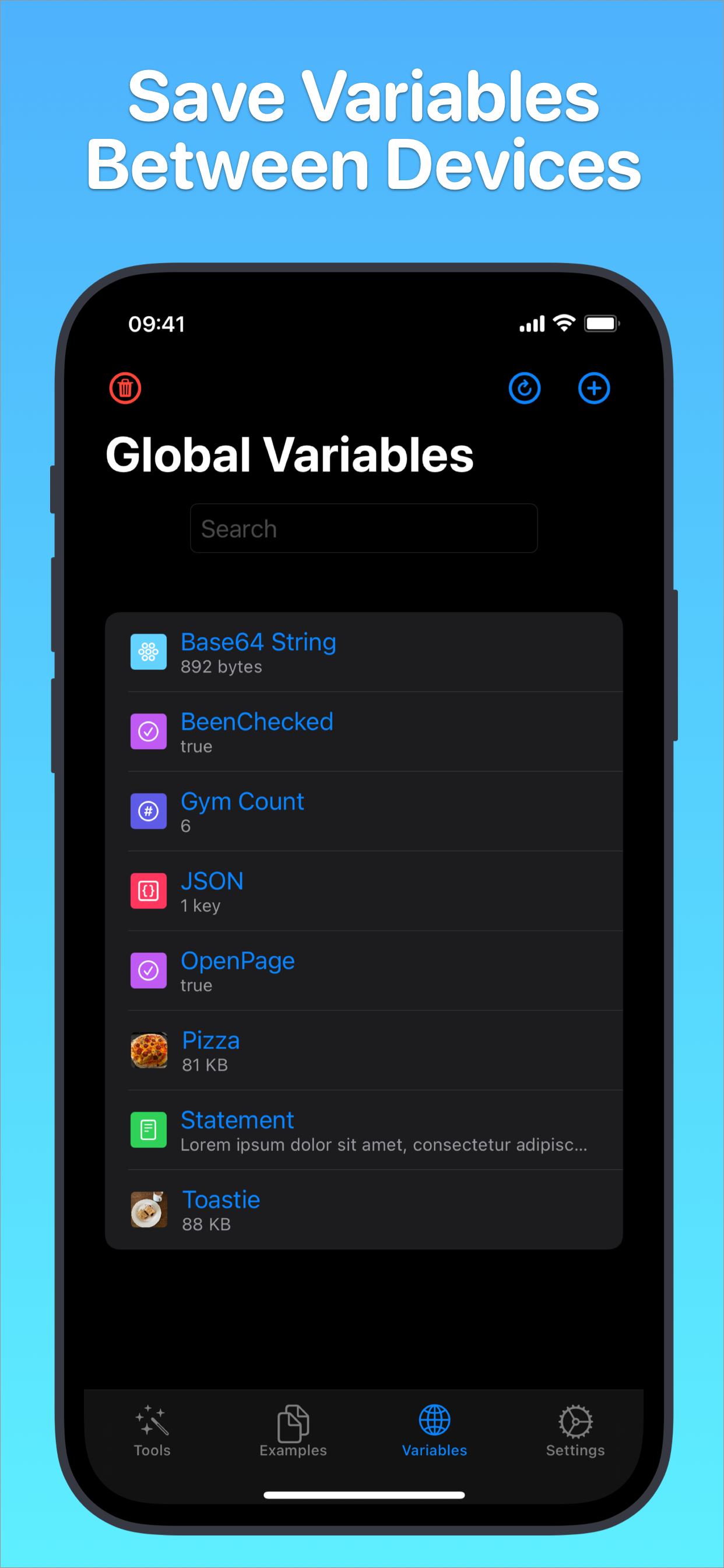
• Global variables let you store data between shortcuts and devices
• Menu creator
• Icon generator
• Recognise objects in images using machine learning
• Get current motion of device (driving, walking etc)
• Full-screen text input box
• Remove duplicates from list
• Quick-match text before, after or between words
• Device details like orientation/is dark mode on/is audio playing/is silent mode on
And many, many more.
Get nearly 40 tools for *FREE*, unlock everything with a single in-app purchase.
You can find detailed descriptions of what each tool does in the app along with *lots* of example shortcuts to get you started.
This app supports dark mode, voice control and dynamic type.
Privacy policy spoilers: I don’t store any of your data or track you. (Read more: www.toolboxpro.app/privacy-policy)
HideShow More...
In-Apps
Toolbox Pro Premium
$9.99
Tip Jar - Large
$7.99
Tip Jar - Small
$1.99
Tip Jar - Medium
$4.99
Screenshots
Toolbox Pro for Shortcuts FAQ
Is Toolbox Pro for Shortcuts free?
Yes, Toolbox Pro for Shortcuts is free to download, however it contains in-app purchases or subscription offerings.
Is Toolbox Pro for Shortcuts legit?
🤔 The Toolbox Pro for Shortcuts app's quality is mixed. Some users are satisfied, while others report issues. Consider reading individual reviews for more context.
Thanks for the vote
How much does Toolbox Pro for Shortcuts cost?
Toolbox Pro for Shortcuts has several in-app purchases/subscriptions, the average in-app price is $6.24.
What is Toolbox Pro for Shortcuts revenue?
To get estimated revenue of Toolbox Pro for Shortcuts app and other AppStore insights you can sign up to AppTail Mobile Analytics Platform.
User Rating
4.5 out of 5
28 ratings in Australia
5 star
22
4 star
2
3 star
2
2 star
0
1 star
2
Ratings History
Toolbox Pro for Shortcuts Reviews
What, no MacOS?
I thought this app was a great help, until I recently developed a shortcut which uses the advanced menu feature and tried to use it on the Mac. Zero support for MacOS?? I realise that some of the features are iOS only, but there’s no excuse for not even having a MacOS version when all shortcuts are supposed to work interchangeably everywhere.
I purchased the app but still can’t use it.
When Itry to use it it says it premium and to go to setting in Toolbox pro app. I rebooted the phone with no luck. Suggestions?
Debug is not working
Debug (Printing and Viewing console, recommended for debugging your shortcuts) is not working at the moment. I am glad that we are seeing new releases again.
Supercharges shortcuts
I’m very delighted with it and have been using it for a few years. It’s just allowed me to use shortcuts on a new level. I’ve also had a lot of fun playing around with other functions it adds which I’ve never thought to use. Great job developer.
Fly on, Alexander Hay
Through your apps (such as this one) I, a mere designer, for the first time found myself at long last beginning to understand programming, a concept I’d long since dismissed as impossible. You will never know just how much you meant to so many people, how many lives you enriched.
Thank you, friend.
For you there is no more sorrow and no more pain.
(My sincere condolences to his loved ones; may you, in time, find healing ❤️🩹).
DONT
👎👎👎👎👎👎👎👎
Amazing utility! Must have!
I love this app, it allows me to make much better looking and more powerful shortcuts. Love it!
I wanted to add to this review. I’ve been using this amazing utility more and more and each day I’m continually amazed by the amount of much needed function this app adds. Seriously, I can’t recommend this enough. If I could rate higher than 5 I would!
I’d rate this 10 if I could!
This app and developer are amazing! I wanted to create a more natural conversation between myself and Siri where she’d ask a question and based on my answer would complete a task. However I wanted to make it so I didn’t have to say 1 trigger word, instead I wanted to say 1 out of 5+ common words. This genius was super helpful in replying back to me and with a helpful link to a shortcut he created during our conversation. Turns out he created a built in system using IF OR making the Natural Language Parser shortcut!! keep doing what your doing!! Much Appreciated
Doubled and halved my productivity
Huge productivity booster for me, especially with global variables, dictionary editing and list manipulation. Then I spend all my new time stuffing around with menus and photo albums.
If you use Shortcuts at all, it’s a no-brainer.
Excellent!!! but my favourite feature....
Authentication is really great feature but somehow the one you provided doesn’t work properly. When the authentication is just promoted on the toolbox app from one shortcut and I want to carry out another authentication for another shortcut, the page where it says “Authentication result copied to clipboard” isn’t closed— therefore slows down the progress for carrying out another authentication from other shortcuts. Consequently, before it even finishes— with the built-in URL to go back to shortcut, it runs too fast and go back to the shortcut app and I’m left being denied.
However, I found a solution. I made all of my shortcuts that require authentication to involve copying “a certain phrase” to the clipboard. Then I create an automation for every time the toolbox app is opened, it does this:
If the clipboard contains “the certain phrase”— then waits for 2-3 seconds (so that the authentication is promoted properly); then once the “wait” finishes, it opens up the shortcuts app. if success (clipboard true), it replaces “the certain phrase” with whatever—and carry out the preferred shortcuts.
By adding this your authentication feature works perfectly.
This page includes copyrighted content from third parties, shared solely for commentary and research in accordance with fair use under applicable copyright laws. All trademarks, including product, service, and company names or logos, remain the property of their respective owners. Their use here falls under nominative fair use as outlined by trademark laws and does not suggest any affiliation with or endorsement by the trademark holders.