TV Cast: Nero Streaming Player

Chromecast & Screen Mirroring

Published by: Nero

Description

• Music streaming: play your favorite songs or playlists on your TV or connected speakers via WiFi.
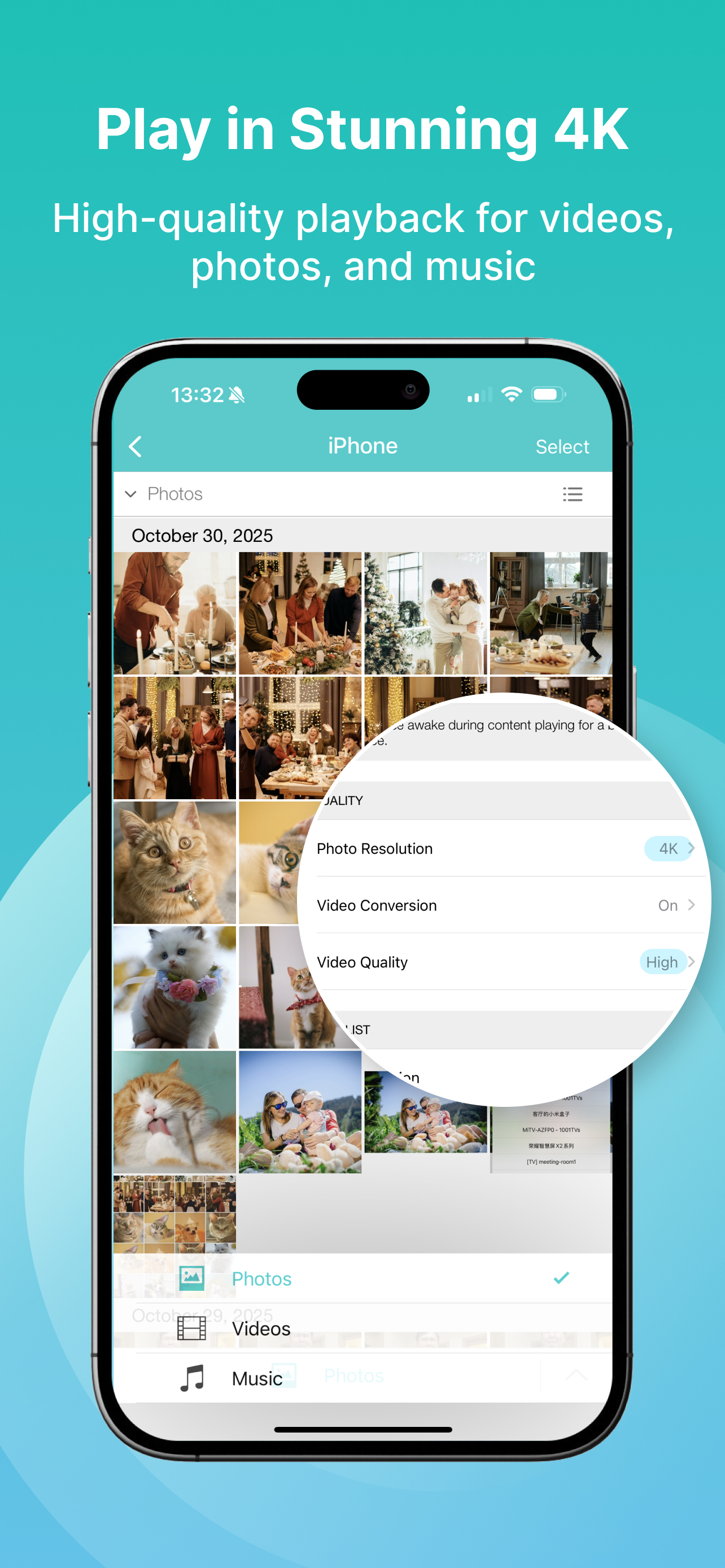
• Photo casting: display your photos on the big TV screen – single or slideshow – with 4K support.
• Video casting: enjoy videos in Full HD & 4K quality on Smart TVs, Chromecast, Roku, Fire TV, and more.
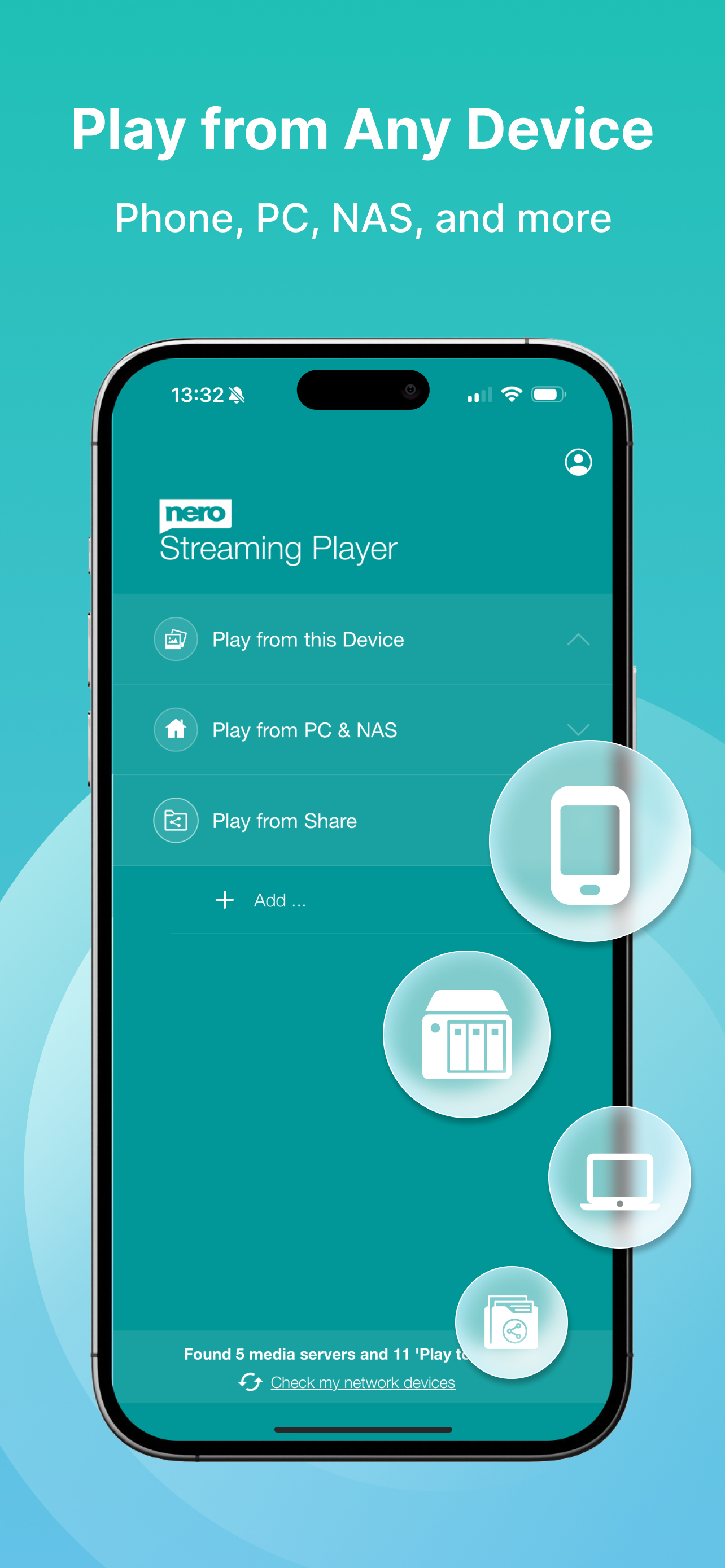
• Stream from PC & NAS: access and play photos, HD movies, and TV shows stored on your computer or NAS – no phone storage used.
• Stream from SMB share: cast network-stored photos, movies, and music from SMB drives – easy setup.


The easiest casting app for your media – music, photos, videos, and more!
• New! SMB Sharing lets you stream files from network folders directly to your Smart TV.
• Supports Chromecast, Chromecast Audio, Sonos, and many more devices.
• Stream by category: select all files from a location or multiple albums at once.
• Cast iCloud media directly to your TV.
• Launch other Nero mobile apps from Nero Streaming Player.
• Send feedback easily for improvements and issues.
• Use your iPhone/iPad as a remote control: play, pause, stop, skip, and adjust volume.
• Zoom & rotate photos with intuitive two-finger gestures while casting.
• Sort your music by artists, songs, albums, or genres and stream to Sonos or supported devices.


Supported devices:
• Smart TVs from Samsung, Sony, LG, TCL, Panasonic, Sharp, and more
• AV devices from Yamaha, Onkyo, Sonos, Bose, Pioneer, and others
• Chromecast and other compatible streaming devices
• Media servers from Plex, Serviio, Subsonic, Twonky, Windows Media Player, and more
• NAS from Western Digital, Netgear, Synology, QNAP, Seagate, and more


How it works:
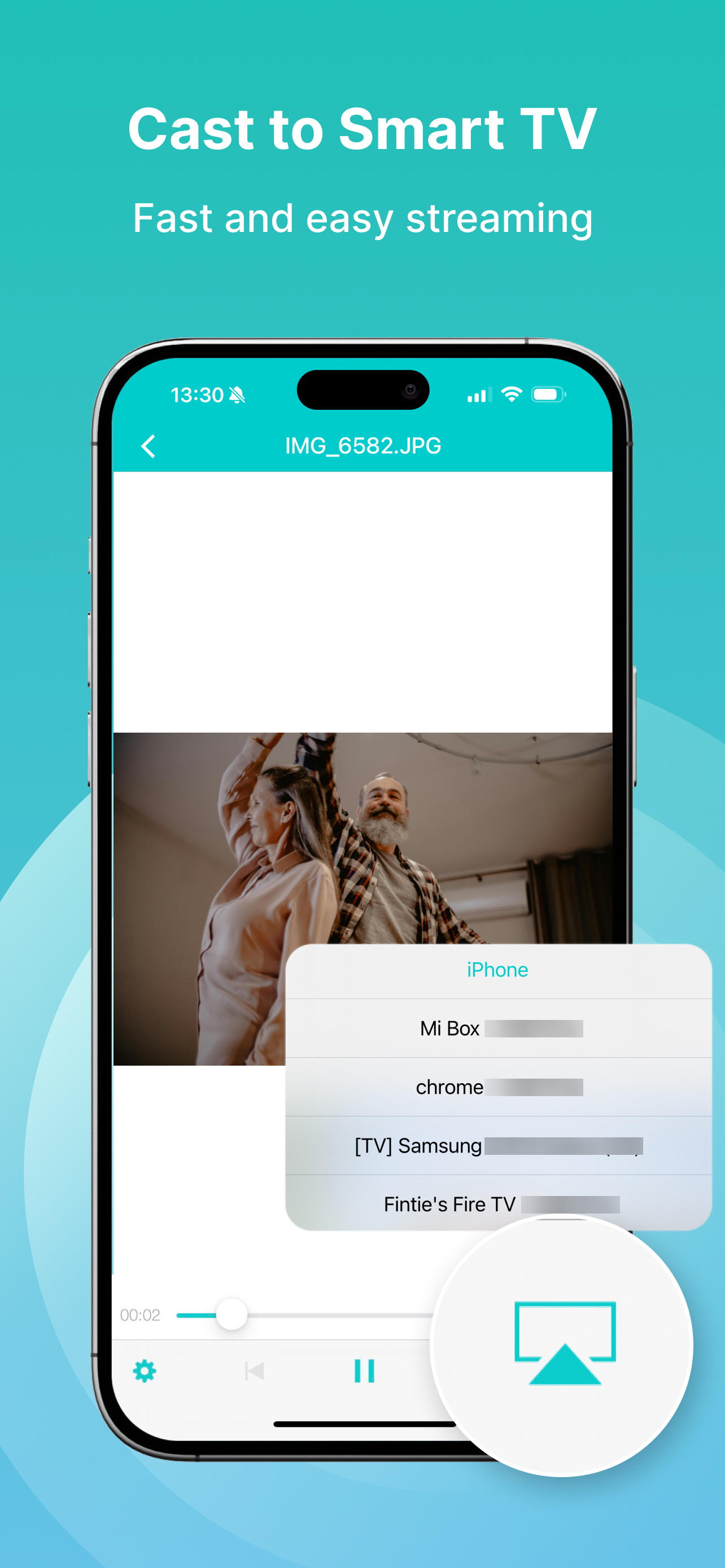
Install Nero Streaming Player to cast photos, videos & music from your iPhone/iPad to your Smart TV. No HDMI cable, cast hardware, or additional apps required. Connect your iPhone, PC/NAS, and Smart TV to the same WiFi network. Open the app, select media, tap the TV icon, and choose a target device to enjoy content on the big screen or audio system.


PC & NAS streaming:
Launch your media server on PC/NAS. Nero Streaming Player displays all available servers. Select one and stream all your media to your TV.


No media server yet?
Download and install Nero MediaHome (2016 or later) on PC. With one touch in Nero Streaming Player, access the timeline of your photos & videos. Enhanced features include:
• Face recognition for viewing family & friends
• Explore places you’ve visited
• Browse your personal movie & TV show collection with poster thumbnails
• Listen to favorite songs & playlists


Note: Your mobile device, PC/NAS, and Smart TV must be on the same WiFi network. Use only in private, secure networks.
Hide Show More...

In-Apps

VIP yearly subscription
EGP 999.99
VIP monthly subscription
EGP 249.99
VIP weekly subscription
EGP 149.99
VIP promotion subscription
EGP 2,499.99
VIP Festival subscription
EGP 499.99
Yearly Streaming Bundle
EGP 2,999.99
VIP monthly special offer
EGP 149.99
VIP Permanent License
EGP 2,499.99

Screenshots

TV Cast FAQ

  • Is TV Cast free?

    Yes, TV Cast is free to download, however it contains in-app purchases or subscription offerings.

  • Is TV Cast legit?

    ⚠️ The TV Cast app has poor ratings and negative feedback. Users seem unsatisfied with its performance or features.

    Thanks for the vote

  • How much does TV Cast cost?

    TV Cast has several in-app purchases/subscriptions, the average in-app price is EGP 1,256.24.

  • What is TV Cast revenue?

    To get estimated revenue of TV Cast app and other AppStore insights you can sign up to AppTail Mobile Analytics Platform.

User Rating

5 out of 5

4 ratings in Egypt

5 star
4
4 star
0
3 star
0
2 star
0
1 star
0
Ratings History

TV Cast Reviews

Achtung Abo-Falle

Jarusolwsi on

Germany

Die App soll Foto- und Clip-Streaming vom iPad auf eine TV-Box (z.B. Orange France) ermöglichen. Kann quasi nur über eine Abo-Falle aktiviert werden. Merkt man aber erst, wenn das Jahresabo schon abgeschlossen ist. Muss sofort aktiv gekündigt werden, sonst läuft es nach drei Probetagen kostenpflichtig weiter!

Sofort Abo

Mister Blasius on

Germany

Nichts für mich, sofort ein Abo abschließen und dann erst alles testen, geht garnicht, Testfunktion Bestandteil des Abos

Fotos durcheinander

SpitznamenvergabeNERVT!!! on

Germany

Leider sind alle Fotos komplett durcheinander gemischt. Keine Ahnung warum. Macht so kein Spaß

VIP funktioniert nicht

HerrMaus2013 on

Germany

Habe lifetime VIP für 39,90 bezahlt. Trotzdem muss ich nach jedem Programmstart runter scrollen und den Kauf „wieder herstellen“ und vorher 2 Werbung weg klicken. Die ursprüngliche Funktion dann funktioniert einwandfrei und ist schlicht und einfach und schnell auf dem UPnP Player am laufen. Ticket ist erstellt seit 4 Tagen keine Rückmeldung. Werde wohl stornieren. Wenn ich kaufe, will ich nicht ständig weg klicken müssen. 🤢🤮

Nichts funktioniert

,!.ß on

Germany

Kein musikstreaming möglich

Aus Nero Streaming wird Nero Lite

Tobias PUNKt. on

Germany

Klar muss man Geld verdienen. Aber mittels Update funktionen kürzen, um dann die normalen Funktionen mit Geldzahlungen freizuschalten?! Naja.

Mit Lite Version verlocken

Calender user on

Germany

Um überhaupt was anständiges zu machen muss man pro version kaufen.

Fotos auf neuem Panasonic-TV super!

dieter-jahn on

Germany

Für uns die beste App zum Betrachten der iPhone-Fotos auf dem TV. Die Möglichkeit, Bildausschnitte vergrößert anzuzeigen, gefällt uns sehr...

Funktioniert nicht mehr

Shanson_luca on

Germany

Dauernd wird mir nur Chromcast angezeigt, die photos sind auf dem Fernseher unscharf!

Schrott

336542 on

Germany

Komplette Schrott diese App , man kann nicht mal chromecast ansteuern, sondern wird an die Hausmarke verwiesen oder noch auf Proversion upgraden

Store Rankings

Ranking History
App Ranking History not available yet
Category Rankings
App is not ranked yet

Keywords

TV Cast Competitors

TV Cast Installs

Last 30 days

TV Cast Revenue

Last 30 days

TV Cast Revenue and Downloads

Gain valuable insights into TV Cast performance with our analytics.
Sign up now to access downloads, revenue, and more.
This page includes copyrighted content from third parties, shared solely for commentary and research in accordance with fair use under applicable copyright laws. All trademarks, including product, service, and company names or logos, remain the property of their respective owners. Their use here falls under nominative fair use as outlined by trademark laws and does not suggest any affiliation with or endorsement by the trademark holders.