
MIDI
I’m not sure about the midi I can’t find a way to connect with my piano I’ve tried Bluetooth and wired and still don’t seem to get a response I will be glad to get a feedback if I am doing anything wrong.




Ja, AutoPad ist komplett kostenlos und enthält keine In-App-Käufe oder Abonnements.
✅ Die AutoPad-App scheint von hoher Qualität und legitim zu sein. Die Nutzer sind sehr zufrieden.
AutoPad ist kostenlos.
Um geschätzte Einnahmen der AutoPad-App und weitere AppStore-Einblicke zu erhalten, können Sie sich bei der AppTail Mobile Analytics Platform anmelden.

I’m not sure about the midi I can’t find a way to connect with my piano I’ve tried Bluetooth and wired and still don’t seem to get a response I will be glad to get a feedback if I am doing anything wrong.
I have been using this app for a long time now and really appreciate the developer creating this! It is even more useful to me now that I can use it on my iPad Pro! Keep up the great work and look forward to seeing some new features!
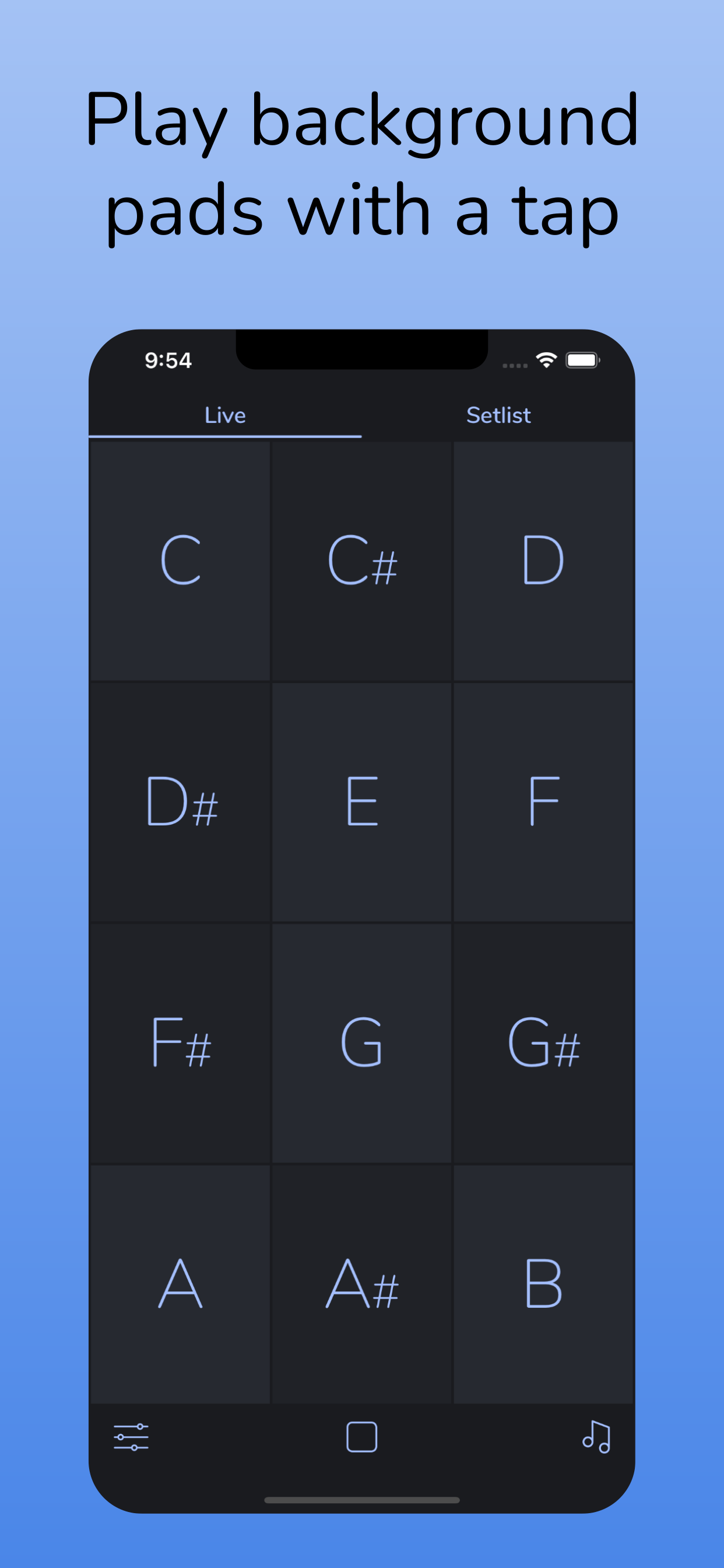
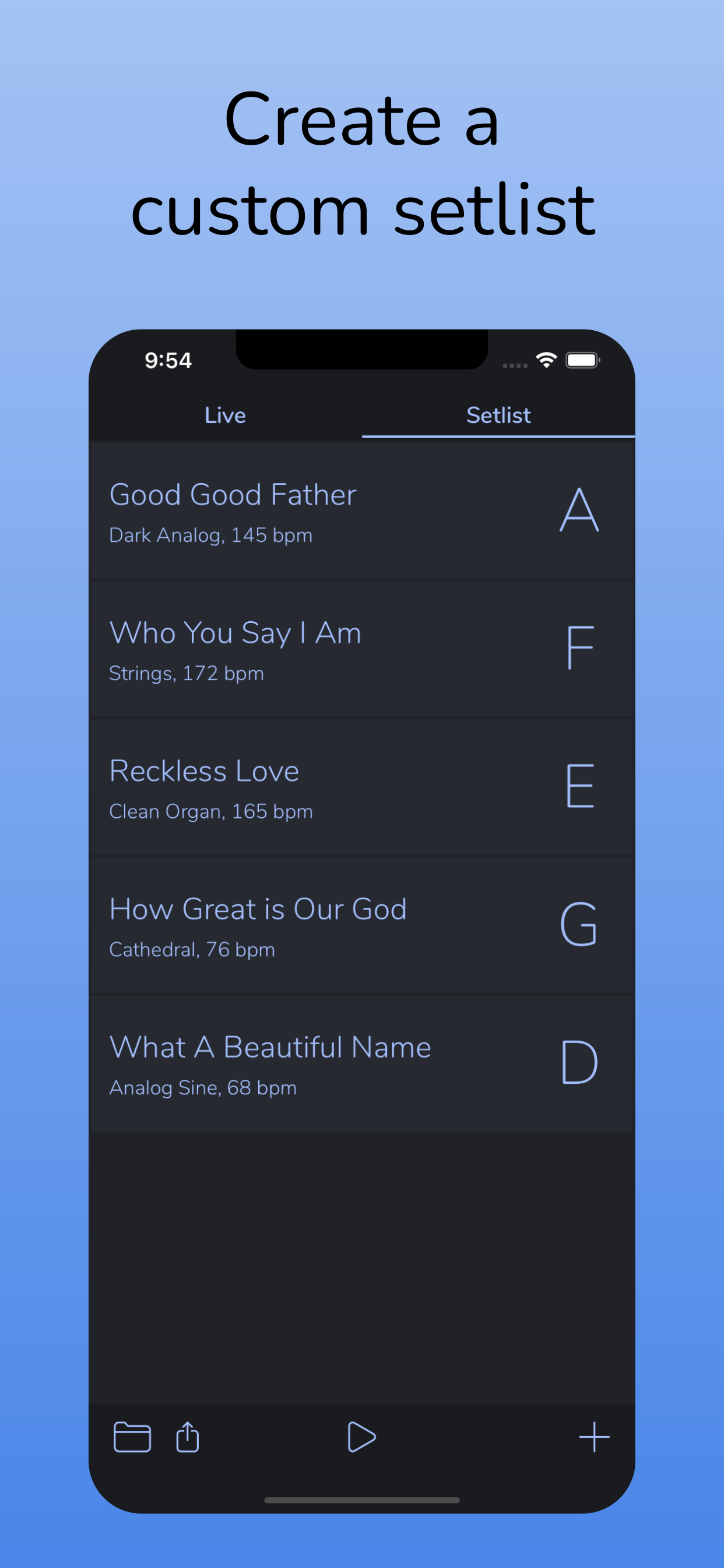
I switched over to this from Multitracks. This app does all the right things. Nice big buttons if you just want a simple layout for ambient pads, or build an actual set list with the ability to specify the metronome tempo, the key, and the specific type of pad for each song. You can import custom pads, which I did because I had some that I had purchased from Multitracks, but I don’t use them because the supplied AP pads are actually better. A small and overlooked feature that I appreciate is that when going from one song to the next, this app lines the click tracks up with one another (unlike Multitracks), which is helpful if you do a key or time change in the middle of a song and you need to keep the metronome going. One missing feature I would love is the ability to save individual songs instead of just the set lists, that way I can just build each song in once and then build my set list quickly each week by selecting songs from my song library.
This app is exactly what our church needs and may God bless its creators! I have two ideas for the set list interface: 1 It saves set lists, so it would be great if you could move songs throughout the different lists saved or add a song already included in a list to one that you’re currently creating. 2 Some context: I’m the drummer and am controlling this app. When we complete the first song, we have announcements and such before we continue with the other songs. It would be nice to switch to the next song without hearing the click while also listening to the announcements or speakers. There are also times where we may want to the click before the pad is introduced. I think two buttons across the bottom of each song - one for “click only” and one for “pad only” would give us the freedom to pick; we can have the click introduced first before the pads, have the pads without the click when needed, and then just touch the applicable song name to have the both play. Just some things that might be useful to others as well. Otherwise, this app is a great find for us!
This was a multiple times a week use for me, literally the perfect app, exactly what I was looking for. Until it just stopped working. Click still works, but i get absolutley no pads anymore. Hoping there's a fix for this.
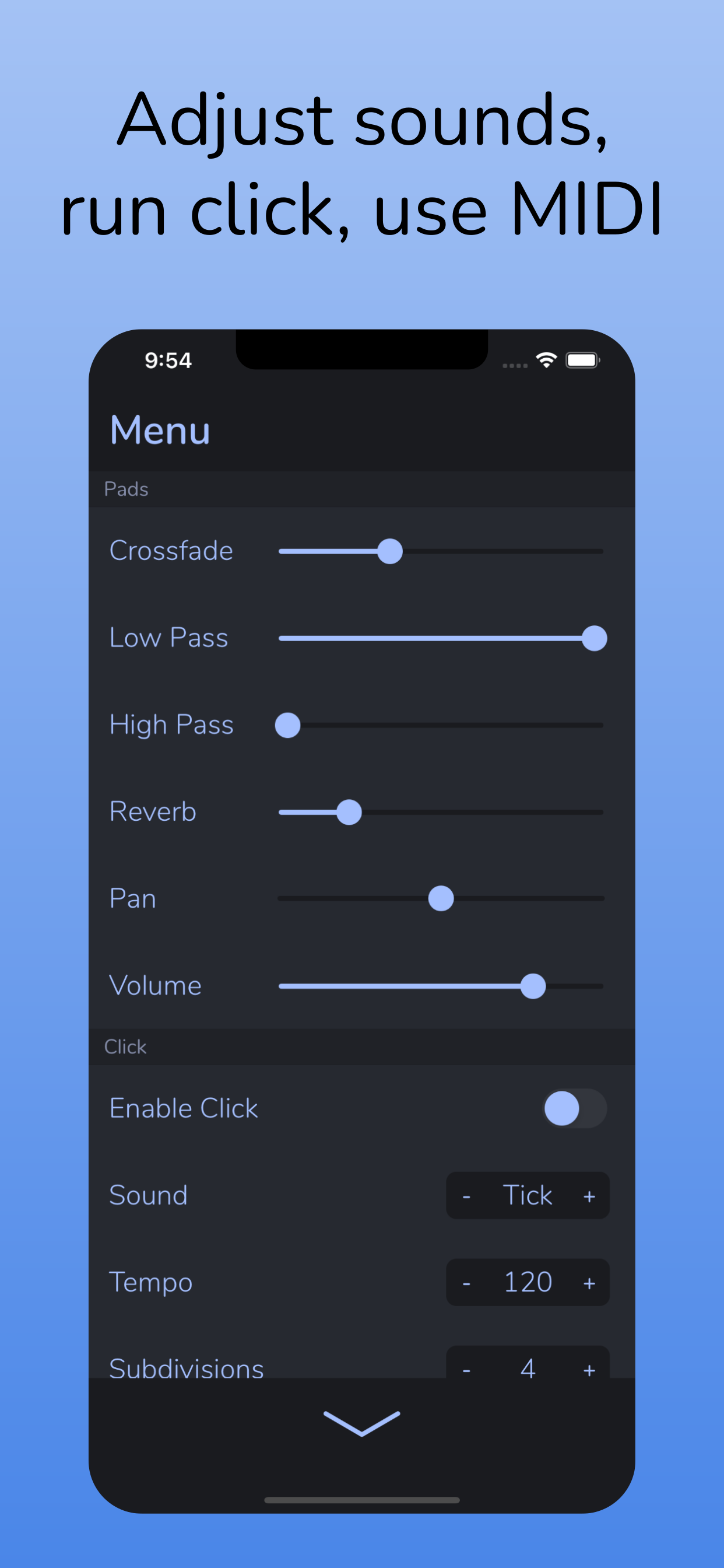
Just get it if you’re on the fence. Maybe you’re like me and won’t use it every day…but when I need it on the fly, I am sooo glad I have it. One-click, and I have a pad running…It’s the best simple, reliable, and good-sounding stock Pad sound app that I’ve had. And it keeps getting updates. Fantastic. I’m a huge fan of the click options and am likely to use the MIDI options in the near future! It even has an option to change the tuning frequencies; I like playing around with 432 hz personally. Easily 5-Stars! Props to the developer 🙌
I try and send my friend a mp4 and he says it’s not working. I have an iPhone he has an andrioid. Do I need to convert it to a mp3?
This a great app, however the 3.5min limitation on imported pads is a dealbreaker for me. I want to use “Motion Pads” that have a chord progression while our worship leader is talking between songs, which often lasts longer than 3.5min. So not only does it choose a random starting position in a longer sound file, it also cuts it off and restarts it right at 3.5min. Not ideal during talking or prayer times. Will change to 5 stars when that limitation is removed.
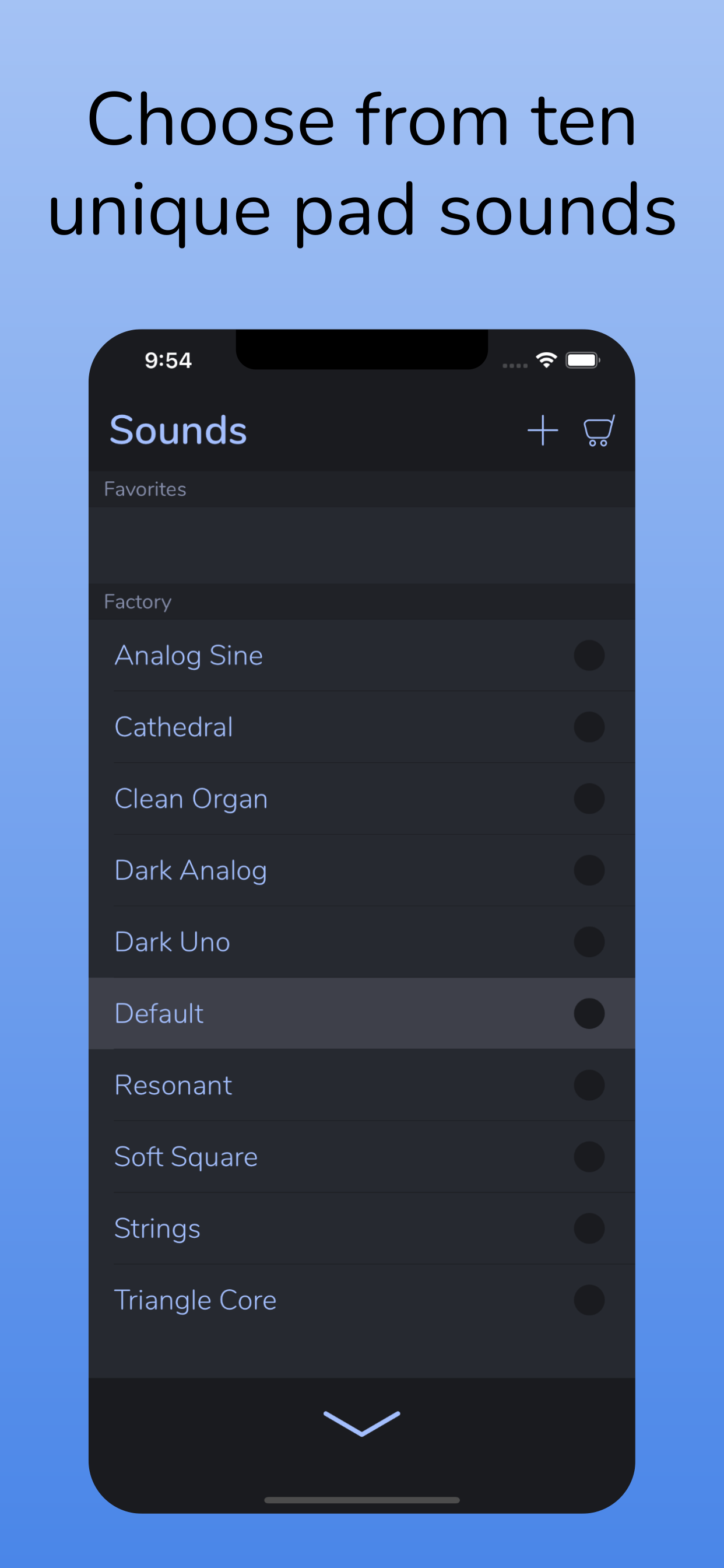
I trialed a couple of different pad apps on my iPad before deciding on this one for our church services. The included and optional pad sounds are outstanding and the ability to import pads from other sources is totally great! I especially appreciate the ability to edit sounds used for a song once it’s in a set list as well as the ability to drag and drop songs to a different slot in a set list if you want to change the order once the list is built. This seemed to be the one app that does EVERYTHING I could need or want. I have deleted all others. Thanks Ryan!
Charged twice for grainscapes pads. Program doesn’t download correct pad purchased. Every time the software downloads the bonus pad sounds instead of the grainscapes pads. The bonus pads are free. Problem was taken care of and was able to download correct pads.
|
Diagramm
|
Kategorie
|
Rang
|
|---|---|---|
|
Top Bezahlt
|

|
1
|
|
Top Bezahlt
|

|
6
|
|
Top Bezahlt
|

|
10
|
|
Top Bezahlt
|

|
10
|
|
Top Bezahlt
|

|
13
|

