Bluetooth+ for Blackmagic

Pocket 4K / 6K & Ursa Mini Pro

Veröffentlicht von: We Are Empire PTY

Beschreibung

-- NEW External Controllers --
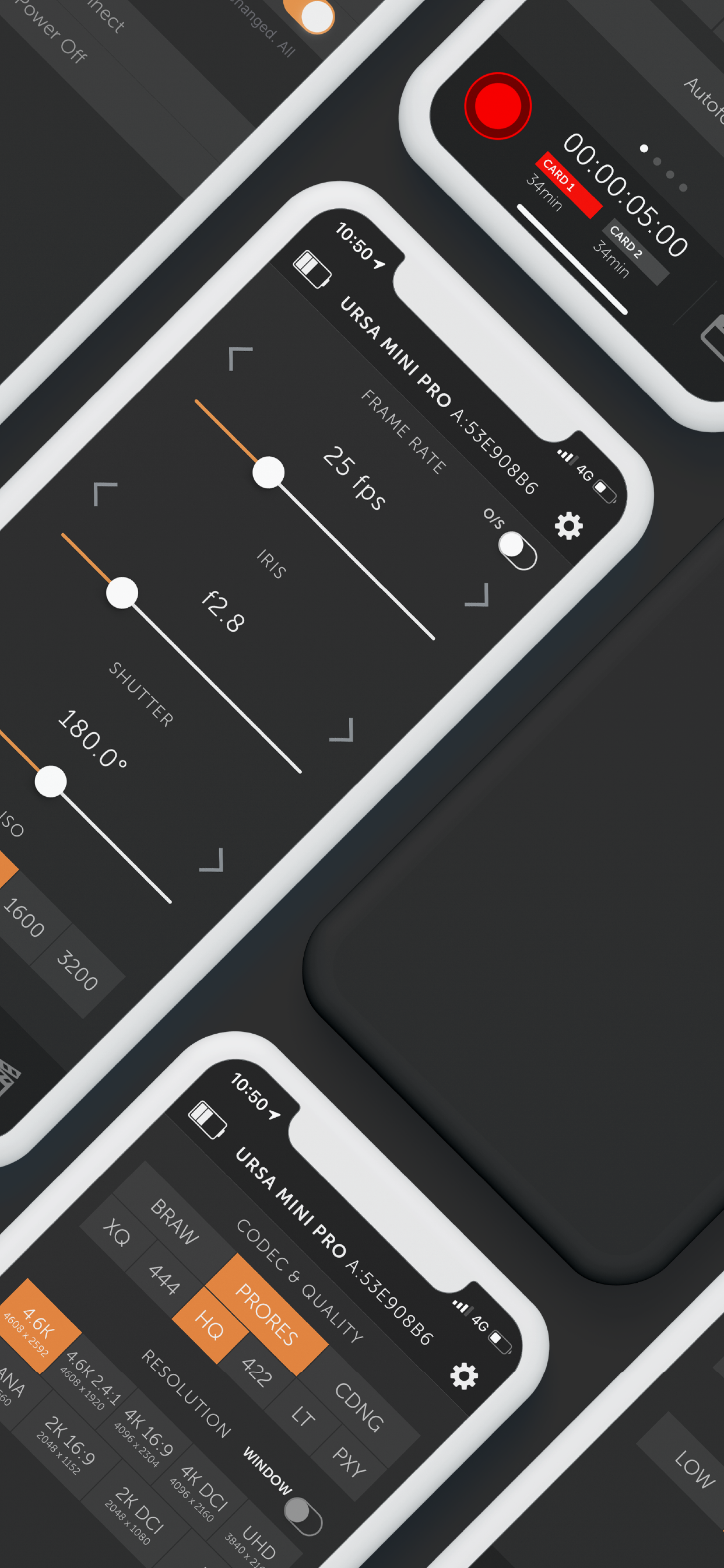
Connect Tilta Nucleus Nano & Nucleus-M to control Focus, Iris and Zoom, as well as Start & Stop Recording.
Zoom and Focus control supported on Pocket 4K only.
This is part of the new Pro feature set, which also includes Multi-Cam mode.

-- MULTI-CAM MODE --
Multi-Cam Mode is now part of the Pro feature set, and includes these fantastic features:
• Control up to 12 Blackmagic cameras at once
• Create up to 3 distinct Control Groups, to give you fine-grain control over different settings for different cameras
• You can choose to have changes made on one camera automatically update all the other cameras in its Control Group, or control everything straight from Bluetooth+
• Give your cameras Nicknames to quick, easy control
Multi-Cam gives you control over the following features synced across an entire Group:
• Start/Stop Recording
• White Balance + Tint
• Project frame rate (off-speed frame rates not supported)
• Shutter Angle/Speed
• ISO
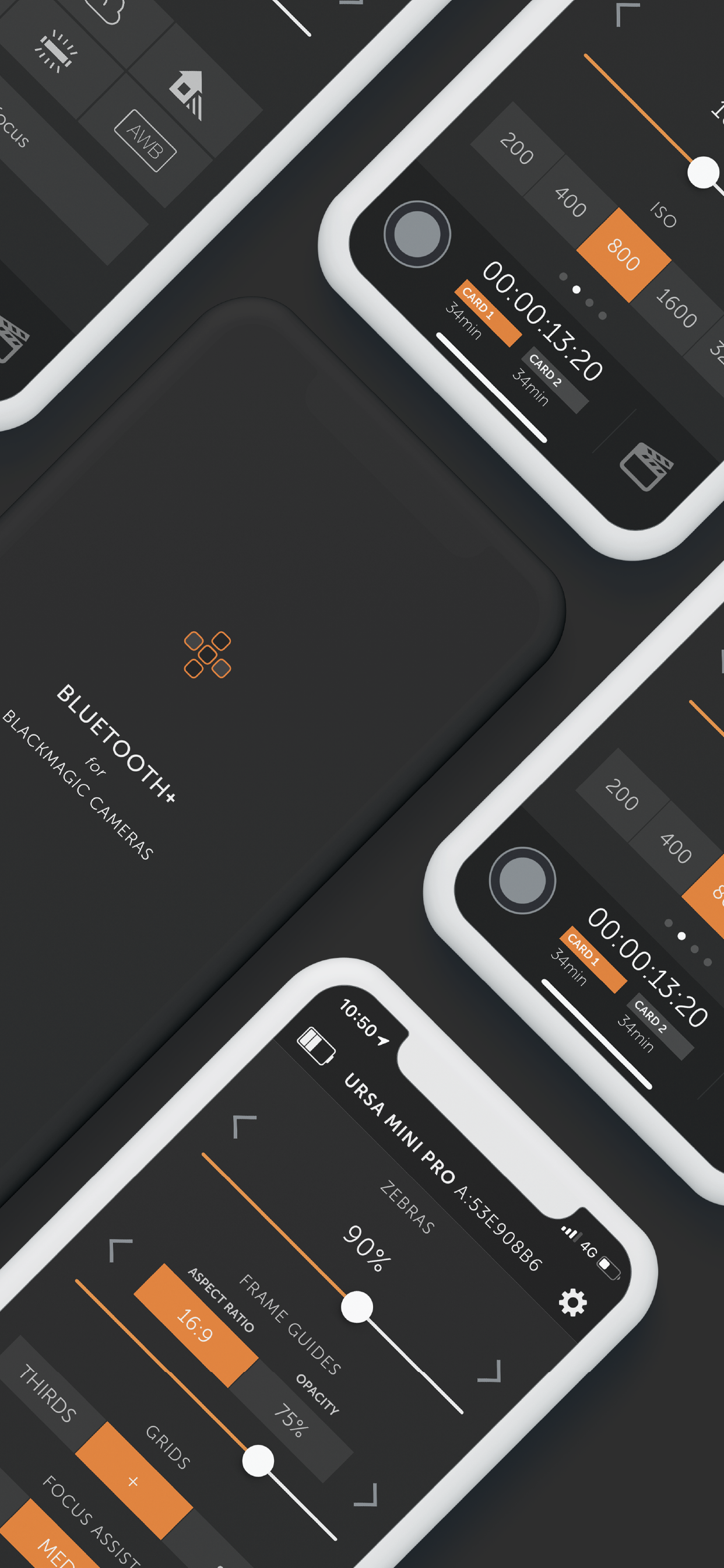
• Overlays
• Slate
• Trigger Auto-focus
You can still control all other settings on a camera-by-camera basis, including:
• Trigger stills capture
• Iris control
• Focus + Zoom (on supported lenses)
• Codec + Resolution
• Playback control
• You can also set ISO specifically, rather than by camera group

And of course, everyone has access to all of these amazing features:
• Follow Focus (limited support for EF Mount cameras). See below for more info
• Zoom Control on supported lenses
• Trigger Stills capture
• Record Start/Stop
• White Balance + Tint, including 5 helpful presets and Auto White Balance
• Audio Controls
• Trigger Autofocus (for supported electronic lenses with autofocus enabled on lens)
• Off-speed frame rates
• Aperture (for supported electronic lenses)
• Shutter Angle
• ISO
• Auto-Exposure Control
• Active Card
• Power On/Off
• Monitor Overlays
• Codec & Resolution
• Enter metadata in the Digital Slate (including location data from your iPhone or iPad if you give permission)
• Control Lock - locks critical controls while recording, preventing accidental settings changes during takes

-- Follow Focus --
You can now pull focus wirelessly right from your iPhone or iPad. There are some limitations outlined below.
• Currently only fully supports Pocket 4K, but as of v1.4 we now have limited support for EF mount cameras - Pocket 6K, Ursa Mini Pro G1 & G2
• The camera does not supply the app with any information on the lenses current focus distance, so the app will not update in real time if you pull focus manually on the lens
• Due to the nature of bluetooth, focus pulls may not be 100% smooth. It works well for nice slow pulls, but fast pulls my not feel entirely natural and organic. Unfortunately this is a limitation of the available technology.
• On EF mount cameras, we can only offset focus from its current position, with no broader knowledge of where the lens is in its focus range. This means that focus marks are not possible. In addition, focus pulls on EF mount cameras can be quite jerky depending on the lens in use.

-- Playback Control --
With Bluetooth+ you can control the playback of clips right from your iOS device. There are some notable limitations at this point. Currently you can:
• Start playing a clip, either forwards or backwards
• Navigate between clips, either forwards or backwards
For now, you will not be able to:
• Pause a clip that is already playing
• Change the speed of a clip that is already playing
• Control clip looping

-- Zoom Control --
Control the zoom level on supported lenses. For the most part, this will only work on MFT lenses with electronic zoom. We are currently unaware of EF lenses that support this feature

-- Slate-Only Mode --
As the name suggests, this feature locks the app into Slate-Only mode, without the ability to change critical camera settings or start/stop recording. This means you can let an assistant keep metadata up to date without the fear of interfering with important camera settings.
Ausblenden Mehr anzeigen...

In-App-Käufe

Pro
¥68.00
Multi-Cam Control
¥68.00

Screenshots

Bluetooth Häufige Fragen

  • Ist Bluetooth kostenlos?

    Ja, Bluetooth ist kostenlos herunterzuladen, enthält jedoch In-App-Käufe oder Abonnements.

  • Ist Bluetooth seriös?

    🤔 Die Qualität der Bluetooth-App ist gemischt. Einige Nutzer sind zufrieden, während andere Probleme melden. Ziehen Sie in Betracht, einzelne Bewertungen für mehr Kontext zu lesen.

    Danke für die Stimme

  • Wie viel kostet Bluetooth?

    Bluetooth bietet mehrere In-App-Käufe/Abonnements, der durchschnittliche In-App-Preis beträgt ¥68.00.

  • Wie hoch ist der Umsatz von Bluetooth?

    Um geschätzte Einnahmen der Bluetooth-App und weitere AppStore-Einblicke zu erhalten, können Sie sich bei der AppTail Mobile Analytics Platform anmelden.

Benutzerbewertung

4.54 von 5

119 Bewertungen in China

5 star
95
4 star
11
3 star
4
2 star
0
1 star
9
Bewertungsverlauf

Bluetooth Bewertungen

何时增加监看功能?

不错,坑 on

China

这么久都了,什么时候增加监看功能。比索尼的差太多了吧……

功能比较齐全

itsumi_erika on

China

基本功能实现比较完整,我认为聚焦和变焦功能的控制方式做反了。变焦需要以速度控制,聚焦需要以绝对位置控制,实现中二者表现相反。

好用

tiandiheyi on

China

中文更方便

要是能有中文版本就好了!

Lashuya on

China

I wish there were Chinese versions!

蓝牙

tabudunveta on

China

蓝牙连不上bmpcc6k

调整光圈、色温、更改格式

高亮7 on

China

bmd mini4.6可以连接,调整光圈,等等用着不错哦。

用不了啊

客服人员在什么地方 on

China

无反应

手机连不上

嘎嘎儿苏北 on

China

不知道为什么。以前还可以连

连不上

热心市民陈先生601 on

China

连不上 有毛用

We need Chinese

静听风吟丶 on

China

Store-Rankings

Ranking-Verlauf
App-Ranking-Verlauf noch nicht verfügbar
Kategorien-Rankings
Diagramm
Kategorie
Rang
Top Bezahlt
5
Top Bezahlt
6
Top Bezahlt
10
Top Bezahlt
15
Top Bezahlt
30

Schlüsselwörter

Bluetooth Konkurrenten

Bluetooth Installationen

Letzte 30 Tage

Bluetooth Umsatz

Letzte 30 Tage

Bluetooth Einnahmen und Downloads

Gewinnen Sie wertvolle Einblicke in die Leistung von Bluetooth mit unserer Analytik.
Melden Sie sich jetzt an, um Zugriff auf Downloads, Einnahmen und mehr zu erhalten.
This page includes copyrighted content from third parties, shared solely for commentary and research in accordance with fair use under applicable copyright laws. All trademarks, including product, service, and company names or logos, remain the property of their respective owners. Their use here falls under nominative fair use as outlined by trademark laws and does not suggest any affiliation with or endorsement by the trademark holders.