Connect My Computer

Veröffentlicht von: Hana Mobile

Beschreibung

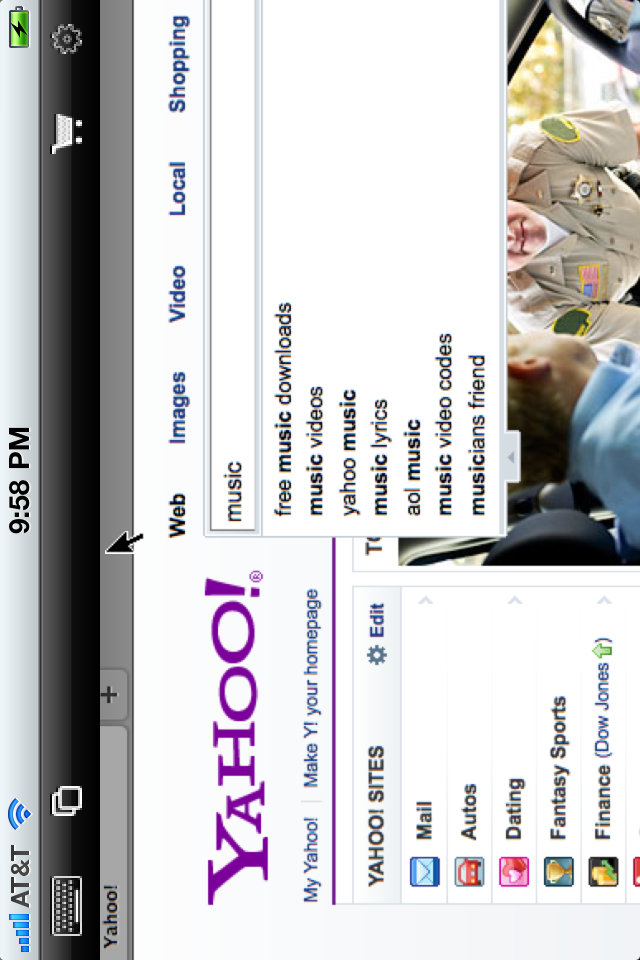
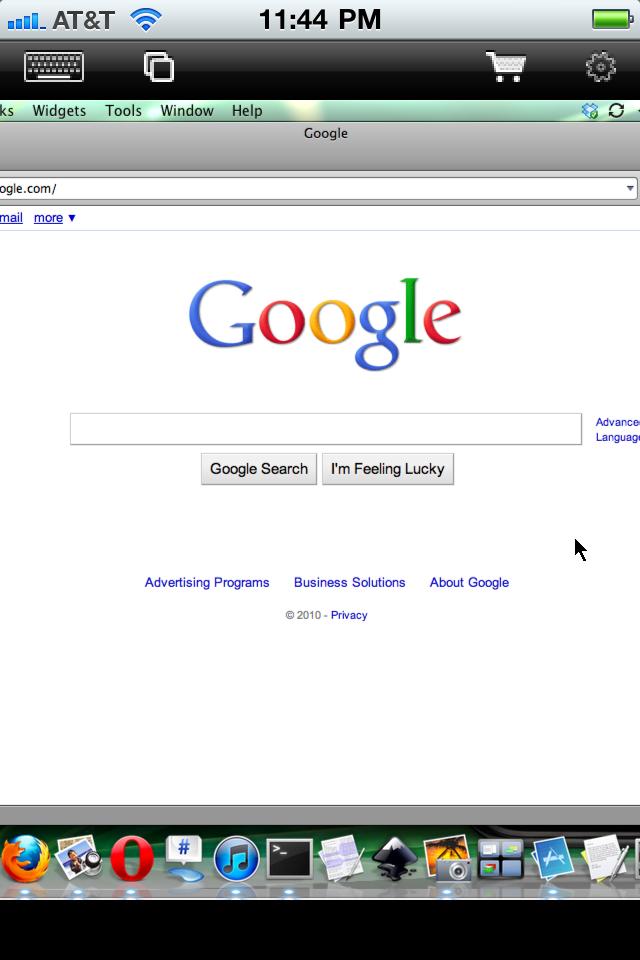
Connect to your Mac computers from iPad/iPhone/iPod Touch at anytime! Great functionalities and It's FREE! Support Retina display for the new iPad and iPhone XS Max!
Compared with this free version, the Pro version has more features:
- Multiple connections
- Trackpad to move mouse cursor (also support click) and do mouse wheel scroll
- Mouse right click, hover and mouse drag
- Modifier keypad including Shift, Ctrl and Alt which enables you to press almost any key combinations.
- A cool functional keyboard: Cut, copy & paste and other shortcuts keypad, including HOME, END, PAGE UP, PAGE DOWN, Arrow keys, etc.
- Virtual left button and right mouse button
- Easy dragging and resizing using virtual mousepad
- Support video output (need iPad or iOS4 and output connector)
Features:
- Specifically designed for both iPad and iPhone
- Support Retina display for the new iPad and iPhone 4/4S
- Take advantage of iPad's big screen
- Portrait and landscape mode
- Support various resolutions and colors
- Tap to do click, double tap to double click, and all easy to use features
- Pinch to zoom in and out. Choose the zoom scale you like
- International keyboard support for many languages, including French, German, Italian, Korean, Russian, Swedish, Spanish, Portuguese etc.
- Mac OS X Login
- Easy to use design
Supported Platform:
- Mac OS X Mountain Lion
- Mac OS X Lion
- Mac OS X Snow Leopard
- Mac OS X Leopard
- Mac OS X Tiger
- Windows with VNC server installed
Note: This is also a full VNC client. Thus you can also use it to connect to Windows with VNC server installed.
Brief install instructions (Use it if you do not need step-by-step instructions):
How to configure my Mac?
- Mac OS Tiger: http://www.macminicolo.net/Mac_VNC_tutor.html
- Leopard or Snow Leopard: http://reviews.cnet.com/8301-13727_7-10329122-263.html
For detailed setup instructions and more information, see
http://www.hanajobs.com/mobile/forums/show/13.page
Send your comments/suggestions to [email protected] or visit our website.

Ausblenden Mehr anzeigen...

In-App-Käufe

Connect My Mac Pro
38.00 H$

Screenshots

Connect My Computer Häufige Fragen

  • Ist Connect My Computer kostenlos?

    Ja, Connect My Computer ist kostenlos herunterzuladen, enthält jedoch In-App-Käufe oder Abonnements.

  • Ist Connect My Computer seriös?

    🤔 Die Qualität der Connect My Computer-App ist gemischt. Einige Nutzer sind zufrieden, während andere Probleme melden. Ziehen Sie in Betracht, einzelne Bewertungen für mehr Kontext zu lesen.

    Danke für die Stimme

  • Wie viel kostet Connect My Computer?

    Connect My Computer bietet mehrere In-App-Käufe/Abonnements, der durchschnittliche In-App-Preis beträgt 38.00 H$.

  • Wie hoch ist der Umsatz von Connect My Computer?

    Um geschätzte Einnahmen der Connect My Computer-App und weitere AppStore-Einblicke zu erhalten, können Sie sich bei der AppTail Mobile Analytics Platform anmelden.

Benutzerbewertung

4.67 von 5

3 Bewertungen in Sonderverwaltungsregion Hongkong

5 star
2
4 star
1
3 star
0
2 star
0
1 star
0
Bewertungsverlauf

Connect My Computer Bewertungen

Connect My Mac-is very good good app!

warwickhk on

Sonderverwaltungsregion Hongkong

I just purchased this PRO version of this app And recommend that it's pretty good and very easy to use. I have several service and a Mac Mini in my studio I'm able to view them from my iPad on my iPhone over my wireless 3G and LTA network. It's very easy to use. RECOMMENDATION to developers: I like to see a little bit more security in the interface. If you're looking for some features I'd like to suggest that you had some SSH collectivity as well I've tried many of the VNC iOS apps that are out there and also the pro version. I have to say that this was easiest to use by far. Good work guys!

Good app!!

mw6600 on

Sonderverwaltungsregion Hongkong

Nice and easy to use^^

Great app

Ddchecc on

Sonderverwaltungsregion Hongkong

Great!

Fast

Bornlive on

Sonderverwaltungsregion Hongkong

Very fast with remote connection with reasonable price.

Probably because of use error but I’m not even able to get it to launch anything 😳 help

Reynaldo86 on

Vereinigte Staaten

I’ve had this for several weeks now still not able to launch on any of my computers. Either way, I can’t even begin to express my frustration.

shows dark screen

Ali7971 on

Vereinigte Staaten

doesnt work, shows dark screen when connected to mac pro.

Was the best!!

captain crus on

Vereinigte Staaten

This was the fastest, easiest to use vnc client I’ve used for iOS. Unfortunately, it no longer seems to work since I updated to iOS 12. Thanks apple:-/

Doesn’t work

Eric The Photographer on

Vereinigte Staaten

Description says you can access your Mac, so I downloaded it and opened it. Nothing. Go to settings but nothing. Waste of time.

Can’t transfer pro version to new iPhone!!

PollTax on

Vereinigte Staaten

I bought pro awhile ago, now it is trying to get me to purchase it again and showing ads. No way to transfer to new phone. Garbage!!

total garbage!

odditique on

Vereinigte Staaten

all it does is keep popping up ads one after another every 4-5 seconds. would give it 0 stars if i could!

Store-Rankings

Ranking-Verlauf
App-Ranking-Verlauf noch nicht verfügbar
Kategorien-Rankings
App ist noch nicht gerankt

Schlüsselwörter

Connect My Computer Konkurrenten

Connect My Computer Installationen

Letzte 30 Tage

Connect My Computer Umsatz

Letzte 30 Tage

Connect My Computer Einnahmen und Downloads

Gewinnen Sie wertvolle Einblicke in die Leistung von Connect My Computer mit unserer Analytik.
Melden Sie sich jetzt an, um Zugriff auf Downloads, Einnahmen und mehr zu erhalten.

App-Informationen

Kategorie
Productivity
Herausgeber
Hana Mobile
Sprachen
English, Dutch, French, German, Italian, Japanese, Korean, Portuguese, Russian, Chinese, Spanish, Swedish
Letzte Veröffentlichung
1.4.1 (vor 9 Monaten )
Veröffentlicht am
Oct 1, 2010 (vor 15 Jahren )
Zuletzt aktualisiert
vor 2 Wochen
This page includes copyrighted content from third parties, shared solely for commentary and research in accordance with fair use under applicable copyright laws. All trademarks, including product, service, and company names or logos, remain the property of their respective owners. Their use here falls under nominative fair use as outlined by trademark laws and does not suggest any affiliation with or endorsement by the trademark holders.