


Duplicate File Finder Remover
Beschreibung
Use Duplicate File Finder FREE to find and remove duplicate files and similar media. Get the Pro version to delete duplicate folders, manage similar photos and music files, merge any folders, mass-select duplicates, and more.
Get rid of duplicate files just in 3 steps:
Scan a disk, folder, or Photos Library for duplicates → Select duplicates → Review and Remove duplicates.
In a few minutes, Duplicate File Finder will provide you with a report of all the duplicate files by their categories: pictures, videos, music, archives, documents, and any other specific extensions. It has never been easier to see how much space each file takes.
With this duplicate photo finder, you can scan as many folders as you wish, as well as multiple Photos Libraries. All you need to do is Drag and Drop the folders or disks into the app and click to Start Scanning.
List of the best Duplicate File Finder features:
SCANNING
▸ Fast scanning algorithm
▸ Ability to scan for duplicates in multiple folders and drives simultaneously
▸ Ability to scan multiple Photos Libraries
▸ Support for external drives and mounted network folders
▸ "Recent Folders List" for scanned folders
▸ Skip list for various files and folders
▸ Minimal file size" option for a faster scan
▸ Finding similar images
▸ Finding similar audio files
RESULTS OVERVIEW
▸ Duplicate files list
▸ Similar photos list
▸ Duplicate files by type
DUPLICATES
▸ Preview duplicates by file type
▸ Built-in duplicates search
▸ Preview duplicates with Quick Look
▸ Sort duplicates: by name, size, date, total size, type, duplicate count
SIMILAR MEDIA
▸ Find a series of similar photos in the Photos Library
▸ Compare similar photos in each group of series
▸ Find similar audio files
SELECTING
▸ "Always select" and "Never select" auto-select rules
▸ Smart duplicate auto-selection
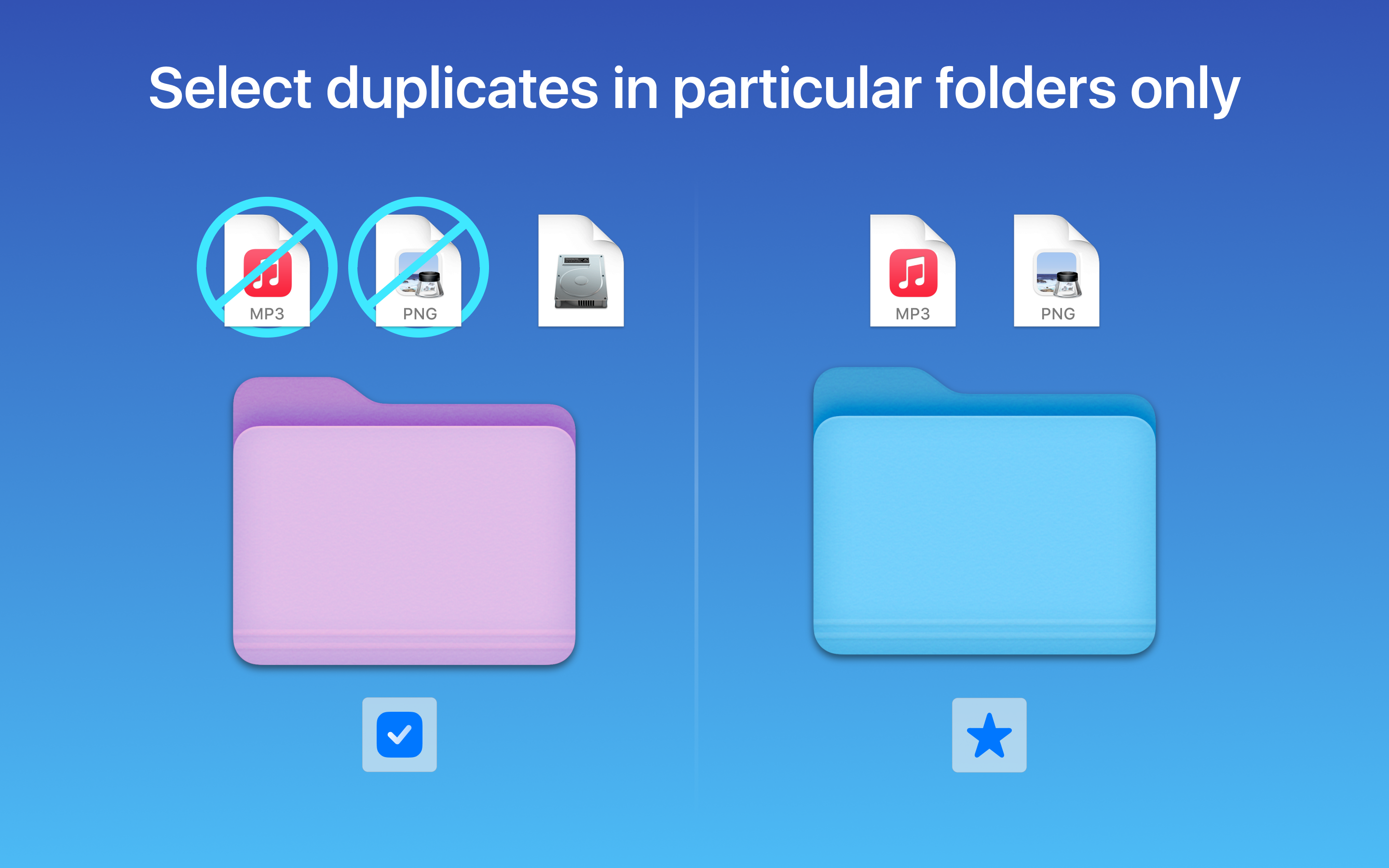
▸ Option select duplicates in particular folders
▸ Reverse selection with "Keep files..."
▸ Visual progress bar of the selected duplicates
REMOVING
▸ Confirmation before removing files
▸ Customizable view of confirmation list
▸ Customizable removal options: move to directly Trash, remove completely or move to a specific folder
▸ History of removed duplicates
Duplicate File Finder FREE app allows you to:
• Find duplicate files and folders
• Find duplicates in multiple disks, folders, and Photos Libraries in one session
• Find duplicates in any folder, disk, mounted folder, or storage
• Add files, folders, and specified files extensions to the Skip List
• Specify minimal file size for better duplicate-finding performance
• Review duplicate files by types
• Preview duplicate folders
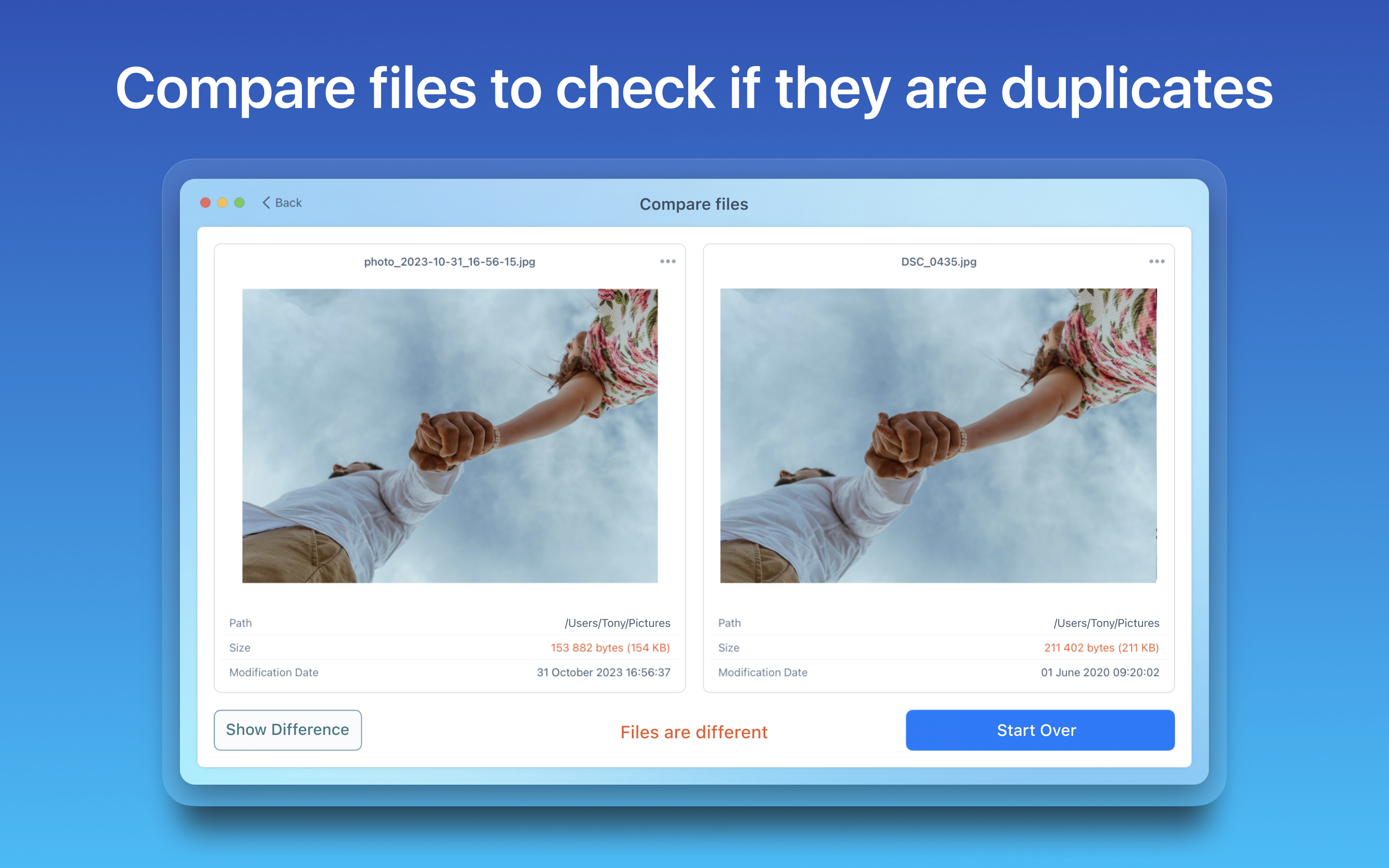
• Preview any duplicate with a built-in Preview option
• Get detailed info about any duplicate
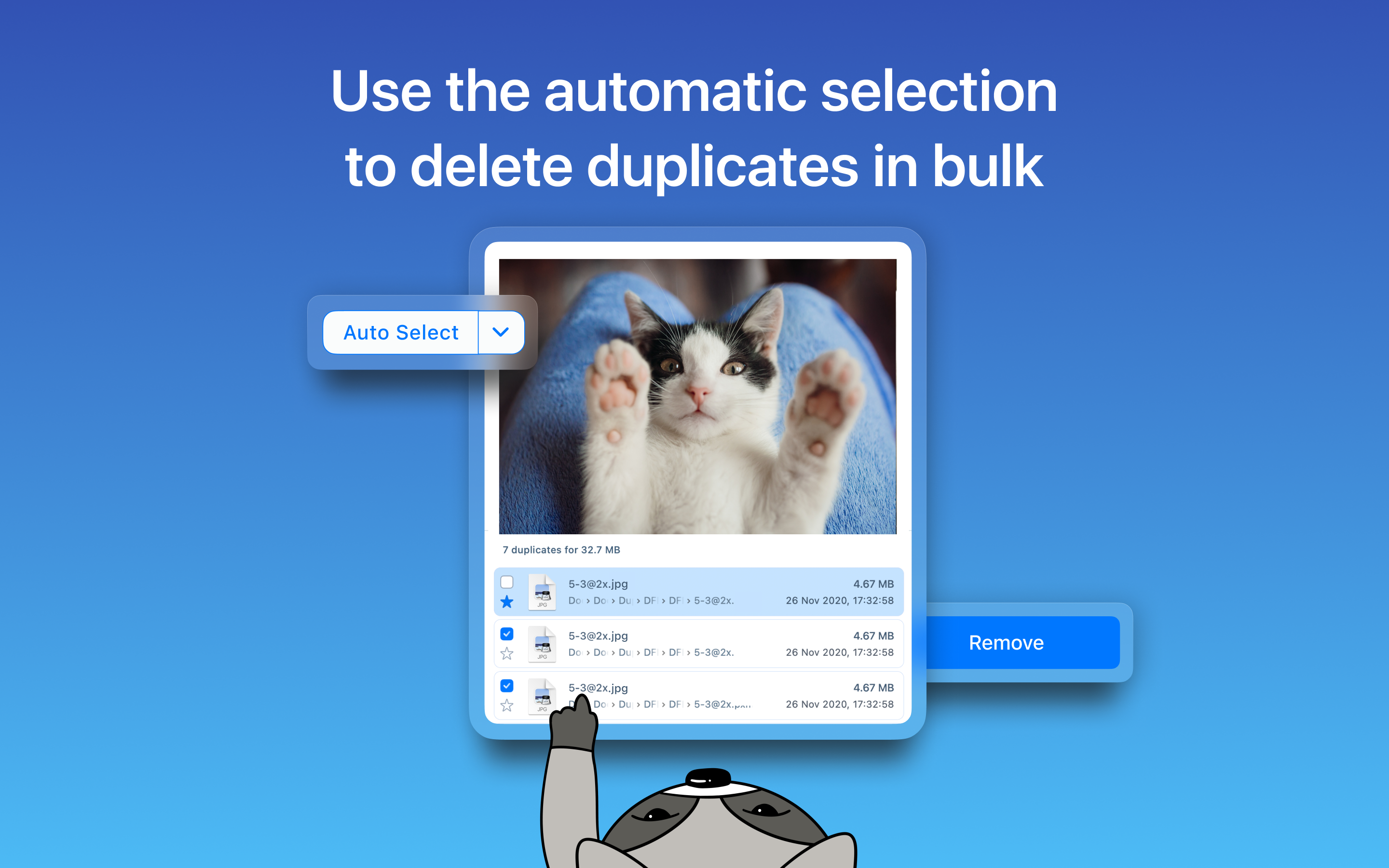
• Use Auto Select for quick duplicate files selection
• Customize Auto Select preferences
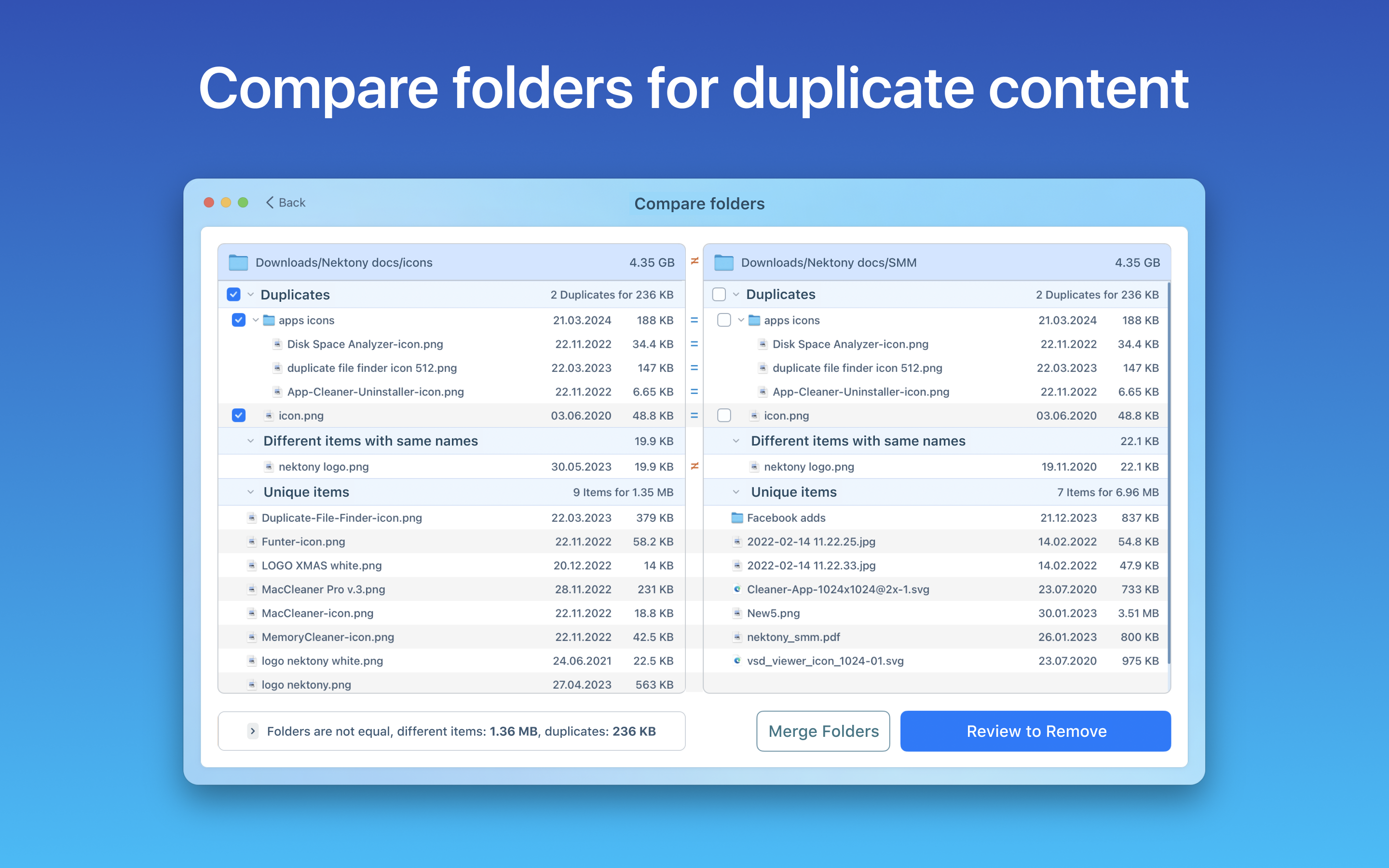
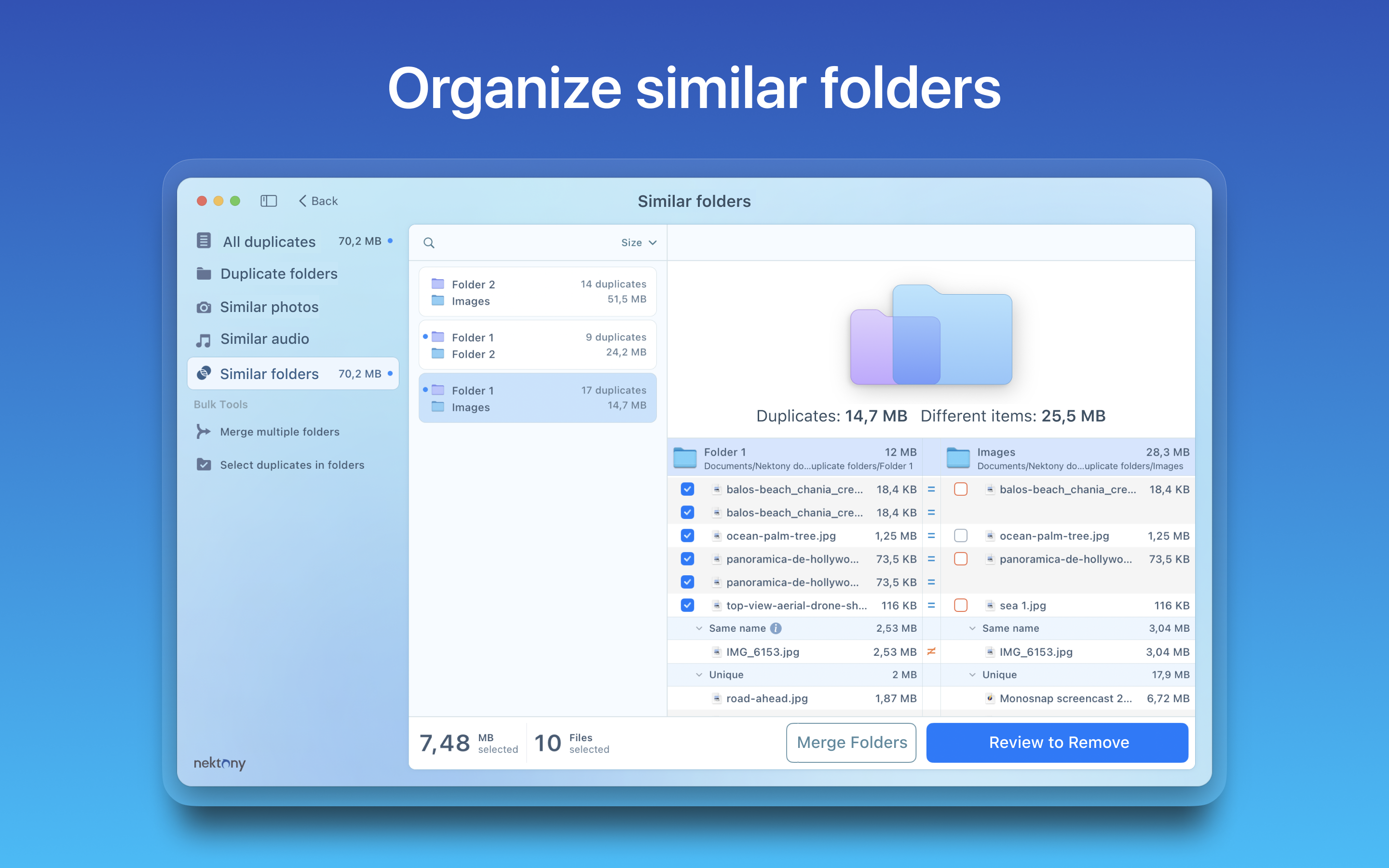
• Preview similar folders - the folders with duplicate and unique files
• Preview similar photos
• Preview removal history
• Review selected duplicates before removal
• Delete duplicate and similar files
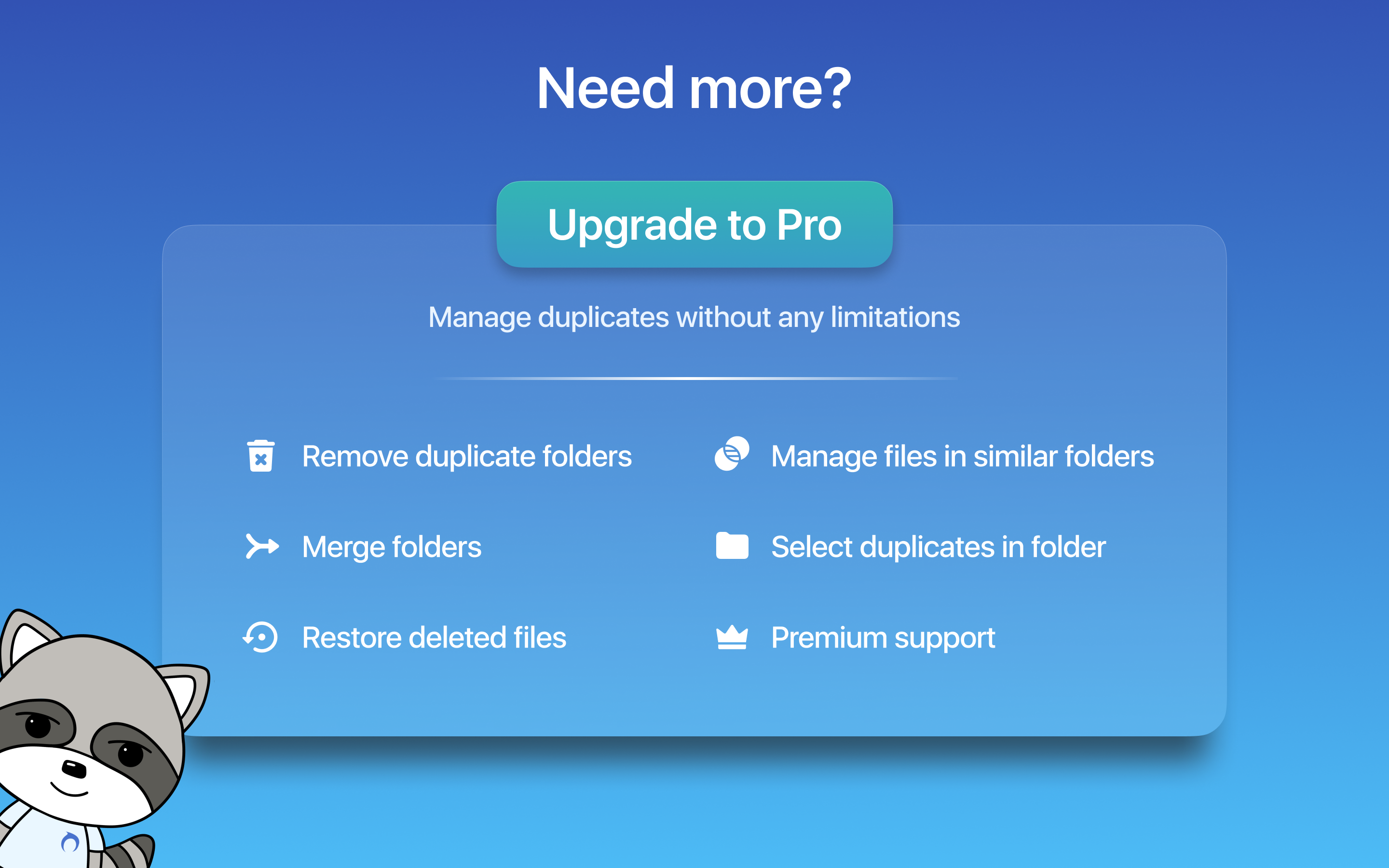
The Pro version of Duplicate File Finder provides you with even more features:
• Use the “Select Duplicates in Folder” feature to select duplicates in bulk
• Remove duplicate folders
• Remove duplicate files in Similar folders
• Merge similar folders
• Merge any two folders to even a new folder
• Move selected duplicates to a specific folder
• Restore removed duplicates
*The application is free. It allows you to find and remove duplicate files in any folder or storage connected to your Mac.
An in-app purchase of 'Upgrade to Pro' within the software is required to enable the Pro features.
EULA: https://www.apple.com/legal/internet-services/itunes/dev/stdeula/
NOTE: If you have any comments, general questions, or technical issues, contact us directly at [email protected], and we will respond to you within one business day.
In-App-Käufe
- Pro Mode Monthly Subscription
- USD 9.49
- Pro Mode Lifetime License
- USD 39.99
- Pro Mode Annual Subscription
- USD 17.99
Screenshots



Duplicate File Finder Remover Häufige Fragen
-
Ist Duplicate File Finder Remover kostenlos?
Ja, Duplicate File Finder Remover ist kostenlos herunterzuladen, enthält jedoch In-App-Käufe oder Abonnements.
-
Ist Duplicate File Finder Remover seriös?
Nicht genügend Bewertungen, um eine zuverlässige Einschätzung vorzunehmen. Die App benötigt mehr Nutzerfeedback.
Danke für die Stimme -
Wie viel kostet Duplicate File Finder Remover?
Duplicate File Finder Remover bietet mehrere In-App-Käufe/Abonnements, der durchschnittliche In-App-Preis beträgt USD 22.49.
-
Wie hoch ist der Umsatz von Duplicate File Finder Remover?
Um geschätzte Einnahmen der Duplicate File Finder Remover-App und weitere AppStore-Einblicke zu erhalten, können Sie sich bei der AppTail Mobile Analytics Platform anmelden.

Duplicate File Finder Remover Bewertungen
Store-Rankings
Schlüsselwörter
Duplicate File Finder Remover Installationen
Letzte 30 Tage
Duplicate File Finder Remover Umsatz
Letzte 30 TageDuplicate File Finder Remover Einnahmen und Downloads
Melden Sie sich jetzt an, um Zugriff auf Downloads, Einnahmen und mehr zu erhalten.
App-Informationen
- Kategorie
- Utilities
- Herausgeber
- Nektony
- Sprachen
- German, Chinese, Spanish, French, English, Italian, Russian, Ukrainian
- Letzte Veröffentlichung
- 8.5.2 (vor 4 Wochen )
- Veröffentlicht am
- Dec 1, 2015 (vor 10 Jahren )
- Auch verfügbar in
- Südafrika, Argentinien, Österreich, Australien, Aserbaidschan, Belgien, Brasilien, Belarus, Schweiz, Chile, Kolumbien, Tschechien, Deutschland, Dänemark, Dominikanische Republik, Ecuador, Ägypten, Spanien, Finnland, Frankreich, Griechenland, Sonderverwaltungsregion Hongkong, Ungarn, Indonesien, Irland, Israel, Indien, Italien, Südkorea, Kuwait, Kasachstan, Libanon, Mexiko, Malaysia, Nigeria, Niederlande, Norwegen, Neuseeland, Peru, Philippinen, Pakistan, Polen, Portugal, Rumänien, Vereinigte Arabische Emirate, Schweden, Singapur, Thailand, Türkei, Taiwan, Ukraine, Vereinigte Staaten, Vietnam, Russland
- Zuletzt aktualisiert
- vor 3 Tagen
- © 2025 AppTail.
- Unterstützung
- Privacy
- Terms
- All Apps