



Files - File Manager & Browser

Save Files for Offline Viewing

Veröffentlicht von: Hian Zin Jong

Beschreibung

Files App (formerly known as Downloads Lite) features a Web browser that lets you save documents to your iPhone or iPod touch so that you can work with them offline. It has a built-in file manager, with robust viewer for all iOS supported document types, powerful photo browser, advanced PDF reader, full Dropbox support, and more.
NOTE: This app does not support downloading of audio or video content.
FEATURES
√ Full portrait & landscape mode support
√ Passcode lock
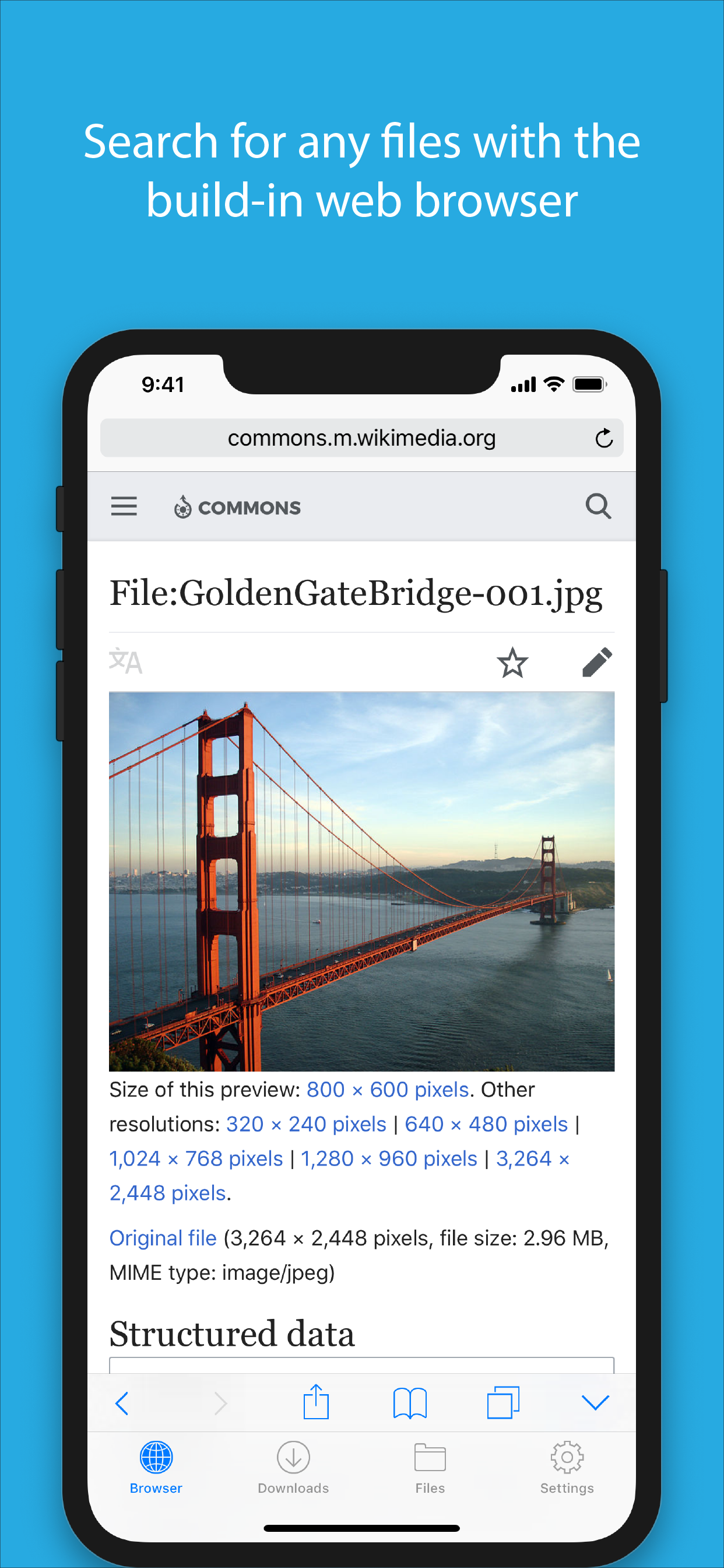
√ Web browser
- Provides a user experience very similar to Mobile Safari
- Tabbed browsing
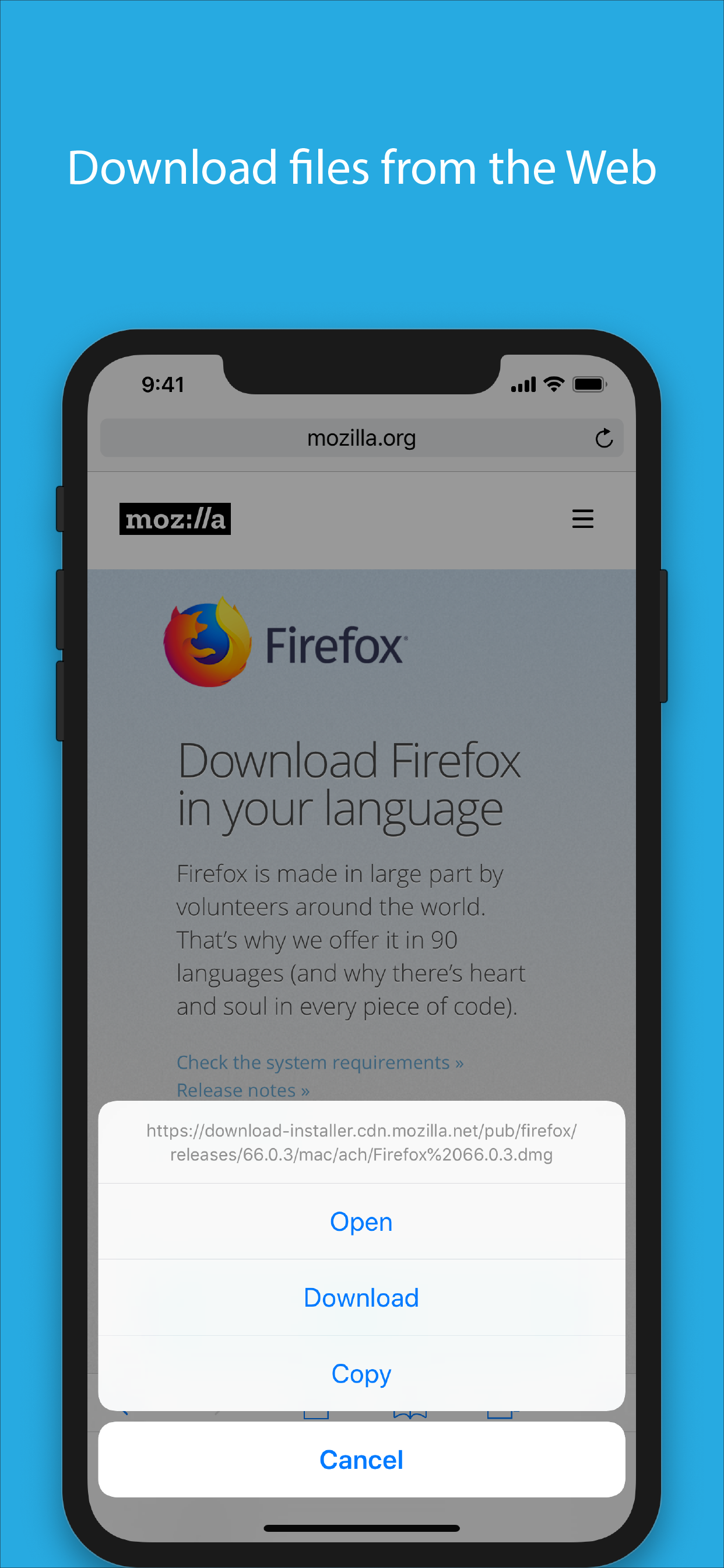
- Tap and hold on an image to download it
- Tap and hold to force download
- Save web pages with images for offline viewing
- Full screen mode
- Bookmark manager
- History support
- Address bar auto-completion
- HTTP basic authentication
- Form-based authentication
- Integrated Google or Yahoo! search
- Ability to spoof browser's User-Agent string to display web pages like Firefox
- Unified smart search field. Type a URL or search term in the unified smart search field, the browser automatically suggests the closest match to what you’re looking for.
√ Download manager
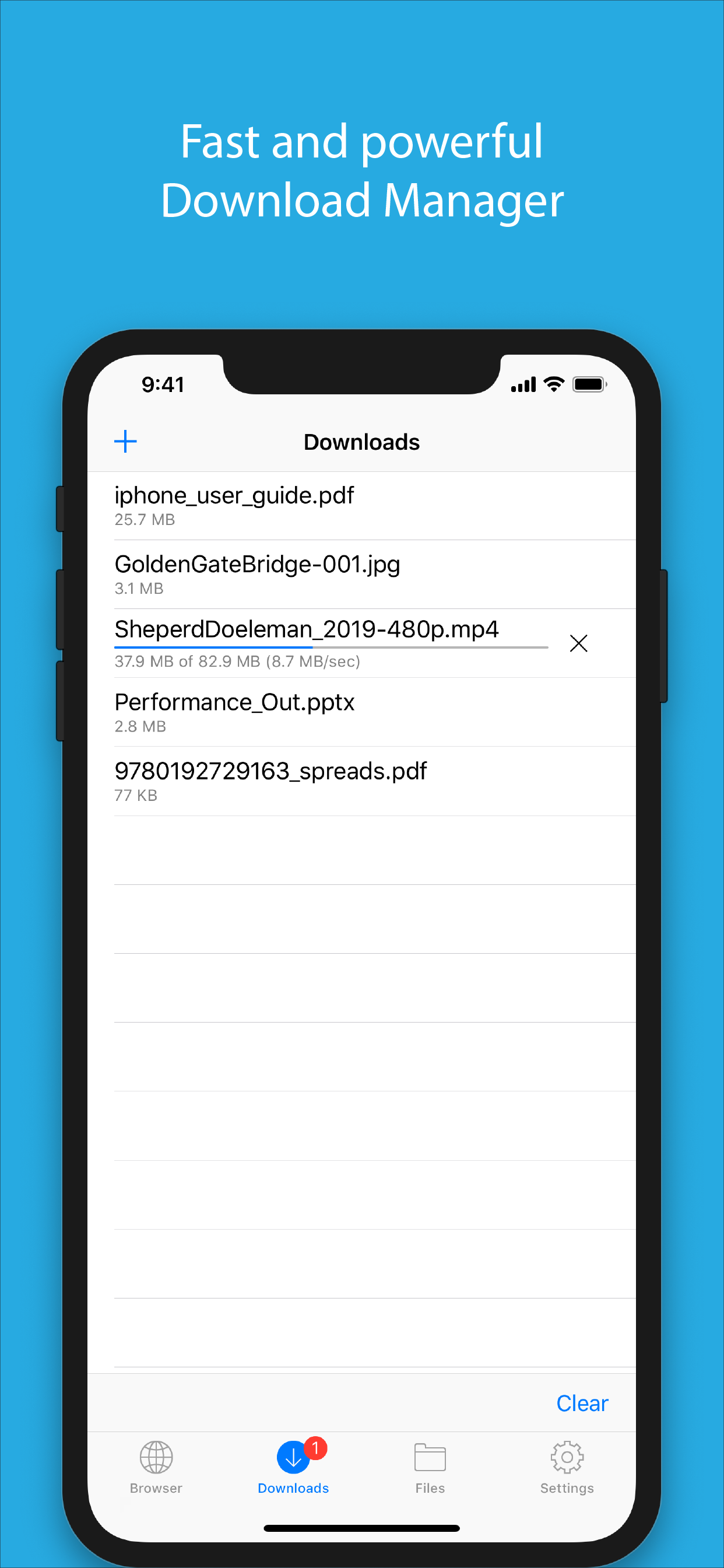
- Fast downloading speed
- Supports resuming of interrupted downloads reliably
- Live download progress bar and speed indicator
- Active downloads badge number
- Add arbitrary download link
- Always download with correct filename
√ File manager
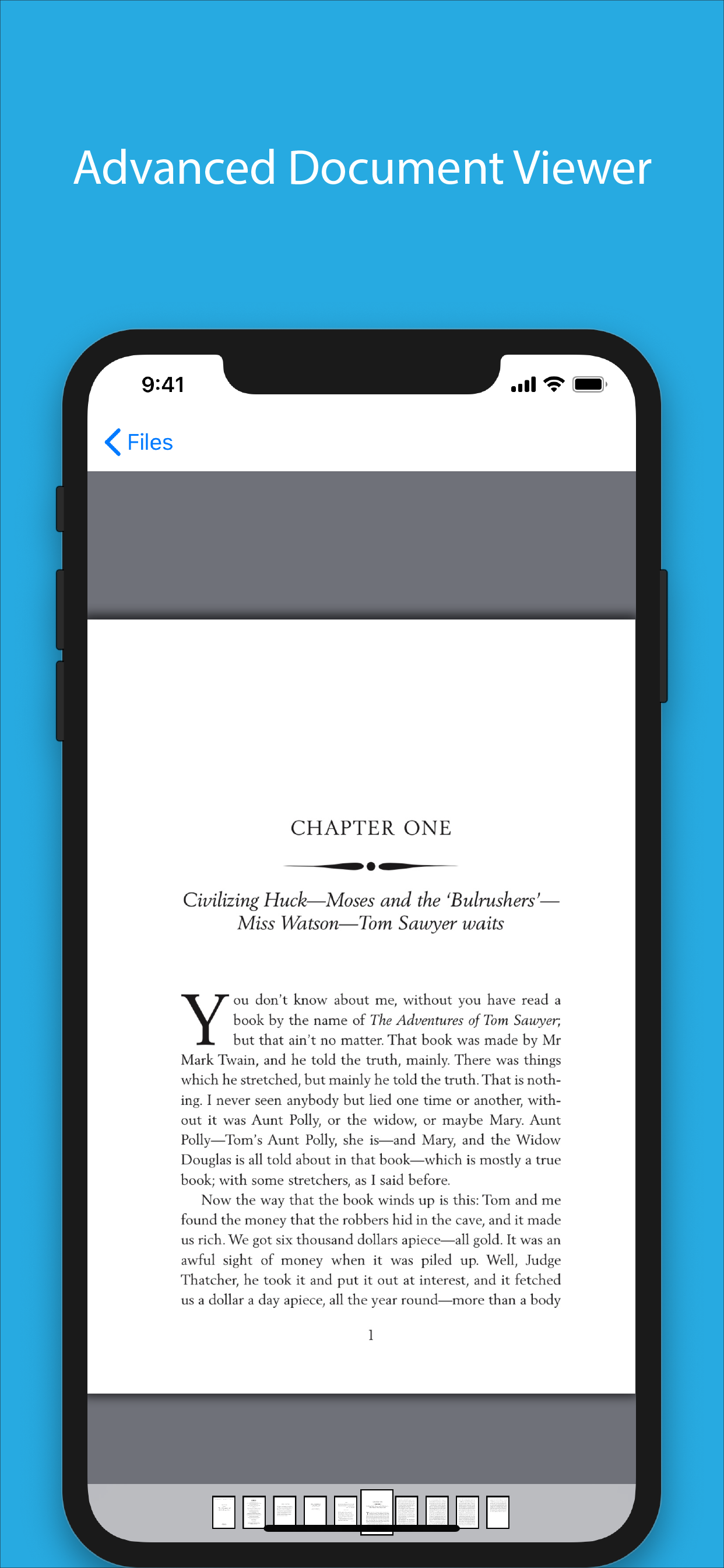
- Full screen document viewer that supports .pdf, .doc, .xls, .ppt, .txt, .html and .rtf file formats
- Folders support
- Move, rename and delete files
- Search by file name
- Extract RAR archives
- Unzip ZIP files
- Remember document scroll position
- Attempt to open file of unrecognized format
- Import photos from camera roll
√ Dropbox integration
- Upload, download and manage files
- Sync what you want, keep files on your device
√ Advanced PDF viewer
- Huge PDF files work flawlessly
- Text search
- Tap PDF links to jump across the file
√ Photo viewer
- Tap or swipe to move between images in a folder
- Zoom in and out with pinch gesture
- Ability to save images to photo album
- Thumbnails view
√ File transfer
- Supports HTTP and FTP protocols
- Supports iTunes USB File Sharing
- Transfer files to and from computer in Wi-Fi network
- Send files as email attachments (size under 15MB)
√ Mobile Safari Integration
- Bookmarklet for Mobile Safari that lets you open any link in Files app
√ Multitasking
- Background downloading
√ Inter-app document interchange
- Other apps can save their files to Files app (e.g. Email app can save attachments to Files app)
√ Recovery Mode
- If the browser caught in an endless loop of pop-up alerts, go to the iOS built-in "Settings" app, find "Files App", turn on "Recovery Mode", then force-quit and relaunch the app.
Terms of Use: https://downloadsapp.info/terms
Privacy Policy: https://downloadsapp.info/privacy
Ausblenden Mehr anzeigen...

In-App-Käufe

Full Version Upgrade
USD 4.99
Monthly Subscription
USD 0.99
Yearly Subscription
USD 5.99

Screenshots

Files Häufige Fragen

  • Ist Files kostenlos?

    Ja, Files ist kostenlos herunterzuladen, enthält jedoch In-App-Käufe oder Abonnements.

  • Ist Files seriös?

    🤔 Die Qualität der Files-App ist gemischt. Einige Nutzer sind zufrieden, während andere Probleme melden. Ziehen Sie in Betracht, einzelne Bewertungen für mehr Kontext zu lesen.

    Danke für die Stimme

  • Wie viel kostet Files?

    Files bietet mehrere In-App-Käufe/Abonnements, der durchschnittliche In-App-Preis beträgt USD 3.99.

  • Wie hoch ist der Umsatz von Files?

    Um geschätzte Einnahmen der Files-App und weitere AppStore-Einblicke zu erhalten, können Sie sich bei der AppTail Mobile Analytics Platform anmelden.

Benutzerbewertung

4.53 von 5

76 Bewertungen in Sri Lanka

5 star
60
4 star
4
3 star
7
2 star
2
1 star
3
Bewertungsverlauf

Files Bewertungen

Asking to repurchase even after using it for this many years.

Mash jai on

Sri Lanka

I did purchase this app long ago and had been using fine until I switched my phone recently. Now it is not letting me download any file as it requires me to purchase the full version again. This is so stupid of the developers. Very disappointed with this.


Issues using Files App on iOS 13

RoXtaShiraz on

Sri Lanka

Hey there! After updated my mobile to iOS 13, the Files App does not working as before, cannot download files from the App, it keeps closing. Please fix this. Thank you

Always my favorite download app

Sharaz191 on

Sri Lanka

It’s some bugs to fix , but worth app fast and easy

WTF app

Hash2003@ on

Sri Lanka

Worsts app in the world

App crashed

kasper 1993 on

Sri Lanka

Plz update the app...

Best 1

iBlakBoi on

Sri Lanka

Very easy n fast...

Files app rating

hiru.icloud on

Sri Lanka

Best app for downloading any file format

Not satisfied

Jesumalar on

Sri Lanka

Store is not available

Very useful App

crazydenny90 on

Sri Lanka

Its easy to use. It simply like desktop normal desktop application.

Best app

Lahiru.A.Weerasekara on

Sri Lanka

Greater

Store-Rankings

Ranking-Verlauf
App-Ranking-Verlauf noch nicht verfügbar
Kategorien-Rankings
Diagramm
Kategorie
Rang
Top Kostenlos
265
Top Kostenlos
352
Top Kostenlos
360
Top Kostenlos
378
Top Kostenlos
405

Schlüsselwörter

Files Konkurrenten

Files Installationen

Letzte 30 Tage

Files Umsatz

Letzte 30 Tage

Files Einnahmen und Downloads

Gewinnen Sie wertvolle Einblicke in die Leistung von Files mit unserer Analytik.
Melden Sie sich jetzt an, um Zugriff auf Downloads, Einnahmen und mehr zu erhalten.
This page includes copyrighted content from third parties, shared solely for commentary and research in accordance with fair use under applicable copyright laws. All trademarks, including product, service, and company names or logos, remain the property of their respective owners. Their use here falls under nominative fair use as outlined by trademark laws and does not suggest any affiliation with or endorsement by the trademark holders.



