Beschreibung
FreePDF è l'app perfetta per professionisti, imprenditori, studenti e chiunque abbia bisogno di uno strumento PDF robusto, sicuro e versatile. Con il suo set completo di funzionalità e interfaccia user-friendly, FreePDF è la tua app di riferimento per tutto ciò che riguarda i PDF su iOS, iPadOS e macOS.
Questa potente app offre una vasta gamma di funzioni per gestire, scannerizzare, convertire, compilare, firmare e modificare i PDF direttamente sul tuo dispositivo, garantendo che i tuoi file rimangano sicuri e privati.
Caratteristiche principali:
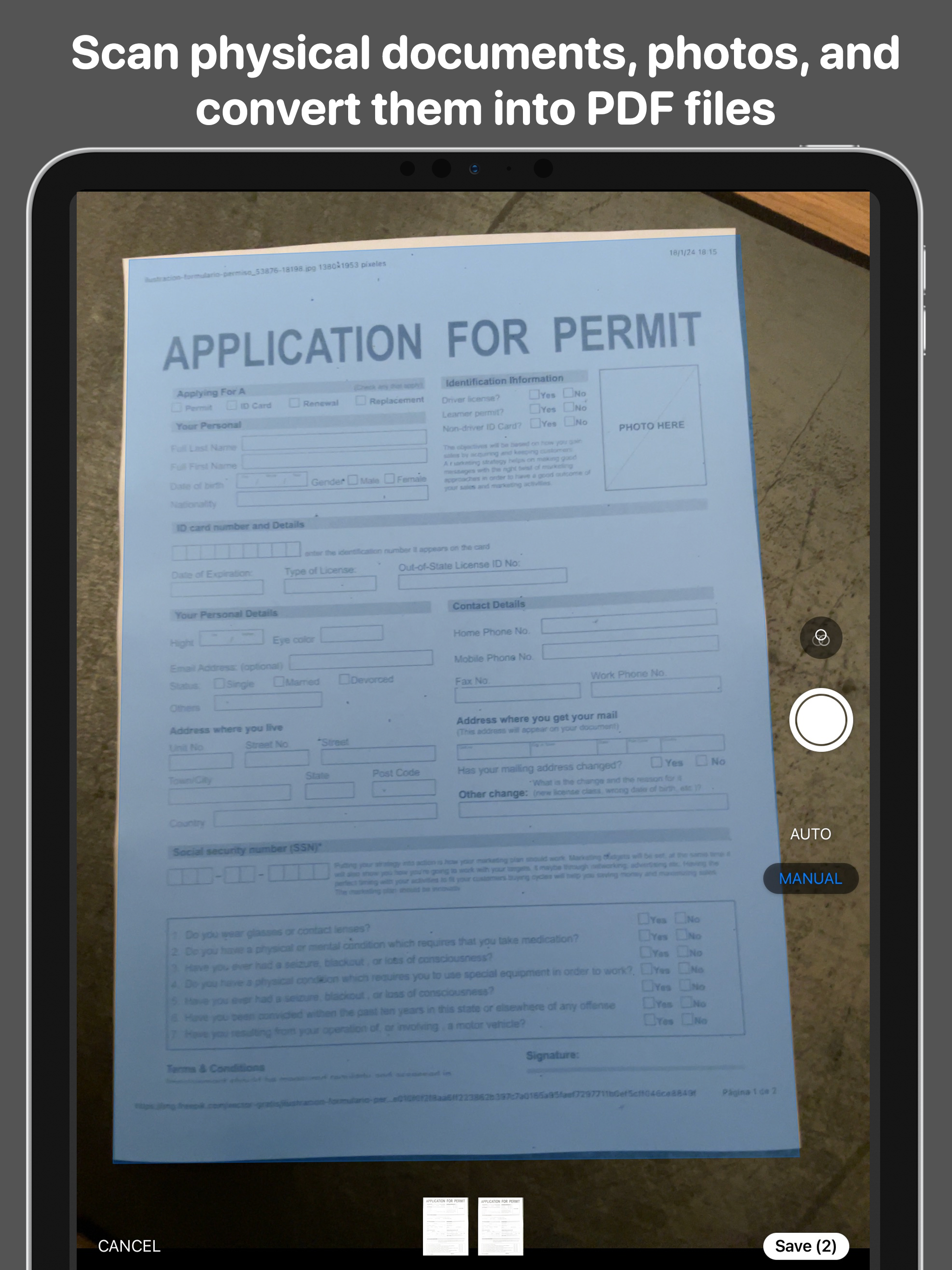
+ Scansione in PDF modificabili:
· Scansiona documenti fisici, oggetti e foto con la fotocamera del tuo dispositivo iOS.
· Modifica e annota i file scansionati con un set completo di strumenti di editing.
+ Annotazione e modifica PDF intuitive:
· Annota, compila, firma e evidenzia i PDF con facilità.
· Aggiungi testo arricchito includendo immagini, tabelle, liste, ecc. alle tue pagine PDF.
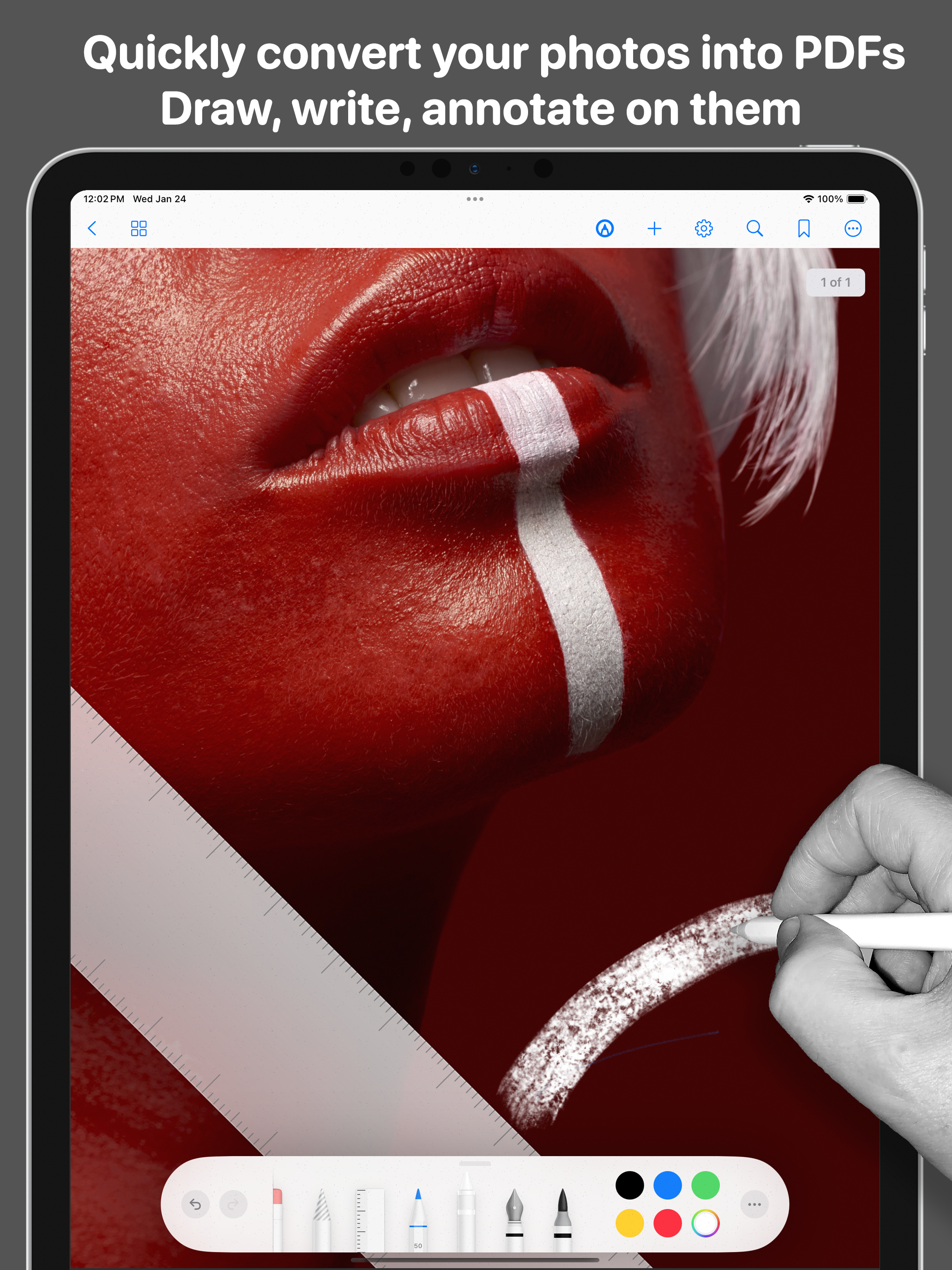
· Completamente compatibile con Apple Pencil per un'esperienza precisa e naturale. Le funzioni includono sensibilità alla pressione e all'inclinazione, rifiuto del palmo e altro.
+ Firma avanzata e compilazione di moduli:
· Firma documenti con firme personalizzate o predefinite.
· Compila i PDF usando uno stilo, una matita o il dito con facilità.
+ Scrivere e disegnare su nuovi PDF bianchi:
· Evidenzia, segna e annota direttamente sui tuoi PDF.
· Include funzioni di disegno e scrittura.
+ Conversione di file versatile:
· Converti immagini (PNG, TIFF, JPG, SVG, HEIF, GIF) in PDF.
· Trasforma documenti (TXT, RTF, WORD, HTML, PPT, XLS, PAGES, NUMBERS, KEY) in PDF.
· Converte facilmente file dalle suite Microsoft Office e Apple iWork in PDF.
+ Sicurezza dei documenti:
· Proteggi i tuoi PDF con codici di passaggio sicuri.
· Mantieni le informazioni sensibili confidenziali e protette.
+ Accesso e condivisione ovunque:
· Condividi e invia PDF da qualsiasi luogo, in qualsiasi momento.
· Le opzioni di condivisione integrate includono iCloud, Gmail, Mail, Google Drive, Dropbox, One Drive, Box, iMessage e Stampa.
+ Gestione efficiente dei documenti:
· Organizza e gestisci i file PDF senza sforzo.
· Interfaccia user-friendly per gestire collezioni di piccole e grandi dimensioni.
· Cerca e trova facilmente i tuoi file.
Ottieni FreePDF GRATUITAMENTE ora!
Privacy Policy
http://www.noteswriter.com/Kairoos_Privacy_Policy.html
EULA
https://www.apple.com/legal/internet-services/itunes/dev/stdeula/
This app requires users to have a subscription to unlock all the features after a 3-day risk-free trial.
Ausblenden
Mehr anzeigen...