
Magnificent!
If you’re reading these comments to see if this app does what you want, trust me it does lol. The hunt is finally over


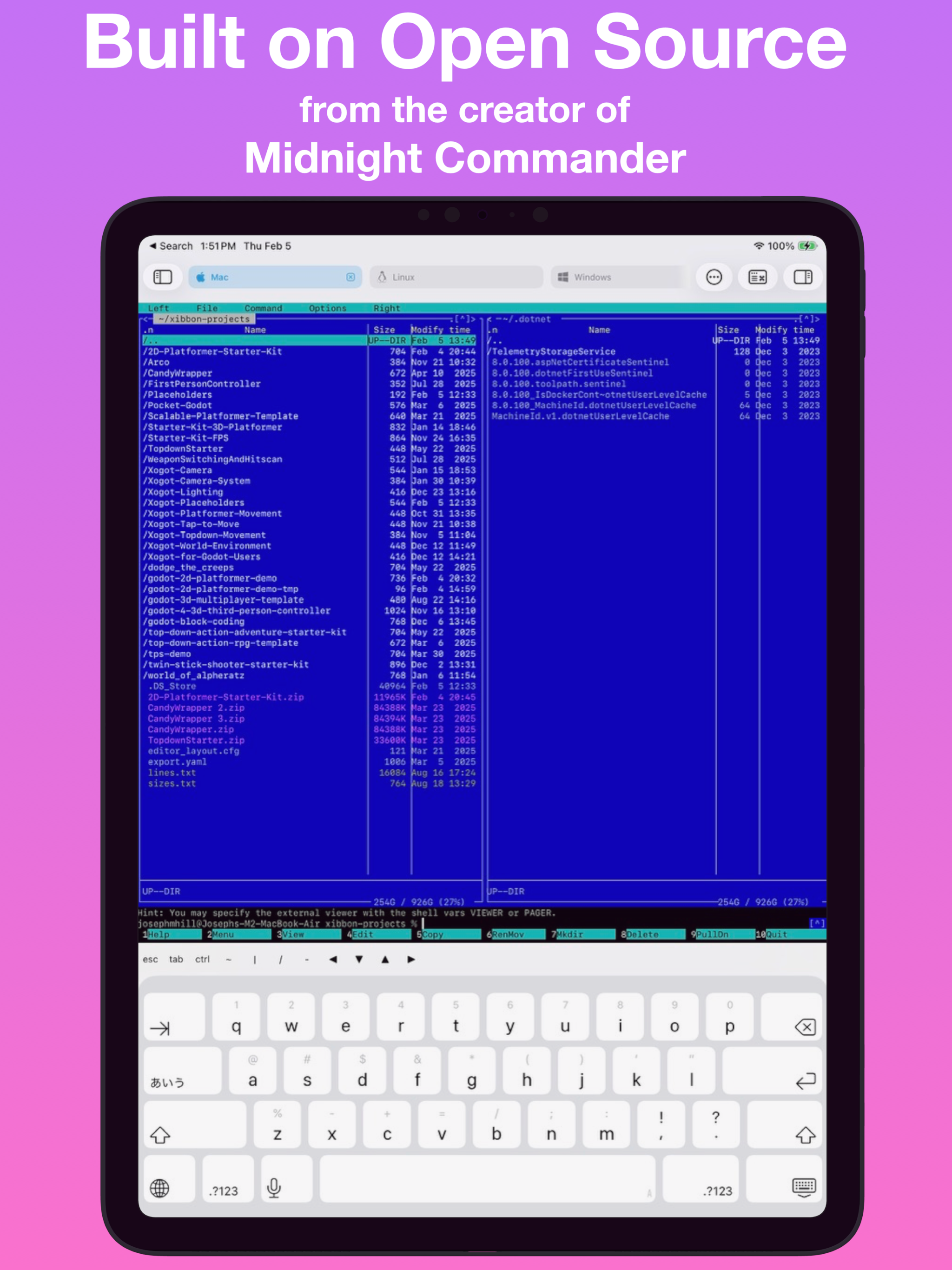
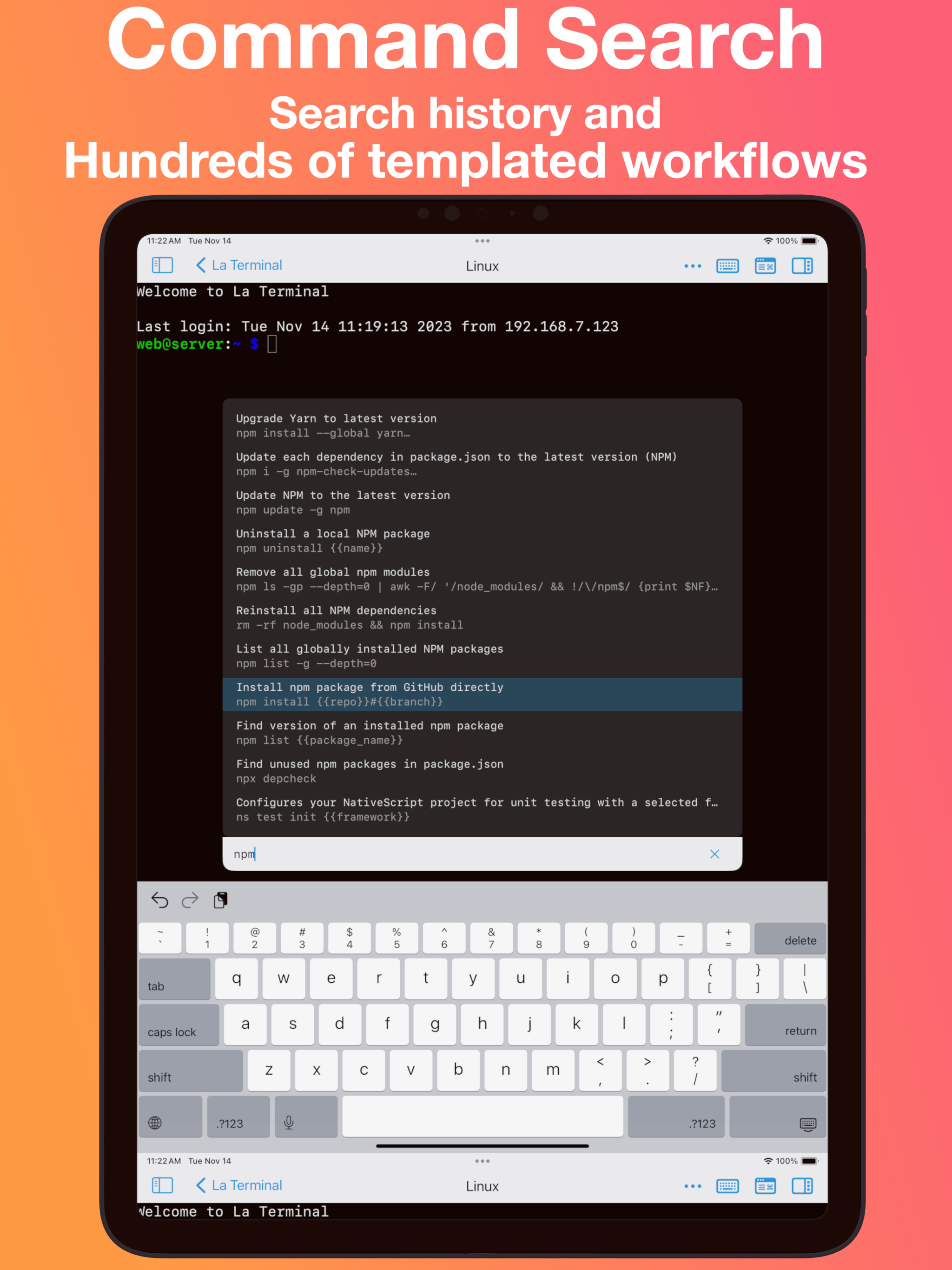
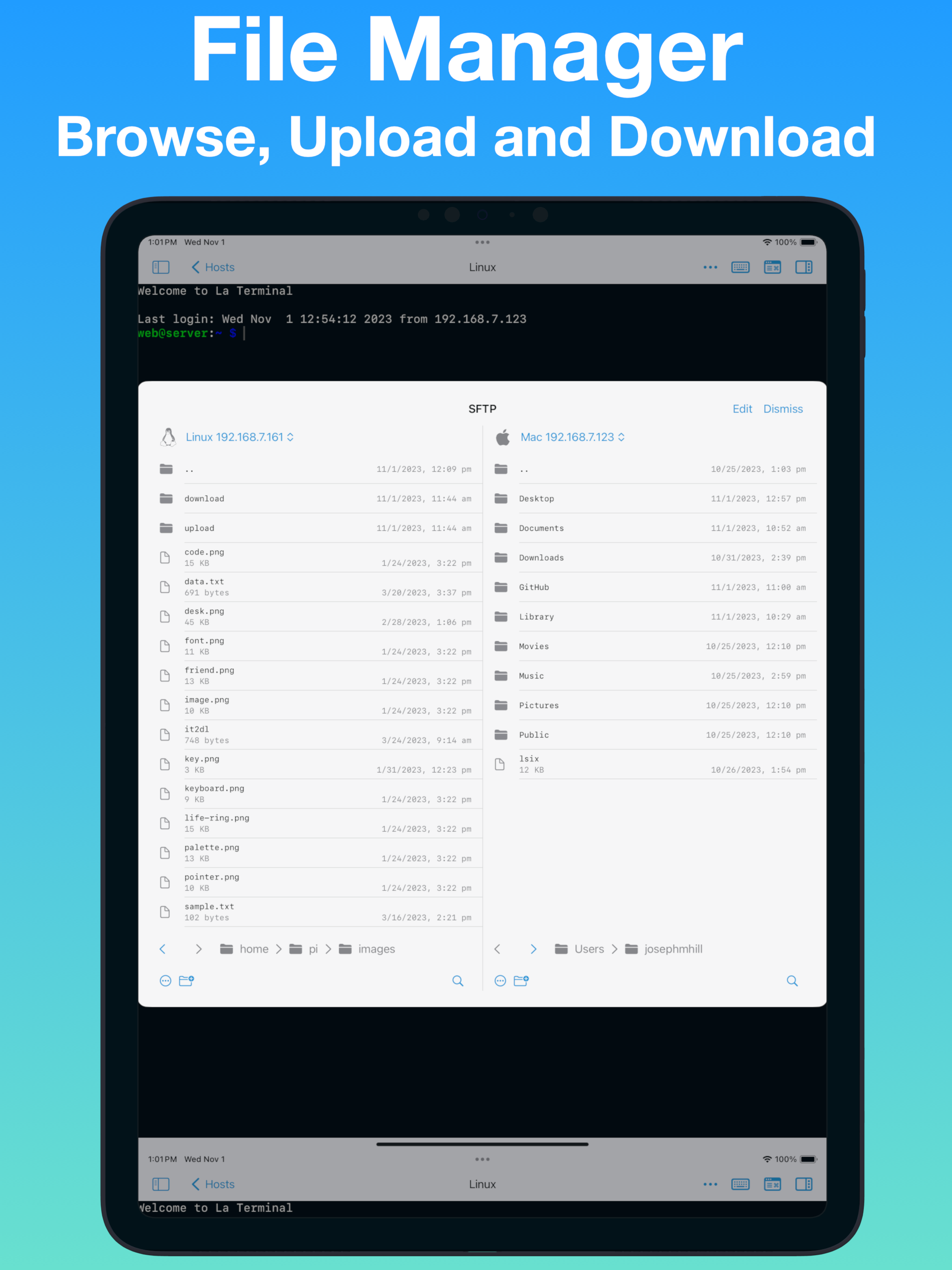


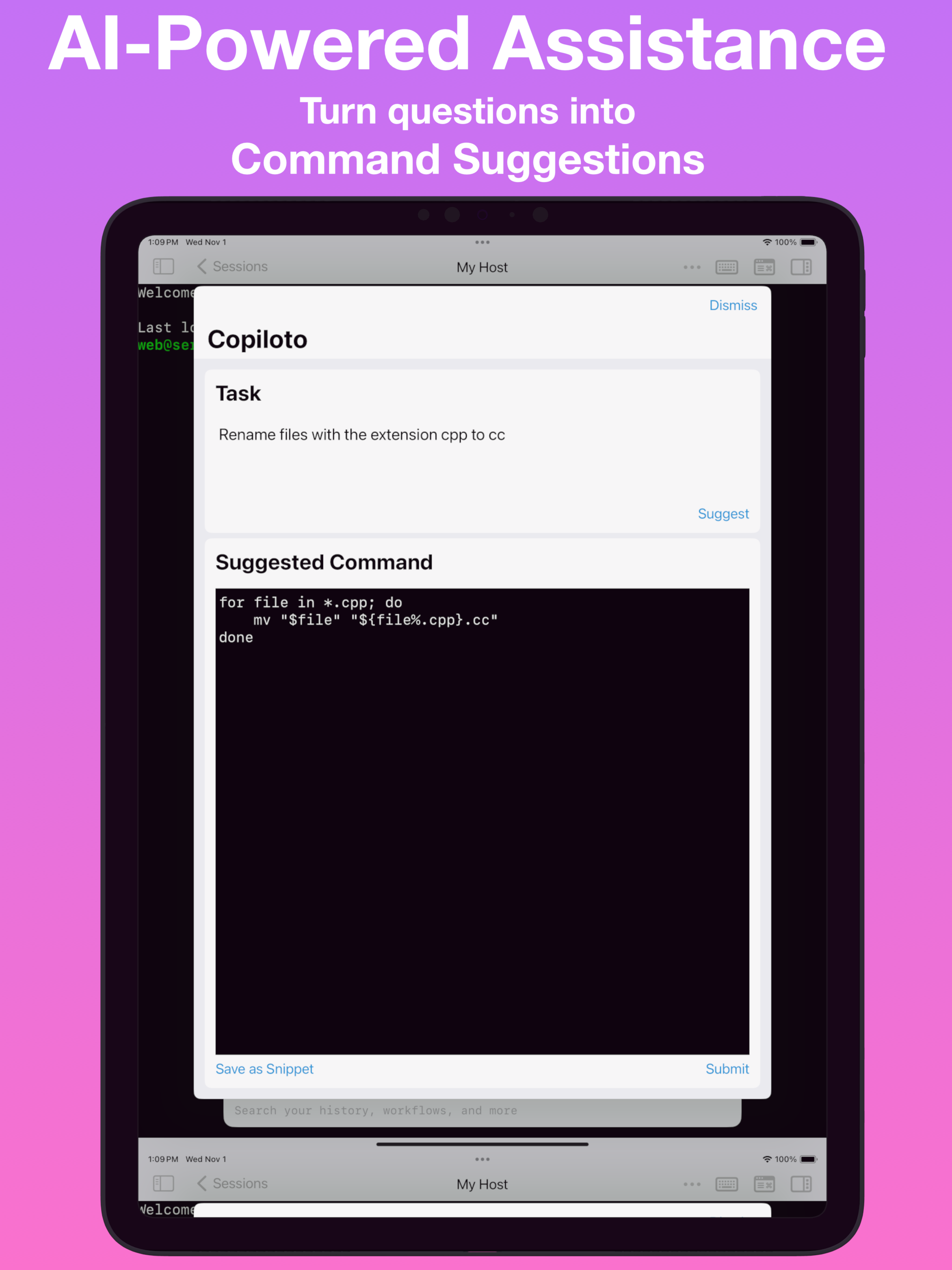
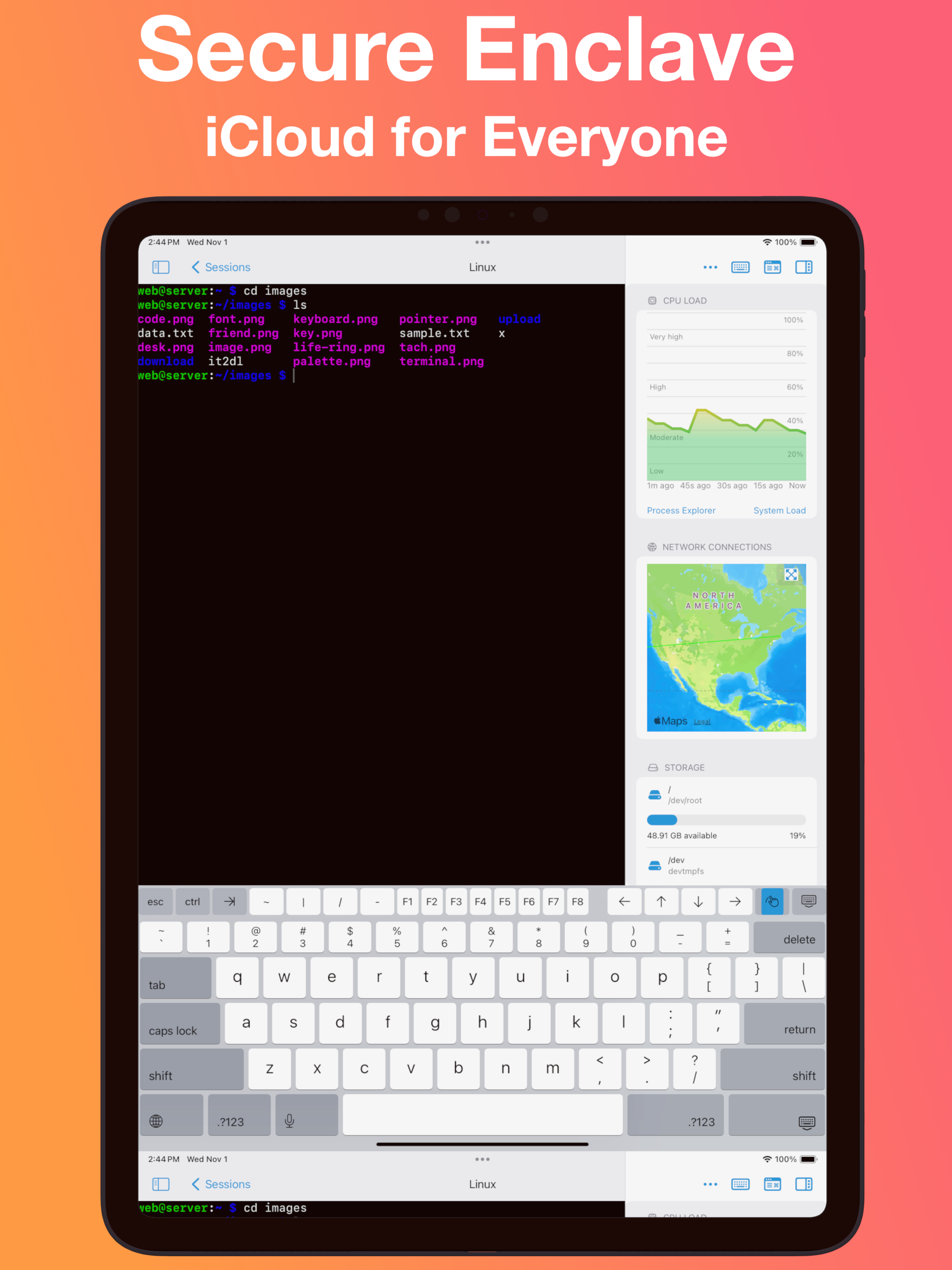

Ja, La Terminal ist komplett kostenlos und enthält keine In-App-Käufe oder Abonnements.
🤔 Die Qualität der La Terminal-App ist gemischt. Einige Nutzer sind zufrieden, während andere Probleme melden. Ziehen Sie in Betracht, einzelne Bewertungen für mehr Kontext zu lesen.
La Terminal ist kostenlos.
Um geschätzte Einnahmen der La Terminal-App und weitere AppStore-Einblicke zu erhalten, können Sie sich bei der AppTail Mobile Analytics Platform anmelden.

4.67 von 5
3 Bewertungen in Japan
If you’re reading these comments to see if this app does what you want, trust me it does lol. The hunt is finally over
Quite good.
This would be amazing if latency were reduced significantly, I tried using Neovim through it, but it was quite a bit too laggy. It’d also be amazing if scrolling could be made to work with Neovim. Scrolling works in the terminal, but for some reason with Neovim, it just acts like the mouse is clicked and starts highlighting text to yank.
I don't know what makes this particular terminal so incredibly slow, but it makes it unusable if you're planning to sit down and do work. If you code from a terminal you might think that this is a solution to the inability to code on vision pro -- it's not, unfortunately. Separately, it no longer works for me -- I think the owner may have price gated some of the ssh features. (certainly reasonable -- but since I'm not sure if that's the cause of the change it bares mentioning)
My needs are light, but I find this client to be a joy to use. Miguel’s sense of humor shines through.
When typing, there is a lot of lag, so much so that the app is unusable. I ssh’ed into a machine on my local network, and after logging in, there is nothing I am able to do.
I noticed that the font is blurry compared to other SSH apps for Vision Pro. Despite that, I was unable to open more than two SSH sessions, one in an extra window and another in the main window. Furthermore, clicking on the terminal results in the text on the clipboard being pasted. Those make the app hard to use. Once those issues are fixed it will be a 5 start app!
First, I'm happy to update this review once things start working. I can't get anything to connect using the Vision Pro. I have no problem using this app successfully with my iPad or iPhone. With the Vision Pro I see ".waiting ... PolicyDenied" for every host I try connecting to (macOS and Linux). I tried enabling additional diagnostics in settings, but I didn't get any more info. Nicely designed app, however. I **really** want a setup with the Vision Pro where I can use my paired keyboard and a terminal. And I was hoping this would be it... *** UPDATE 1 *** I was able to get La Terminal working on Vision Pro by going into Settings -> Apps -> La Terminal, then turn OFF "Local Network Access", then turn ON "Local Network Access". I don't know why network access seemed to not be granted when visionOS prompted me to allow when I first started the app? Anyway, now that everything is working I can give this a proper test drive. *** UPDATE 2 *** This app really makes the Vision Pro a usable work device for me. It is super cool to have a terminal open, a browser open, music playing, while being immersed on top of a cliff with clouds rolling by. La Terminal is a bit glitchy, so thank the gods for tmux. The "native" session persistence doesn't seem to do anything. Also, the "tmux" option in the menu is no good because it starts a new session when reconnecting instead of attaching to the existing session. Running tmux is REQUIRED because La Terminal does not seem to handle network glitches gracefully. I will literally be typing in my editor and I get a popup about a network disconnect — this seems specific to La Terminal; I don't see these frequent network interruptions with a-Shell (also I can't run the helix editor with a-Shell, but it renders beautifully with La Terminal).
It’s a cool app with a lot of thoughtful features, but it annoyingly puts a black bar at the top and bottom of the window in order to accommodate rounded corners. I wish they would just make the corners square, so that the text could go right up to the margin.
As a linux admin/devops engineer. This is my “killer app” for the AVP. This app makes it possible for me to work effectively on remote clients without relying on my macbook. Other terminal apps work, but this is the first one I’ve used where I immediately knew that I could confidently get work done. I never leave app reviews, but this one definitely deserved it. Hats off to the team behind this!
|
Diagramm
|
Kategorie
|
Rang
|
|---|---|---|
|
Top Umsatz
|

|
1
|
|
Top Kostenlos
|

|
15
|
|
Top Umsatz
|

|
43
|
|
Top Kostenlos
|

|
57
|
|
Top Kostenlos
|

|
84
|
