Numbers

Create impressive spreadsheets

Beschreibung

Numbers is the most innovative spreadsheet app ever designed for a mobile device.
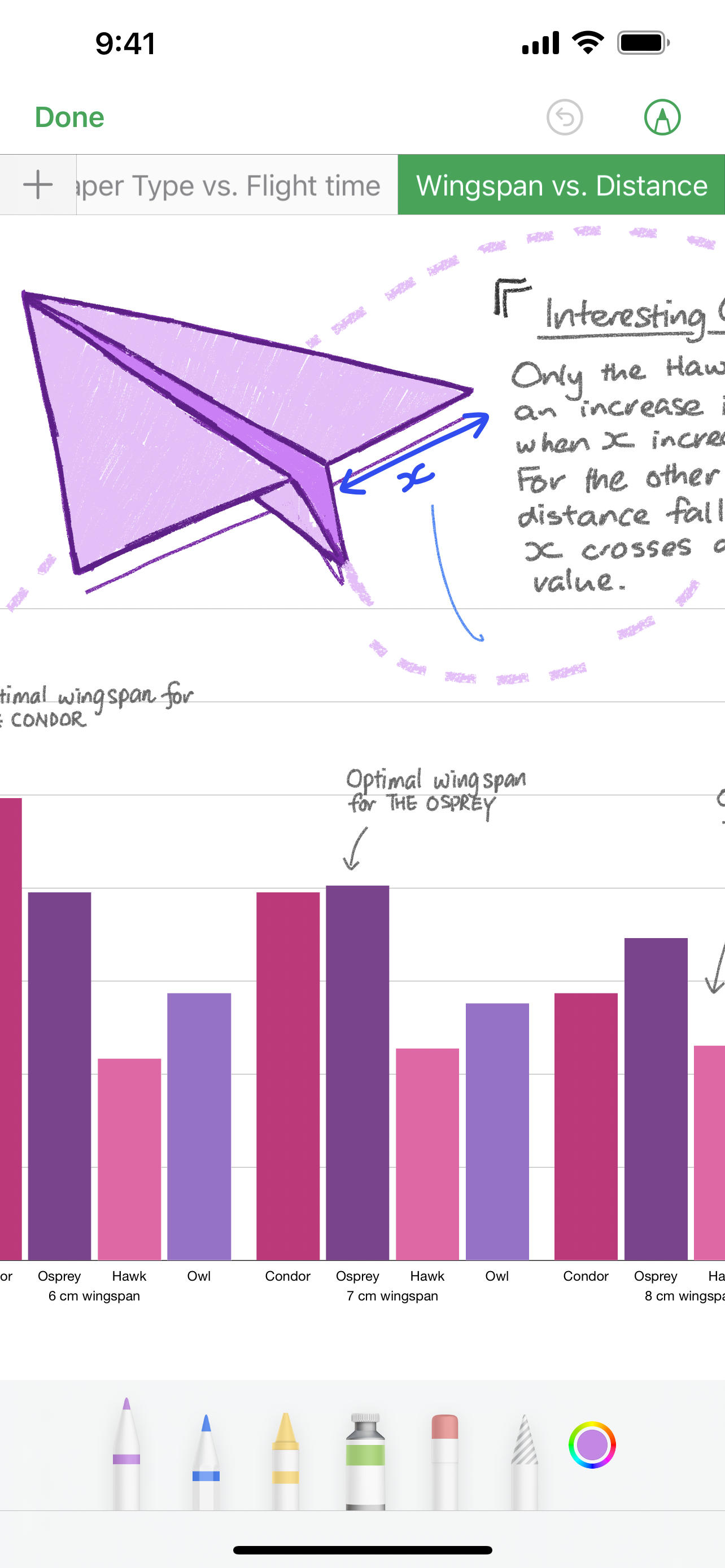
Get started with one of over 30 Apple-designed templates for your home budget, checklist, invoice, mortgage calculator and more. Choose from hundreds of powerful functions. Draw and write with Apple Pencil on supported devices, or use your finger. Tap to add tables, charts, text and images anywhere on the flexible canvas. Animate your data with interactive column, bar, scatter and bubble charts. Easily filter through large tables. Find patterns and trends using pivot tables.
Collaborate with others at the same time
• With real-time collaboration, your whole team can work together on a spreadsheet at the same time on Mac, iPad, iPhone, and even on a PC
• Share your spreadsheet publicly or with specific people, see who’s currently in the document with you, and view other people’s cursors to follow their edits
• See a list of recent changes in collaborative spreadsheets, including when people join, comment and make edits
• Available for spreadsheets stored in iCloud or in Box
Beautiful spreadsheets
• Over 30 Apple-designed templates give your spreadsheets a beautiful start
• Place tables, charts, text and images anywhere on the flexible canvas
• Add and resize multiple tables on a single sheet
• Insert photos, music and video with the Media Browser
• Enhance your spreadsheets with a library of over 700 editable shapes
• Create a form to quickly enter data on the go
• Import and edit Microsoft Excel spreadsheets, Comma Separated Values (CSV) and tab-delimited text
Formulas for everyone
• Choose from hundreds of powerful functions, including XLOOKUP and RegEx
• Get function suggestions as soon as you start typing a formula
• Search the integrated function browser for built-in help and sample formulas
• Easily add stock information to spreadsheets
Everything adds up beautifully
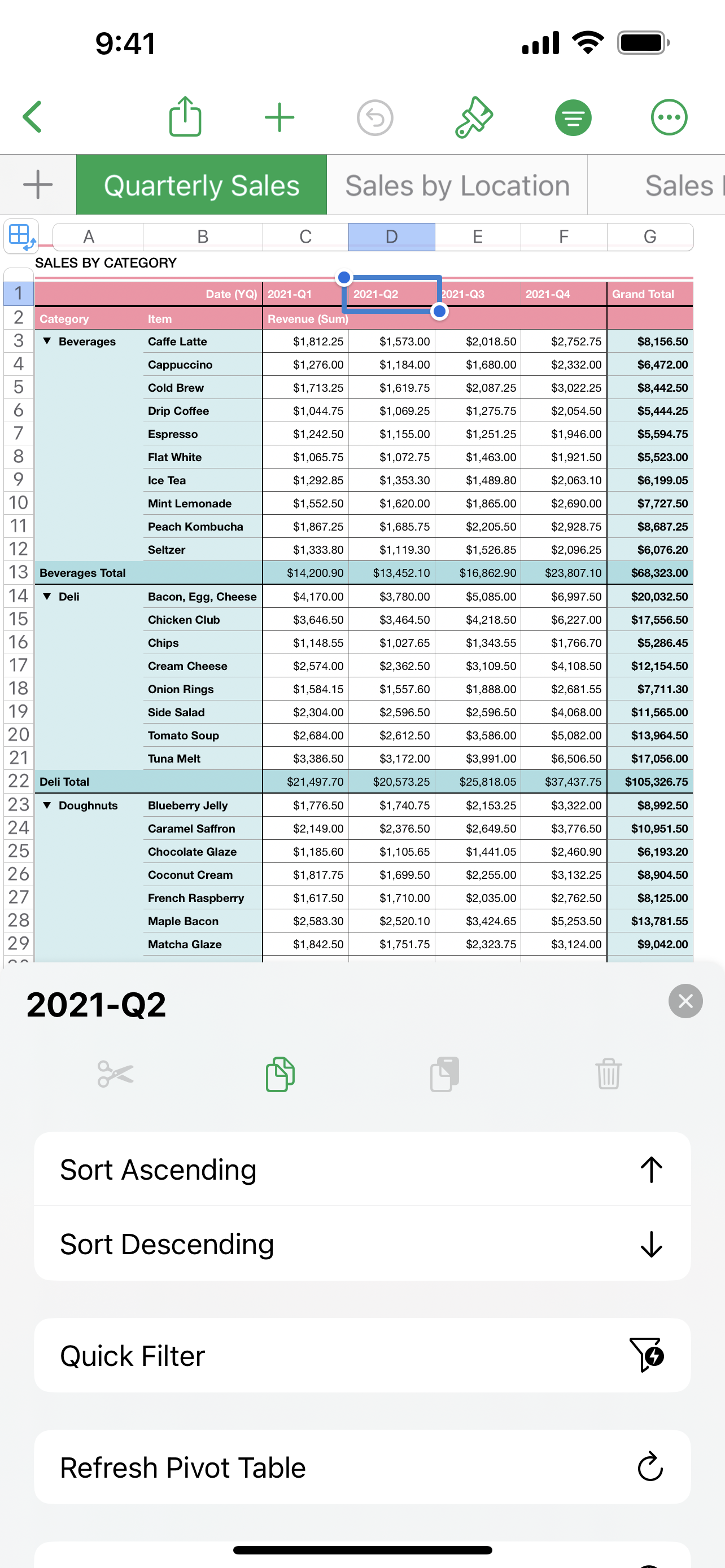
• Use Pivot Tables and Smart Categories to see your data in a whole new way
• Quickly organise and summarise tables to gain new insights
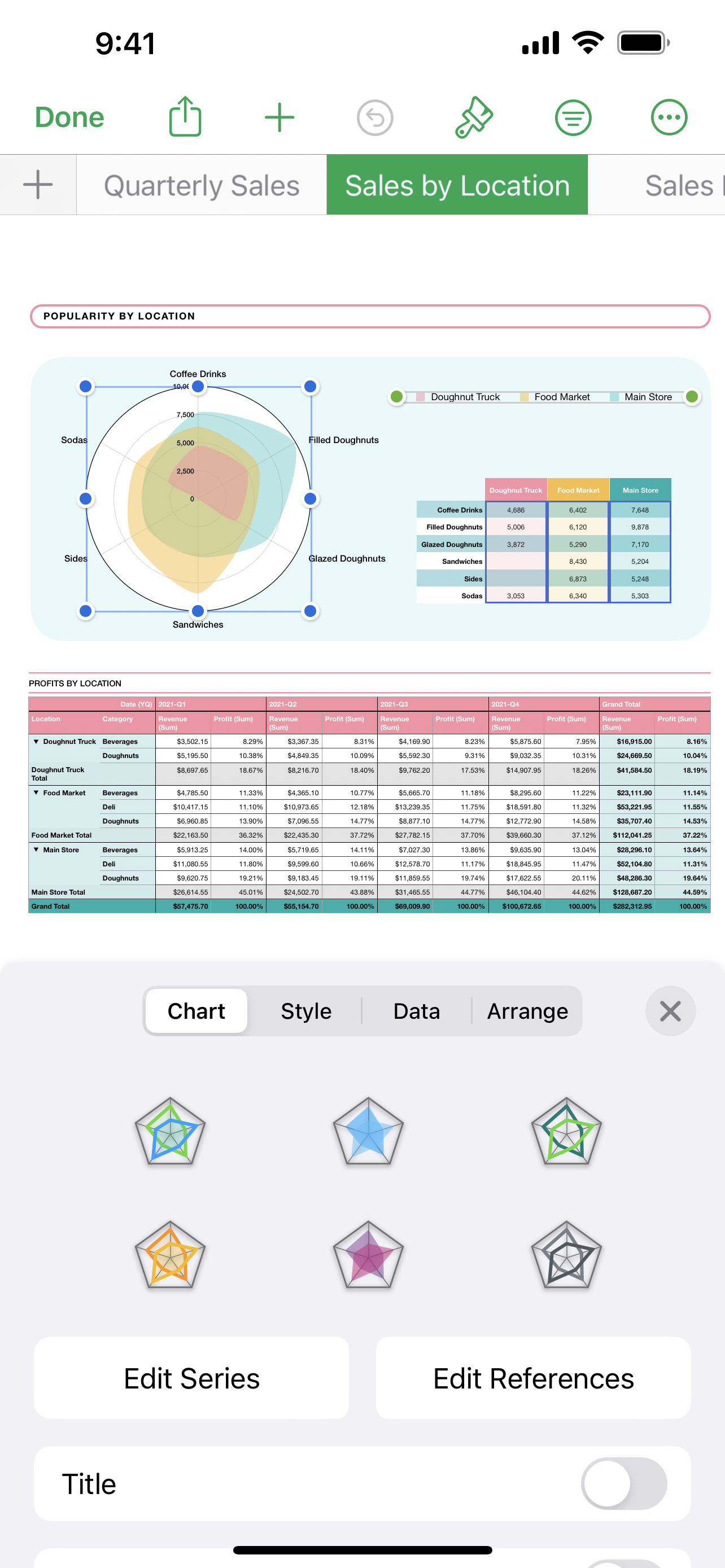
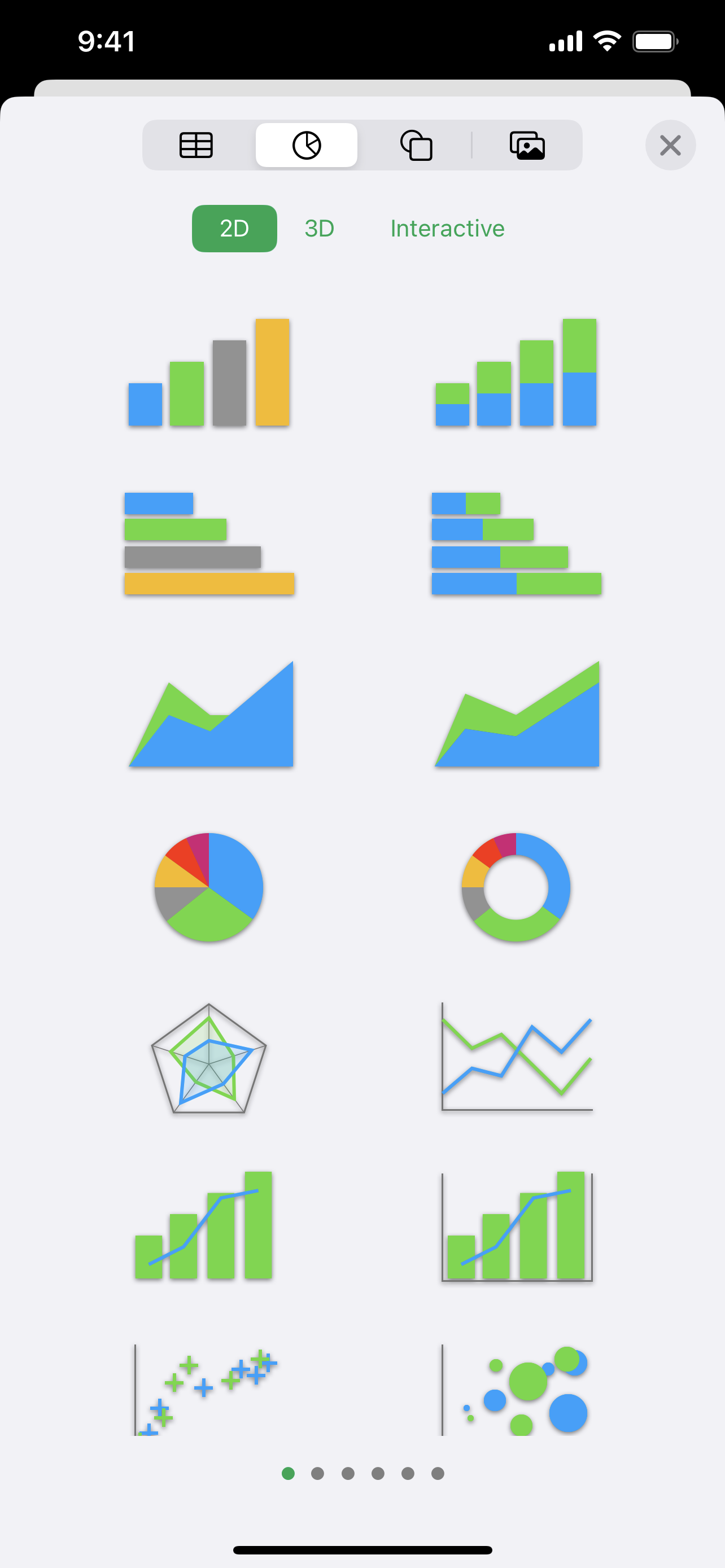
• Insert gorgeous 2D and 3D charts, including bar, column, line, area, pie, doughnut and radar charts
• Animate data with interactive column, bar, scatter and bubble charts
• Automatically highlight cells based on rules for numbers, text, dates and durations
• Easily filter through large tables for specific values, text or duplicate entries
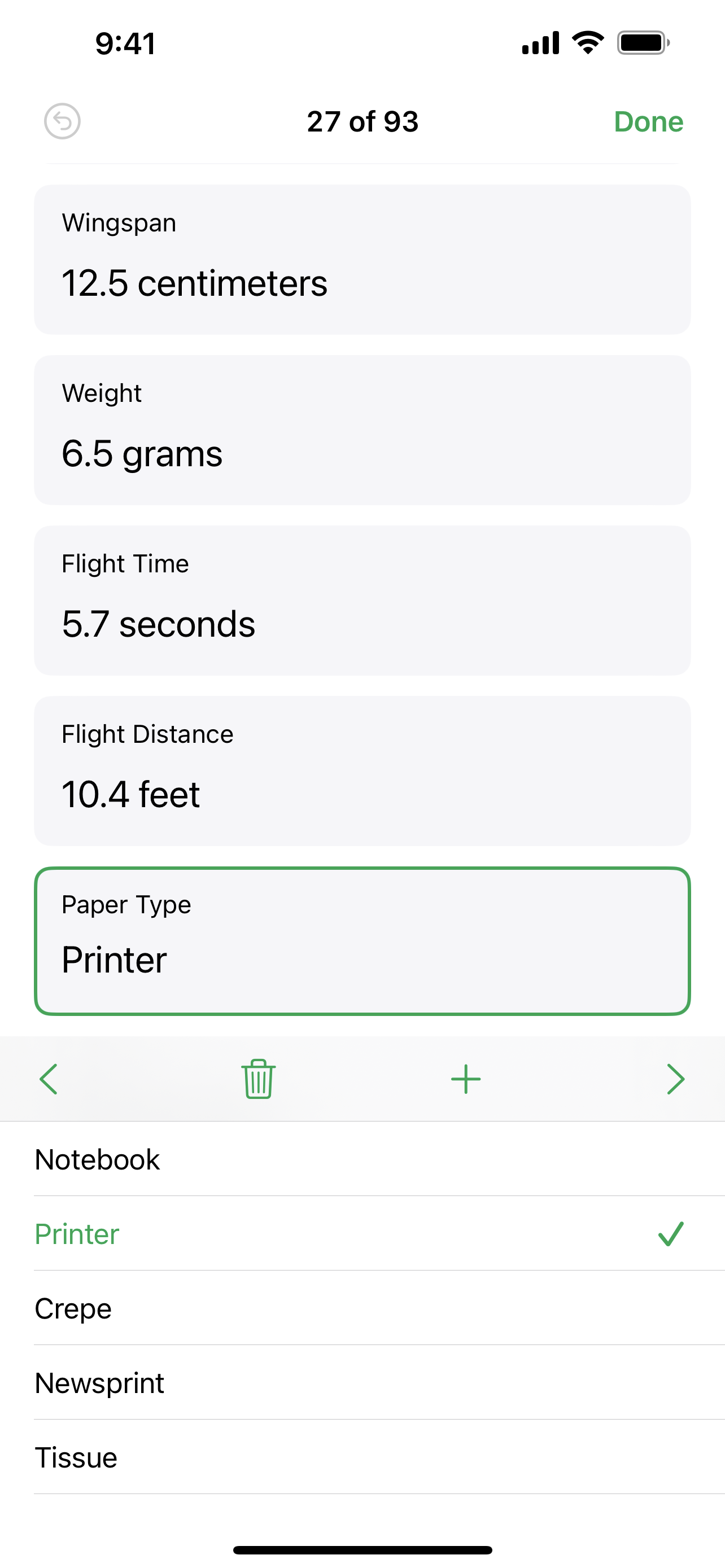
• Change values in cells using sliders, steppers, tickboxes, pop-ups and star ratings
iCloud
• Turn on iCloud so you can access and edit your spreadsheets from your Mac, iPad, iPhone, and from a Mac or PC browser at iCloud.com
• Numbers automatically saves your spreadsheet as you make changes
Share a copy of your work
• Export your spreadsheet to CSV, TSV, PDF and Microsoft Excel
• Use AirDrop to send your spreadsheet to anyone nearby
• Quickly and easily share a link to your work via Mail or Messages
Some features may require internet access; additional fees and terms may apply.
Ausblenden Mehr anzeigen...

Screenshots

Numbers Häufige Fragen

  • Ist Numbers kostenlos?

    Ja, Numbers ist komplett kostenlos und enthält keine In-App-Käufe oder Abonnements.

  • Ist Numbers seriös?

    🤔 Die Qualität der Numbers-App ist gemischt. Einige Nutzer sind zufrieden, während andere Probleme melden. Ziehen Sie in Betracht, einzelne Bewertungen für mehr Kontext zu lesen.

    Danke für die Stimme

  • Wie viel kostet Numbers?

    Numbers ist kostenlos.

  • Wie hoch ist der Umsatz von Numbers?

    Um geschätzte Einnahmen der Numbers-App und weitere AppStore-Einblicke zu erhalten, können Sie sich bei der AppTail Mobile Analytics Platform anmelden.

Benutzerbewertung

4.61 von 5

37,353 Bewertungen in Vereinigtes Königreich

5 star
29,212
4 star
4,840
3 star
1,495
2 star
542
1 star
1,264
Bewertungsverlauf

Numbers Bewertungen

Magnifier

A**Mac on

Vereinigtes Königreich

It seems to be to be impossible to remove the green magnifying oval. I have turned it off in accessibility, but there doesn’t seem to be a way of touching on it and pressing delete. I’m going to shut down numbers and restart because I gather that will work.

Something has changed!

Anyoldtning on

Vereinigtes Königreich

What on earth has happened? Numbers is just not working as it used to.

Excellent

PrintB on

Vereinigtes Königreich

An excellent spreadsheet. It helps me keep track of so many things. Easy to use and navigate.

Poor Performance

Security Sceptic on

Vereinigtes Königreich

Pathetic that in all the time that this app has existed it is STILL riddled with bugs such as an oval shape that you can’t get rid of when you are trying to magnify and change things.

Unnecessary cosmetic changes

Drawde95 on

Vereinigtes Königreich

We do not need the green top page …it serves no purpose other than to irritate…one more thing to swipe out of the way when trying to get to a spreadsheet…

Crashing and freezing

Yorkj006 on

Vereinigtes Königreich

I use this app for daily tracking sheets, since the update it’s freezing, refusing to save, and crashing. Very frustrating!

Tags are not recognised after update

deckr8 on

Vereinigtes Königreich

Every time we have an update, including this one all the tags I have created are never recognised. Even though folders and files are still showing as tagged, when I select view tags on the left menu I am shown with a blank screen. The only way around this appears to be to select all the tags manually of a particular colour and reassign the tag. I’m very disappointed to have to do this every time we have an update which is very frustrating and takes up a lot of time.

Green circle

22615 on

Vereinigtes Königreich

Not user friendly on iPad. When trying to alter data in cell keep getting a green circle. Only way to get rid is to close down the app. The circle comes back again when trying to change data in a cell. Search of internet shows this is a bug since at least mid 2024.

so fun when your a kid

Why meeeeeeeeeeeeeee on

Vereinigtes Königreich

You can literally just pick one and just go blah blah blah blah blah on the thing it's literally so warm when you're a kid

Unusable

lbsnorky on

Vereinigtes Königreich

This used to be OK but after recent updates it constantly freezes and I have to force quit. I have used it for the last 5 years and although it is not as good as excel it was acceptable for what I want to do. However it is completely unusable in its current form, please fix.

Store-Rankings

Ranking-Verlauf
App-Ranking-Verlauf noch nicht verfügbar
Kategorien-Rankings
App ist noch nicht gerankt

Schlüsselwörter

Numbers Konkurrenten

Numbers Installationen

Letzte 30 Tage

Numbers Umsatz

Letzte 30 Tage

Numbers Einnahmen und Downloads

Gewinnen Sie wertvolle Einblicke in die Leistung von Numbers mit unserer Analytik.
Melden Sie sich jetzt an, um Zugriff auf Downloads, Einnahmen und mehr zu erhalten.

App-Informationen

Kategorie
Productivity
Sprachen
English, Arabic, Catalan, Croatian, Czech, Danish, Dutch, Finnish, French, German, Greek (modern), Hebrew (modern), Hindi, Hungarian, Indonesian, Italian, Japanese, Korean, Malay, Norwegian Bokmål, Polish, Portuguese, Romanian, Russian, Chinese, Slovak, Spanish, Swedish, Thai, Turkish, Ukrainian, Vietnamese
Letzte Veröffentlichung
14.4 (vor 8 Monaten )
Veröffentlicht am
May 26, 2010 (vor 15 Jahren )
Zuletzt aktualisiert
vor 1 Woche
This page includes copyrighted content from third parties, shared solely for commentary and research in accordance with fair use under applicable copyright laws. All trademarks, including product, service, and company names or logos, remain the property of their respective owners. Their use here falls under nominative fair use as outlined by trademark laws and does not suggest any affiliation with or endorsement by the trademark holders.