PDF Editor, Edit PDF Documents

Convert to PDF, Reader, Viewer

Veröffentlicht von: Dzine Media

Beschreibung

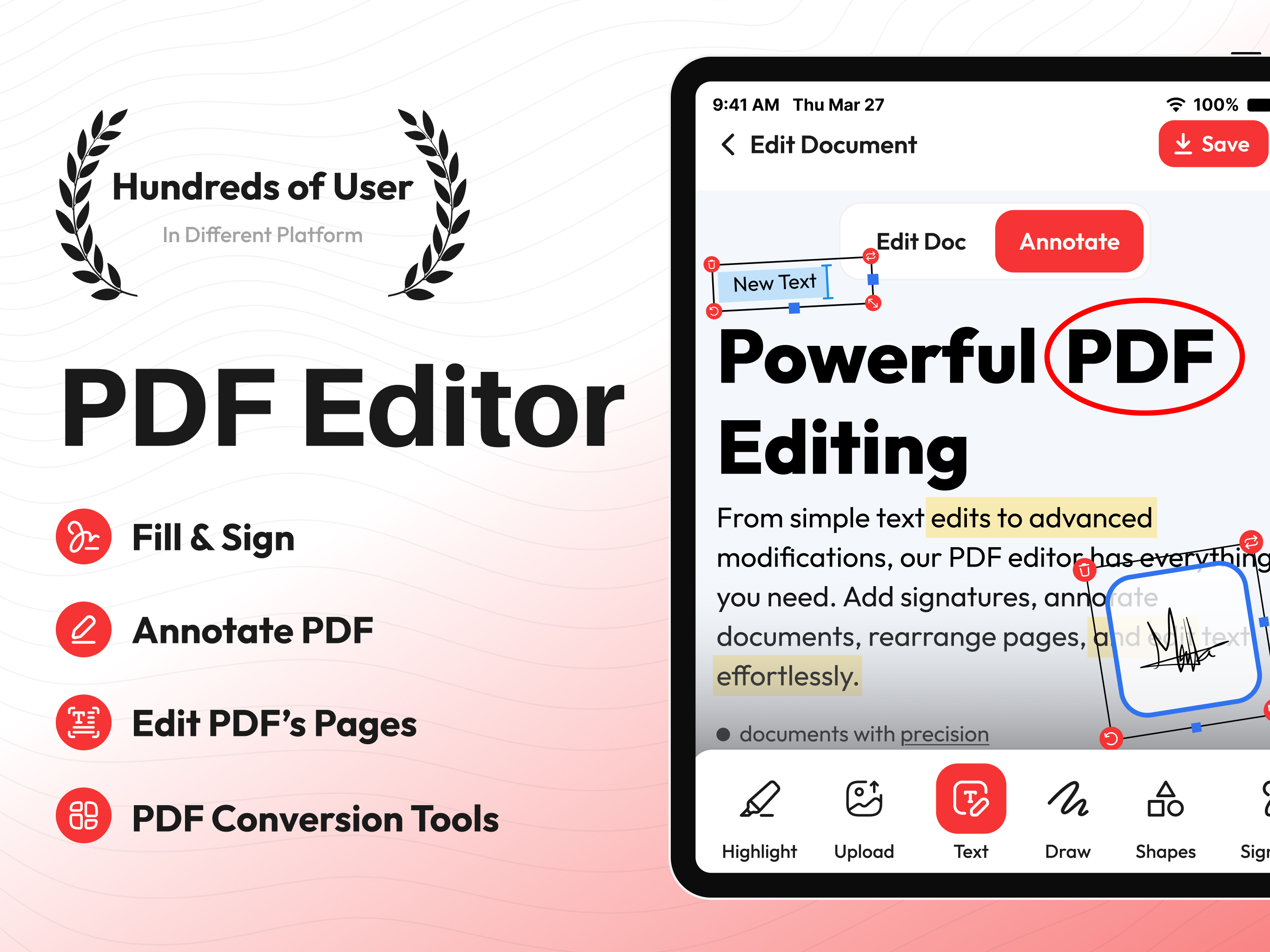
Change the way you manage your PDFs on your iPhone and iPad with our PDF Editor.
This is a powerful and innovative application designed and programmed to handle all your PDF management needs.
Whether you’re a student handling academic notes, a business professional viewing posters/brochures, or a casual user having tons of PDF photos, our editor app provides plenty of features that’ll help you view, edit, sign, annotate, and even share your PDFs without putting much effort.
USPs of PDF Editor and Reader
View and Read PDF Docs
Our app allows you to open and read PDF files no matter what the size. You can customize your viewing experience by changing the layout or you can simply zoom in or out for better readability.
Edit PDF Text
Users can easily modify text in the PDF document. Our app allows you to change font size, style, colors, and alignment, and make other amends. You can make quick corrections on your iPhone without requiring premium software or a desktop.
Annotate PDFs
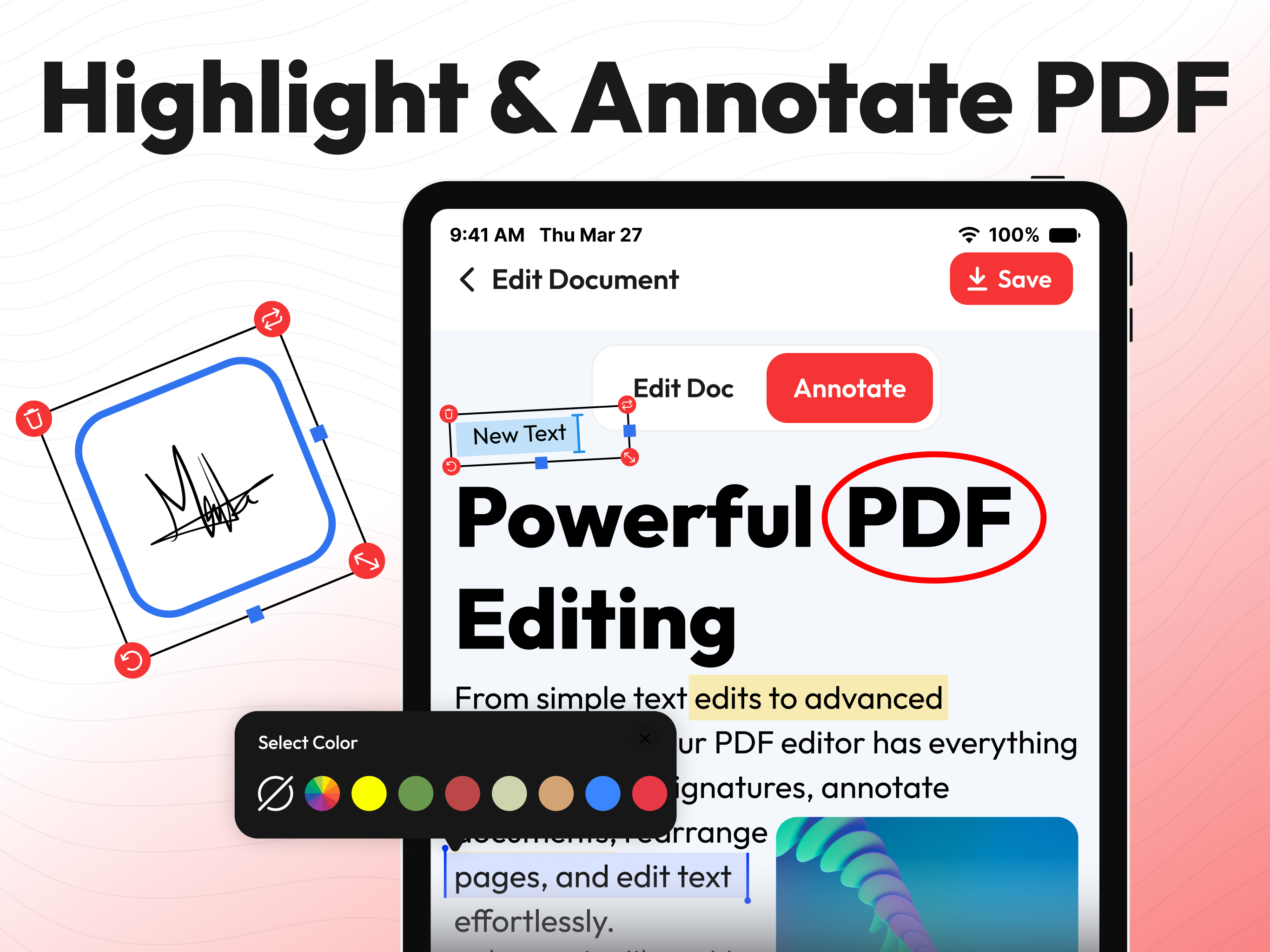
With this PDF editor, you can easily add comments to the document, highlight text, underline sentences, and even add notes to your PDFs. The drawing tool allows users to add annotations and customize colors for markups.
E-Signatures
You can also fill out PDF forms quickly without changing the format or use the signature feature to add your e-signature to documents. You can create, save, and reuse your signature without any hassle.
Organize Pages
The PDF editor app allows you to rearrange, delete, rotate, or extract pages from your documents in a matter of seconds. You can also merge multiple PDFs into one, or split a large file into smaller, more manageable parts.
Document Security
Users can keep documents safe and secure by setting passwords or applying other encryption options. You can control who can access your PDF content and can restrict unauthorized editing or copying of content.
Cloud Integration
Sync in the PDF editor with popular cloud services such as iCloud, Dropbox, Google Drive, and OneDrive to access your PDFs across all your devices. Edit and save directly to your preferred storage space.
Export and Share
You can save your edited PDFs in various formats, including PDF, JPG/PNG, and Word documents. The app also allows you to share your documents via email, messaging apps, or directly to iCloud storage.
Why Choose this PDF Editor?
• PDF editor and reader comes with a simple and clean interface which makes it easy to use even for new and non-technical users just getting started.
• The app is optimized for speed and responsiveness, providing a smooth experience even with large or complex documents.
• PDF editor combines all the tools you need in one app; this way you don’t need to juggle multiple apps to get your work done. Everything you need is under one dashboard.
• Our team always listens to user feedback and continuously improves the app with new features, bug fixes, and enhancements to make PDF editing easier and more efficient.
This PDF editor has been programmed and designed for all kinds of users who need to edit, sign, and share documents, contracts, reports, etc. which makes it an ideal utility for anyone who needs a reliable editing solution.
Download our PDF Editor today and take full control over your PDFs on your iPhone or iPad. Say goodbye to premium PDF managers and get an all-in-one solution for your iOS devices!
Support URL:https://www.trostun.com/contact-us/
Terms of Use: https://www.trostun.com/terms-of-use/
Ausblenden Mehr anzeigen...

Screenshots

PDF Editor Häufige Fragen

  • Ist PDF Editor kostenlos?

    Ja, PDF Editor ist komplett kostenlos und enthält keine In-App-Käufe oder Abonnements.

  • Ist PDF Editor seriös?

    Nicht genügend Bewertungen, um eine zuverlässige Einschätzung vorzunehmen. Die App benötigt mehr Nutzerfeedback.

    Danke für die Stimme

  • Wie viel kostet PDF Editor?

    PDF Editor ist kostenlos.

  • Wie hoch ist der Umsatz von PDF Editor?

    Um geschätzte Einnahmen der PDF Editor-App und weitere AppStore-Einblicke zu erhalten, können Sie sich bei der AppTail Mobile Analytics Platform anmelden.

Benutzerbewertung

4.4 von 5

15 Bewertungen in Vereinigte Staaten

5 star
12
4 star
1
3 star
0
2 star
0
1 star
2
Bewertungsverlauf

PDF Editor Bewertungen

Worth it!!!

Sologonered on

Vereinigte Staaten

Just amazing highly recommended 🤩🤩🤩
H

HSha19 on

Vereinigte Staaten

Absolutely amazing aap for PDF editing. Really helpful!

Title: Excellent PDF Editor – Easy and Efficient!

AliMirza8 on

Vereinigte Staaten

This PDF editor is a game-changer! It’s simple to use, with intuitive tools for editing, annotating, and organizing PDFs. The app’s performance is smooth and fast, making it a must-have for anyone who works with PDFs regularly. Highly recommended!

Immediate subscription request, free version not good.

K-Kins2 on

Vereinigte Staaten

I just tried to edit a pdf and delete text. It won’t let you see the text as you delete it. It jumps to different parts of the document as you are trying to delete text.

Excellent PDF Editor!

Himojane on

Vereinigte Staaten

This PDF editor is user-friendly, fast, and packed with great features. Editing text, adding images, and converting files is effortless. Highly recommended!

Store-Rankings

Ranking-Verlauf
App-Ranking-Verlauf noch nicht verfügbar
Kategorien-Rankings
Diagramm
Kategorie
Rang
Top Umsatz
57
Top Kostenlos
258

PDF Editor Installationen

Letzte 30 Tage

PDF Editor Umsatz

Letzte 30 Tage

PDF Editor Einnahmen und Downloads

Gewinnen Sie wertvolle Einblicke in die Leistung von PDF Editor mit unserer Analytik.
Melden Sie sich jetzt an, um Zugriff auf Downloads, Einnahmen und mehr zu erhalten.

App-Informationen

Kategorie
Business
Herausgeber
Dzine Media
Sprachen
Spanish, German, Chinese, Korean, French, English, Italian, Japanese, Malay, Portuguese, Russian, Thai, Turkish, Vietnamese, Arabic
Letzte Veröffentlichung
1.1.8 (vor 2 Wochen )
Veröffentlicht am
Feb 3, 2025 (vor 10 Monaten )
Zuletzt aktualisiert
vor 2 Wochen
This page includes copyrighted content from third parties, shared solely for commentary and research in accordance with fair use under applicable copyright laws. All trademarks, including product, service, and company names or logos, remain the property of their respective owners. Their use here falls under nominative fair use as outlined by trademark laws and does not suggest any affiliation with or endorsement by the trademark holders.