
New layout
I am very dissatisfied with your new layout. I find it difficult to take a picture and it is not reading as well as the older layout. I really wish you would consider putting back the old layout.



Ja, VDScan ist komplett kostenlos und enthält keine In-App-Käufe oder Abonnements.
🤔 Die Qualität der VDScan-App ist gemischt. Einige Nutzer sind zufrieden, während andere Probleme melden. Ziehen Sie in Betracht, einzelne Bewertungen für mehr Kontext zu lesen.
VDScan ist kostenlos.
Um geschätzte Einnahmen der VDScan-App und weitere AppStore-Einblicke zu erhalten, können Sie sich bei der AppTail Mobile Analytics Platform anmelden.

3.83 von 5
6 Bewertungen in China
I am very dissatisfied with your new layout. I find it difficult to take a picture and it is not reading as well as the older layout. I really wish you would consider putting back the old layout.
Makes needin gsighted help a lot less
Changing my recent review, they fixed my concern
This is harsh but I'm actually disappointed I paid for this. I need to read cards, paint bottles, and cosmetic packaging. It seems to not like shiny surfaces, elegant font, or around objects. I feel I take 5 to 10 shots before I get one that isn't either gibberish or blank in translation. Sometimes I can parse what it says but not all the time. Even plain documents are not great. Whole sections will be nonsense in the read out.
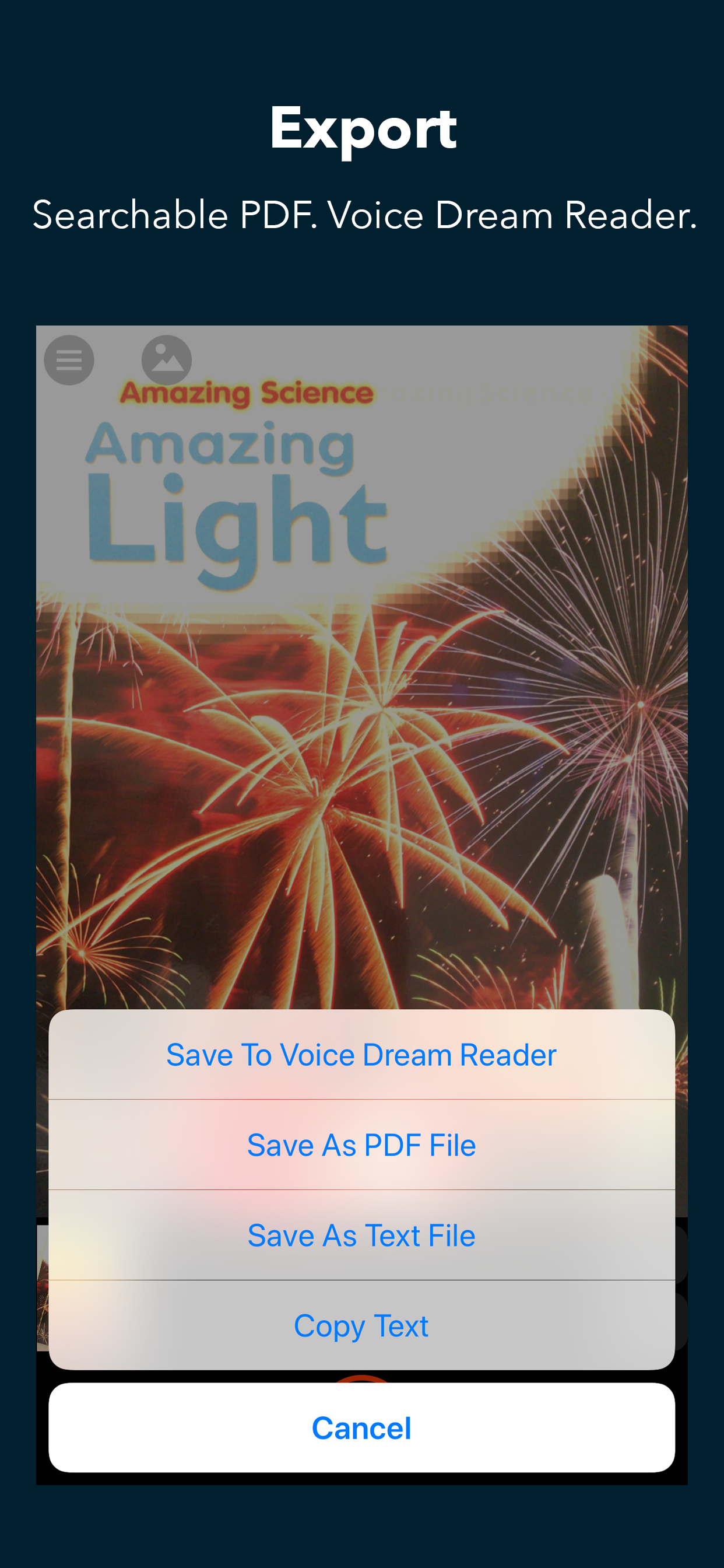
I recently scanned a lengthy document—actually the majority of a soft-cover book—using VDScan; then, because I wished to save it, and knew I would probably need to scan something else using VDScan, I attempted to save the document to VoiceDream Reader. One would think that the only thing that had to be done in order to accomplish this was to press “Save to VoiceDream Reader” and, possibly, give the document a meaningful title. I did this, and my screen went dormant for a couple of minutes; then, the share sheet came up, so I again chose VoiceDream Reader. The screen again went dormant; then, when it came back up, the scan had disappeared, and the document was not to be found in VoiceDream Reader. I again scanned the document, and again attempted to send it to VoiceDream Reader. The screen again went dormant, then the app crashed. I have sent several memos to the developer, and have received no reply. Knowing that the original company was bought out, I found two different addresses to which to send queries, and have used both of them. So, what is the trick to send a document to VoiceDream Reader without losing it first? For the record, I _did _not hit the Clear button, as I knew that this would delete all scanned pages. I am running iOS 16.6.1, the latest versions of both VDScan and VoiceDream Reader, am finding no settings that seem incorrect, and use VoiceOver. Since App Support isn’t replying, I hope someone out there will.
A horrible choice for the name! A shame to mar a great app with such a disgusting title. This is an outstanding app which always works. It is feature rich, and I have found nothing that it cannot read correctly. It is impressively fast, allows me to read large or small documents, allows me to save them wherever I want, or to share them when that is necessary. Updates always add good things, never take away or break anything.
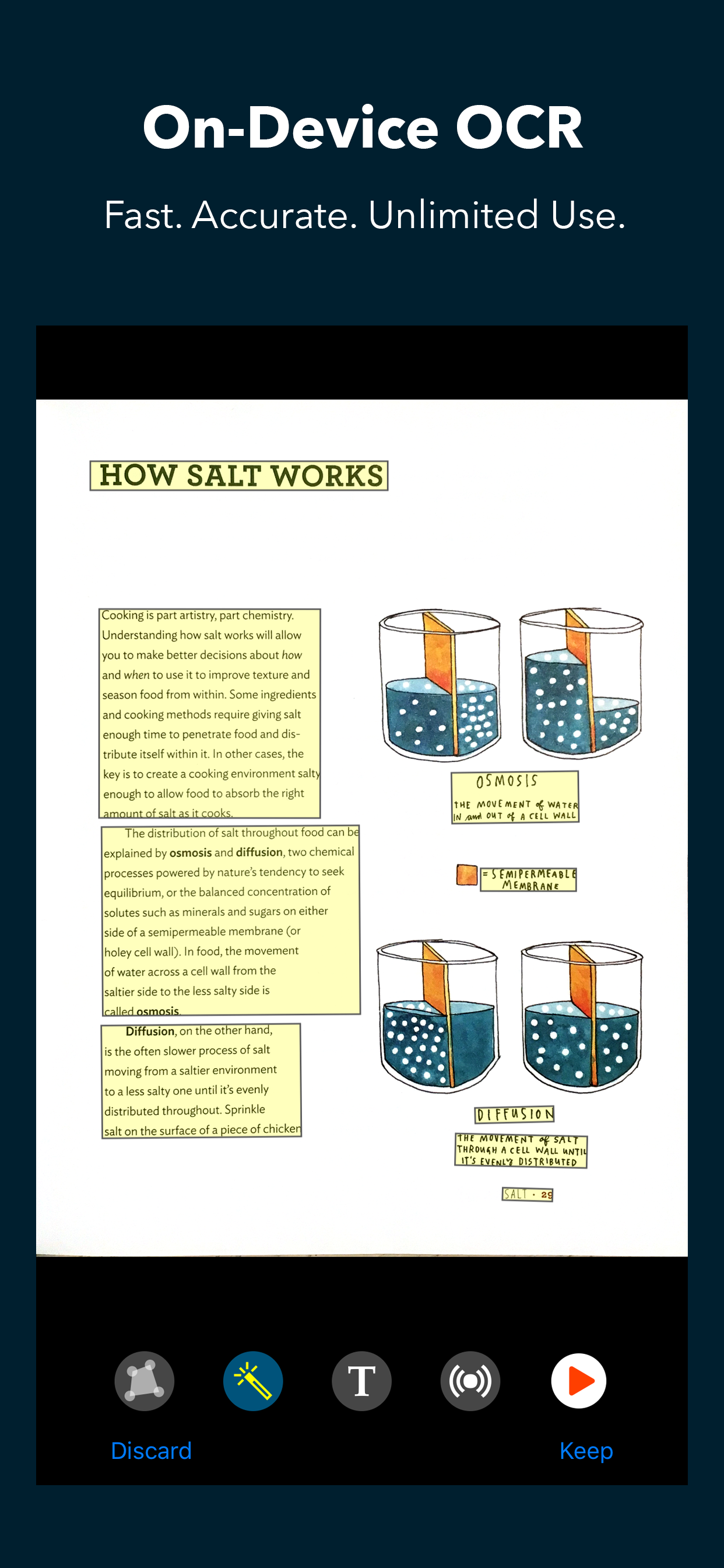
VDScan is my daily go to for a checking mail. It is fast and accurate.
What? You’re changing this one too! I Why did you abandon a very popular name like “voice dream scanner.” VDScan sound so ordinary and very boring. At least your keeping the iconic logo. But please reconsider the silly name change.
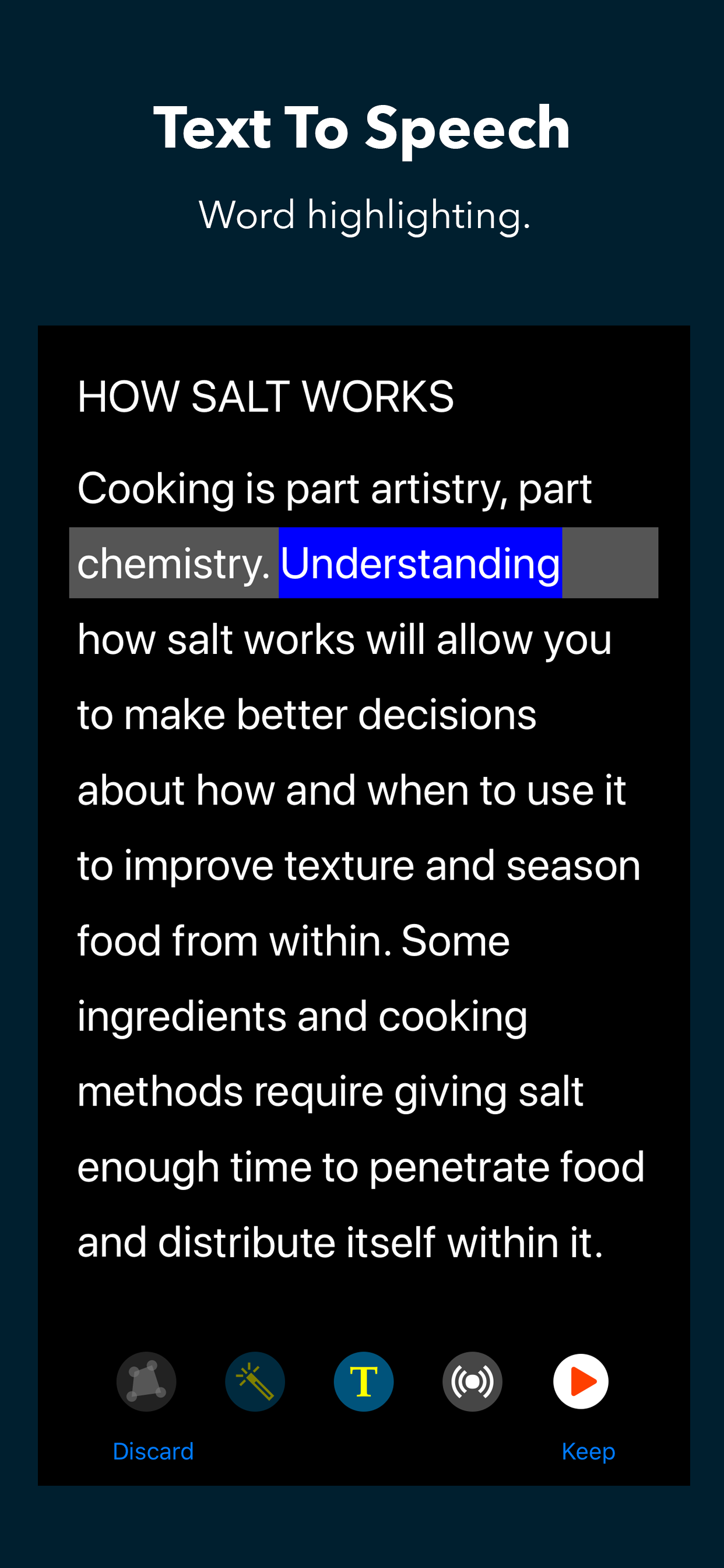
AS SOMEONE THAT HAS ADHD with a reading comprehension disability, I LOVE this app! It makes reading so much easier!
I think it’s a very good app seems to work better than the other ones that I have on my phone all right it works just as well as voice stream of Reader and I don’t have the rider but I’ve got the voice dream reader and it works very well. Thank you Leslie Ferrell.
|
Diagramm
|
Kategorie
|
Rang
|
|---|---|---|
|
Top Bezahlt
|

|
27
|
|
Top Bezahlt
|

|
36
|
|
Top Bezahlt
|

|
42
|
|
Top Bezahlt
|

|
49
|
|
Top Bezahlt
|

|
57
|
