VLLO- Video Editor, Vlog Edits

Easy Shorts, Reels, GIF Maker

Veröffentlicht von: vimosoft

Beschreibung

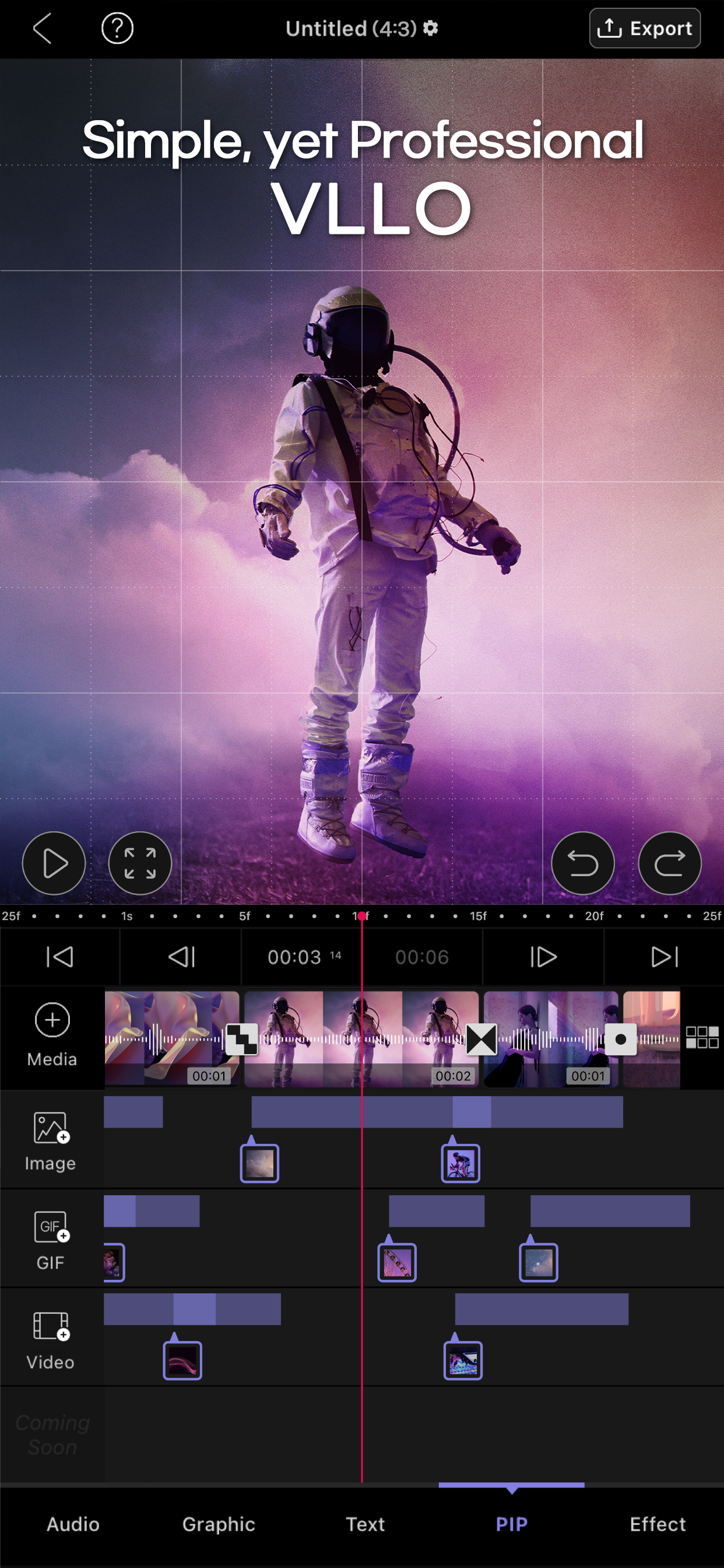
#Simple Yet Professional #All-in-one Editing
VLLO is a powerful video editor trusted by 40 million creators worldwide - perfect for both beginners and pros! Whether you're making your first vlog or creating content for YouTube, Instagram, or TikTok, VLLO's intuitive interface makes video editing feel natural and fun.
Beginners love how super simple it is to trim videos, add text, apply transitions, use templates, and add music with just a few taps. And when you're ready to dive deeper, advanced features like auto caption, PIP, AI tracking, and professional keyframe animations are waiting for you.

Why Creators Love VLLO:

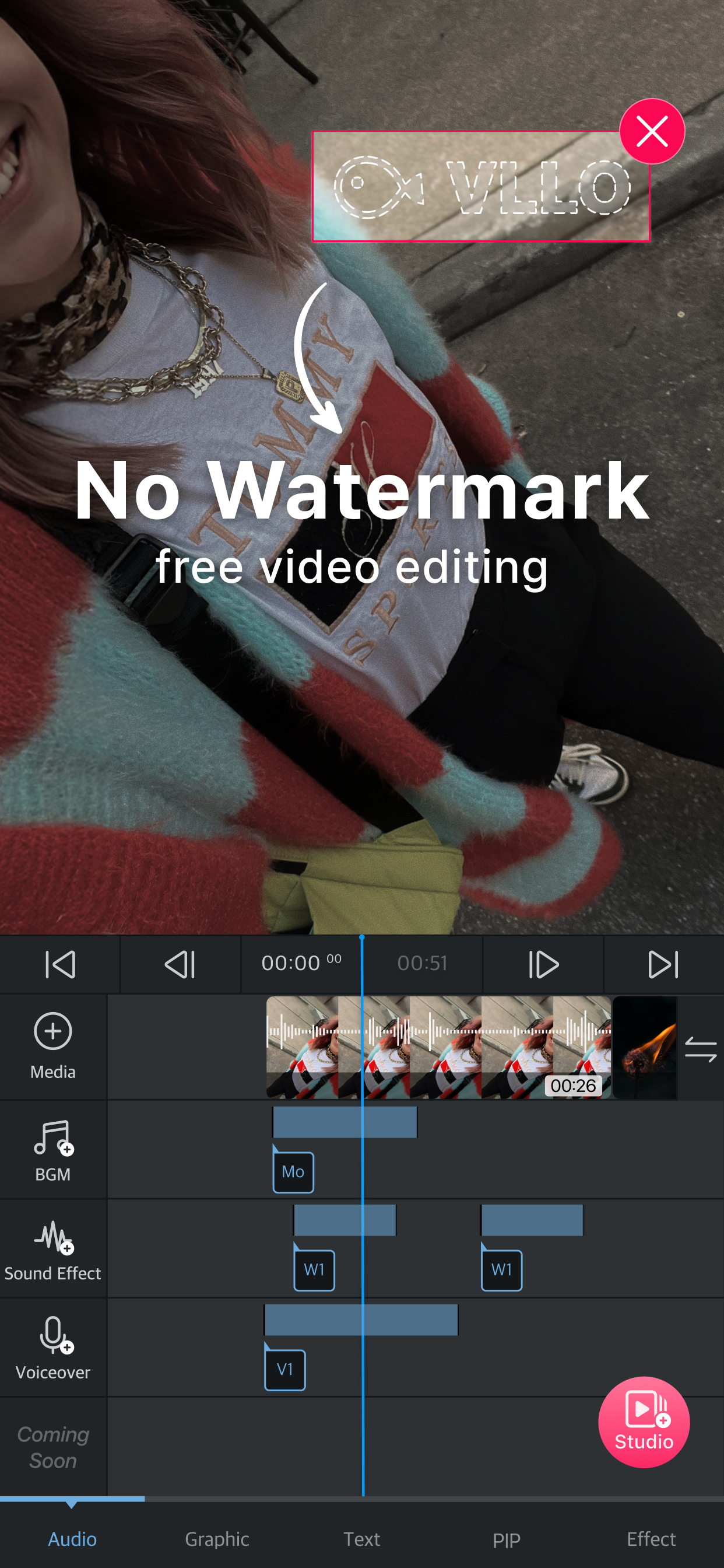
NO WATERMARK
• Create unlimited videos without any watermarks
• No payment required

POWERFUL AI TOOLS
• Auto Caption: Generate perfectly synced captions in one tap, available in multiple languages
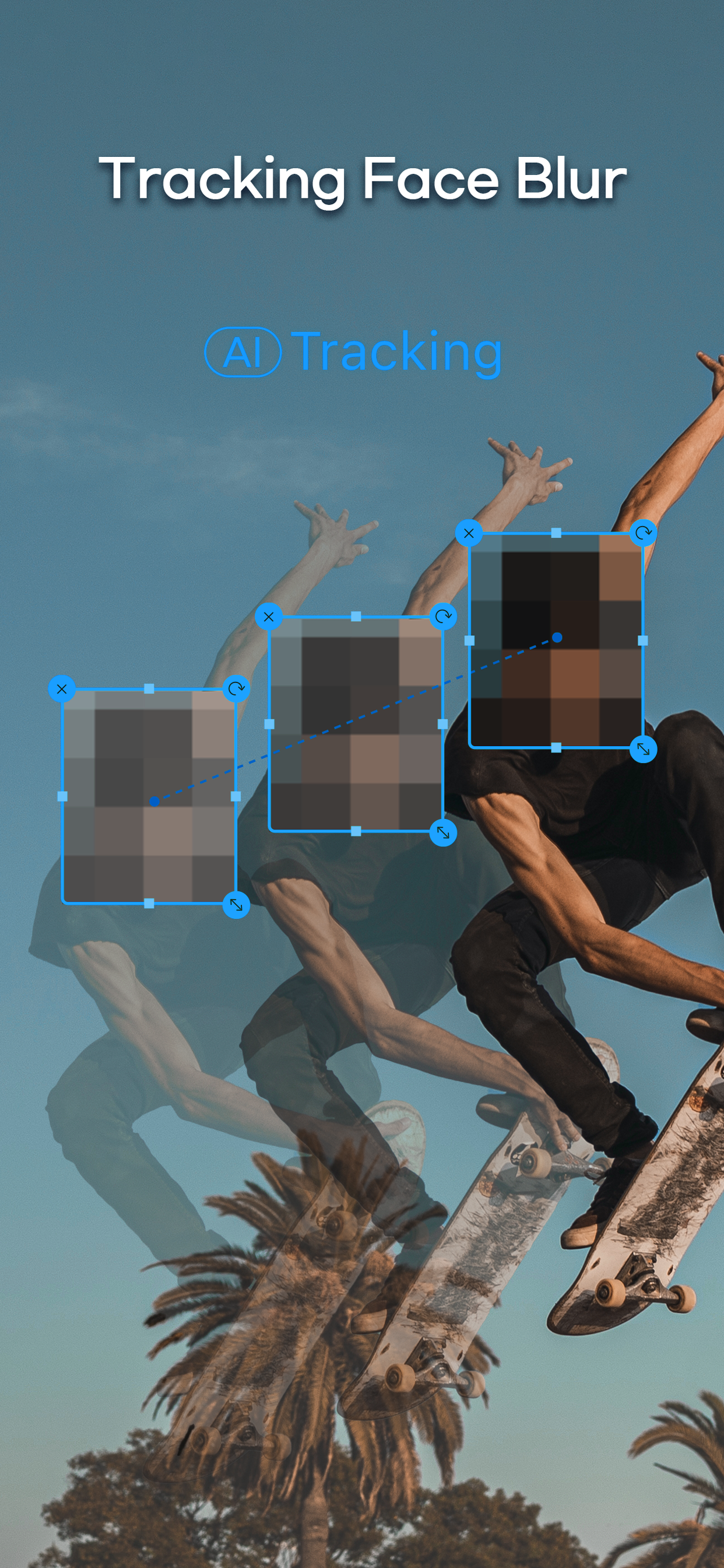
• Auto Tracking: Make stickers, texts and blur to follow moving objects
• AI Background Remove: Remove background instantly

TRENDY TEMPLATES & GRAPHICS
• Decorate your videos with regularly updated trending templates
• Create and share your own templates
• Stickers, Frames, and Text Labels: Stylize your video with aesthetic, high quality assets

FILTERS, EFFECTS & TRANSITIONS
• Filters & Color Grading: Enjoy plenty of cinematic filters and professional color grading options
• Effects: Instantly elevate your videos with effects like glitch, retro, and zoom
• Transitions: Create smooth flows from classic slides and rotates to trendy graphic animations

MUSIC & AUDIO
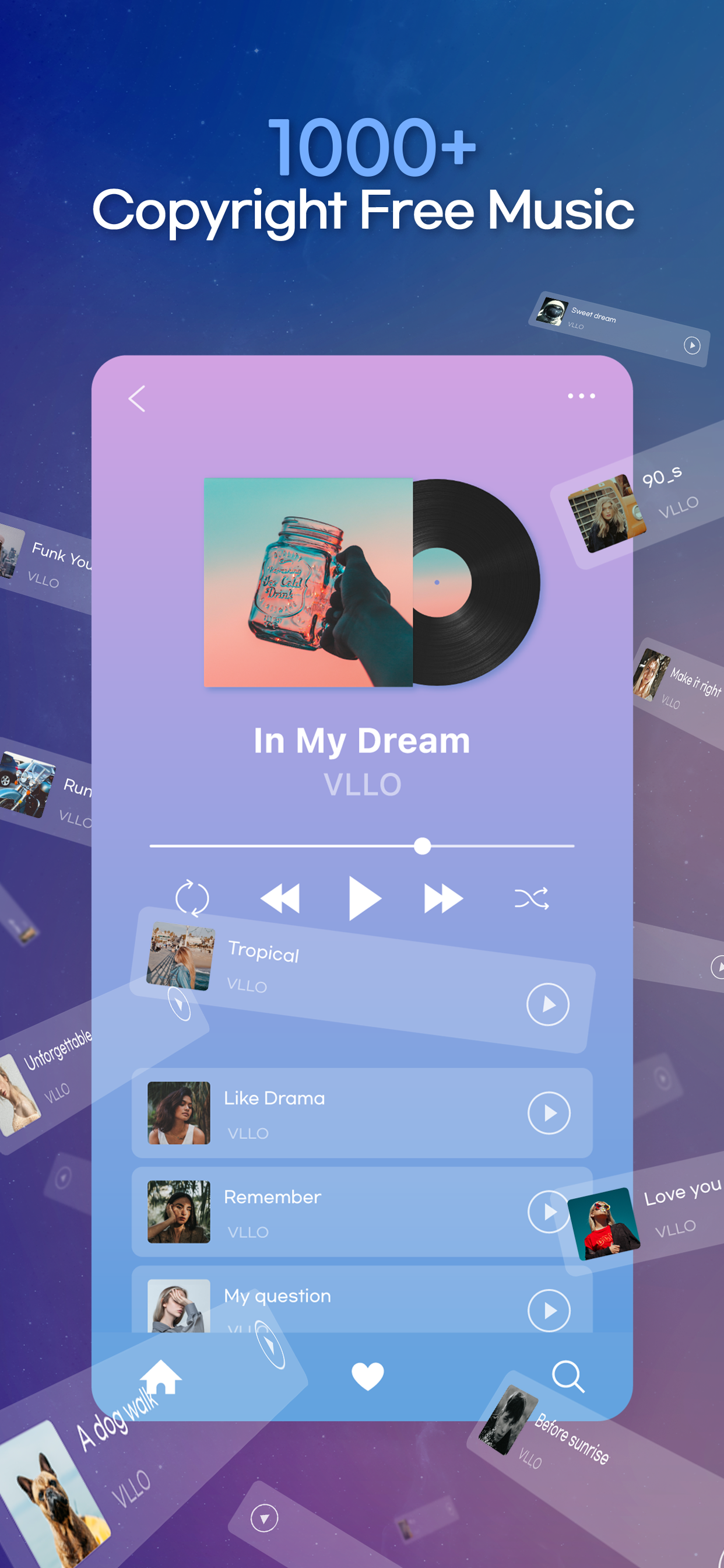
• Massive audio library : 1800+ copyright-free musics and sound effects, and you may also import your own music
• Audio Effects: Enhance your sound with fade, pitch control, voice changing effects
• Voice Over: Record instantly with a single tap
• Audio Extract: Extract audio and musics from videos

ADVANCED VISUAL EFFECTS
• Chroma-key: Remove specific colors from video easily
• Blur & Mosaic: Create stylish blur effects
• Text Styling: Customize color, shadows, and outline for individual characters
• Multi-track Editing: Layer videos, images and GIFs (PIP) and arrange them easily

ADVANCED MOTION CONTROL
• Keyframe: Create custom motion effects for all media
• Speed Control: Adjust video with speed and reverse
• Animation: Animate videos with various effects and duration

EASY & INTUITIVE EDITING:
• Convenient editing with automatic saving and unlimited redo/undo
• Precise editing with smart grid and magnetic settings
• Multiple video ratios for all platforms
• Easy-to-follow tutorials to get you started

HIGH QUALITY EXPORT & QUICK SHARE
• Export videos in stunning 4K resolution
• Share directly to Youtube, Instagram, TikTok, WhatsApp, etc

Download VLLO now and experience next-level editing on your iPhone and iPad!
VLLO Terms of Use : https://www.vllo.io/vllo-terms-of-use

Questions or suggestions?
Contact us: [email protected]
Ausblenden Mehr anzeigen...

In-App-Käufe

VLLO Premium
$64.90
Weekly VLLO Premium
$3.49
Monthly VLLO Premium
$6.99
Annually VLLO Premium
$21.49

Screenshots

VLLO Häufige Fragen

  • Ist VLLO kostenlos?

    Ja, VLLO ist kostenlos herunterzuladen, enthält jedoch In-App-Käufe oder Abonnements.

  • Ist VLLO seriös?

    🤔 Die Qualität der VLLO-App ist gemischt. Einige Nutzer sind zufrieden, während andere Probleme melden. Ziehen Sie in Betracht, einzelne Bewertungen für mehr Kontext zu lesen.

    Danke für die Stimme

  • Wie viel kostet VLLO?

    VLLO bietet mehrere In-App-Käufe/Abonnements, der durchschnittliche In-App-Preis beträgt $24.22.

  • Wie hoch ist der Umsatz von VLLO?

    Um geschätzte Einnahmen der VLLO-App und weitere AppStore-Einblicke zu erhalten, können Sie sich bei der AppTail Mobile Analytics Platform anmelden.

Benutzerbewertung

4.75 von 5

929 Bewertungen in Neuseeland

5 star
792
4 star
82
3 star
32
2 star
9
1 star
14
Bewertungsverlauf

VLLO Bewertungen

I hate it

Crazy mad madz on

Neuseeland

It doesn’t let me see the video!🤬

Very helpful

Kitty don't eat fish on

Neuseeland

Not much people use VLLO anymore because it don't have much button Kinemaster for example but the good thing about VLLO is that you got anything you need. But maybe you can fix the video part,

Easiest video editing app!!

Djsbwienel on

Neuseeland

I tried few apps and I am satisfied with VLLO. Now all I need is soft skin effect… I’m waiting on you VLLO….

Loading title...

Laraine Walker on

Neuseeland

I gave it 3 stars bc when I want to edit something the pic or video isn’t coming up like it’s blank I can’t see it, I did one edit for a day then the next day it went blank like I said but when I used it the first day it was very easy to use and let’s just say better than capcut. I don’t know if it’s my device that’s making it blank or it’s a bug that you can fix.

제발 폰트옆에 엑스 표시 좀 다른 곳으로 움직여주세요 please move the X button away from the ‘Tick sign’ when writing a text

prieuhs on

Neuseeland

제발 폰트옆에 엑스 표시 좀 다른 곳으로 움직여주세요 글자 입력하고 완료 버튼 누르려고했는데 엑스표시 잘 못 눌러서 날려먹은 자막만 몇십개나 되는 거 같아요. 이거 고쳐주시면 별 5개 10별 눌려드릴게요. please move the X button away from the ‘Tick sign’ when writing a text. I try to click the ‘Tick sign’ when completing the text. But i sometimes click the X button because it is right next to it. Then i have to type the text again!!! This is so annoying. Other than that, this app is awesome. So please move the X button away from the ‘Tick button’ If you fix this, i will give you 5 stars 10 times.

4 star rating

SoMeBoDy1234566 on

Neuseeland

Yeah well it’s really good just one little thing I just can’t find how to add my own music… but apart from that it’s great!

THE BEST EDITING APP EVER

Kasey128 on

Neuseeland

DEFINITELY RECOMMEND, it’s the best I’ve ever tried

Resize

brocklebank on

Neuseeland

The games great and I've been using it for months, but I'm the most recent update you took away the "Apply to all" option in the Resize setting, could you please add it back, it made everything a lot easier.

Good Editing for gacha videos

nambalawanar on

Neuseeland

As the title says, it’s a good app for editing gacha videos

개선되면 좋겠는 점들 몇 가지 보내드립니다!~

레레미파파파 on

Neuseeland

주변 소음 제거하는 기능, 글자 굵기 설정(테두리, 그림자 기능 제외하고), 글자 기울기 설정, 애니메이션 효과에서 파도나 물 흐르듯 글자가 가볍게 굽이굽이 치는 효과, 잘 쓰고 있습니다 ^^ 감사합니다 =)

Store-Rankings

Ranking-Verlauf
Kategorien-Rankings
Diagramm
Kategorie
Rang
Top Kostenlos
9
Top Umsatz
27
Top Umsatz
50
Top Umsatz
53
Top Kostenlos
57

Schlüsselwörter

VLLO Konkurrenten

VLLO Installationen

Letzte 30 Tage

VLLO Umsatz

Letzte 30 Tage

VLLO Einnahmen und Downloads

Gewinnen Sie wertvolle Einblicke in die Leistung von VLLO mit unserer Analytik.
Melden Sie sich jetzt an, um Zugriff auf Downloads, Einnahmen und mehr zu erhalten.
This page includes copyrighted content from third parties, shared solely for commentary and research in accordance with fair use under applicable copyright laws. All trademarks, including product, service, and company names or logos, remain the property of their respective owners. Their use here falls under nominative fair use as outlined by trademark laws and does not suggest any affiliation with or endorsement by the trademark holders.