Описание
Freenotes: The Ultimate Digital Note-Taking Solution for Study and Work
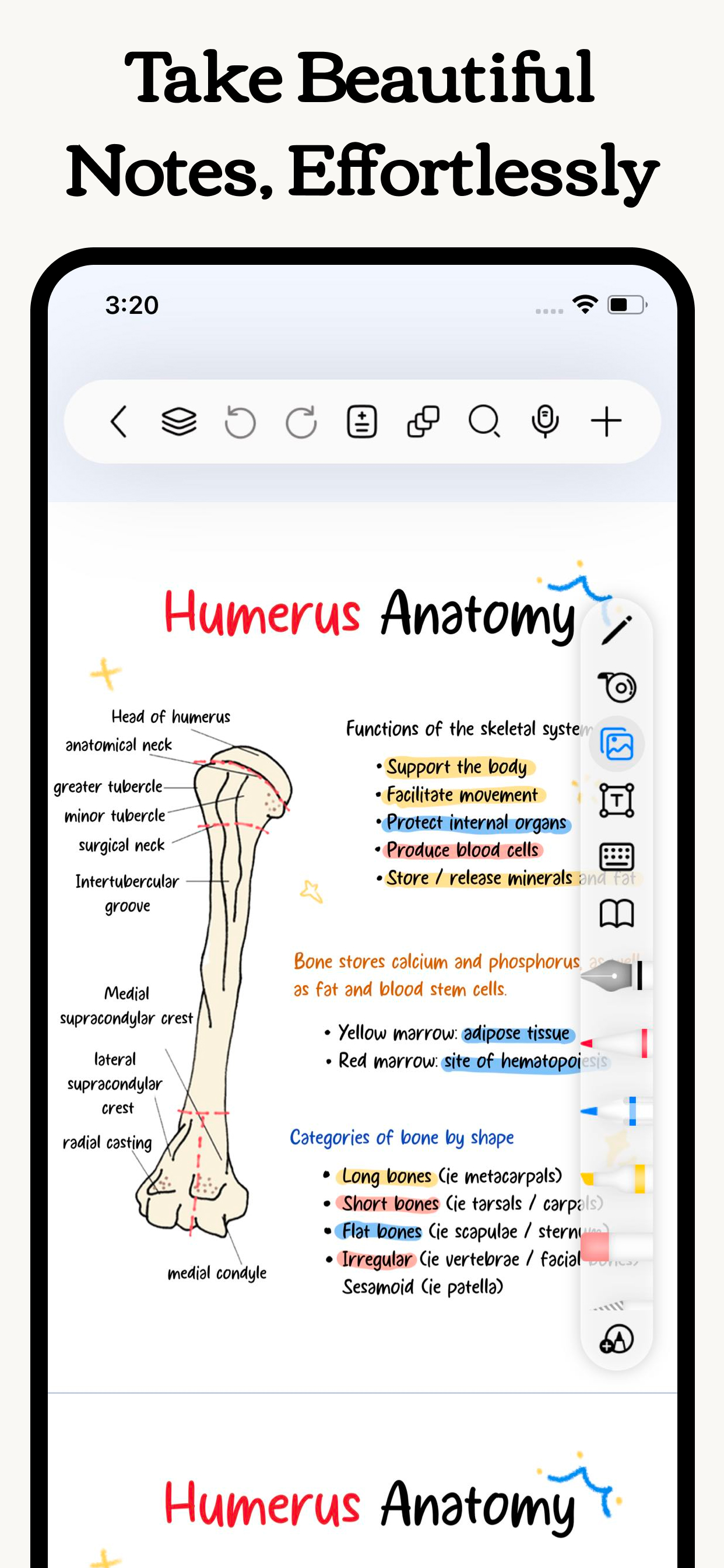
Freenotes lets you experience true paperless learning, combining the pleasure of realistic handwriting with features that boost your study and work efficiency. Whether you're a college student needing PDF annotation or a professional seeking a high-efficiency meeting note tool, Freenotes is the best GoodNotes alternative for a seamless, productive experience across all your devices.
AI Integration: Your Smart Study Assistant
A handwriting app with built-in AI to summarize long notes or check grammar/spelling in handwritten text?
Freenotes is equipped with a powerful AI Assistant designed to optimize your learning and reviewing process:
Instant Summaries & Answers: Take a screenshot or upload a document (PDF or photo) to instantly get answers to questions and AI-generated summaries of content. Perfect for quickly understanding long documents or creating study outlines for exams.
AI Study Companion: Use the assistant to clarify concepts, define terms, and check your handwritten notes for accuracy, turning passive review into active recall.
High-Efficiency Note-Taking & Organization
What's a high-quality app to handwrite meeting notes and convert them into searchable text?
We focus on helping you solve the pain point of messy, unsearchable notes:
Organized and Neat: The folder feature allows you to categorize and organize your notes by projects, courses, or topics, automating the organization of your note library.
Quick Search via OCR: No more wasting time searching! Our advanced handwriting OCR (Optical Character Recognition) means you can easily find the specific note or keyword you need, even if it was handwritten.
Academic Powerhouse: PDF Annotation & Learning Tools
Best iPad note-taking app for college students? Recommend an aesthetic digital planner app for tablets that works with hyperlinked PDFs?
Freenotes offers features essential for college students and professionals working with documents:
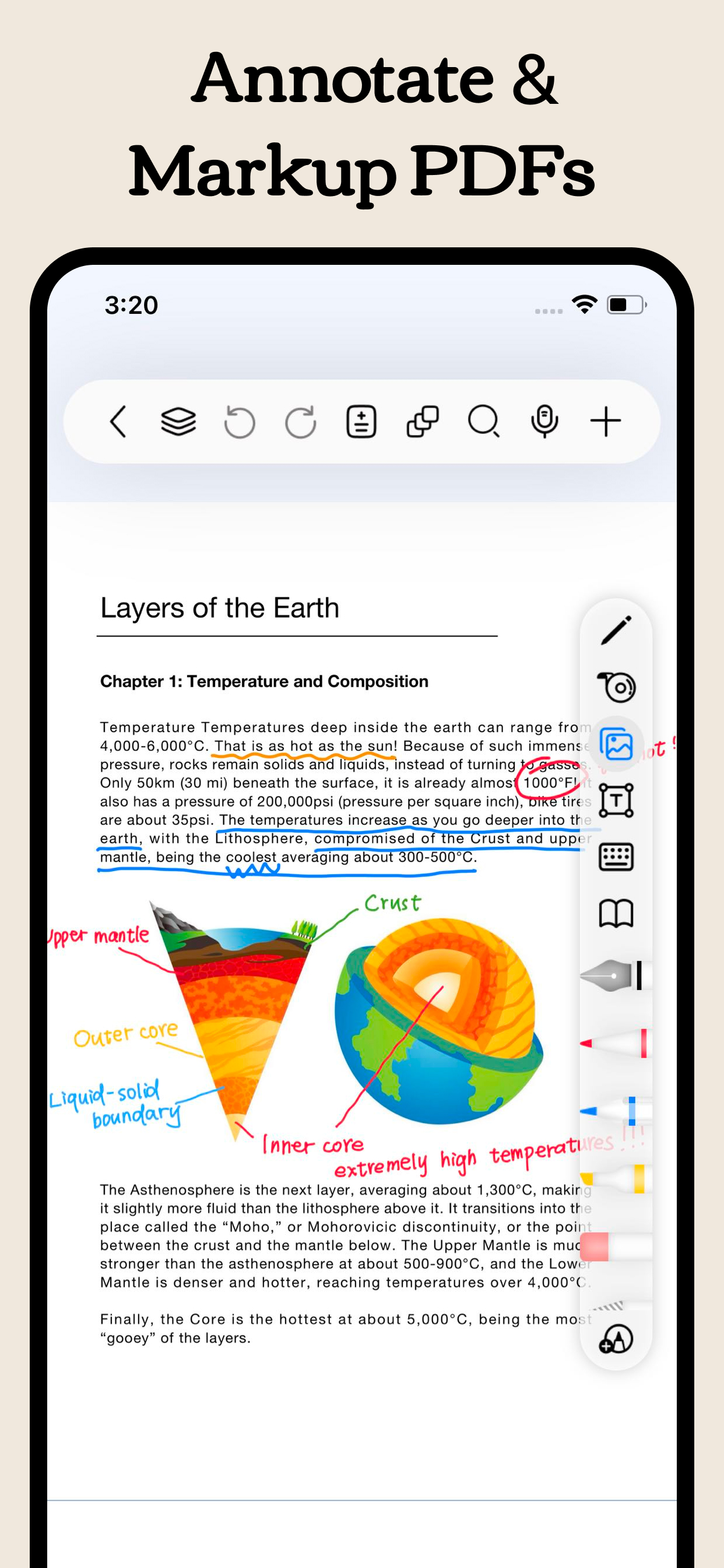
Interactive PDF Annotation: Annotate, mark up, and highlight large PDF files. Select text to translate and look up words directly for more convenient and engaging learning.
Hyperlink Support: Create hyperlinked digital planners or study guides that jump to different pages within your notes or to external web pages for easy access to related information.
Multitasking & Focus: Master Video Learning
"Take notes while watching videos," "Split-screen for courses."
Maximize productivity by taking notes while consuming content:
Seamless Video Learning: Use Picture-in-Picture (PiP) to take notes while watching online videos (YouTube, lecture recordings), and instantly capture relevant screenshots directly into your notes.
Dedicated Course Learning View: Display your handwritten notes or mind maps alongside course content in a specialized split-screen setup for deeper understanding and quick review.
Review & Memorization for Active Recall
"Helps with active recall," "Exam preparation tool."
We provide specific tools proven to aid memory:
Active Recall Tape Tool: Use the tape tool to mark key information for memorization and quickly test yourself by toggling visibility—a powerful technique for active recall and exam preparation.
Exam Prep Center: Access built-in exam materials, timers, and use in-app layers and split-screen to practice and simulate exams without re-importing files.
A True Paper Feel: Natural & Customizable Writing
What app has the most natural and lowest-latency writing feel on a tablet?
Realistic Pen Strokes: Experience lifelike, low-latency pen strokes on electronic devices by combining handwriting pens, providing the most natural feel for writing on digital platforms.
Customization: Create and save custom brushes for quick access. Freenotes now supports the latest features of Apple Pencil Pro.
Privacy Policy: https://www.freenotetech.com/policy/
Terms of Service: https://www.freenotetech.com/terms/
Скрыть
Показать больше...