
Payment
Pay not work, pls check



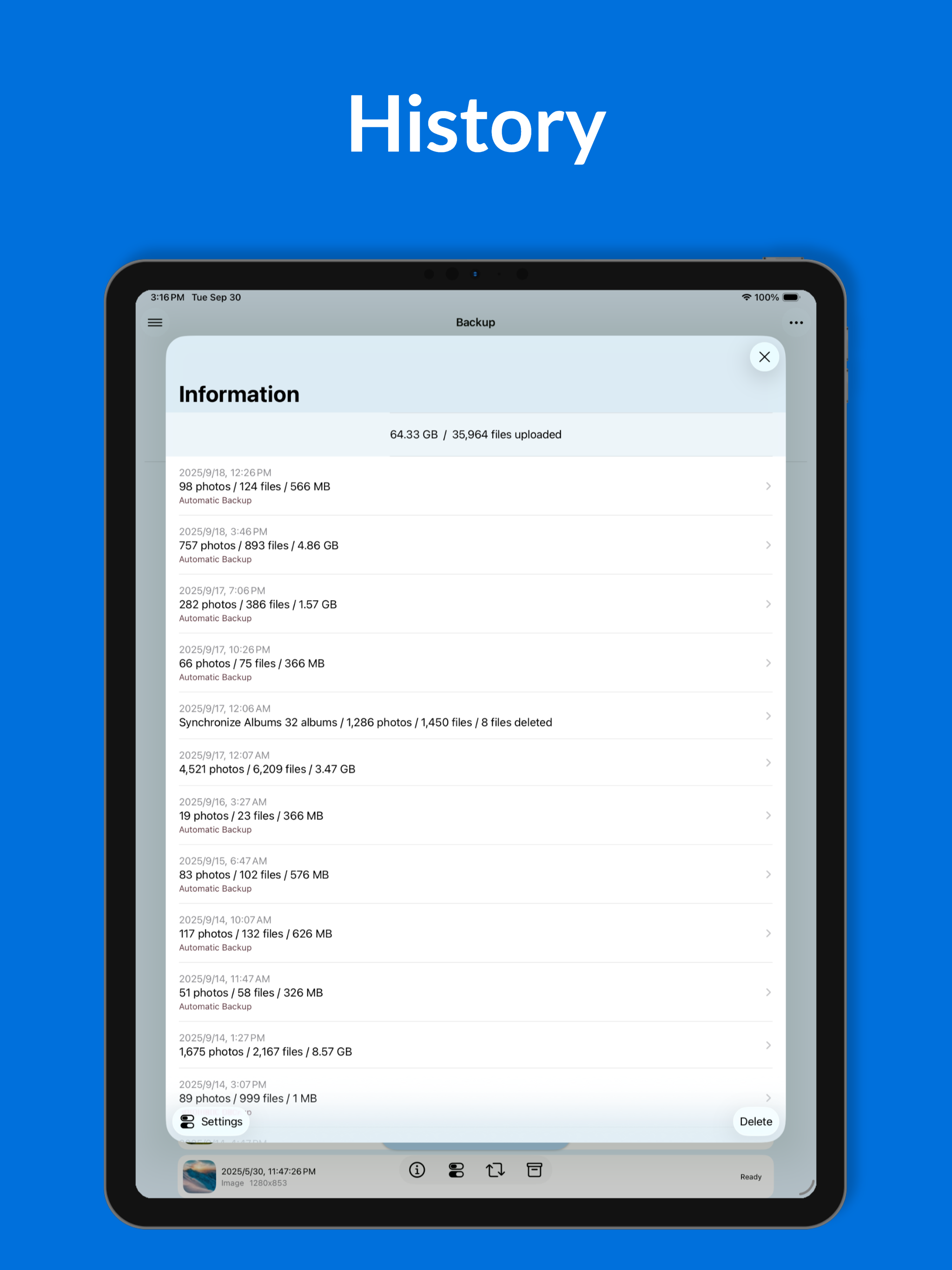

Да, Photo Backup for Synology можно скачать бесплатно, однако в приложении есть встроенные покупки или подписки.
🤔 Качество приложения Photo Backup for Synology спорное. Некоторые пользователи довольны, в то время как другие сообщают о проблемах. Рекомендуем ознакомиться с отдельными отзывами для получения более полной картины.
Photo Backup for Synology имеет несколько покупок/подписок внутри приложения, средняя цена покупки составляет 98.32 zł.
Чтобы получить оценку дохода приложения Photo Backup for Synology и другие данные AppStore, вы можете зарегистрироваться на платформе мобильной аналитики AppTail.

4.74 из 5
31 оценок в Польша
Pay not work, pls check
your application doesn’t backup photos send from another device via airdrop and additionally doesn’t backup photos that have been changed/modified on iPhone by adding some filters ie.
Was able to migrate 30k+ seamlessly to my Synology NAS while maintaining my iCloud photo albums and Favorites. Developer responded to questions quickly. Thanks for a great product!
This is the exact software I would write to do this job. All the options I needed and it’s super fast. Apple gives you little option to download your own pictures. I like diskstation software but this app is even better than DS stuff. Copied about 129GB in 8 hours. Much faster than apple or Google. About 32 items a minute.
It works well!
I haven’t used it but this app require payment and I had to look into it before start using it. It’s not a official synology app. I have not used this app so can’t make any comments.
So far so good with this one, Im loving the ability to exclude certain albums from backup. This is great when I need to re-download an image from my NAS but don't want it backed up twice. I would love to see the option to automatically delete photos after sync though.
I’ve been looking for a solution to sync my photos from my iPhone to my NAS. Connecting to my NAS was confusing and lacked support. I kept receiving an error but there wasn’t any help in the app to resolve the connection issue. There was no option to search for my NAS. The options for the backup offer lots of options and good descriptions. The reason for three starts is the inability to operate in the background even for a very short period while I switch screens, sometimes I would come back and have to start the backup again from where it left off. You have to leave the program on your screen running. I have 24k photos to backup. It has taken three days and I still have 6k photos left. I’ve tried to backup overnight but it seems to stop at some point. I run it every chance I get. Also, what happens when I have new photos or photos move around? From what I understand, I will have to backup again if I want to keep everything in the right folders, if anything has moved. There is no sync option. I feel the app could be great but currently is just ok. It needs further development and features. It does what it says but it’s a lot of work and you will have to continue to manually manage it since it does not seem to backup on its own.
What a great way to not lose precious memories. And without worry. Even if behind set it and leave phone chargjng. On return - all caught up with permanent capture.
I have a nas and this does a great job of backing up photos without a lot of fuss. Very logical and reliable.
|
Рейтинг
|
Категория
|
Позиция
|
|---|---|---|
|
Топ бесплатных
|

|
389
|
|
Топ бесплатных
|

|
435
|
