Photo, Docs, PDF Scanner

Разработчик: Smart Mobile Apps FZCO

Описание

Tap & Print is your go-to app for seamless mobile printing and scanning. Supporting over 9,000 wireless printer models , it makes printing documents, photos, and web pages from your iPhone or iPad easier than ever. With advanced customization options and cloud integration, Tap & Print is perfect for students, professionals, and families alike.
PRINT ANYTHING WITH EASE
Print photos, documents, PDFs, Word files, Excel sheets, PowerPoint presentations, emails, and more—all with just a few taps. Whether you’re printing from your Camera Roll, clipboard, or cloud storage, Tap & Print supports over 30 file types and offers complete control over print settings like paper size, orientation, color, and borders. It’s the only app you’ll need for all your mobile printing needs.
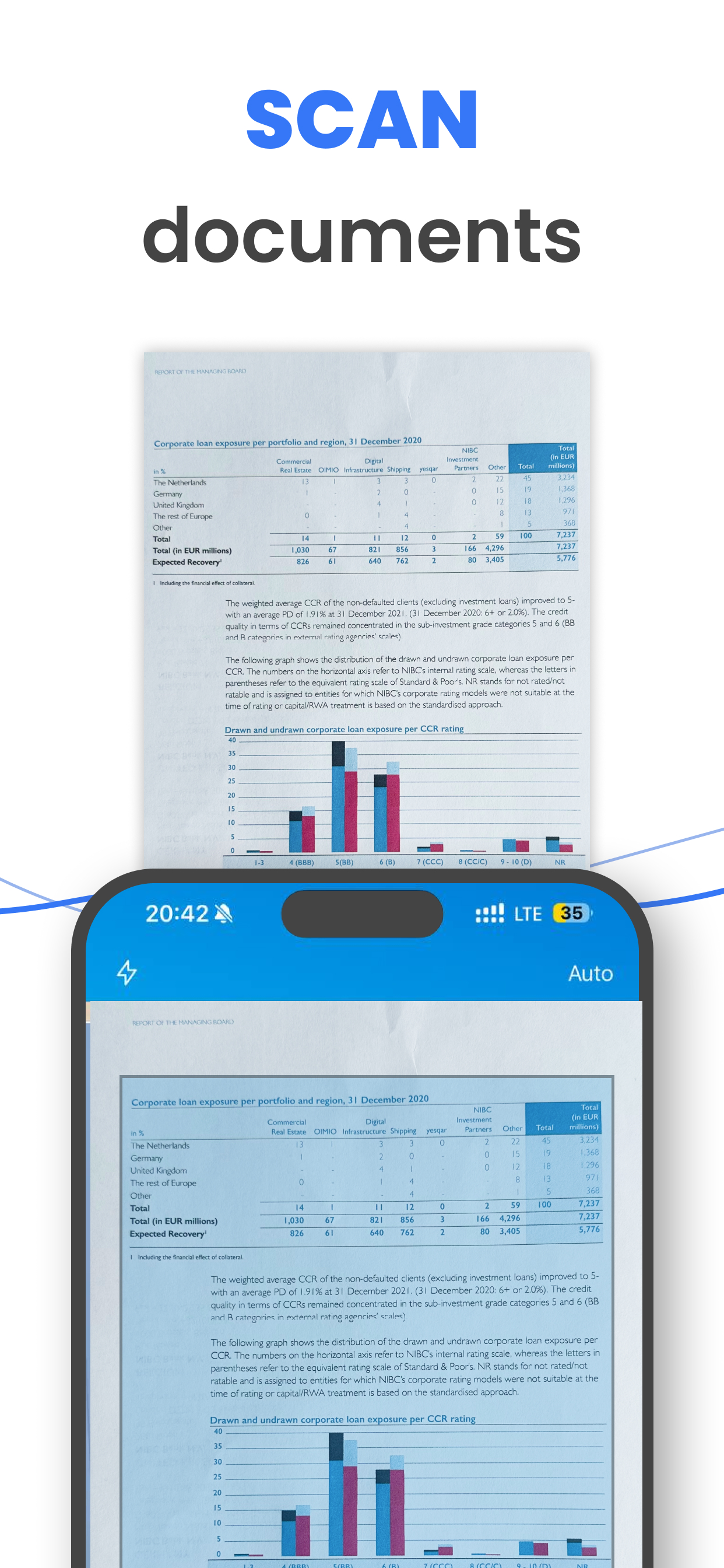
SCAN AND SHARE IN SECONDS
Use the built-in scanner to digitize receipts, contracts, notes, or any document quickly. Once scanned, you can share or print your files instantly. With Tap & Print, going paperless has never been easier.
ADVANCED FEATURES FOR EVERY USER
Take full advantage of customizable options:
Choose from a variety of paper sizes and types (Letter, Legal, A4, etc.).
Print in vibrant color or grayscale for professional results.
Opt for one- or two-sided printing, with or without borders.
Cloud integration with iCloud, Google Drive, and Dropbox ensures your files are always accessible. Plus, convert high-quality PDFs, share files via email or social media, and stay productive on the go.
SUBSCRIPTION DETAILS
To unlock premium features like advanced printer and scanner functionality, a subscription is required. Subscriptions automatically renew unless canceled at least 24 hours before the end of the current billing period. Manage your subscription preferences directly through your iTunes Account Settings.
Note: Only you can manage your subscriptions. As developers, we cannot cancel or renew them on your behalf.
GET STARTED TODAY
Tap & Print works with popular printer brands like Canon, HP, Epson, Brother, Xerox, and more —including any AirPrint-compatible device. Use the test print feature after installation to confirm compatibility with your printer. Make sure your iPhone or iPad is connected to the same Wi-Fi network as your printer for the best experience.
WHY CHOOSE TAP & PRINT?
Whether you’re printing photos, scanning documents, or managing work files, Tap & Print combines simplicity and power in one app. Designed for convenience, it empowers you to print and scan from anywhere, anytime. Download Tap & Print today and simplify your mobile printing experience!
Note:
*Make sure you’re connected to the same Wi-Fi network as your printer to use all the features of the printer app.
**Before installing the app for iPhone and iPad, we recommend checking the list of AirPrint devices: https://support.apple.com/en-us/HT201311
AirDrop®, AirPrint®, Apple®, Apple logo®, iPad®, iPad Air®, iPad Pro®, iPhone®, App Store® are non-exhaustive list of Apple’s® registered trademarks in the U.S. and/or other countries and regions.
Adobe, the Adobe logo, Acrobat, Adobe Premiere, After Effects, Behance, Creative Cloud, EchoSign, InDesign, Photoshop and Typekit are either registered trademarks or trademarks of Adobe Systems Incorporated in the United States and/or other countries.
PRIVACY & TERMS
Privacy Policy: http://smart-mobile-apps.com/privacy_policy.html
Terms and Conditions: http://smart-mobile-apps.com/terms_conditions.html
Скрыть Показать больше...

Скриншоты

Частые Вопросы

  • Приложение Tap & Print бесплатное?

    Да, Tap & Print полностью бесплатное и не содержит встроенных покупок или подписок.

  • Является ли Tap & Print фейковым или мошенническим?

    🤔 Качество приложения Tap & Print спорное. Некоторые пользователи довольны, в то время как другие сообщают о проблемах. Рекомендуем ознакомиться с отдельными отзывами для получения более полной картины.

    Спасибо за ваш голос

  • Сколько стоит Tap & Print?

    Приложение Tap & Print бесплатное.

  • Сколько зарабатывает Tap & Print?

    Чтобы получить оценку дохода приложения Tap & Print и другие данные AppStore, вы можете зарегистрироваться на платформе мобильной аналитики AppTail.

Оценки пользователей
Приложение еще не оценено в Ангола.
История оценок

Отзывы Пользователей

Бесплатно вообще не работает

Serg_refilip on

Россия

Платная подписка для технической утилиты, не предоставляю ей самостоятельно ценности от постоянного взаимодействия с интернетом, - это позор. Приложение - финансовый паразит.

Подписка

Гузнль А on

Россия

Как отписаться от этого приложения, если и в покупках и в подписках нет? Не хочу чтобы списывали деньги, мне это приложение не нужно

Грег

GregoryDenisov on

Россия

Норм апка, намного круче стандартного режима печатьюи

От меня

Gl19852311 on

Россия

А на почту можно скан отправить?

Не качайте!

Assa777 on

Россия

Разраб @нулся совсем с таким ценником! 🤬

Фиктивно бесплатное

Maddog.1 on

Россия

Приложение, бесплатно не дает ничего сделать, только сеачать Только через покупку подписки.

Верните деньги

ЕЕТТ on

Россия

Верните деньги, мне не нужна подписка!!!

Лучшее что пробовал

Amisaday Fidgeon on

Россия

На мой взгляд - самое удобное и мощное приложение для беспроводной печати

То, что нужно

Chirstine Ockleshaw on

Россия

Снес почти все остальные офисные программы, ибо тут есть все что нужно

Все устраивает

Shamont Waberer on

Россия

Все что нужно для печати - мой айпад и любой принтер. До чего дошел прогресс…

Оценки

История позиций в топах
История рейтингов пока не доступна
Позиции в категории
Рейтинг
Категория
Позиция
Топ по доходу
12
Топ бесплатных
19
Топ по доходу
38
Топ по доходу
47
Топ по доходу
55

Tap & Print Установки

30дн.

Tap & Print Доход

30дн.

Доходы и Загрузки

Получите ценные инсайты о производительности Tap & Print с помощью нашей аналитики.
Зарегистрируйтесь сейчас, чтобы получить доступ к статистика загрузок и доходов и многому другому.

Информация о приложении

Категория
Business
Разработчик
Smart Mobile Apps FZCO
Языки
Italian, Spanish, French, Chinese, English
Последнее обновление
7.11 (2 недели назад )
Выпущено
Jan 12, 2018 (7 лет назад )
Также доступно в
Соединенные Штаты, Германия, Великобритания, Франция, Канада, Республика Корея, Италия, Россия, Австралия, Саудовская Аравия, Бразилия, Китай, Индия, Япония, Швеция, Вьетнам, Нидерланды, Швейцария, Таиланд, Бельгия, Мексика, Турция, Испания, Египет, Польша, Филиппины, Гонконг (САР), Чехия, Малайзия, ОАЭ, Аргентина, Венгрия, Дания, Кувейт, Австрия, Греция, Иордания, Израиль, Сингапур, Южно-Африканская Республика, Чили, Казахстан, Новая Зеландия, Норвегия, Колумбия, Португалия, Индонезия, Финляндия, Тайвань, Катар, Ирландия, Доминиканская Республика, Оман, Словакия, Украина, Румыния, Перу, Хорватия, Эквадор, Алжир, Ливан, Пакистан, Азербайджан, Панама, Словения, Люксембург, Болгария, Тунис, Гана, Эстония, Литва, Шри-Ланка, Латвия, Уругвай, Узбекистан, Армения, Бахрейн, Ангола, Кипр, Нигерия, Намибия, Маврикий, Мальта, Непал, Мали, Северная Македония, Мадагаскар, Беларусь, Бруней, Бермудские о-ва, о-ва Кайман, Кения, Исландия, Уганда
Обновлено
3 месяца назад
This page includes copyrighted content from third parties, shared solely for commentary and research in accordance with fair use under applicable copyright laws. All trademarks, including product, service, and company names or logos, remain the property of their respective owners. Their use here falls under nominative fair use as outlined by trademark laws and does not suggest any affiliation with or endorsement by the trademark holders.