AirDisk: File Manager

Wireless Photo Transfer

Published by: Felix Yew

Description

AirDisk Pro – The Easiest Way to Transfer & Manage Files Wirelessly
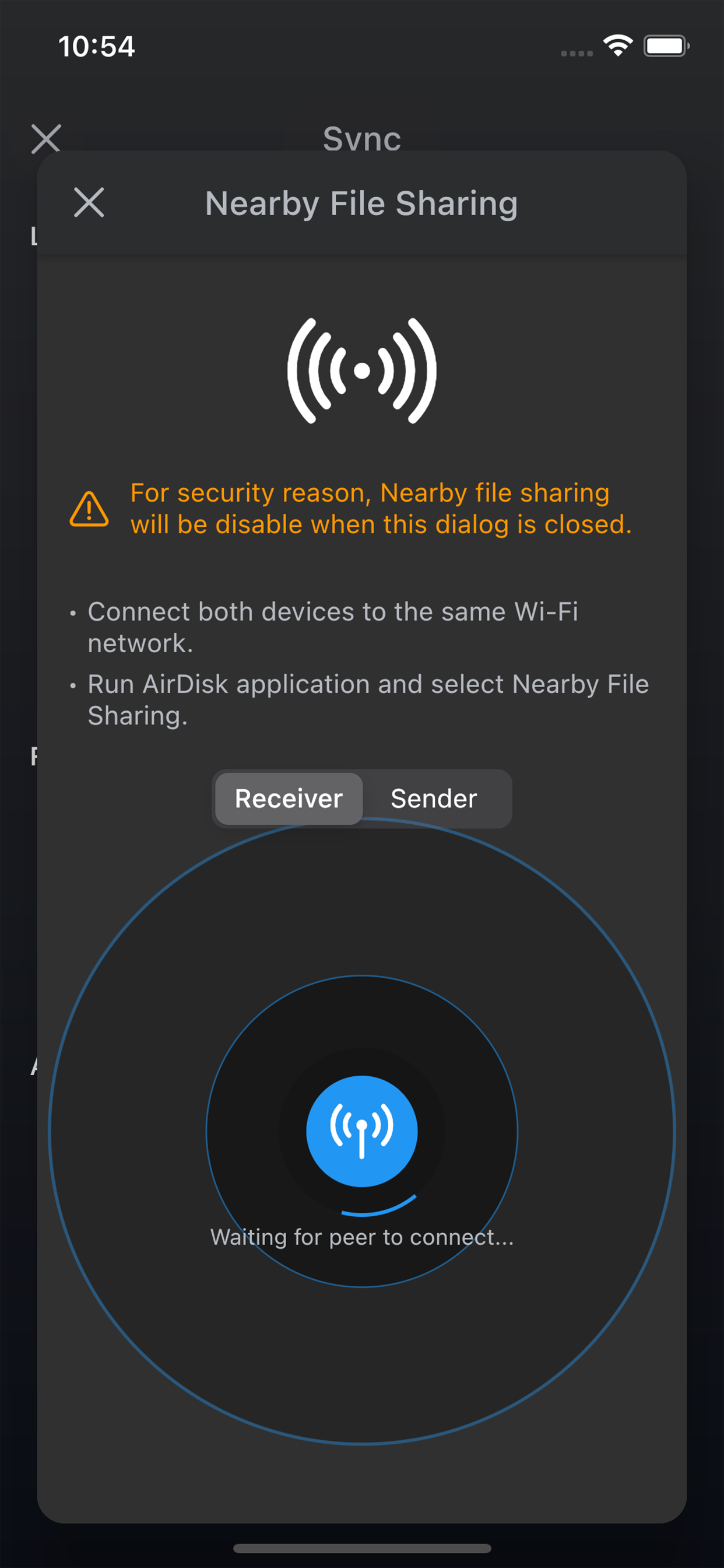
AirDisk Pro transforms your iPhone or iPad into a powerful wireless flash drive, allowing you to seamlessly transfer files between your computer and iOS device using just a web browser—no cables, no complex setup. Simply connect both devices to the same Wi-Fi network, open a browser on your computer, and start transferring files effortlessly.
New Feature: Wirelessly Transfer Photos
Now, you can directly transfer photos from your iOS Photos app to your computer using the web interface—making it easier than ever to back up and organize your pictures.

Why Choose AirDisk Pro?
• Fast & Easy Wireless Transfers – Drag and drop files from your Mac Finder or Windows Explorer into the AirDisk Pro web interface for instant transfers.
• No Cables, No Hassle – Works over your local Wi-Fi network for quick file sharing between your computer and iOS device.
• All-in-One File Manager – Store, organize, and access all your documents, music, photos, and videos in one place.
• Built-In Media & Document Support – View PDFs, play music, browse images, open Office/iWork files, and more—all within the app.

Key Features:
Effortless Wireless File Transfers
• New! Transfer photos directly from the iOS Photos app to your computer via the web interface.
• New! Download files from the iOS Files app to your computer using the built-in web browser interface.
• Upload, download, and manage files through your computer’s web browser—no additional software required.
• Supports Mac & PC with drag-and-drop functionality for quick transfers.
Secure & Private
• Password protection for Wi-Fi and HTTP/FTP file transfers to keep your data safe.
• Touch ID / Face ID support for enhanced security.
Music & Media Player
• Create and play custom playlists.
• Background audio support with shuffle and repeat options.
Advanced File Management
• Move, copy, rename, delete, zip/unzip, and organize files into folders.
• Create text files, voice memos, and even capture photos/videos directly in the app.
Cloud Integration
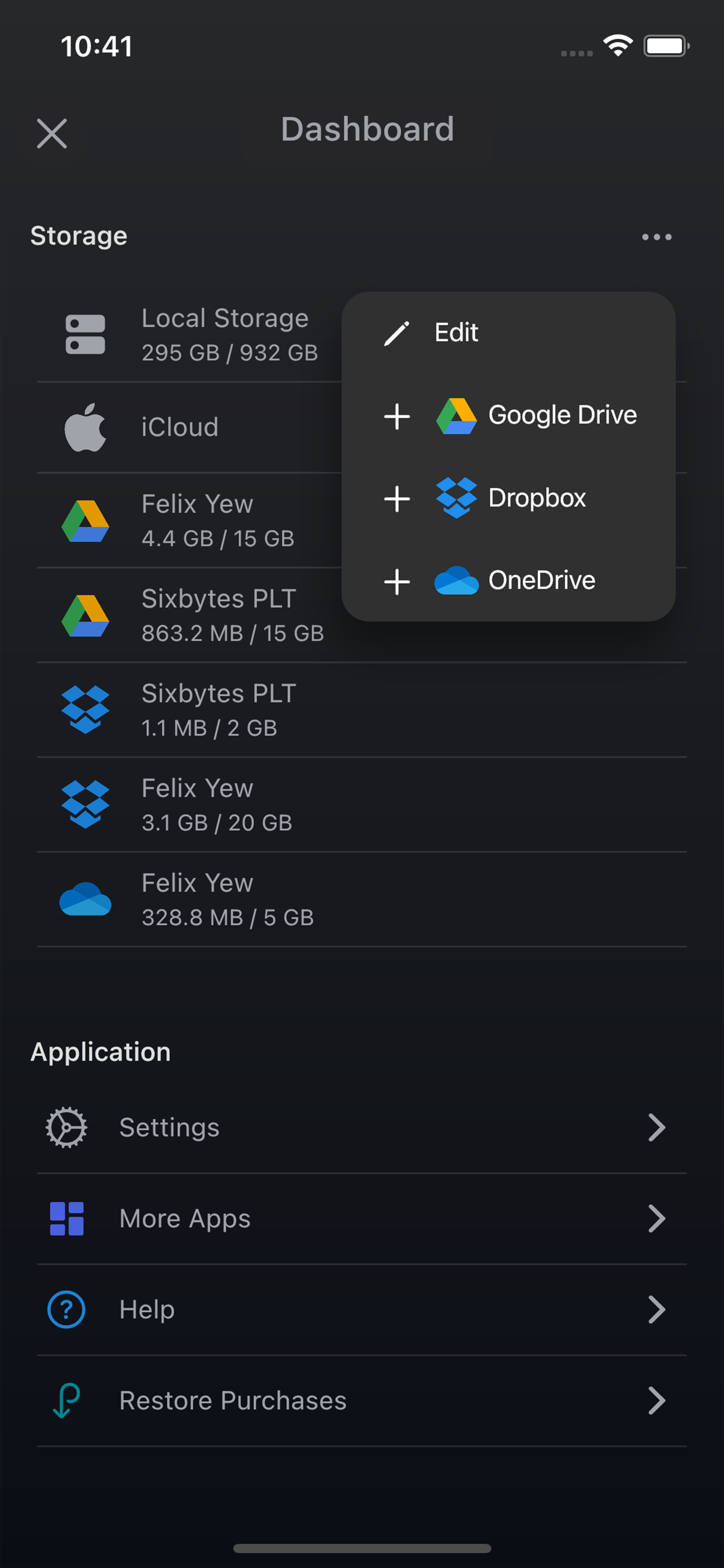
• Seamlessly access files from iCloud Drive, Google Drive, Dropbox, and OneDrive.
Universal App
• One purchase gives you full access on both iPhone and iPad.

Supported File Formats:
Documents: PDF, Word, Excel, PowerPoint, iWork (Pages, Numbers, Keynote)
Audio: MP3, WAV, M4A, AAC, AIF, AIFF, CAF
Images: JPG, PNG, GIF, BMP, TIFF, ICO
Videos: MP4, MOV, MPV, M4V
Text & Code: RTF, TXT, HTML, Web Archives, Source Code

Discover how AirDisk Pro simplifies file management and boosts productivity.
• Learn more: https://airdisk.app
• Terms of Service: https://airdisk.app/terms-of-service
• Privacy Policy: https://airdisk.app/privacy-policy
Hide Show More...

In-Apps

Pro Upgrade
$2.99
Reset Password
$0.99
Yearly Cloud Services
$6.99
Monthly Cloud Services
$1.99
Lifetime Cloud Services
$34.99

Screenshots

AirDisk FAQ

  • Is AirDisk free?

    Yes, AirDisk is free to download, however it contains in-app purchases or subscription offerings.

  • Is AirDisk legit?

    Not enough reviews to make a reliable assessment. The app needs more user feedback.

    Thanks for the vote

  • How much does AirDisk cost?

    AirDisk has several in-app purchases/subscriptions, the average in-app price is $9.59.

  • What is AirDisk revenue?

    To get estimated revenue of AirDisk app and other AppStore insights you can sign up to AppTail Mobile Analytics Platform.

User Rating
App is not rated in Algeria yet.
Ratings History

AirDisk Reviews

Crashes when you try to buy the non premium versions.

Pahill on

United States

It crashes every time I try to buy the non premium versions. After buying the premium verision. The WiFi transfer doesn’t work. I need a refund!

Doesn’t work

nothingplays on

United States

I can put photos on the app and I can download them from my iPhone onto the computer through the WiFi transfer but the files are “insecure” and don’t work properly and simply cannot be used So good concept just if y'all can make the transferred files not insecure and usable when transferred, you’d be in business

Dont buy it

Estarlin Hidalgo on

United States

Don’t waste your money.

Thanks

Punki g on

United States

Muy fácil y practico

Failed transfer

vikere on

United States

Not waste your time, not working from windows 11

Worked good until update

saduser66666 on

United States

It worked just fine before but now it stop opening on my phone

Help

Sherezader on

United States

I don’t understand how to acces the App on pc, please help. I would like to upload files to my pc.

AirDrop

theCOOOOOOOOOLESTguy on

United States

As I use a windows AND Mac computer, I can’t always use airdrop. So I use this! Very cool app!!!

Store Rankings

Ranking History
Category Rankings
Chart
Category
Rank
Top Free
101
Top Free
117
Top Free
187
Top Free
195
Top Free
200

Keywords

AirDisk Competitors

AirDisk Installs

Last 30 days

AirDisk Revenue

Last 30 days

AirDisk Revenue and Downloads

Gain valuable insights into AirDisk performance with our analytics.
Sign up now to access downloads, revenue, and more.
This page includes copyrighted content from third parties, shared solely for commentary and research in accordance with fair use under applicable copyright laws. All trademarks, including product, service, and company names or logos, remain the property of their respective owners. Their use here falls under nominative fair use as outlined by trademark laws and does not suggest any affiliation with or endorsement by the trademark holders.