Amerigo File Manager

Published by: IdeaSolutions S.r.l

Description

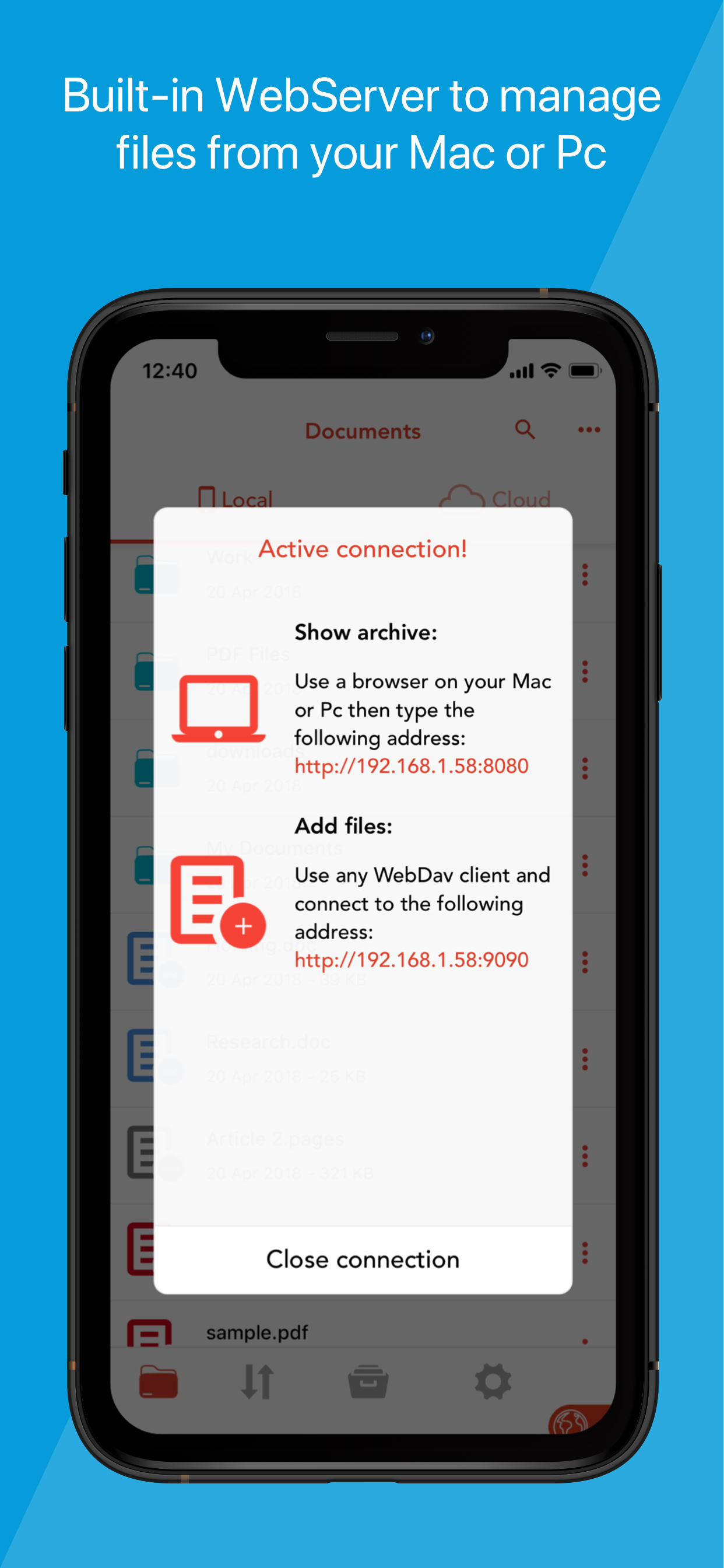
Amerigo is an enhanced file manager that allows you to manage and organize local and cloud-saved files.
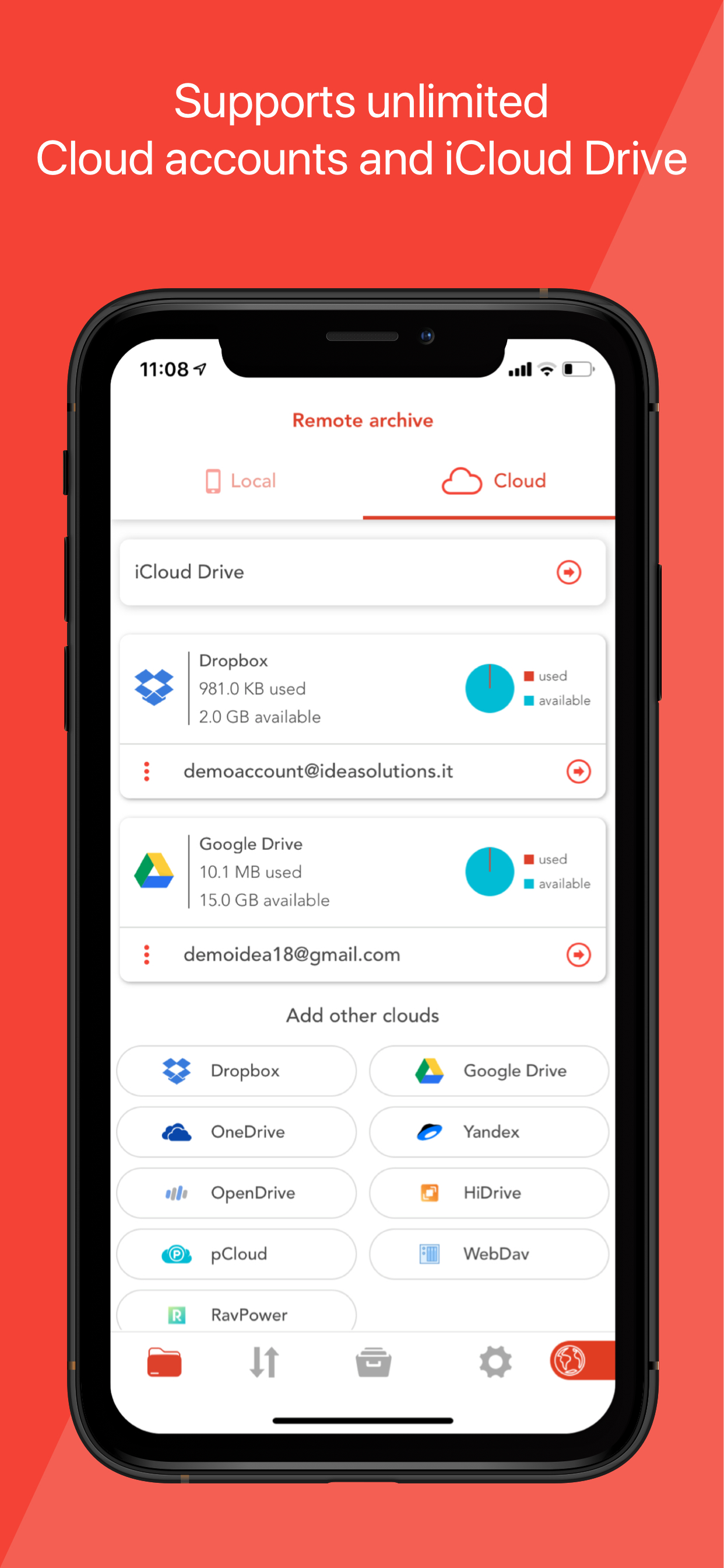
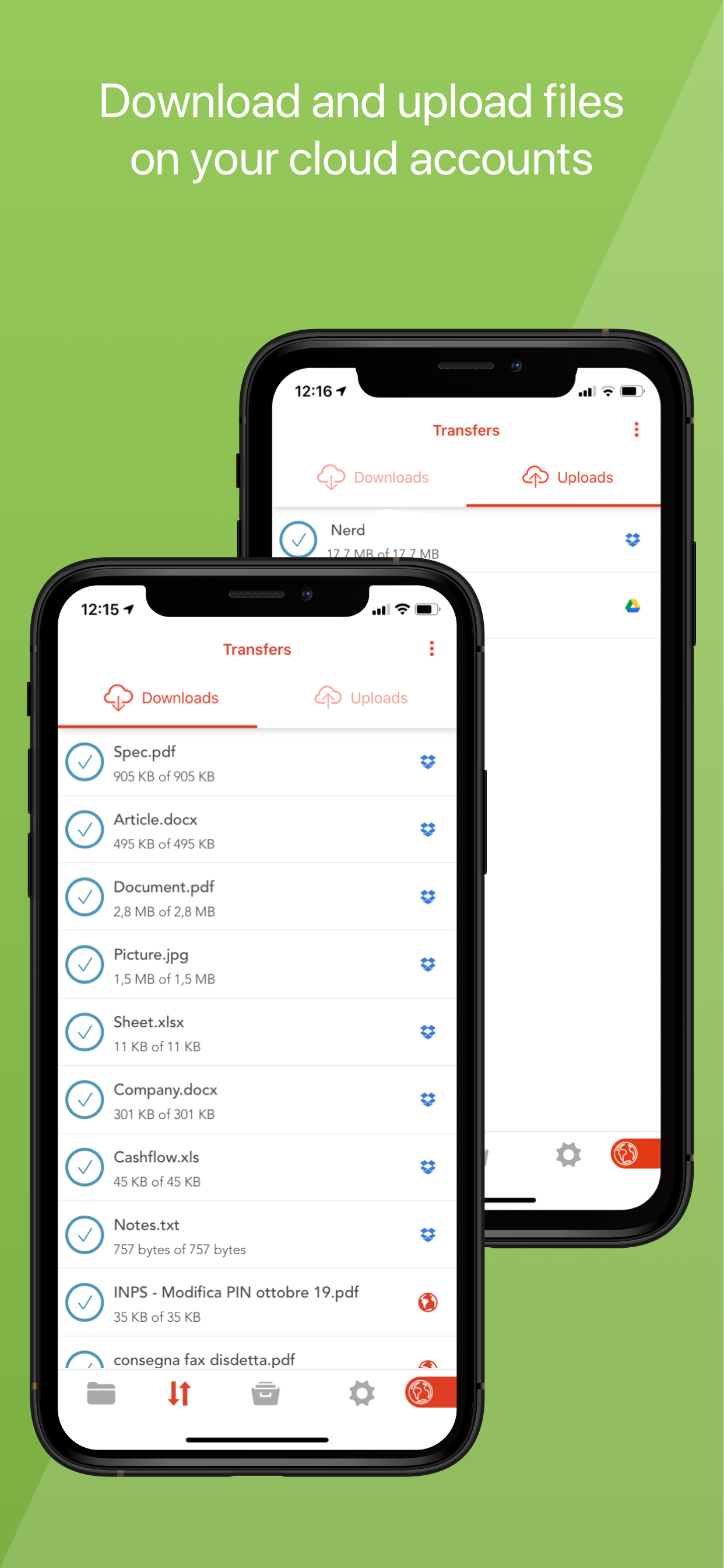
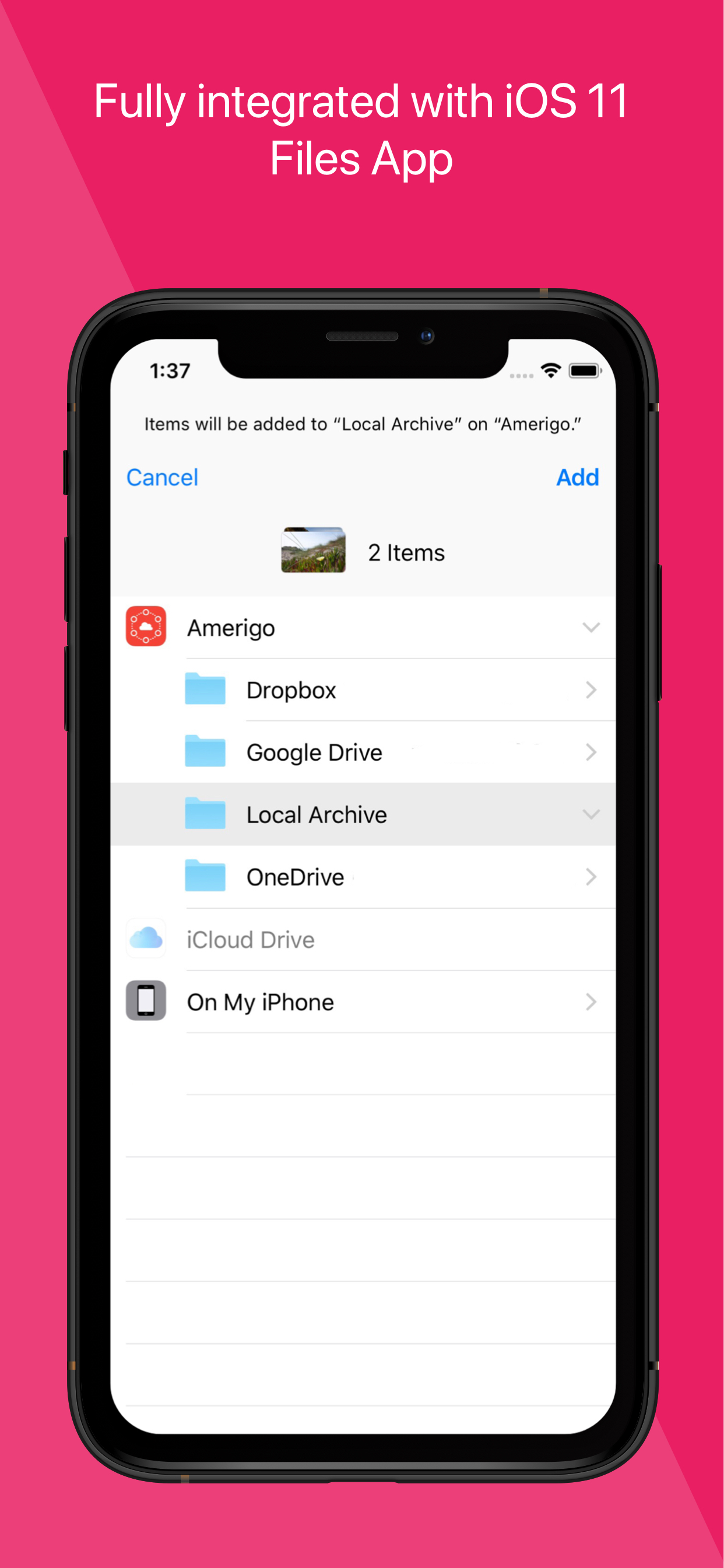
It's the only APP that allows to link multiple cloud (DropBox, Google Drive, OneDrive, iCloud Files) and offers iOS Files app integration to download and upload to any cloud from any app!
For example if you receive an email, you can directly save the email attachments to one of the cloud linked in Amerigo, simply choosing "Save in files" in the action sheet.
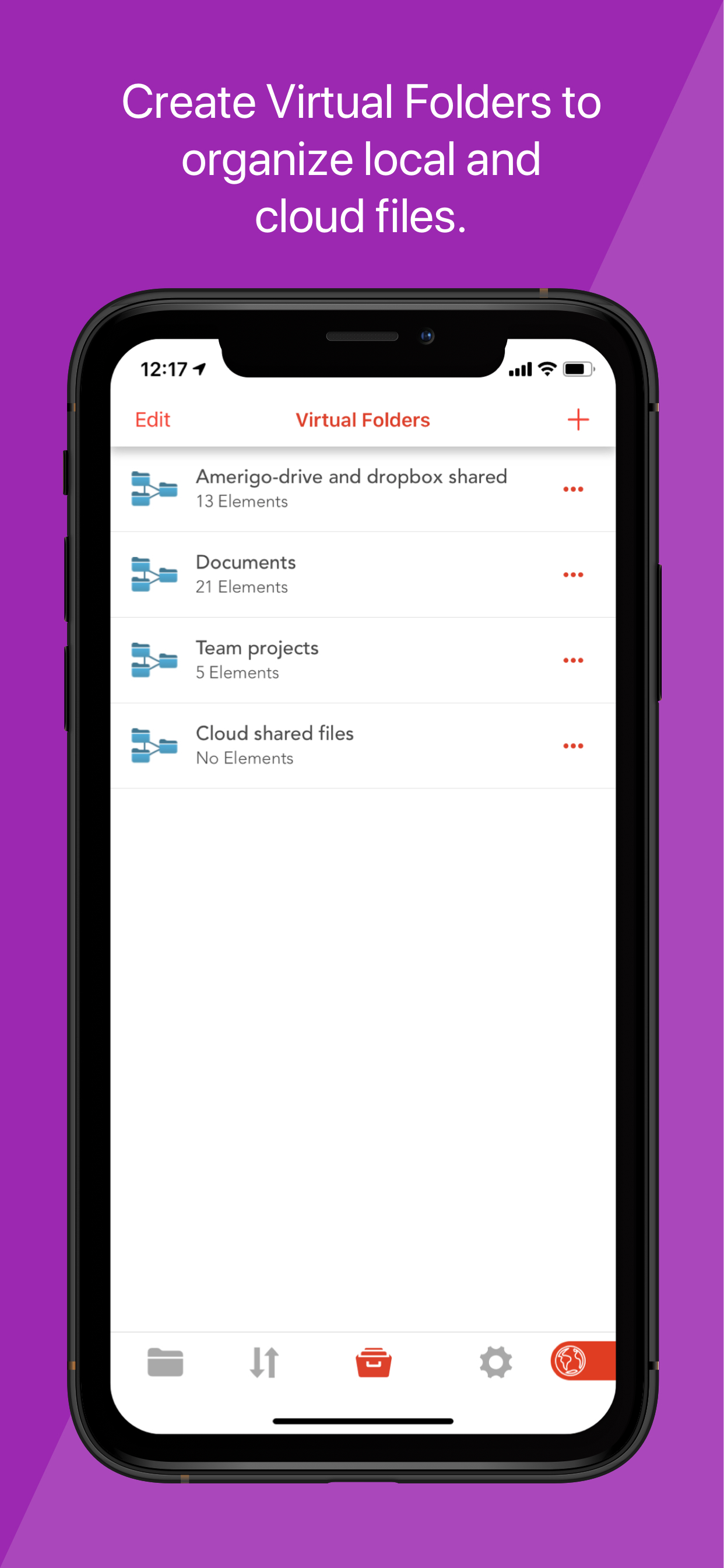
Virtual folders allows to group files that come from different sources (cloud/local): you can for example have a virtual folder with all the files that belongs to a project but are stored on different cloud storage providers.
The Spotlight indexing of all local contents allows to immediately find and open the file you're looking for, without opening the app!
You can also add more than one account for each clouds to increase your space!
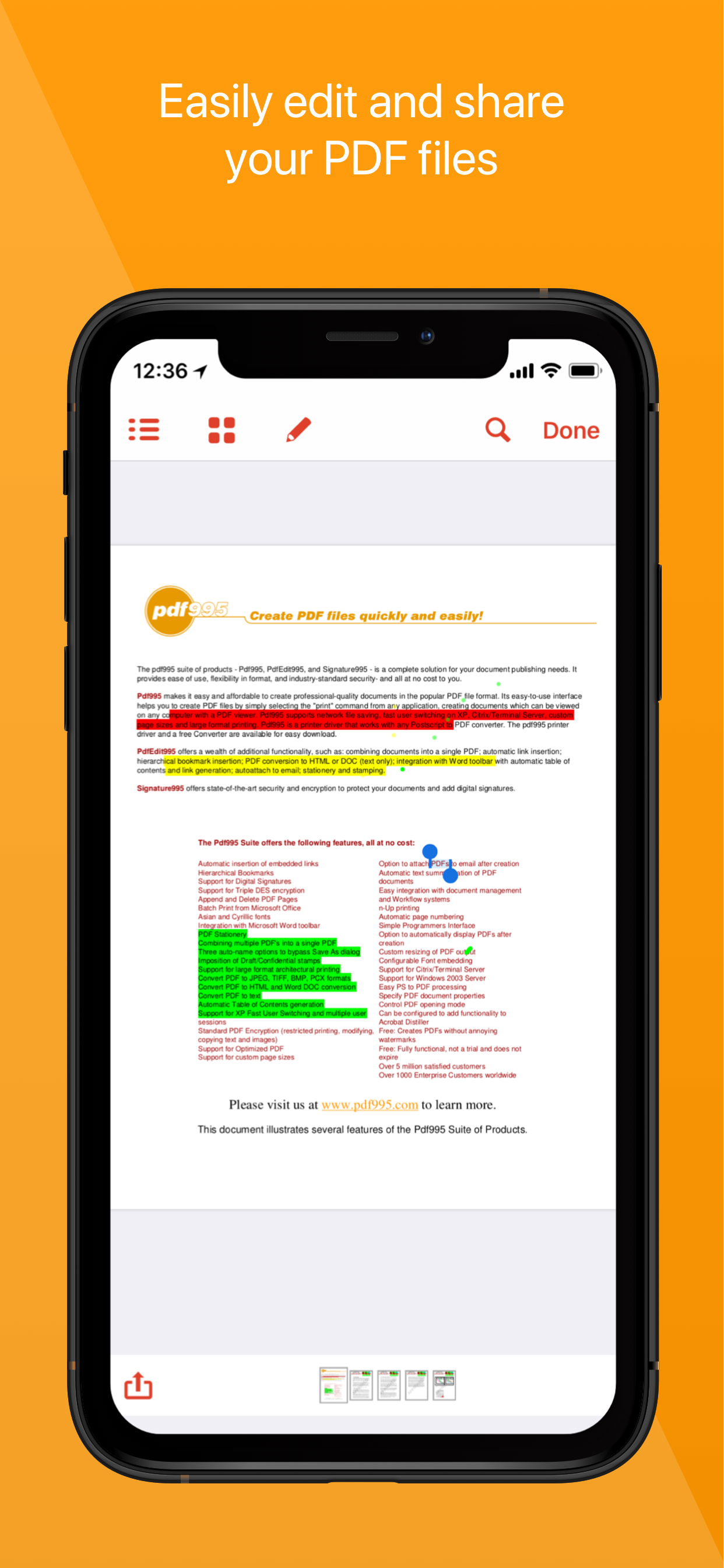
The integrated PDF viewer with enhanced annotation capabilities, automatically recognize common shapes and gestures, and allows to highlight paragraph by drawing a line over it.
Main features:

- iOS 11 Files app integration for ALL clouds linked to the app in read write mode.
- Spotlight indexing of all content in the app.
- Integration with the Dropbox, GDrive, OneDrive, iCloud services for remote file storage.
- Search between all contents in the app and in the linked cloud storages thanks to the advanced search
- Compression (zip) and decompression (zip & rar) of any files.
- PDF editor with annotation, free-hand writing.
- Support for all Microsoft Office files.
- Simultaneous management of multiple Cloud accounts and management of folders shared with other users.
- Enhanced bookmarks and history management.
- URL autocomplete and search suggestions
- Quick search bar, and enhanced search within all cloud and local files.
- File archive with folders and subfolders capabilities.
- PIN to hide selected folders.
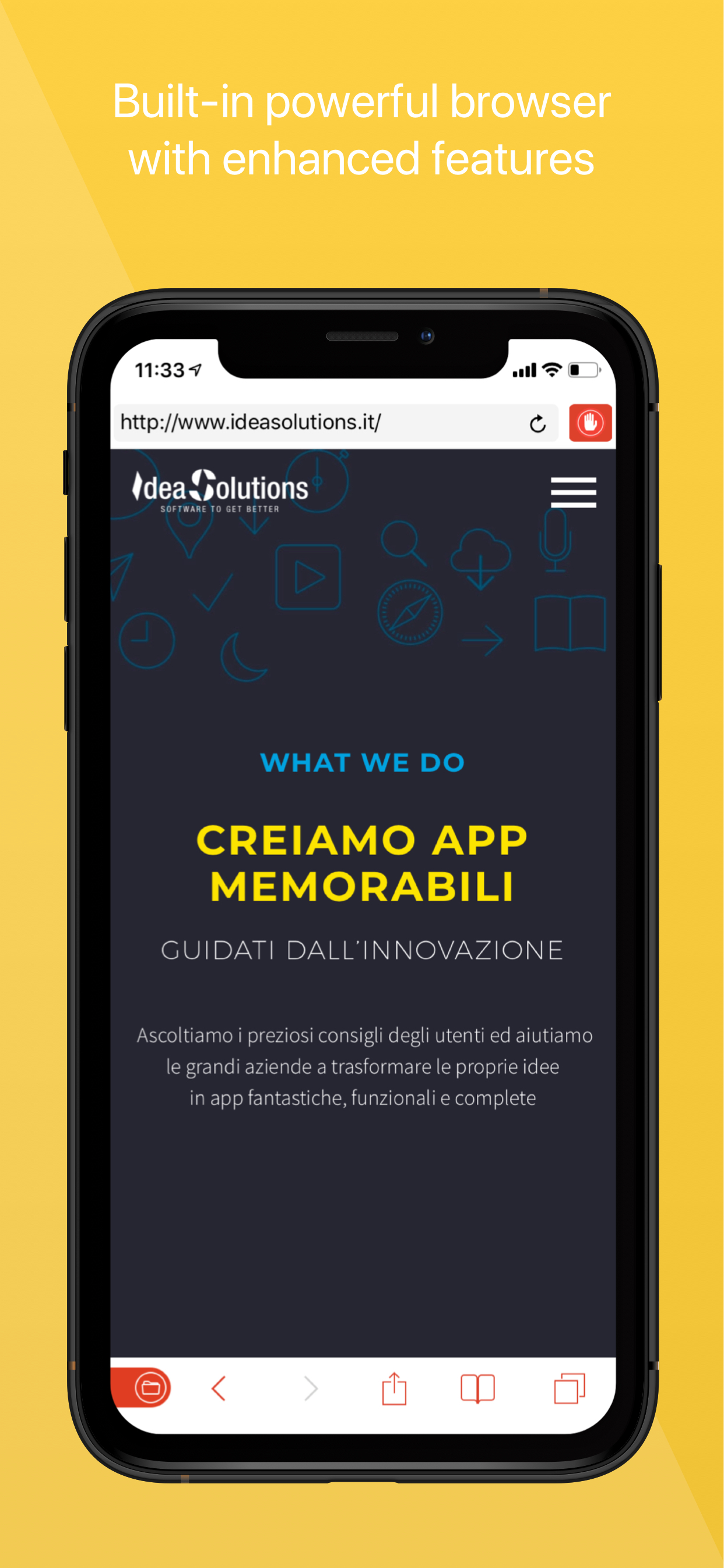
- Multi-tab fast internet browsing
- Private browsing mode
Available as in-app subscription:
- No Ad & Ad Block for browsers: allows to stop advertising in the app, in the integrated browser and in Safari (by enabling the content block extension)
• Free 7 days trial and then renew for a period of a month
• Payment will be charged to iTunes Account at confirmation of purchase
• Subscription automatically renews unless auto-renew is turned off at least 24-hours before the end of the current period
• Account will be charged for renewal within 24-hours prior to the end of the current period, and identify the cost of the renewal
• Any unused portion of a free trial period, if offered, will be forfeited when the user purchases a subscription to that publication
• Subscriptions may be managed by the user and auto-renewal may be turned off by going to the user's Account Settings after purchase
Terms of use (EULA) available at: https://www.apple.com/legal/internet-services/itunes/dev/stdeula/
Hide Show More...

In-Apps

NoAd & Extra features
€2.99
NoAd & Extra features (1Y)
€14.49
NoAd & Extra features 3 months
€4.99
Amerigo Full version upgrade
€3.99

Screenshots

Amerigo File Manager FAQ

  • Is Amerigo File Manager free?

    Yes, Amerigo File Manager is free to download, however it contains in-app purchases or subscription offerings.

  • Is Amerigo File Manager legit?

    🤔 The Amerigo File Manager app's quality is mixed. Some users are satisfied, while others report issues. Consider reading individual reviews for more context.

    Thanks for the vote

  • How much does Amerigo File Manager cost?

    Amerigo File Manager has several in-app purchases/subscriptions, the average in-app price is €6.62.

  • What is Amerigo File Manager revenue?

    To get estimated revenue of Amerigo File Manager app and other AppStore insights you can sign up to AppTail Mobile Analytics Platform.

User Rating

4.59 out of 5

19,746 ratings in Belgium

5 star
15,362
4 star
2,327
3 star
1,074
2 star
379
1 star
604
Ratings History

Amerigo File Manager Reviews

Avis

Matt oeake on

Belgium

Top top top

GROSSE ARNAQUE

Lebiker on

Belgium

j’ai télécharger des musiques et quand on clique sur la musique y’a pas de musique

Extra

Mmmmmmmmm456 on

Belgium

Top

C’est mieux gratuit, sans publicité

Barondeliege on

Belgium

Super part les pubs

Pub !!!!!!!

Gerard Stacy on

Belgium

Trop de pub

Rend fou

izgzvzuajzvz on

Belgium

Comment on peut mettre autant de pub ? Au point de meme plus savoir télécharger

Amerigo

Dieubenit12 on

Belgium

C’est une des meilleures applications

Features free to use and now pay to use

+DM33+ on

Belgium

I am very disappointed. I have used Amerigo for almost 5 years now on iPhone and iPad. It’s a very useful app to download content and manage files. Even though there are a lot of ads, I used to deal with it. But now I just discovered that the converter tool (convert to M4A or MP3), which was free in the past, is now part of Amerigo Pro. It’s a shame! I bought a year subscription in September 2022 to avoid ads, and now you did this. Why?! Now we have fewer free features and still a lot of ads… I am speechless. It’s hard to understand the new direction taken by the developers…

Amélioration

Hamidou17 on

Belgium

L’une des meilleures applications du moment mais seulement la qualité de l’image est un peu faible

Coupure de son intempestive

befajadoma7 on

Belgium

J’utilise cette application pour écouter de la musique principalement mais depuis quelques mois je n’arrête pas d’avoir des coupures sonores d’une minute mais à la longue plusieurs fois d’affilé ça en devient saoulant pourriez-vous corriger cela svp merci d’avance

Store Rankings

Ranking History
Category Rankings
Chart
Category
Rank
Top Free
19
Top Grossing
21
Top Grossing
22
Top Free
33
Top Free
47

Keywords

Amerigo File Manager Competitors

Amerigo File Manager Installs

Last 30 days

Amerigo File Manager Revenue

Last 30 days

Amerigo File Manager Revenue and Downloads

Gain valuable insights into Amerigo File Manager performance with our analytics.
Sign up now to access downloads, revenue, and more.
This page includes copyrighted content from third parties, shared solely for commentary and research in accordance with fair use under applicable copyright laws. All trademarks, including product, service, and company names or logos, remain the property of their respective owners. Their use here falls under nominative fair use as outlined by trademark laws and does not suggest any affiliation with or endorsement by the trademark holders.