Apple App Store AnyFont icon

AnyFont

Instalar todas las fuentes

Description

*** AHORA COMPATIBLE CON WORD, EXCEL Y POWERPOINT PARA IOS ***
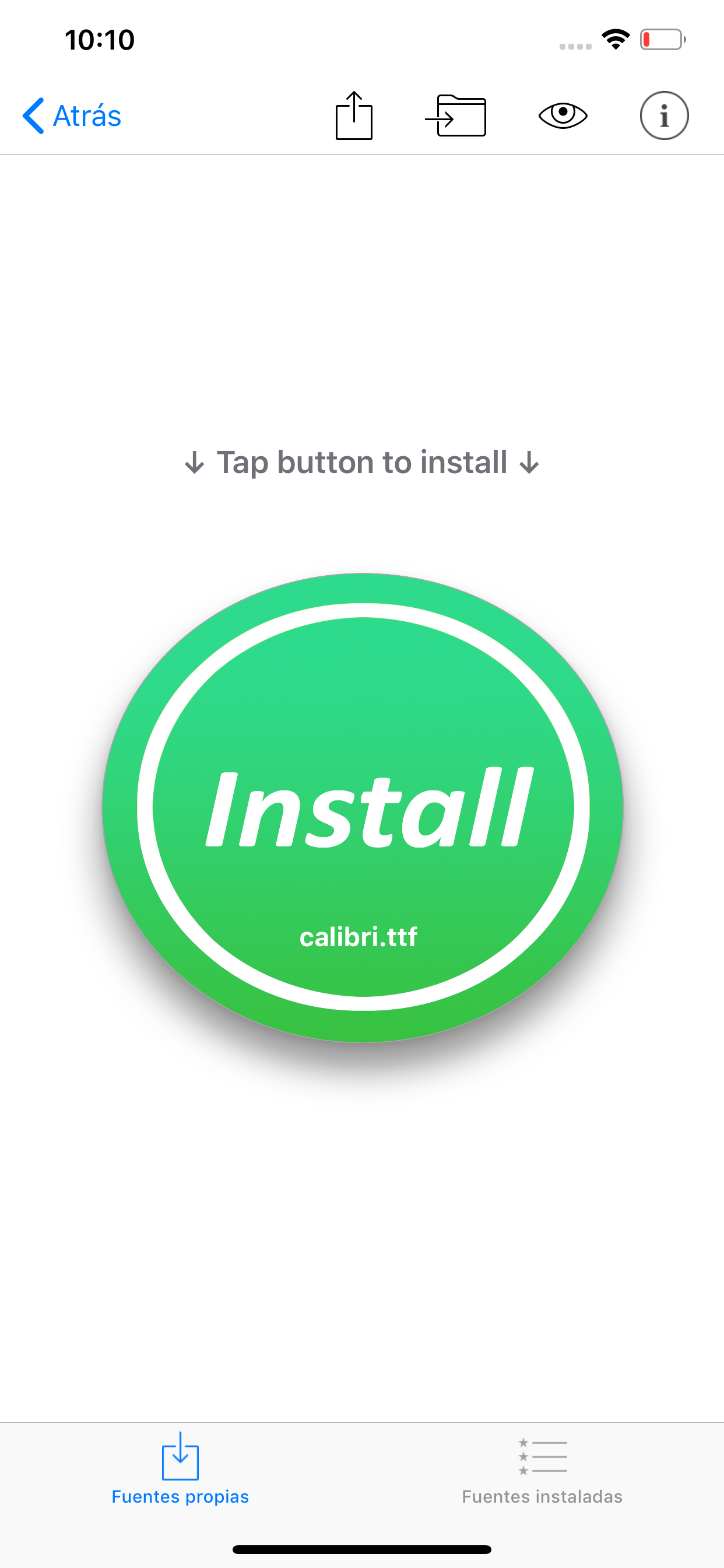
Con AnyFont por fin es posible instalar en tu iPhone o iPad cualquier fuente adicional en formato TrueTypeFont (.ttf), OpenTypeFont (.otf) o TrueType Collection (.ttc). Estas fuentes pueden utilizarse después en otras aplicaciones del sistema, como Word, PowerPoint, Pages, Keynote y muchos más.
Se acabaron las sustituciones inesperadas de fuentes en las presentaciones porque el iPhone o el iPad no las conoce. La solución perfecta para todos los usuarios que crean presentaciones en Mac o PC para mostrarlas en su iPad.
Extremadamente fácil de usar. La amplia sección de preguntas frecuentes (FAQ) y el tutorialDe introducción te ayudarán a entender cómo funciona la aplicación.
Echa un vistazo a este vídeo tutorial: https://www.youtube.com/@AnyFont-iOS
Características:
- Agrega fuentes nuevas a partir de archivos .ttf, .ttc o .otf utilizando la opción de compartir archivos de iTunes o el cuadro de diálogo «Abrir con...» de otras aplicaciones como Mail o Dropbox
- Agrega fuentes individuales o múltiples a partir de archivos ZIP o TTC
- Instala fuentes individuales o múltiples a la vez
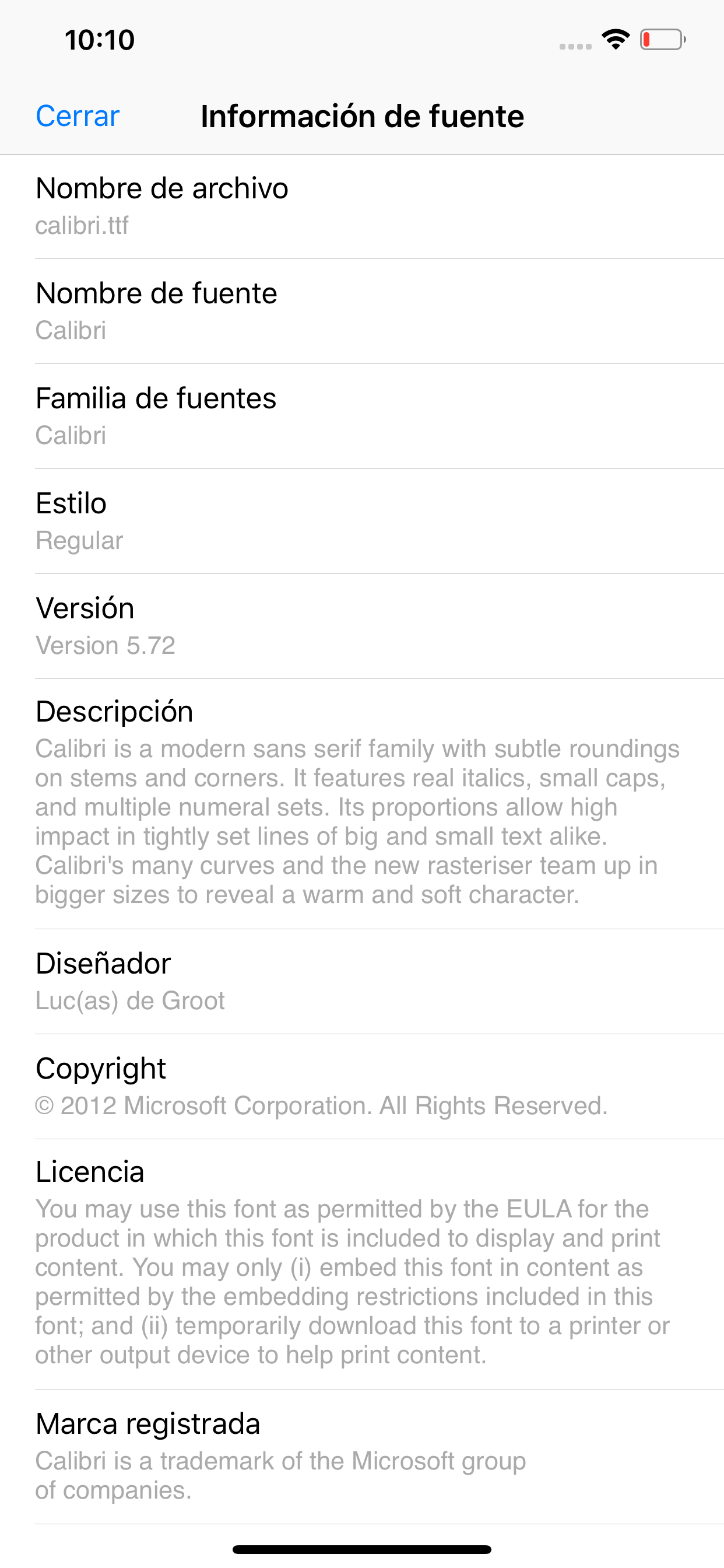
- Vista previa de tus fuentes en el espacio de almacenamiento de AnyFont
- FontBundles.net
- Paquete opcional con más de 1.000 fuentes (compra desde la aplicación o in-App)
- Lista completa de todas las fuentes instaladas en el dispositivo
- Soporte para Modo Oscuro (requiere iOS 13)
Funciona con:
- Word, Excel y PowerPoint
- Numbers, Keynote y Pages
- Cricut Design Space
- Office Suite Pro
- Office²HD
- y ¡muchas aplicaciones más!
YouTube: https://www.youtube.com/@AnyFont-iOS
Página web de AnyFont: http://www.anyfont.app/
NOTA: No es posible cambiar la fuente de sistema de tu dispositivo con AnyFont. Con AnyFont Puedes instalar en tu dispositivo fuentes adicionales de las que pueden hacer uso después otras aplicaciones que utilicen el catálogo de unfuentes del dispositivo.
NOTA II: Algunas fuentes que utilizan caracteres cirílicos o asiáticos no están soportadas por esta forma de instalar fuentes.
NOTA III: No hace falta que compres el paquete de fuentes opcional para poder usar AnyFont. Siempre puedes agregar tus propias fuentes para instalarlas en tu dispositivo.
Hide Show More...

In-Apps

Unlock Bundled Fonts
USD 0.99

Screenshots

AnyFont FAQ

  • Is AnyFont free?

    Yes, AnyFont is free to download, however it contains in-app purchases or subscription offerings.

  • Is AnyFont legit?

    ⚠️ The AnyFont app has poor ratings and negative feedback. Users seem unsatisfied with its performance or features.

    Thanks for the vote

  • How much does AnyFont cost?

    AnyFont has several in-app purchases/subscriptions, the average in-app price is USD 0.99.

  • What is AnyFont revenue?

    To get estimated revenue of AnyFont app and other AppStore insights you can sign up to AppTail Mobile Analytics Platform.

Panama
User Rating

4.67 out of 5

12 ratings in Panama

5 star
11
4 star
0
3 star
0
2 star
0
1 star
1
Ratings History

AnyFont Reviews

Not useful at all

Application game player on

United States

All fonts to add are at additional cost or monthly subscription

Crashes on launch under iPad OS 18.2

Lithmac on

United States

It’s in the title. Tried to install a TTF from my Mac that was in iCloud. Ever since, the app crashes on launch. Guess it needs an update.

Love!!

Katie McCullough on

United States

I have used this app for years and years!!!! Recently it crashes. Please fix or let me know what I can do to fix it.

No vale la pena

Beto 75 on

United States

En realidad esperaba más de esta App. No gasten su dinero en adquirirla.

. I don’t know how to get my money back

Ex-honey2018 on

United States

I want my money back! This app not free. After I paid 1.99 all the app did was list a bunch of fonts and you have to pay for each one. Rip off!

Loved until recently

TegansMuse on

United States

I loved this app until I opened it and can no longer access design bundles or da font etc Edit extra steps but I can load from iCloud which works with any fonts I put in there.

Works for me

green_fleece on

United States

Works great with Notability and ONLYOFFICE the only two apps I would change the font in for readability.

Needs more features.

headbirths on

United States

Seems to be broken in iPadOs 18. I get a Profile error of: The payloads in this profile do not have unique UUIDs. Why not turn this into a useful design tool by offering the options to input your own text for preview, view font info ( designer, license info, etc..), view character sets, spec sheets, and more instead of simply a font loader. Thanks

Nothing.

TheMortallyWounded on

United States

After attempting to create a download profile, nothing happened. No error messages, no font installed, nothing. I don’t want to talk about it… I just want a refund.

Not worth a single star, but had to mark at least one

Empty1955 on

United States

Paid $1.99 to have this site try to sell me fonts What am I missing

Store Rankings

Ranking History
App Ranking History not available yet
Category Rankings
Chart
Category
Rank
Top Paid
7
Top Paid
12
Top Paid
14
Top Paid
21
Top Paid
24

Keywords

AnyFont Competitors

AnyFont Installs

Last 30 days

AnyFont Revenue

Last 30 days

AnyFont Revenue and Downloads

Gain valuable insights into AnyFont performance with our analytics.
Sign up now to access downloads, revenue, and more.
This page includes copyrighted content from third parties, shared solely for commentary and research in accordance with fair use under applicable copyright laws. All trademarks, including product, service, and company names or logos, remain the property of their respective owners. Their use here falls under nominative fair use as outlined by trademark laws and does not suggest any affiliation with or endorsement by the trademark holders.